The best Front alternatives
Front is one of the most popular omnichannel shared-inbox platforms available, and for good reason: It combines your customer support emails, chat messages, SMS messages, social messages, and more into a single AI-powered workspace for your entire organization. But just because Front is popular doesn’t mean it’s the right fit for you and your team.
Front can be expensive, and you might need deeper help desk features, more automation, or simply something that better fits your existing workflows. Whatever the reason, there are plenty of great shared-inbox tools to choose from. We’ll take a look at the top eight Front alternatives in 2026.
What is Front, and why look for alternatives?
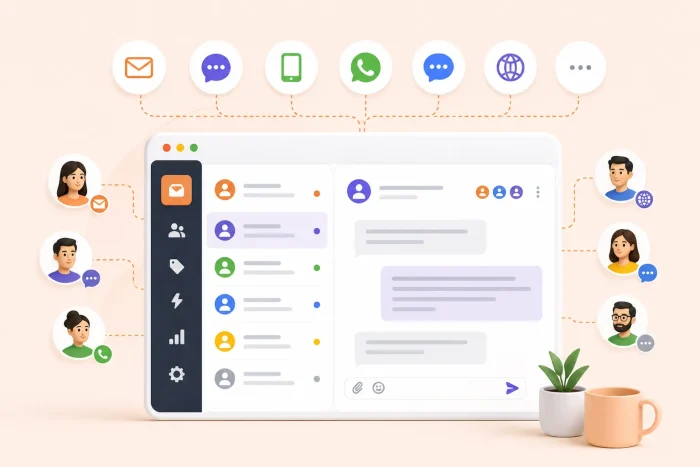
Front is an AI-powered customer service platform designed for collaboration across teams that handle complicated omnichannel communication. It combines email, live chat, SMS, WhatsApp, and other social media channels into a single shared workspace. Conversations are sent to a shared inbox where they can be assigned to the relevant team, either by a team member or AI-powered and rules-based routing automation. Teams can collaborate using internal comments and see detailed information about customers. Best of all, Front looks like a regular inbox rather than a clunky ticketing system.
Front has doubled down on AI over the past few years, evolving from a primarily shared inbox tool to a complete customer operations platform. Its AI tools include AI Autopilot, which triages conversations and can autoreply to, and safely resolve, common requests; Smart CSAT and Smart QA, which score customer satisfaction and team performance, respectively; and AI Copilot, which drafts responses for AI agents based on documentation and previous responses.
Front isn’t the right tool for everyone. Many of its best features, including omnichannel support and AI tools, are available only on high-tier plans. At $65 or $105 per seat, per month (billed annually), Front’s price can be a deal-breaker, especially if you don’t need its full feature set.
Front also doesn’t work well with Google Workspace. You can move your existing workflow to Front, but there are other tools that work better inside your Google Workspace.
Key features to look for in a Front alternative
Before considering any Front app alternatives, it’s worth determining the key features you are looking for. A shared inbox with conversation assignments and team features is essential. Anything after that comes down to your team’s priorities.
Some things to consider are
- Multichannel support: Do you want the same tool to handle email, SMS, live chat, WhatsApp, and every other channel? Or do you just need something that can handle email?
- Collaboration features: Shared documents and resources, internal notes, @mentions, and the ability to connect with coworkers on different teams are all incredibly useful. They let you collaborate with your teammates to solve a customer’s problem without making every response and back-and-forth public. Collision detection ensures that two agents don’t say different things to the same customer.
- Automation, workflows, and AI: Having automatic rules that assign conversations to the right department (e.g., sales or tech support) can be a huge time-saver, but some tools can also solve common customer problems, link them directly to the right help documents, and use AI to reply to or triage the response.
- Integrations with other tools: A shared inbox is only as good as the ecosystem it connects. If you can’t connect to your CRM, project management tools, communication apps, and everything else your team depends on to work together, then it’s probably not a good fit.
- Pricing: Per-seat pricing is standard, but be careful of seat minimums and maximums for certain tiers. What works when you’re a team of five may become prohibitively expensive as your team grows.
- Reporting and analytics: Data gives you important insight into how your team is performing. Response times, resolution rates, customer satisfaction scores, automations, and other similar metrics can be crucial.
Now that you know what you’re looking for, here are the best Front alternatives available in 2026.
The 8 best Front alternatives for 2026
| Tool | Best for | Features | Pricing | G2 rating |
|---|---|---|---|---|
 Jotform |
Structured intake & automation |
AI Agents, Jotform Tables CRM, 200+ integrations |
Free plan available; from $39/month |
4.7/5 |
 Help Scout |
Intuitive email-first support |
Shared inbox, Beacon AI, knowledge base |
Free plan available; from $30/user/month |
4.4/5 |
 Missive |
Collaborative team email |
Live co-drafting, team chat, multichannel inbox |
Free plan available; from $18/user/month |
4.7/5 |
 Freshdesk |
Affordable full help desk |
Freddy AI, omnichannel ticketing, automations |
Free plan available; from $23/agent/month |
4.4/5 |
 Zendesk |
Enterprise-scale support |
Full omnichannel, advanced analytics, 1,000+ integrations |
From $25/agent/month |
4.3/5 |
 Intercom |
AI-first support |
Fin AI Agent, in-app messaging, workflow builder |
From $39/seat/month |
4.5/5 |
 Drag |
Gmail-native shared inbox |
Kanban boards, automations, AI drafts |
From $18/user/month |
4.5/5 |
 HubSpot Service Hub |
HubSpot ecosystem teams |
Shared inbox, ticketing, full CRM integration |
Free plan available; from $20/seat/month |
4.4/5 |
Each of these tools is an excellent Front alternative. Let’s look at whom they suit best and their standout features.
1. Jotform
Jotform isn’t a traditional shared inbox, but it can meet a lot of the same needs. Jotform AI Agents let you automate customer interactions by transforming forms into dynamic, conversational experiences without having to write any code. The agents are trained on your data, so they can easily answer your customers’ queries and solve their problems.
Managing customer data is where Jotform Tables comes in. Form submissions can be automatically sent to one of more than a dozen Jotform Tables CRM designs and filled in with all relevant data. You can embed a submissions form on your website and automate your customer onboarding process.
- Best for: Teams looking for structured communication to augment their team inbox
- Developer: Jotform
- Limitations
- Not a full shared inbox, but a great supplement
- Key features
- No-code AI agents (thousands in the Jotform AI Agent templates), including Customer Service and Support AI Agents
- Powerful Tables features with more than 300 templates so you can track things such as payments or view your customer data in multiple ways
- Pros
- Generous free plan
- Integrates with over 200 other apps and tools
- Cons
- May work best as a supplement to a shared inbox tool
- Pricing
- Free plan available
- Paid plans from $39 per month
- G2 rating: 4.7/5
2. Help Scout
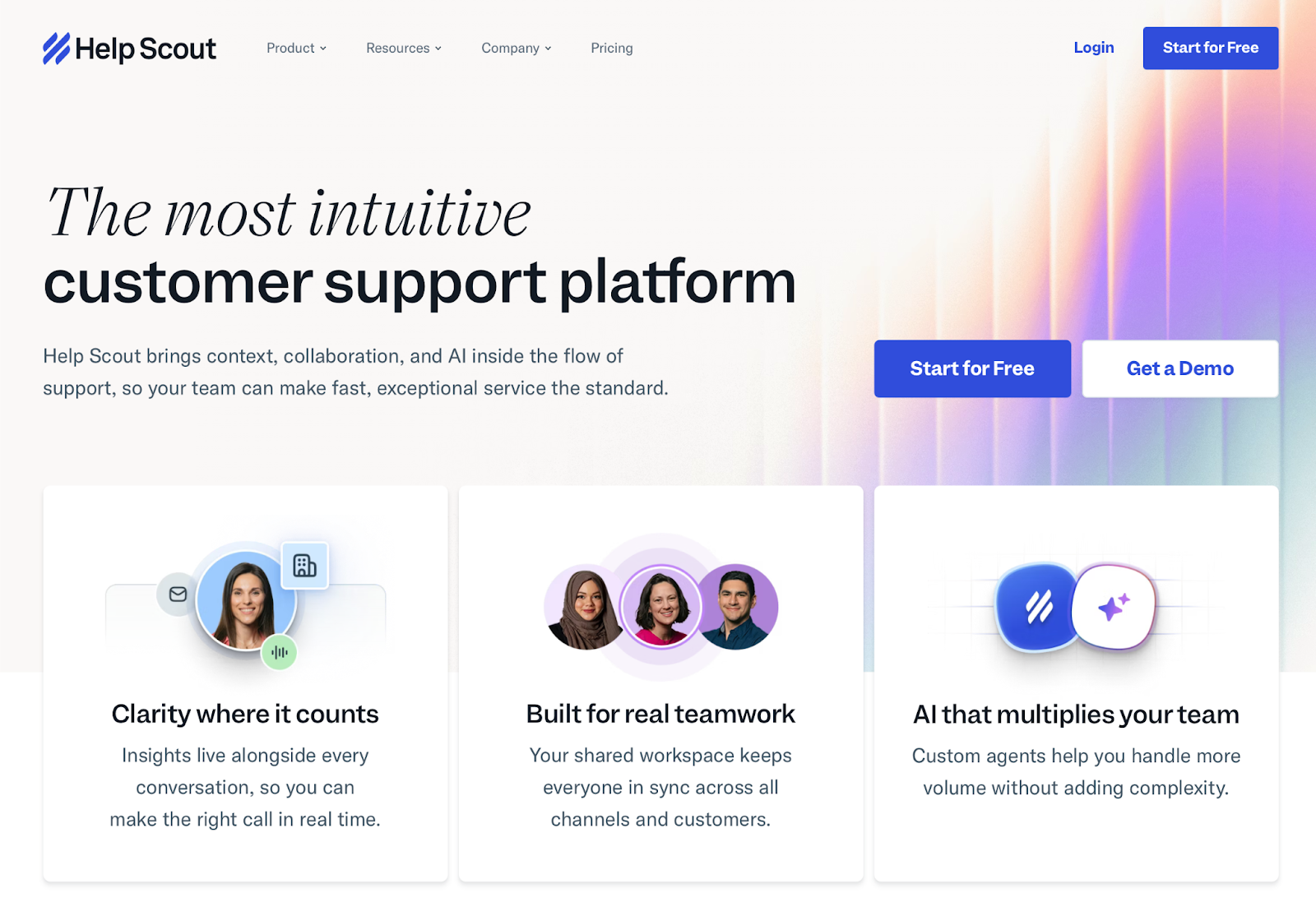
Help Scout is a clean, email-first customer support platform. It’s simple to get started with and simple to use. For small and medium-size teams and businesses, it offers a lot of useful features without the complexity of a full enterprise solution.
Help Scout also integrates with services such as Messenger, Instagram, WhatsApp, and its own in-app messaging, so you aren’t limited to email. Its Beacon AI features can resolve customer issues automatically and escalate them when human support is needed.
- Best for: Teams that want an intuitive shared inbox for customer support
- Developer: Help Scout
- Limitations
- Limited customization compared with enterprise help desk solutions
- Fewer native integrations than some other tools
- Expensive higher-tier plans (but they include access to Salesforce, Jira, and HubSpot)
- Key features
- Intuitive shared inbox and knowledge base
- Beacon AI help widget
- “Light user” support so non-help agents can stay up-to-date with what’s happening
- Pros
- Easy to set up and use
- Based on email threads and chat conventions, not ticket numbers
- Free plan offered
- Cons
- Not as full-featured as an enterprise solution
- Affordable for basic plans but costly for key features offered in Plus and Pro plans
- Pricing
- Free plan available
- Standard plan: From $30 per user, per month; includes multiple inboxes and help channels
- $0.75 per resolution for AI answers
- G2 rating: 4.4/5
3. Missive
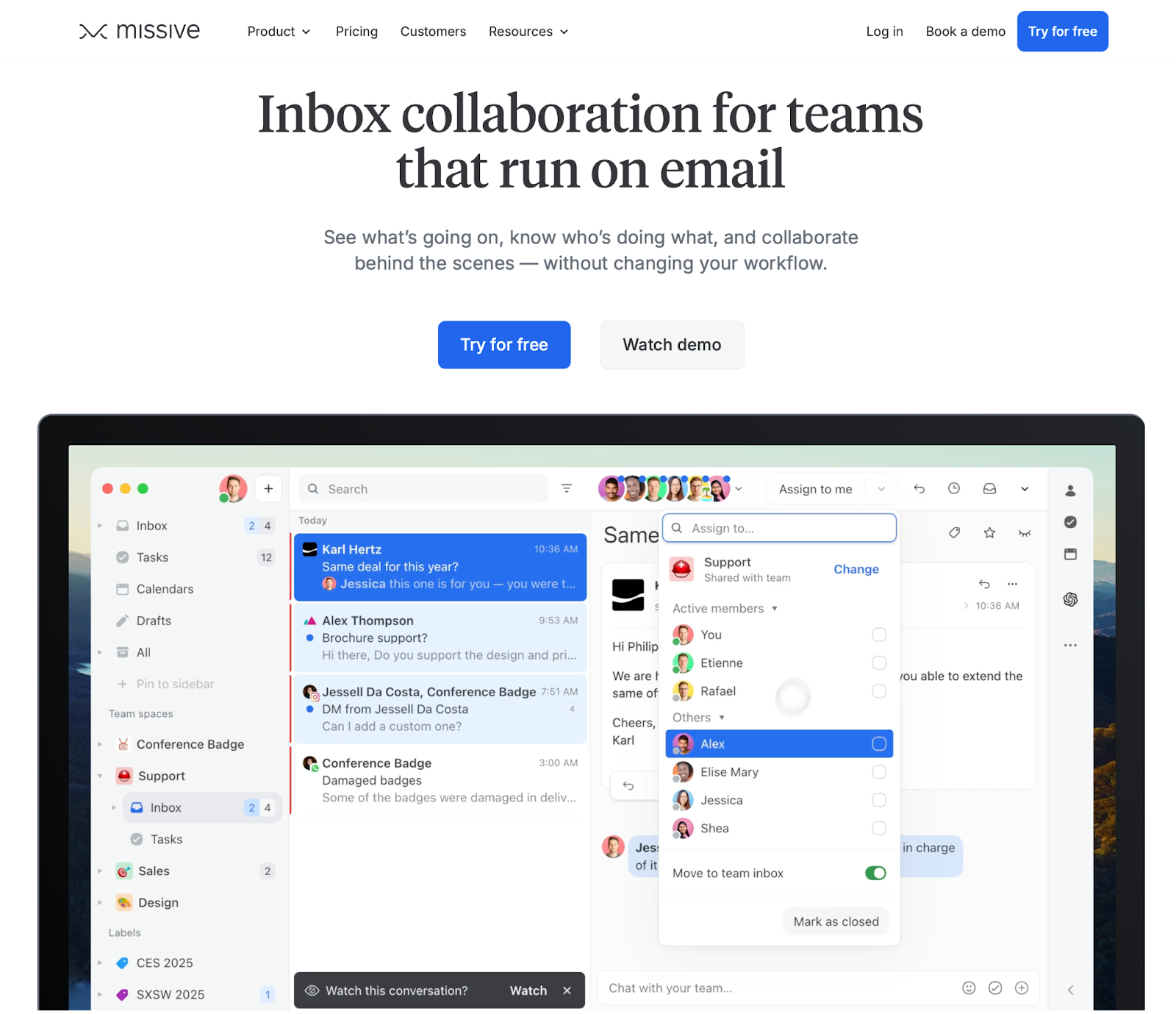
Missive’s pitch is that email simply isn’t designed for team collaboration and that it can fix that. Your whole team can work from the same inbox, turn any email into a task, and see who has been assigned which tasks. Multiple people connect to a single email, and services such as Shopify add customer context. You can automate emails with manually set rules or AI, but only with your own OpenAI API key.
- Best for: Teams that run on collaborative email
- Developer: Missive
- Limitations
- Designed for small email-first teams
- More basic analytics than some other options
- Slow feature implementation
- Key features
- Shared inbox that supports multiple email, SMS, and social channels
- Live collaboration on the same email at once
- Team chat, assignment, and other collaborative tools
- Pros
- Clean, fast, and familiar email inbox-style interface
- Real-time collaboration among team members
- Affordable for all plans
- Cons
- Limited reporting and analytics; none on Starter plan
- No built-in knowledge base or help center
- Weak AI integration compared with other tools
- Pricing
- Limited free plan available
- Starter plan: $18 per user, per month; includes email, SMS, and social accounts in shared collaborative inbox
- G2 rating: 4.7/5
4. Freshdesk
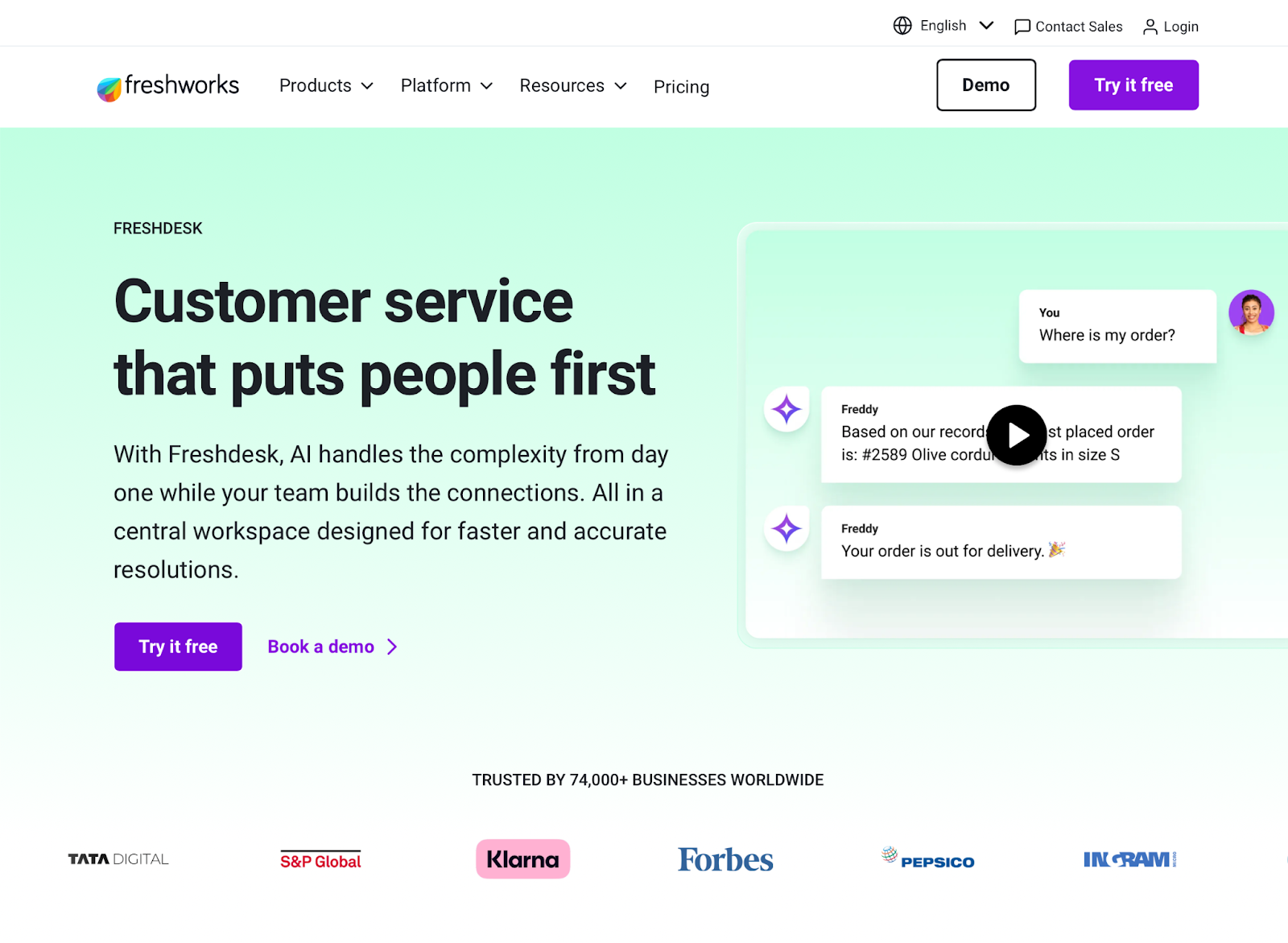
Freshdesk, Freshworks’s customer service suite, is an affordable and full-featured help desk tool with AI automation, AI copilot Freddy, and omnichannel ticketing. Its strong collaboration features, solid free tier, analytics, and reporting make it a good Front alternative for teams that need robust features but are on a budget.
Freshdesk integrates with Freshworks’s other apps as well as hundreds of third-party tools. If you’ve used another Freshworks app, Freshdesk makes a lot of sense.
- Best for: Teams looking for an affordable full-featured help desk solution
- Developer: Freshworks
- Limitations
- Potential confusion about pricing with overlapping products
- More expensive plans required for omnichannel ticketing
- Higher-tier-only access to some key features
- Key features
- High-quality customer service enabled by AI-first approach
- All channels in one place
- Multiple Freddy AI tools for replies to customers, agent draft responses, and insights
- Pros
- Free plan available for up to two agents for six months
- Good value compared to apps such as Zendesk
- Good integration of Freddy AI across the whole product
- Cons
- Potential confusion about Freshworks’s various products
- Complex but affordable pricing
- Pricing
- Free plan available
- Freshdesk Growth plan: From $23 per agent, per month
- Freshdesk Omni Growth plan: From $29 per agent, per month
- G2 rating: 4.4/5
5. Zendesk
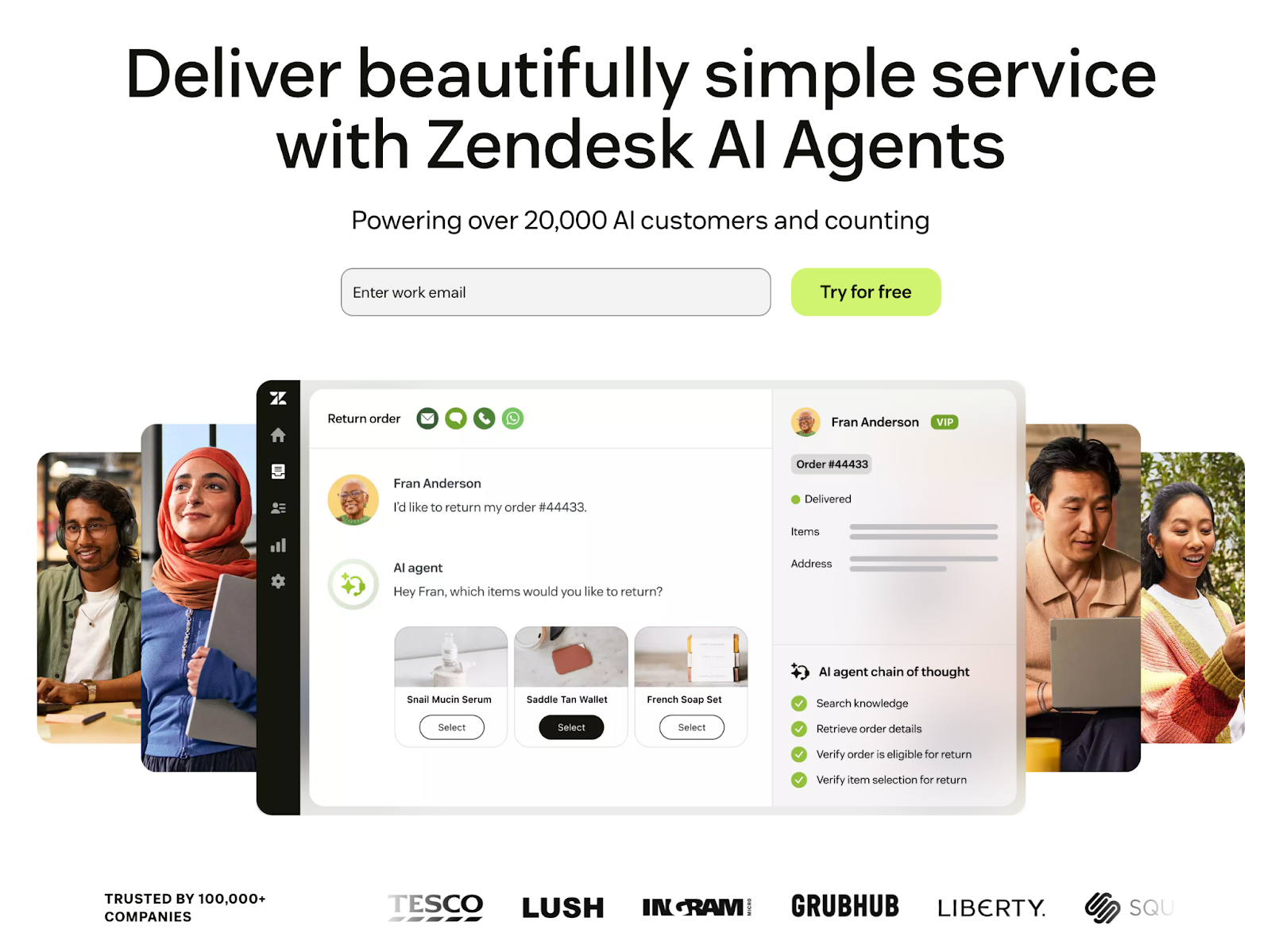
Zendesk is packed with features and customization options. It’s also complex and expensive. If you need enterprise-grade support and compliance, full customization options, and the ability to support thousands of customers per day across every channel, Zendesk may be a great fit for you.
Zendesk positions itself as suitable for businesses of all sizes. However, small businesses may find other tools that have the same features at a lower cost.
- Best for: Large and enterprise businesses that need to provide customer support at scale
- Developer: Zendesk
- Limitations
- High cost; additional fee for AI offered
- Complex to set up and manage
- Possible overkill for many businesses
- Key features
- Omnichannel ticketing system across email, chat, SMS, and phone
- AI-powered ticket routing
- Rule- and AI-based automation
- Advanced analytics
- Able to support hundreds of agents and thousands of customers at once
- Pros
- Powerful, feature-filled support platform
- Enterprise features and reliability
- Cons
- High cost
- Advanced AI not included in base price
- Complex to deploy and operate
- Pricing
- Support Team: From $25 per agent, per month
- Suite Professional Plan: From $149 per agent, per month
- Advanced AI features for additional cost
- G2 rating: 4.3/5
6. Intercom
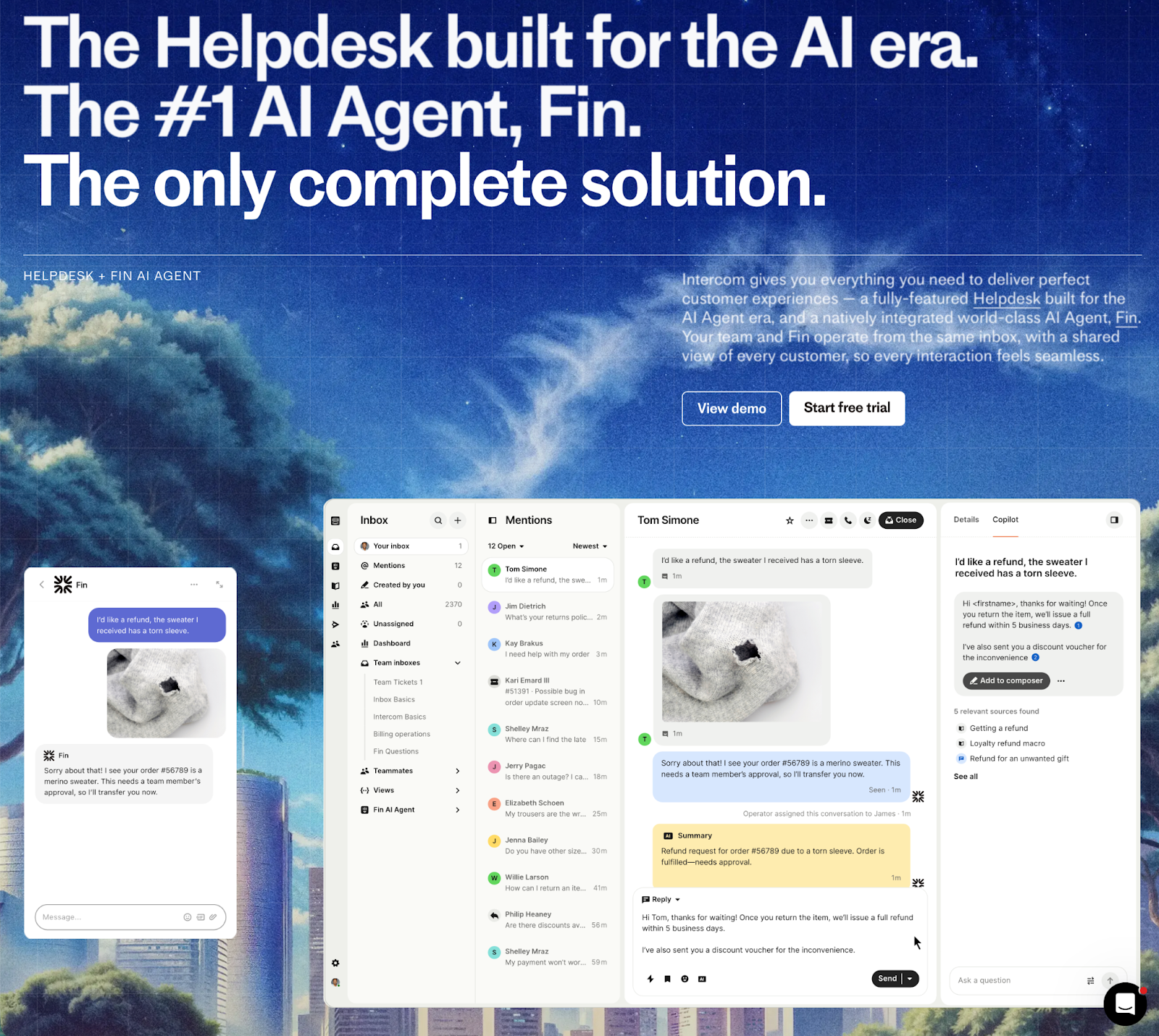
Intercom takes an AI-first approach to customer support. Its AI chatbot, Fin, is designed to handle most customer queries. It can resolve more than 66 percent of queries, and it continues to improve. Your support agents have to step in only when there’s a difficult or unclear issue. The AI features suggest answers and help draft responses.
Fin and human agents work from a shared inbox; the AI is always fully visible. It can improve itself as it learns from your customer support docs, help docs, and resolved issues.
- Best for: AI-first customer support
- Developer: Intercom
- Limitations
- AI pricing at $0.99 per resolution; possible hundreds or thousands of dollars in additional customer support fees
- Key features (including round-robin assignment and workflow automation) not available on entry-level plan
- Key features
- Fin AI Agent and AI-powered copilot
- Omnichannel support and inbox
- Proactive in-app messaging
- Advanced reporting
- 90 percent discount for startups
- Pros
- Best-in-class AI features
- Modern platform for support agents and customers
- Potentially increased ROI with AI resolutions
- Cons
- High cost that can change month to month
- Lowest plan too limited for most teams
- Effective customer support data and documents needed for AI-first approach
- Pricing
- Essential plan: From $39 per agent, per month, plus $0.99 per AI resolution
- Advanced plan: From $99 per agent, per month, plus $0.99 per AI resolution
- Extra cost for other AI features
- G2 rating: 4.5/5
7. Drag
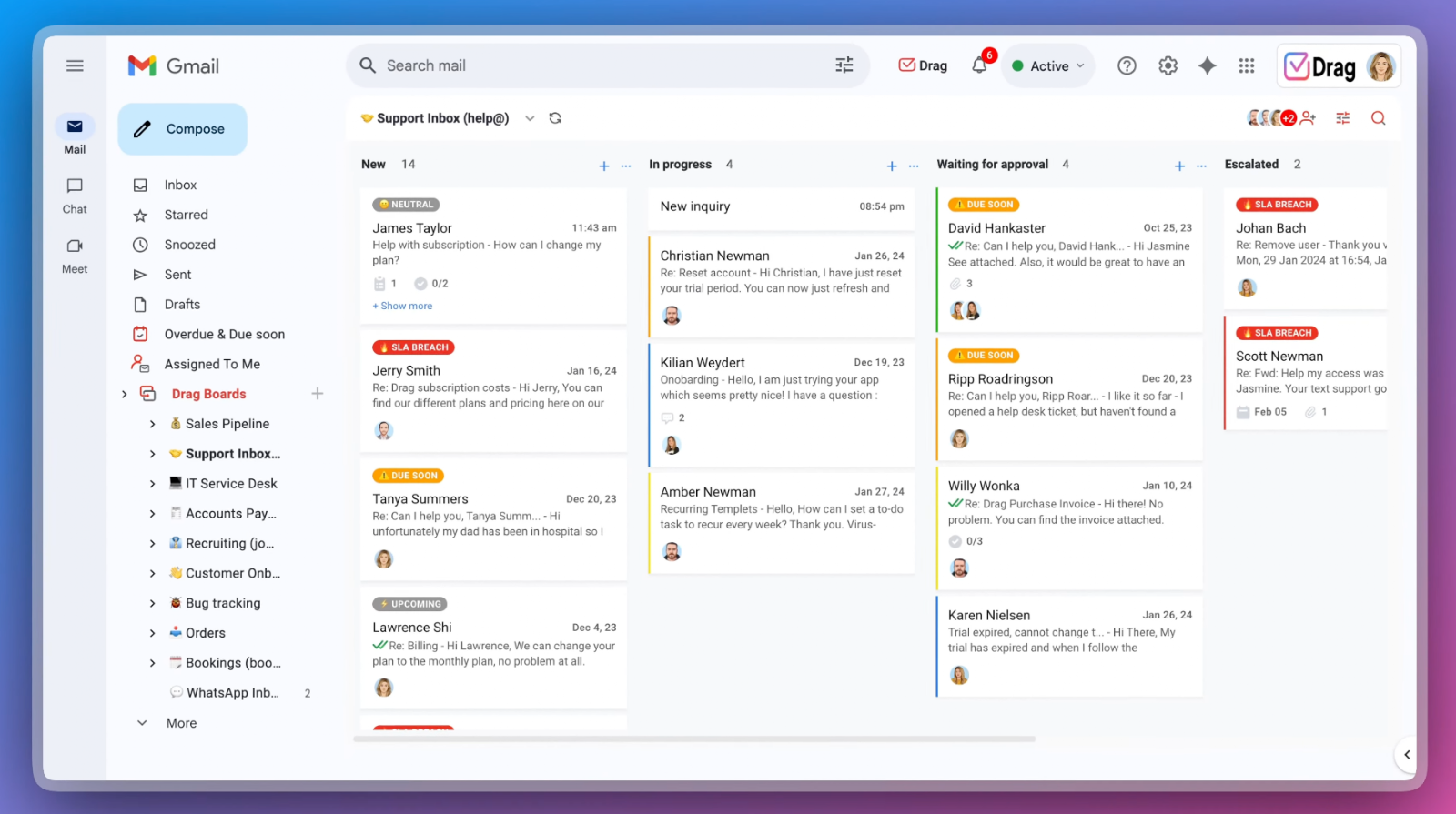
Drag turns Gmail into a kanban-style board and shared inbox. Emails become assignable, draggable cards your team members can comment and collaborate on. For teams that rely on Google Workspace and don’t want to switch to another inbox tool, it’s a logical choice.
Drag adds features to Gmail. You can add WhatsApp as a support channel, use integrated task management on top of the collaboration features, and run basic analytics. While not as full-featured as a dedicated app, it could fit the bill for teams that need something more than Gmail but less than Front or Zendesk.
- Best for: Teams that want to turn Google Workspace into a collaborative customer support system
- Developer: DragApp
- Limitations
- Works only with Gmail
- Uses Chrome Extension, not standalone app
- Has a slow rollout for AI features
- Key features
- No need to give up Google Workspace
- Powerful features, such as kanban boards and better collaboration with Gmail
- Automation, Zapier integration, and AI features
- Pros
- Almost no learning curve for those who already work in Gmail
- Affordable compared with other options
- No need to save emails on its servers
- Cons
- Limited by reliance on Gmail
- Limited mobile app
- Not fully customizable
- Pricing
- Starter plan: From $18 per agent, per month; basic features
- Plus plan: From $22 per agent, per month; AI and advanced features
- G2 rating: 4.5/5
8. HubSpot Service Hub
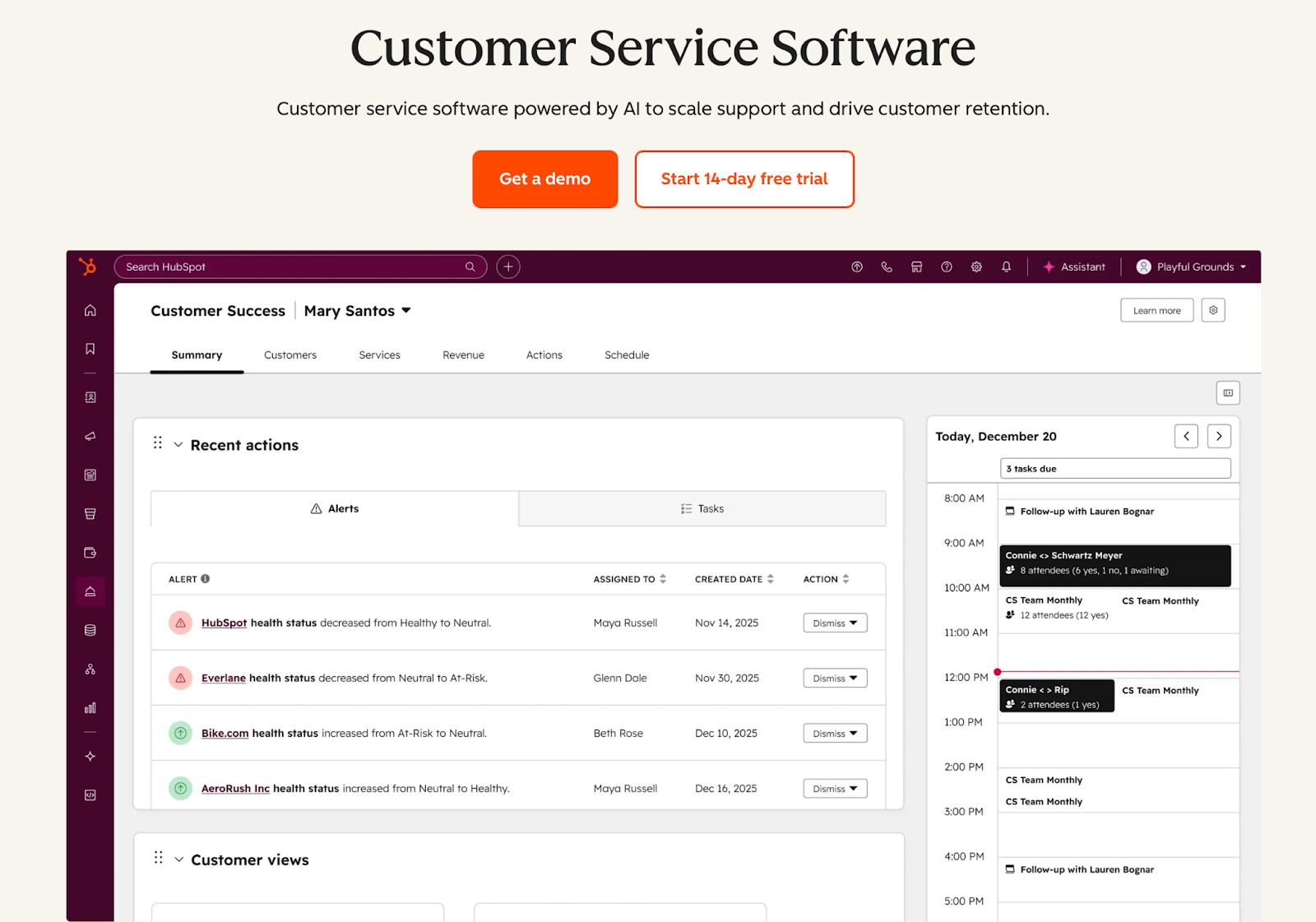
HubSpot is a behemoth. Its extended platform includes a CRM, sales and marketing tools, data and analytics tools, and content delivery. If you’re already familiar with HubSpot and are using one or more of its tools, then HubSpot Service Hub is the Front alternative for you.
HubSpot Service Hub gives you a shared inbox, ticketing, live chat, and a knowledge base tied into your existing HubSpot CRM and other tools. Your support agents can see a complete profile of your customer: what they’ve bought, how they’ve been marketed to, and what issues they’ve had in the past. If other parts of your organization are using HubSpot already, it’s a natural fit.
- Best for: Businesses and teams already in the HubSpot ecosystem
- Developer: HubSpot
- Limitations
- Not as good as a standalone tool
- Expensive platform
- Key features
- Shared inbox and ticketing system
- Live chat, chatbots, and AI tools
- Full integration with suite of HubSpot products
- Pros
- Seamless integration that uses existing customer data if you already are in HubSpot
- Free plan available
- Widely supported by other tools
- Cons
- Best features on expensive higher tiers
- Not the best standalone choice
- Pricing
- Free plan available
- Starter plan: From $20 per agent, per month, on top of other HubSpot tool costs
- G2 rating: 4.4/5
How to choose the right tool for your team
The right Front alternative for your team depends on a few key factors: your team’s size, your budget, and any specific features you need.
As with Front, app pricing is typically on a per-agent or per-seat basis. Some plans include “lite” or “viewer” seats that allow passive participation, but for the most part, the larger your team, the more expensive the plan. Some apps have minimum seat requirements for specific plans; this may mean you have to pay for extra seats to get certain features. The size of your team is an important factor in which apps are the best fit for you.
Price also varies widely among the different apps, sometimes for similar features. Enterprise software comes with enterprise-grade support, compliance, reliability, and pricing; scrappier startups can’t offer the same depth of features but can compete on price or focus.
Features vary by product. Some are AI-first and chat-focused, and others are email-focused or built on top of Gmail. If you need a particular feature or integration, choose a tool that supports it.
If you’re struggling to decide, start with Jotform. Both Jotform Tables and Jotform AI Agents are strong Front app alternatives that can work with any other apps you choose. And it costs nothing to try the free plan.
This article is for customer support leaders, operations managers, SaaS buyers, and cross-functional teams evaluating shared inbox and help desk software, and anyone who wants to find a more affordable or better-fitting alternative to Front for managing omnichannel customer communication.


































































































Send Comment: