
As early as 1913, optophones turned characters printed on paper into musical notes. They were the genesis of optical character recognition (OCR), the technology today that lets blind people read text in images and smartphone users translate foreign language menus. Adding AI into the mix means that manually extracting data from documents is now a huge waste of time and money.
Pairing large language models (LLMs) with OCR is often referred to as intelligent document processing (IDP). It’s an industry buzzword for tools that can scan or photograph physical documents and convert them into digital text and data. Then, with the help of built-in AI features, IDP lets you automatically interpret or extract data from both physical and digital documents so that information is easier to search, store, and share.
You could take out your phone right now, take a picture of a physical form, ask ChatGPT to transcribe anything handwritten, and have copyable text in a minute or two. IDP software is something else entirely. Platforms in this space use models built and optimized specifically for high-volume digitization, prioritizing speed and industry-specific automation for workflows in legal, logistics, healthcare, HR, and finance.
Almost any IDP tool will outperform ChatGPT at extracting data from documents. But the same document processing tool might be perfect for one team and a huge pain for another. In other words, I can’t pick one tool to beat them all. Instead, here are the five best IDP tools based on the workflows and industries that stand the most to gain from this type of software.
How I tested the best AI document processing tools
Reviewing almost any type of business software boils down to how much time and money it saves. LLMs can make that particularly hard to determine, though. Sometimes AI does exactly what you ask, and other times its outputs need a lot of manual edits. Rarely is this dichotomy as impactful as it is with IDP platforms, which need to be consistent and reliable enough to outperform data transcription and extraction by humans every single time.
The best software in this category should be almost entirely hands-off. You should be able to bulk upload documents and receive structured outputs with minimal to zero human input. That requires an incredibly high degree of data accuracy, and I rejected any tool with more than a couple of small mistakes across my battery of tests.
The companies that need AI document analysis the most are regulated by data security and privacy standards like GDPR, PCI DSS, and HIPAA. Every recommendation I included on this list has explicit security guarantees, like encryption at rest and in motion, robust data retention policies, and compliance attestations.
Usability was another part of my testing rubric. Extracted data had to be easy to store, access, and share in convenient ways. I tested integrations, export formats, database customization, and data manipulation. Tools that trapped data in opaque formats or made downstream transformation clumsy did not make the cut.
All told, the best IDP software I tested
- Saved time with bulk or automated document uploads
- Transcribed accurately with virtually zero corrections needed
- Stored extracted data securely
- Was usable for industry-specific workflows without a technical background
I found 10 platforms that met all the criteria, then tested each to determine which performed best. Below are the five best AI document analysis and processing apps in 2026 based on common use cases and hands-on testing.
Top 5 AI document processing tools in 2026
| Tool | Best for | Key Feature | Pricing |
|---|---|---|---|
 UiPath |
High-volume enterprise document processing |
Create and fine-tune automations with plain-language prompts |
|
 Rossum |
Email-based AI document processing |
Email address endpoint for every document category |
|
 Nanonets |
Multi-person approval chains |
Approve/reject document extractions via Slack |
|
 Mindee |
White labeling and backend development |
Constant model retraining via RAG |
|
 DocuPipe |
Completely free AI document processing |
I didn’t notice any flashy differentiators |
|
1. UiPath
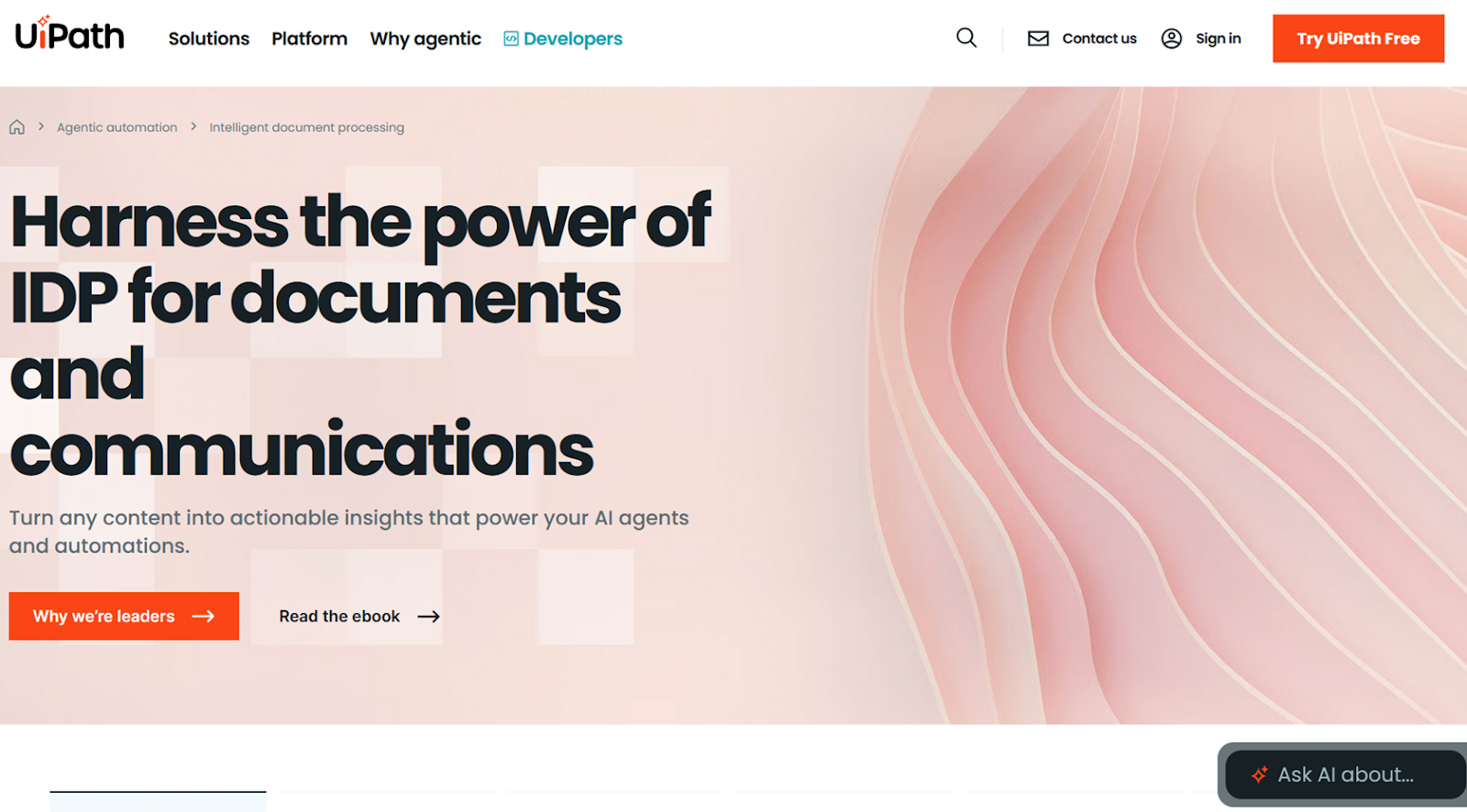
UiPath is firmly within the enterprise category of AI document automation and processing. And with that comes a massive list of workflow templates and integrations for popular business platforms, which were two main reasons I picked this tool.
- Best for: Teams with a lot of automation literacy and technical resources. There is a visual workflow builder similar to what Jotform and Zapier offer, but there’s quite a bit more configuration and debugging required to get anything entirely hands-off set up.
- Key features
- Autopilot lets you create automations by describing them in plain language, leaving you with something more akin to scaffolding than a finished workflow but a significant timesaver nonetheless.
- Intelligent Xtraction & Processing can handle large, complex documents up to 50 pages long.
- Pros
- Tons of template workflows and third-party integrations
- Smooth scaling from a few employees to hundreds
- Cons
- Steep learning curve and an uneven onboarding experience
- Plans/Pricing
- Basic plans ($25 per month) are for individuals and small teams, offering one tenant, up to two basic automations, EU-only data hosting, and “Bronze level” support
- Standard plans require a sales call for access to enterprise automations, all IDP tools, the ability to opt out of data sharing, and advanced data security
- Enterprise plans also start with a sales call but add in five years of data retention and bring your own encryption keys
2. Rossum
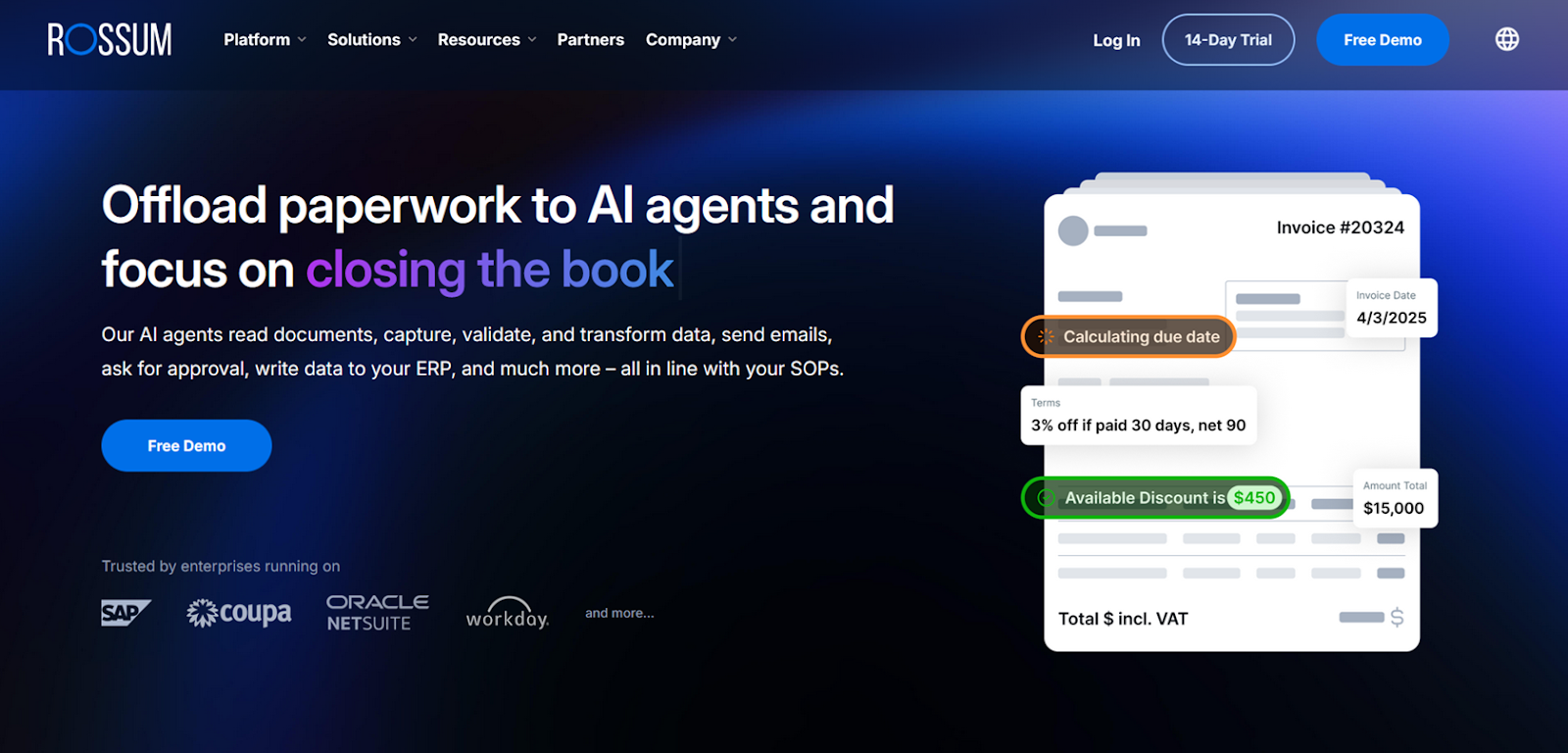
Not every IDP tool needs to be complex and technical, which is why I recommend Rossum. It’s a tool built around email, and it’s easy to get up and running, starting you off with 25 preloaded sample documents from different categories.
- Best for: Teams that want to simplify how they deal with high volumes of inbound emails and attachments from people outside the company (e.g., suppliers, customers, partners, etc.). It gives each of your queues an email address to send attachments, so people in legal, HR, and finance with no technical backgrounds don’t have to learn a new tool or workflow.
- Key features
- The custom confidence thresholds (in percentages) are adjustable.
- Rossum had faster and more robust duplicate detection than I found in other apps I tested.
- Pros
- Very easy to set up and get started
- Granular adjustments to confidence thresholds
- Cons
- Fairly limited file import automations
- Plans/Pricing
- All four of Rossum’s plans require a custom quote and include the following features:
- Starter plans have unlimited seats, 12 months of document storage, and document uploads via email, API, and manual workflows.
- Business plans add custom workflow logic, duplicate detection, webhooks, and native integrations.
- Enterprise plans will get you SSO security, sandbox environments, document translation, and custom cloud locations.
- Ultimate plans scale globally with multi-document transaction handling and three years of document storage.
- All four of Rossum’s plans require a custom quote and include the following features:
3. Nanonets
Nanonets doesn’t quite reach the level of an enterprise IDP platform, though it does have integrations for Google and Microsoft’s tools, alongside connectors for Salesforce, SAP, and Oracle. But Nanonets is excellent for designing approval workflows, which I felt it handled better than other tools I tested.
- Best for: Teams where a human still needs to have the final say on processed documents, especially those that want to see notifications in Slack. It is an excellent option for logistics, insurance, and commercial real estate operations.
- Key features
- In the Analytics tab, you can build reports based on the metrics most important to your document processing use case.
- There are also options to retrain models by uploading annotated training documents, or by training on everything in the Approved queue, or by switching models entirely.
- Pros
- Excellent balance of customization without feeling overwhelming
- Choose between speed- and accuracy-optimized AI models
- Cons
- App and feature documentation feels limited
- Plans/Pricing
- All Nanonets plans are consumption based, meaning that you have to buy credits that will be deducted each time a document is processed. The number of credits you buy at a time does affect which features you have access to, however:
- The base Pay-As-You-Go tier only comes with basic data extraction and basic integrations.
- Credits Accelerate is the volume pricing credits model, unlocking advanced extraction features like barcode and signature detection, as well as data enrichment and advanced integrations like Salesforce, SAP, and Oracle.
- Enterprise comes with a sales call and opens up opportunities for SSO, region-specific hosting, audit trails, and data security compliance guarantees.
- All Nanonets plans are consumption based, meaning that you have to buy credits that will be deducted each time a document is processed. The number of credits you buy at a time does affect which features you have access to, however:
4. Mindee
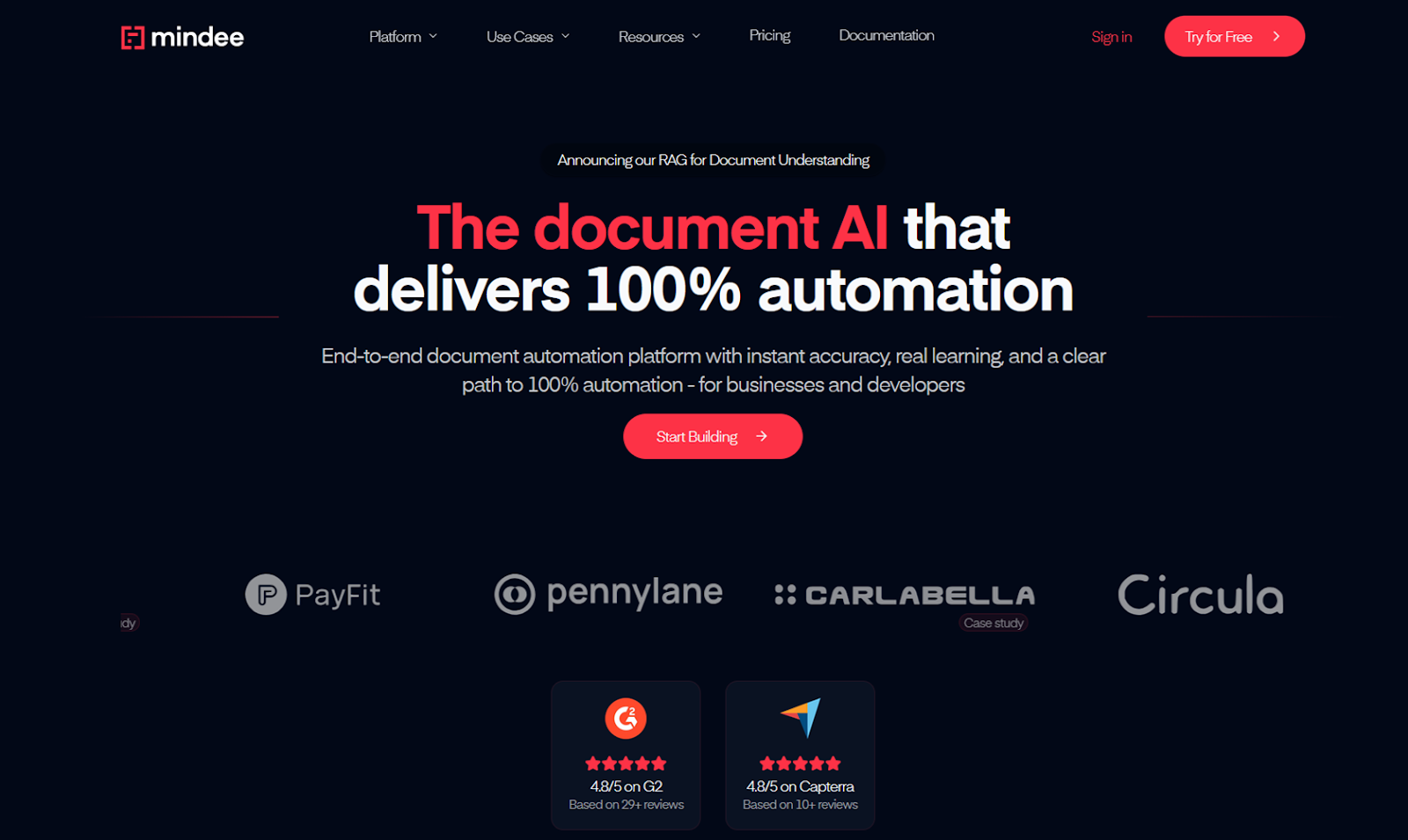
Mindee earned a spot on this list because it is 100% focused on catering to developers and backend engineers. Where many tools abstract away technical details in the name of “no code,” Mindee creates new opportunities by giving users more technical options.
- Best for: SaaS companies embedding document capture into their products, fintechs and payment processors handling invoices and receipts at scale, or logistics platforms ingesting shipping documents.
- Key features
- Retrieval-augmented generation (RAG) improves model accuracy with each new document, classifying documents and routing them to the best extraction models.
- You can use the API’s “polygons” parameter to precisely map bounding boxes to specific regions of a document.
- Pros
- API-driven document processing for unrivaled customization
- Models constantly improve thanks to RAG iteration
- Cons
- Extremely technical to set up and maintain
- Plans/Pricing
- On the Starter tier (€49 per month), you get 500 processed pages per month and unlimited custom models.
- For the Pro tier (€199 per month), teams can process up to 2,500 pages per month and get data processing localization, RAG features, and polygon coordinates.
- Lastly, the Business tier (€649 per month) comes with 10,000 pages per month, confidence scoring and programming, priority support, and additional processing for accuracy and precision.
5. DocuPipe
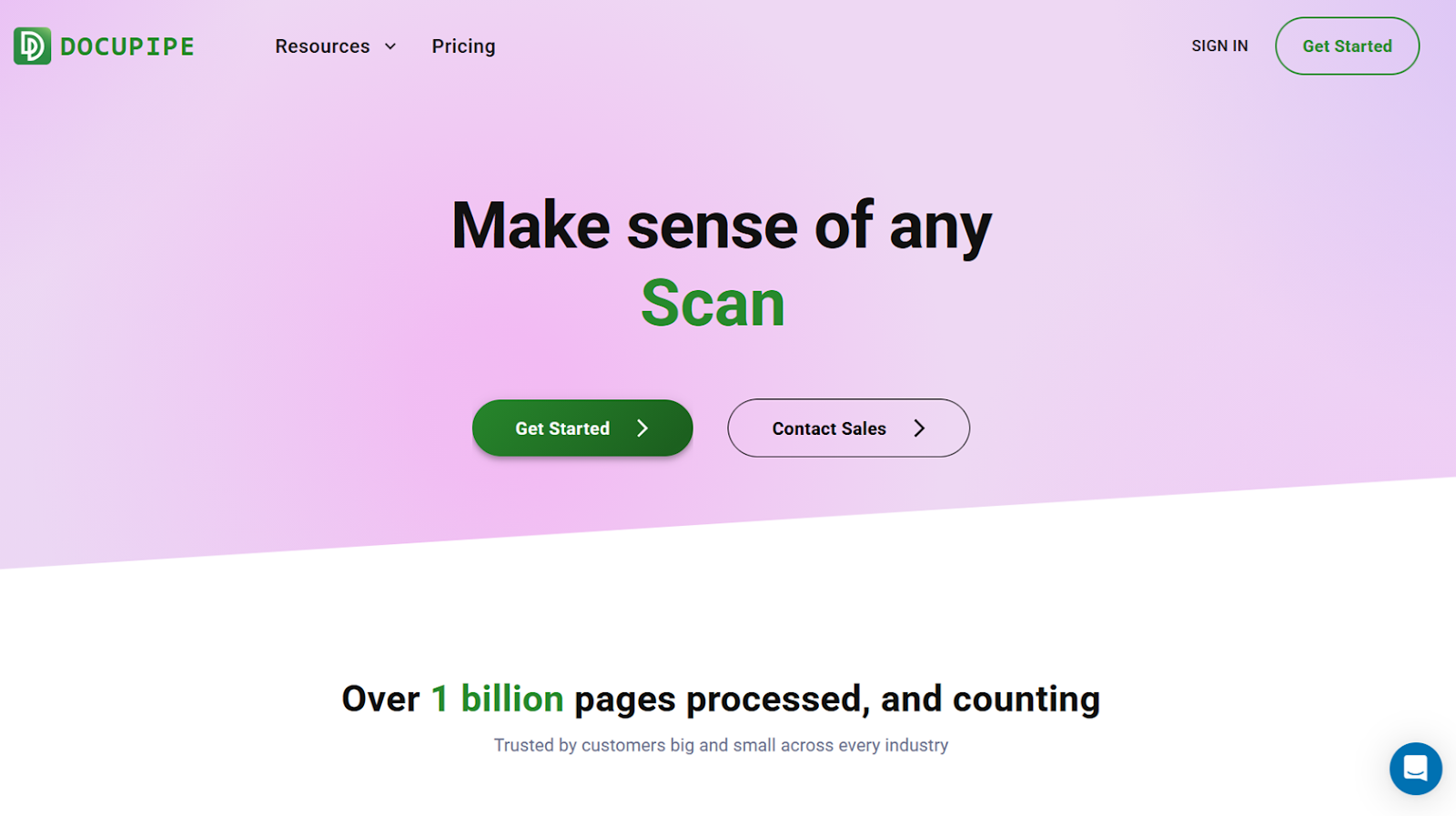
DocuPipe offers a free-forever plan that nails the fundamentals of modern IDP, with enough credits to process well over 100 documents per month, plus full API access.
- Best for: Businesses with low-to-moderate document volumes that still need enterprise accuracy and compliance. The platform is also particularly well suited to healthcare-adjacent and regulated environments, thanks to business associate agreements available on the cheapest paid plan.
- Key features
- I didn’t notice any flashy differentiators — that’s kind of the point. Pricing is refreshingly clear, with credits unambiguously mapped to every document extraction and action.
- It’s never hard to figure out what an automated workflow will cost, in credits, per processed page.
- Pros
- Tons of value on the free plan
- Highly rated support team
- Cons
- Overreliant on Make for third-party integrations
- Plans/Pricing
- Free plans come with 300 credits when you first sign up and 100 per month, plus full API access.
- Business plan ($99 per month) provides 2,500 credits per month, data retention policies, and a business associates agreement for HIPAA compliance.
- Premium ($499 per month) raises the bar to 20,000 credits per month, priority support, team workspaces, and developer environments.
- Enterprise requires a sales call to access custom credit pricing and an SLA for guaranteed uptime.
What can document processing software be used for?
All document-heavy teams face the same constraint across departments: volume grows faster than head count. Invoices pile up. HR forms wait in queues. Contract data is stuck in isolated and inconsistent PDFs. With automation and AI, however, your people can ship more work while wasting less time on manual review and fixing human errors.
The most common example of how IDP platforms can help tends to be financial departments. Extracting data from invoices and bills produces a centralized database that is both searchable and able to update records in existing ERP and CRM platforms. With a little setup and optimization, documents that meet specific conditions can be ingested, classified, transcribed, validated, and routed to their next or final destination.
It’s a similar situation for HR and operations teams that might use IDP for application and onboarding workflows. Resumes, training documents, onboarding packets, and leave and reimbursement requests all arrive as a mix of PDFs, images, and web uploads. Document processing software looks at all of it to pull out key data and feed it into other relevant tools and databases while creating an audit trail for compliance.
Legal and compliance teams use IDP for parsing contracts for clauses, dates, obligations, and signatures that need to be extracted as structured data, while flagging anything that’s missing or malformed.
How you use AI document processing may be totally different than other teams. But as long as it involves pulling data out of messy documents and into structured data stores, as quickly and automatically as possible, the five tools on this list will help.
Enhance your document processing process with Jotform AI Agents
No one starts a business because they enjoy dealing with documents. And yet, that’s a huge part of what running a business involves. Sales teams need to create quotes, proposals, and contracts. Support teams need to review attachments and triage customer requests. Finance teams process invoices, receipts, purchase orders, reimbursements, and expense reports. AI document processing is the only way out.
Intelligent document processing software like UiPath, Rossum, Nanonets, Mindee, and DocuPipe can save teams from an unbelievable amount of busywork. They can automate everything from how documents are routed and stored to how data is extracted and transformed. But they can also be expensive, overly technical, and hard to maintain. And they’re not the only way to get data to the right people at the right time without a bunch of manual work.
While Jotform AI Agents isn’t a dedicated IDP platform, it does turn information gathering and transfer into dynamic, conversational experiences. Teams can train AI agents on their own documents, URLs, or manual inputs, then deploy those agents to a website, email address, or WhatsApp profile. Once deployed, agents can extract information from natural language conversations and review uploaded files for the data points you need. If any required information is missing or malformed, AI follows up until it’s fixed.
With the Actions and Tools tabs in your agent’s training window, you can even push conversation data to third-party tools like Slack, Zendesk, or an Outlook calendar. There are already more than 7,000 templated agents — like the Document Upload AI Agent, Data Collection AI Agent, and Invoice Upload AI Agent — all of which can be tested and evaluated on Jotform’s free forever plan. Create an account today to get started.
Frequently asked questions
Every tool on this list can process PDFs, including scanned and multipage files. Based on my tests, UiPath is best for large PDFs with lots of files, and Nanonets is best when you only need to grab one page out of a PDF that has many.
Yes. Generative AI tools can draft documents from prompts, but they’re most reliable when paired with context from structured data. Automating a document creation process from form data or AI-led conversations produces more consistent results.
Because Word is a Microsoft product, Microsoft Copilot is the best AI for working in Word documents. For extracting data from Word files, however, Rossum and Mindee are a better fit.
This article is for people evaluating AI document processing software for work, especially anyone dealing with high volumes of PDFs, scans, and forms who wants faster extraction, better accuracy, and secure, compliant workflows without constant manual review.






































































































Send Comment: