
Top 5 email subject line generators
Your subject line is the first — and sometimes the only — thing a recipient sees before they decide whether to open or delete your email. Research shows that a significant share of people make that call based on the subject line alone. This means that the subject line is the single most important factor in your email open rate.
The problem is that writing fresh, high-performing subject lines at scale is genuinely time-consuming. Coming up with variations that feel creative, on-brand, and relevant to each campaign is a daily challenge for email marketers, content teams, and sales professionals alike.
That’s where AI email subject line generators step up to the plate. These tools, many of which are powered by the same technology behind AI agents, can produce multiple compelling variations in seconds, giving you a starting point rather than a blank page and a blinking cursor.
We’ll compare the five best email subject line generators available in 2026, including their features, pricing, and the use cases each tool is best suited for.
Elements of email subject lines with a high open rate
Not every subject line that AI spits out is a winner straight out of the gate. Knowing what makes a subject line perform well helps you evaluate the suggestions you receive and fine-tune them quickly.
Consider running through this checklist whenever you’re reviewing AI-generated email subject line suggestions:
- Personalization: Subject lines that include the recipient’s name, company, or a relevant behavior (like a recent purchase or a page they visited) routinely outperform generic, non-personalized alternatives.
- Urgency and scarcity: Phrases that indicate a deadline or limited availability (e.g., “Last chance” or “Only three spots left”) tap into people’s fear of missing out and motivate more opens. However, you must use these truthfully or risk eroding trust.
- Curiosity gaps: Hinting at information without fully revealing it compels readers to open the email and find out (e.g., “Here’s what most marketers get wrong…”).
- Clarity and brevity: Aim for under 50 characters whenever possible, especially because 75–80 percent of email opens occur on mobile devices and most email clients display only 30–40 characters before truncating.
- Relevance to email content: This may seem obvious, but it’s worth mentioning. A subject line that doesn’t match the email body damages trust and triggers more recipients to unsubscribe. It may also violate CAN-SPAM regulations.
- Use of numbers: Specific figures (“five tools,” “37 percent open rate”) add credibility and help subject lines stand out in a crowded inbox.
- Emotional language: Words that evoke excitement, curiosity, or even mild anxiety tend to perform better than neutral phrasing.
- Questions: A well-placed question invites the reader into a conversation and implies that the email holds the answer.
Top 5 email subject line generators in 2026
Below is a quick overview of the five tools we’ll cover, including what each one does best and basic pricing information for the lowest tier that includes email subject line generation.
| Tool | Best for | Pricing |
|---|---|---|
 Jotform |
Free, standalone subject line generation with no account required |
Free |
 ActiveCampaign |
Marketing teams that want AI integrated into a full email platform |
From $79 per month |
 Jasper |
Content teams requiring brand voice consistency at scale |
From $59 per month |
 Copy.ai |
Sales and go-to-market (GTM) teams generating subject lines in bulk |
Free subject line generator, paid tools from $24 per month |
 Keap |
Small business owners running structured email campaigns |
Free subject line generator, paid tools from $299 per month |
1. Jotform Email Subject Line Generator
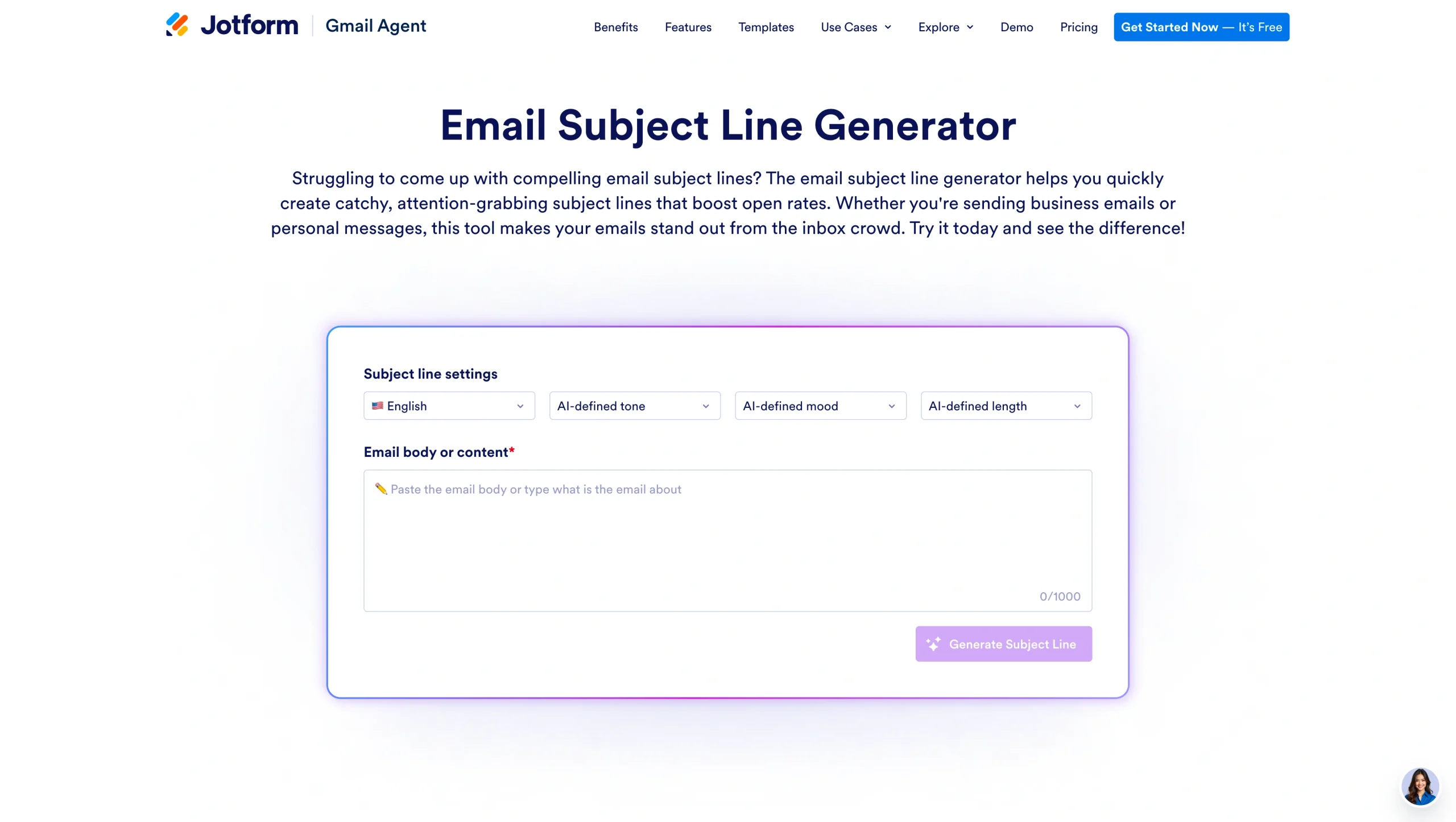
The Jotform Email Subject Line Generator is a free, no-account-required tool that generates subject line suggestions based on the content and tone of your email. The process is simple: Select your preferred tone and length from the dropdown menus, paste your email body or describe your email’s content, and click generate. The AI produces multiple subject line options instantly, making it easy to compare variations and pick the strongest one or use them as a springboard for your own edits. It’s one of the most accessible tools on this list, requiring zero setup and no subscription.
- Best for: One of the best AI tools for individual users, beginners, and small teams who want fast, free subject line ideas without signing up for a platform
- Key features
- Tone and length controls to match your brand voice
- Multiple subject line variations generated from a single prompt
- A/B testing support (generate variants to test against each other)
- Pros
- Completely free with no account required
- No learning curve, just a simple three-step process
- Works for any email type: newsletters, promotions, follow-ups, and more
- Cons
- Not integrated into an email sending platform — you’ll need to copy and paste
- Doesn’t learn from your campaign performance over time
- Plans/pricing: Free
Pro Tip
If you want help writing the entire email, not just the subject line, the Jotform Gmail Agent can take it a step further. Once connected to your inbox, it analyzes incoming messages and drafts reply suggestions based on the conversation and your past email style. This helps you respond faster while keeping your tone consistent. It’s also part of Jotform’s broader suite of AI Agents built to automate everyday workflows.
2. ActiveCampaign
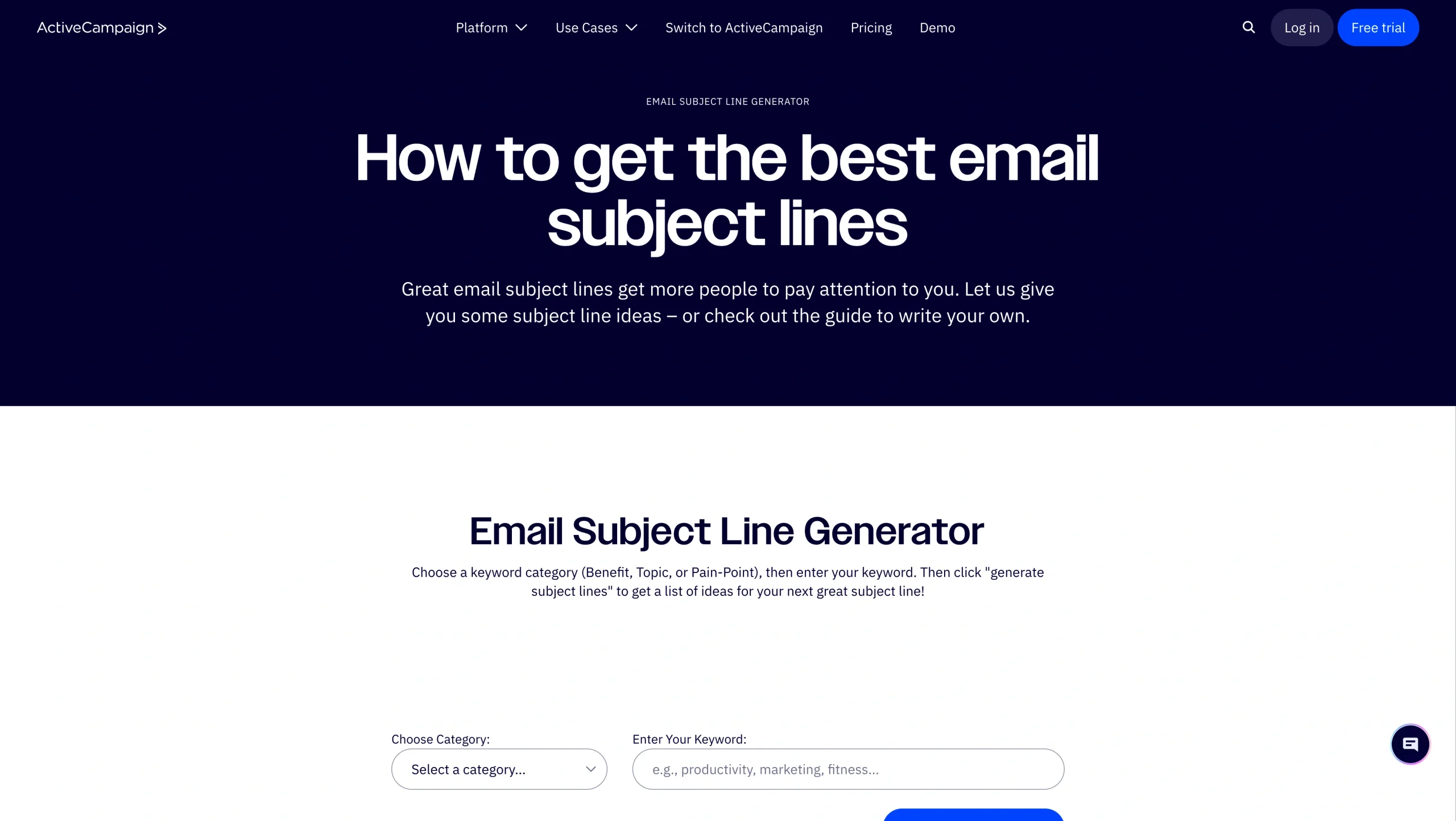
ActiveCampaign is a full email marketing and automation platform with AI baked into its campaign creation workflow. Its AI assistant generates subject lines on the fly based on your email content. Most importantly, it learns from your campaign performance over time, improving its suggestions based on what resonates with your audience.
Beyond subject lines, ActiveCampaign’s AI also helps with email body copy, calls-to-action (CTAs), and automation building. Its Predictive Sending feature analyzes individual subscriber behavior to determine the optimal time to deliver each message. For teams managing complex, multi-step sequences, this level of AI integration across the entire workflow is a meaningful differentiator and makes ActiveCampaign among the most useful AI email copywriting tools.
- Best for: Marketing teams and B2B companies that want subject line generation built into a broader automation and customer relationship management (CRM) platform
- Key features
- AI subject line generation inside the email editor — no switching tools necessary
- Predictive Sending that optimizes delivery timing per subscriber
- AI that generates three content variations per prompt for easy comparison
- Pros
- Subject line generation AI is part of an end-to-end email marketing platform
- Learns from your own campaign data over time
- Powerful automation and CRM integration for longer customer journeys
- Cons
- AI features are locked behind higher-tiered plans, interface can feel complex for newer users
- Plans/pricing
- The Starter plan (1,000 contacts) starts at $15 per month
- Email subject line generation requires the Pro ($79 per month) or Enterprise plan ($145 per month)
- A 14-day free trial is available
3. Jasper
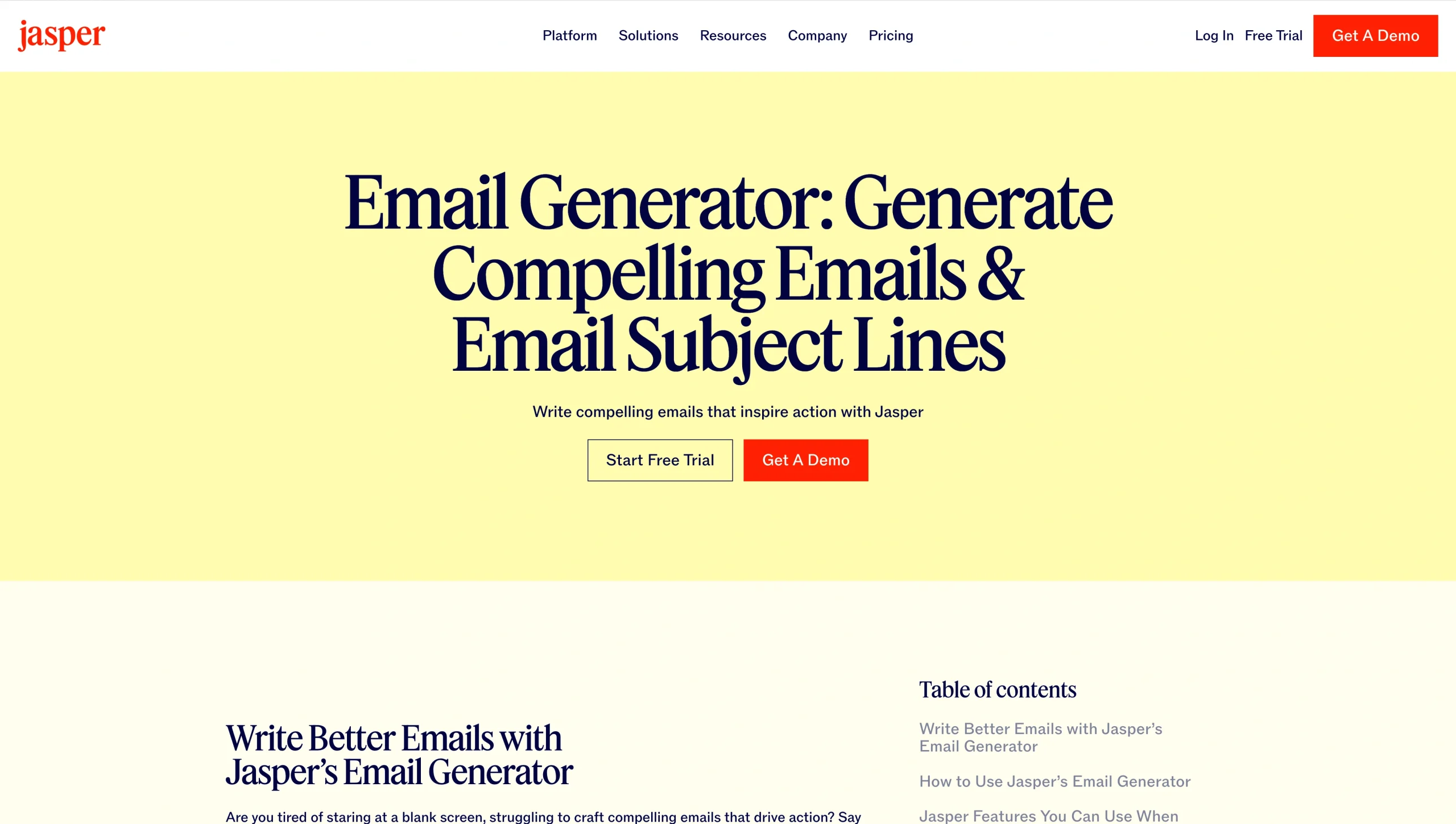
Jasper is an AI writing platform built specifically for marketing teams. Its email subject line generator is one of more than 50 templates it offers, each designed to produce format-appropriate output with minimal prompting. To generate subject lines, you only need to provide your company or product name, desired tone of voice, and a brief description of your email’s goal. Jasper returns a list of options you can use as-is or tweak to suit your needs.
Jasper’s standout feature is Brand Voice, which allows you to train the AI on your existing content so that everything it generates, including subject lines, sounds consistent with your brand’s content. For teams managing multiple brands or running high volumes of campaigns, this consistency is hard to replicate manually. Jasper also integrates with Gmail and Google Docs via a Chrome extension, so writers can access it without leaving their existing tools.
- Best for: Marketing teams of three or more people who need to produce brand-consistent email content at scale
- Key features
- Brand Voice training for consistent tone across all generated content
- 50-plus templates, including email subject lines, full emails, CTAs, and more
- Chrome extension for use inside Gmail, Google Docs, and other platforms
- Pros
- Brand voice consistency
- Extensive template library covers the full email creation process
- Seven-day free trial to test before committing
- Cons
- Expensive for individual users — most value at team or enterprise tiers
- No built-in email sending — must copy/paste output into your email program
- Plans/pricing
- Paid plans start at $59 per month for one user
- Custom business plans are available
4. Copy.ai
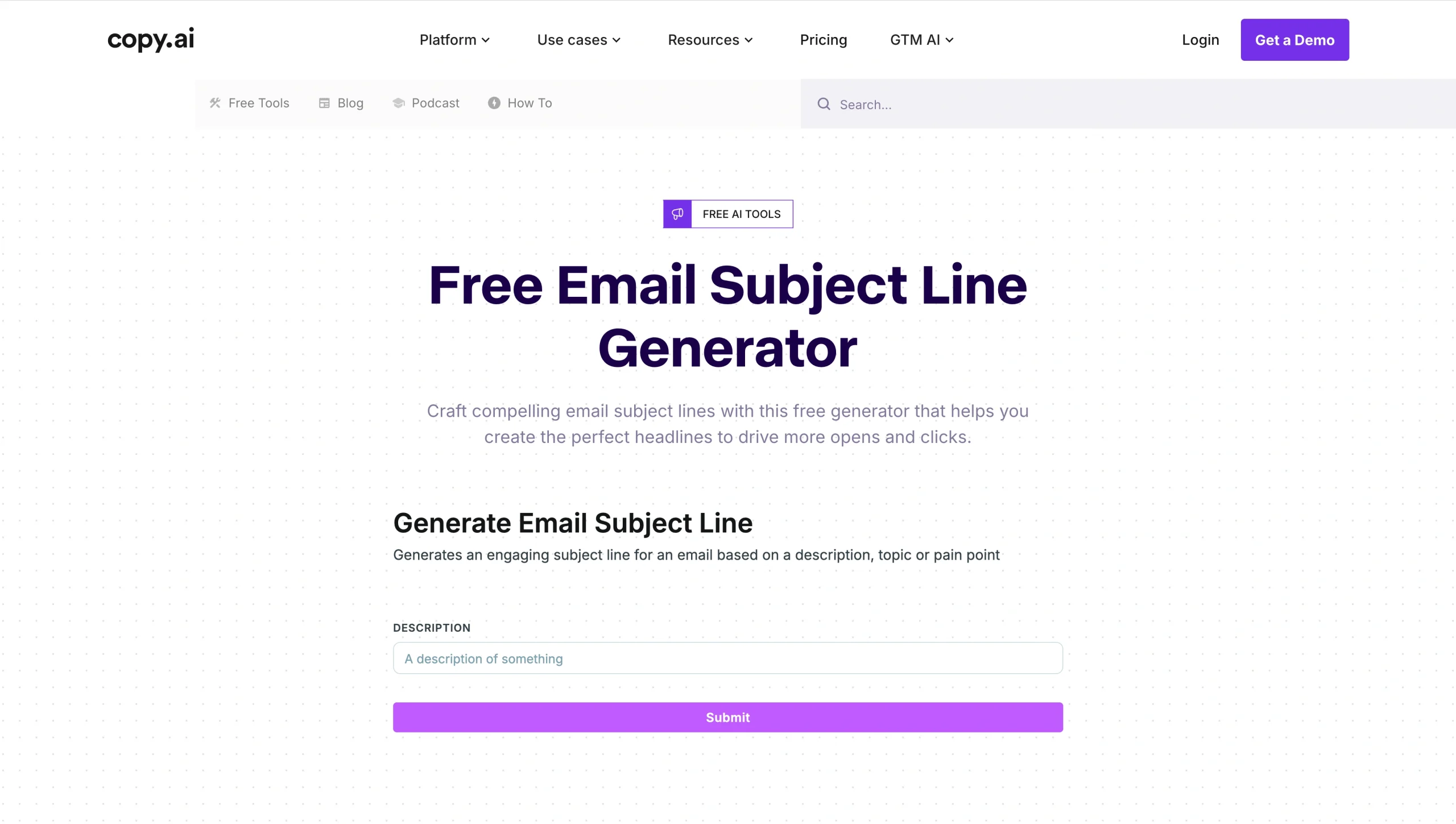
Copy.ai touts itself as a GTM AI platform, and its free email subject line generator reflects that focus. When you input a few keywords or a brief description of your campaign, the tool generates multiple subject line variations in seconds, using machine learning trained on sales and marketing copy. What makes this platform particularly useful for high-volume needs is its Workflow feature: You can chain multiple AI actions together, generating a subject line, then body copy, and even a P.S. line in a single automated sequence.
The free tier is genuinely usable and doesn’t require a credit card, which makes it an easy entry point. Some users note that the output can lean generic without detailed input, so the more context you provide, the better the results. The batch generation speed is an advantage for sales teams running A/B tests across multiple subject line variants.
- Best for: Sales professionals and GTM teams who need to generate multiple subject line variants quickly, especially for cold outreach and A/B testing
- Key features
- Free subject line generator that’s accessible without an account
- Workflow chaining to automate subject line, body copy, and follow-up generation together;
- CRM integrations to generate personalized outreach without switching platforms
- Pros
- Truly free tier with no credit card required
- Fast batch generation, ideal for producing many variants at once
- Integrates with CRMs and project management tools like Asana and Trello
- Cons
- Requires good prompting, as the output can feel generic without detailed input
- Advanced workflow features require a paid plan
- Plans/pricing
- Email subject line generator is free, paid plans for other tools (up to five seats) start at $24 per month
5. Keap
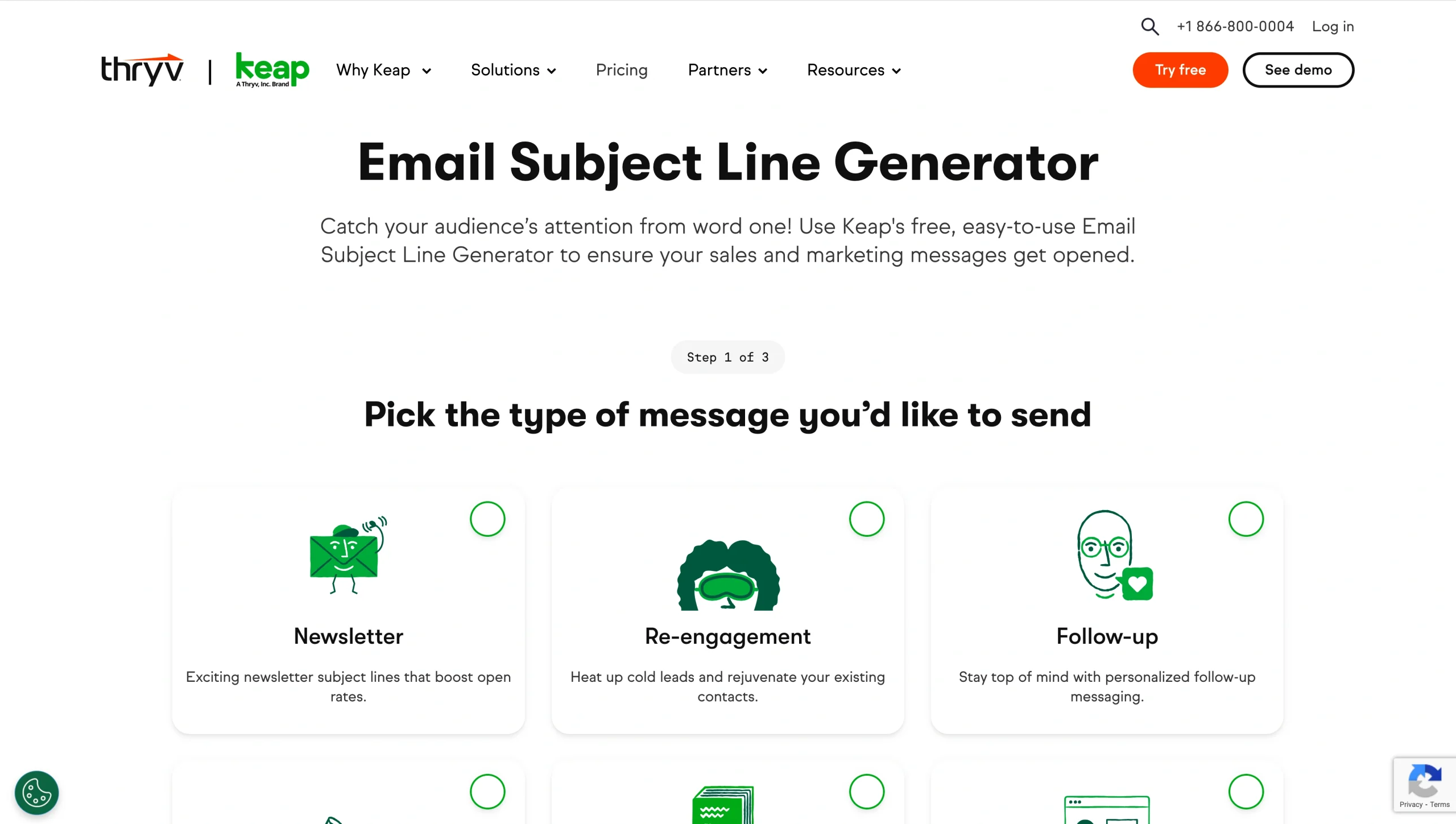
A CRM and marketing automation platform built for small businesses, Keap’s free subject line generator is one of the more structured options on this list. Rather than asking you to paste in email content, Keap asks for specific details: the type of email you’re sending (newsletter, follow-up, promotion, re-engagement, etc.), your target audience, their interest category, and the result or benefit they’re seeking. Based on your combination of inputs, the tool generates five subject line suggestions.
This approach produces more targeted output than tools that rely on free-text prompts alone, although there is a ceiling on the number of variations you can generate per combination. As a standalone tool, the email subject line generator is free — but Keap’s full platform, which includes email marketing, sales pipeline management, invoicing, and AI content assistance, comes at a premium cost that’s better suited to established small businesses than individuals.
- Best for: Small business owners who want structured subject line generation for a specific email type and audience segment
- Key features
- Structured input fields for more targeted output
- “email results to me” button that sends generated subject lines directly to your inbox
- AI Content and Automation Assistants (included in paid Keap plans) for broader campaign creation
- Pros
- Email subject line generator is free
- More structured than most generators, which is useful when you know your audience well
- Full CRM and automation suite is available for growing businesses
- Cons
- Generates a maximum of around 30 subject lines per input combination
- Full platform pricing may be cost-prohibitive for individual users
- Plans/pricing
- The standalone subject line generator is free
- Full Keap platform plans start at $299 per month and include CRM, email marketing, automation, and AI tools
How to write an effective email subject line
AI generators may do the heavy lifting, but the quality of their output depends heavily on your input. This practical, three-step process, based on tools like the Jotform Email Subject Line Generator, applies to most of the tools on this list.
Step 1: Configure your subject line settings
Before you generate anything, decide on the tone you want (such as professional, friendly, urgent, formal, or playful), your goal (such as driving clicks, promoting a product, or re-engaging cold subscribers), and your target audience. Your input makes the difference between generic output and useful, consistent campaign content. The more specific you are, the better the tool’s suggestions will be.
Step 2: Input your email content
Paste the body of your email or write a brief description of what it covers. Include the key offer, the main action you want the recipient to take, and any urgency or specificity you want the subject line to include. Avoid vague inputs like “promotional email”; instead, try “50 percent off sale on project management software, ending Friday, targeting SaaS founders.”
Step 3: Generate, review, and refine
Review the tool’s suggestions critically. You want options that are clear, specific, and match the tone of your email. Then, don’t accept blindly — refine. Swap in a stronger verb, add a number, tighten the character count, or combine elements from two different suggestions. Run the strongest candidates through A/B testing before committing to one to send to your full list.
Which email subject line generator should you use?
The best email subject line generator for your needs depends on your workflow and what you’re trying to accomplish. If you want a fast, free, beginner-friendly tool with no setup required, the Jotform AI Email Subject Line Generator is the easiest place to start. It’s also part of our broader suite of AI Tools that covers everything from email formatting to Gmail automation.
If you’re already running campaigns inside an email marketing platform, ActiveCampaign may be your best choice — its AI learns from your actual campaign data and integrates subject line generation into its overall automation workflow. Jasper is worth the investment if brand voice consistency across a high volume of content is your team’s main priority. Copy.ai is the go-to when your sales team needs to generate and test many subject line variants quickly, especially for cold outreach. For small business owners who want structured generation, a CRM, a full automation suite, email open rate tools, and email subject line tester tools, Keap might make the most sense.
Whichever tool you choose will work better as a starting point than a complete solution. With good inputs and thoughtful revisions, you’ll have a reliable system for creating subject lines that get your emails opened.
This article is for email marketers, content creators, small business owners, and sales professionals who want to improve email open rates and reduce time spent writing subject lines.







































































































Send Comment: