
Chatbot conversation flow examples
A well-designed chatbot conversation flow guides your customers from “How can I help you?” to a clear outcome without confusion or inconsistent answers.
Without an intentional chatbot flow diagram, your chatbot can end up in dead-end conversations, which leads to frustration, abandoned chats, and lost opportunities for your team. On the other hand, a well-designed chatbot flow maps out each step, answers all common questions, and keeps interactions consistent.
Whether you’re a chatbot designer, CX strategist, or part of a marketing team, AI-driven conversation flows can turn your simple chatbot into a helpful assistant. Keep reading to better understand how chatbot conversation flows work, why they matter, and how to fix broken flows with better designs using Jotform.
What is a chatbot flowchart?
A chatbot flowchart is a simple visual map of your chatbot’s conversation flow. It shows how someone moves from the first message to a completed task or answer.
Instead of writing a basic chatbot script or simple Q&A list, a flowchart gives your chatbot a clear set of “if this, then that” rules that tell it how to respond to different customer inputs.
Each path shows what happens when a customer chooses one option versus another, so you can see the full journey from greeting to resolution. That makes it much easier to spot gaps, avoid dead ends, and make sure every path leads somewhere useful.
- For your customers: A well-designed flowchart translates into a smoother experience. Questions feel natural, they’re easy to answer, they aren’t asked repetitively, and they lead to a clear next step quickly, rather than getting stuck in loops.
- For your team: A view of the whole conversation makes it easier to fine-tune tone, add safety nets when the chatbot doesn’t understand, and keep every step aligned with goals such as collecting leads or resolving support requests.
The bottom line is that more customers get help through the chatbot, fewer conversations need a human agent, and your support team can focus on complex, high-value issues.
Why conversation flow design matters in chatbot success
We’ve all been there: You’re trying to solve a simple problem, but you get stuck in a chatbot loop that keeps giving you the same unhelpful answer. When a conversation flow is broken, your customers feel frustrated and leave the chat before they ever reach a solution. And when issues go unresolved, the risk of losing customers increases significantly.
A global study by Zoom found that 82 percent of customers are likely to churn after unresolved issues. It also reported that nearly 60 percent of customers said they would switch to a competitor after only one or two negative support experiences, so those moments really matter.
Now, picture an effective chatbot conversation flow design. The chatbot asks you targeted questions, repeats what it understands, provides clear next steps, and offers the option to escalate to a human if needed. This is a well-designed chatbot conversation flow. It’s what guides your customers step-by-step and turns more conversations into leads, bookings, or resolved support tickets.
When a flow is carefully designed, every step moves users toward a defined goal. Common questions your customers reach out about are anticipated and answered appropriately, and more complex issues are routed to live agents. This reduces friction, shortens resolution time, and improves overall satisfaction.
10 chatbot conversation flow examples in various business applications
To help you better understand how good designs can help both your customers and your team in different situations, let’s look at 10 chatbot conversation flow examples.
1. Custom support flow
- Objective: Direct your customers to the correct answer or support channel quickly so they spend less time waiting and more time solving their problem.
- Key features
- Uses a simple opening menu with options like “Track my order,” “Billing question,” “Technical issue,” or “Something else”
- Relies on intent recognition for typed questions and quick replies, helping users avoid guessing what to say next
- Follows clear escalation rules when it encounters signals like “agent” or “call” or repeated confusion
- Best for: Customer support, customer service, and CX teams that want to reduce ticket volume and handle times and give agents context before they step in
2. Order tracking and updates flow
- Objective: Let your customers check delivery status and manage simple post-purchase questions without waiting for live support.
- Key features
- Asks for an order ID or email, confirms the match, and then shares an easy-to-understand status such as “Packed,” “Shipped,” “Out for delivery,” or “Delayed”
- Offers follow-up options such as “Send tracking link,” “Change delivery address,” and “Report a problem”
- Provides dynamic responses that help customers feel they’re getting personalized information rather than generic messages
- Best for: E-commerce and retail teams focused on resolving “Where is my order?” tickets faster and handling delays proactively while reducing the need for human agents
3. Lead generation flow
- Objective: Turn anonymous site visitors into qualified leads your sales team can confidently follow up with.
- Key features
- Collects essential information such as name, email, company, and role
- Adds two to three qualifying questions (such as budget range, team size, main challenge)
- Automatically tags or scores leads and syncs them to your CRM or email tool
- Thanks the customer and sets expectations about when someone will reach out
- Best for: Sales and marketing teams running paid campaigns, product pages, or gated content when capturing and qualifying interest is a top priority
4. Product recommendation flow
- Objective: Help customers find the right product or plan faster to increase conversions and reduce decision fatigue.
- Key features
- Starts by clarifying the user’s goal; for example: “What are you looking for today?”
- Asks focused questions about budget, features, or preferences
- Presents a small set of personalized recommendations with short descriptions, benefits, and calls to action such as “View details,” “Compare plans,” or “Add to cart”
- Offers a way out of the current path if needed; for example: “None of these look right” can direct the user to a human
- Best for: E-commerce, SaaS, and merchandising teams that want to personalize buying journeys and help users move from browsing to deciding
5. Appointment booking flow
- Objective: Automate booking, rescheduling, and cancellations to cut back on email back-and-forth and phone calls.
- Key features
- Asks what type of appointment the user needs
- Offers dates and time slots pulled from a connected calendar
- Confirms key details (service, date, time, location, provider) and collects any required information, such as phone numbers or notes
- Ends with a clear confirmation summary and offers to send an email or SMS reminder
- Handles “Change my time” and “Cancel” paths to keep calendars accurate
- Best for: Healthcare, beauty, fitness, education, and professional services teams that rely on scheduled sessions
6. Onboarding flow
- Objective: Guide new customers through the critical first steps so they experience value quickly and don’t abandon the product.
- Key features
- Opens with a personalized welcome
- Offers a short checklist, such as “Set up your profile,” “Import data,” or “Connect an integration”
- Tracks which steps have been completed and encourages customers to complete the rest later
- Shows contextual tips only when needed and links to short tutorials or embedded forms instead of overwhelming users with a long tour
- Best for: Product, customer success, and growth teams focused on activation, onboarding completion, and reducing early churn
7. Feedback collection and CSAT flow
- Objective: Collect structured feedback at the right moment, then direct issues to the right team before they escalate.
- Key features
- Asks a quick rating question (such as stars, number scale, thumbs up/down)
- Follows with an optional, open-text prompt; for example, “What could we have done better?”
- Triggers a path for low scores that offers follow-up from a human or asks for more details
- Stores metrics in dashboards so teams can track satisfaction trends over time
- Best for: Customer experience, support, operations, and research teams that want continuous feedback, so they can spot service gaps and salvage customer relationships before churn occurs
8. Knowledge base and FAQ flow
- Objective: Provide customers with quick responses to routine questions while freeing agents to focus on complex cases.
- Key features
- Interprets customer intent and surfaces relevant articles or snippets
- Asks clarifying questions, such as, “Is this about billing or login issues?”
- Includes links to complete guides when users need more details
- Hands off to a human with the conversation history attached when a question is too complex
- Unearths content gaps that become visible through repeated “No good answer” patterns, which help teams improve the knowledge base
- Best for: Marketing and support teams managing an extensive FAQ or help center and aiming to deflect repetitive inquiries
9. Internal HR and IT help desk flow
- Objective: Help your employees self-serve routine requests so HR and IT teams can focus on higher-value work.
- Key features
- Offers topic-based menus (such as payroll, benefits, time off, hardware, software access) and uses forms to collect necessary details
- Returns articles or step-by-step instructions for self-service topics
- Creates a ticket with all the collected context for more complex issues
- Includes status checks like, “What’s happening with my ticket?”
- Best for: HR, IT, and operations teams supporting growing or distributed workforces
10. Event or webinar registration flow
- Objective: Make it easy for attendees to sign up, stay informed, and attend events.
- Key features
- Introduces the event with a concise value statement
- Asks for essentials such as name, email, and preferred session or time zone
- Confirms registration, shares key details (such as date, time, link), and offers to add the event to a calendar
- Schedules reminders via chat, email, or SMS
- Answers common questions about the agenda, speakers, or recording access
- Branches into a feedback collection step after the event
- Best for: Marketing, customer success, community, and education teams that manage webinars, workshops, demos, or live sessions and want higher attendance and engagement
How to create an effective chatbot conversation flow with Jotform
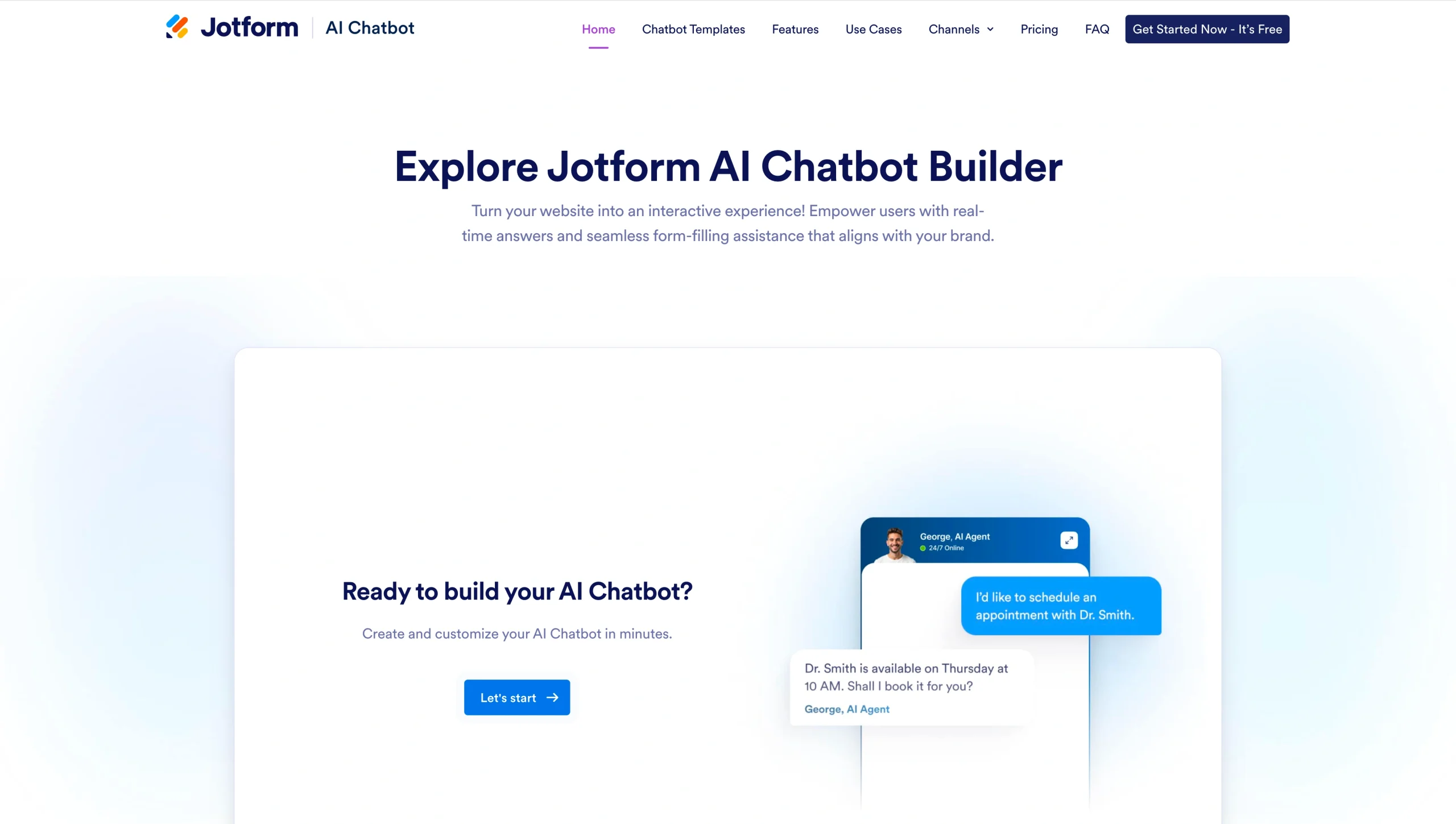
To build a chatbot conversation flow that supports both your customers and your teams, start with what you already know about your customers and finish with ongoing refinement. Here’s a practical, step-by-step approach you can follow for designing effective chatbot conversations with Jotform AI Chatbot Builder.
Step 1: Define goals and research customers
Start by identifying what you want the chatbot to accomplish (for example, lead capture, support resolution, or appointment booking) and who will use it. Review past customer interactions to identify which questions come up often and where users tend to get frustrated.
Step 2: Design your chatbot’s persona
Design a chatbot with a communication style that aligns with your brand’s voice. Jotform AI Chatbot Builder gives you the ability to customize conversational AI agents’ voice, tone, and even appearance, using avatars and brand colors, for a consistent experience.
Step 3: Map dialogues and script conversations
Outline the steps customers will take to reach their resolution, then build branching flows for different scenarios. Include backup responses for when the chatbot doesn’t understand, and add quick-reply buttons to keep customers progressing. Jotform’s AI chatbot templates give you a head start. All you have to do is customize a premade flow to your needs.
Step 4: Test, gather feedback, and iterate
Have customers interact with the chatbot and observe where they are having difficulty. These are the areas that need to be fixed. Make corrections by improving wording and adding missing paths or options. Jotform’s Teach Your Agents feature enables you to train your chatbot with your own information and FAQs and continue improving as you collect feedback.
Best practices for designing effective chatbot flows
Chatbot flow diagrams should be designed as carefully and conversationally as possible. They should focus on tone, clarity, and structure to ensure interactions are helpful and consistent with your brand.
Here are a few best practices for designing effective chatbot flows:
- Start with clarity: Keep messages short, specific, and action oriented. Use plain language and provide one clear next step in every message.
- Write friendly and helpful microcopy: Use something like “Got it, let’s fix that together!” instead of “Error occurred” to reassure customers when something goes wrong. Choose a consistent, human tone that matches your brand voice.
- Use personalization, context, and dynamic responses: Reference what the user has already shared (such as name, previous answers, or plan type) so the chatbot doesn’t repeat questions or offer irrelevant paths. Use dynamic responses that adapt to user choices, and rely on contextual memory to pick up where a customer left off when they return.
- Align chatbot behavior with brand voice: Define what your chatbot says, what it avoids, how it apologizes, and how it escalates to a human. Every conversation should feel on-brand, even as the chatbot adapts in real time.
Turn your chatbot flows into strong results
You need an effective chatbot conversation design to deliver clear and engaging automated experiences that build trust with your customers and improve results. A well-planned chatbot conversation flow reduces confusion, keeps users on track, and improves both satisfaction and completion rates.
Tools like Jotform AI Chatbot Builder make the entire process easier. It gives your team a no-code way to design and launch conversational AI for customer service. With ready-to-use chatbot conversation flow templates, every customer inquiry becomes an opportunity to grow brand loyalty and your business.
FAQs for chatbot conversation flow
The flow process is how the chatbot moves step by step through a conversation:
- Understand the customer’s intent (what they’re asking or trying to do).
- Choose the appropriate response or follow-up questions.
- Present clear options or inputs the customer can choose from.
- Handle errors or misunderstandings with helpful fallback messages.
- Repeat clarifying questions, if needed, to get enough information.
- Guide the customer to a resolution, such as a completed form, booking, or answer.
- Close the interaction with a summary, confirmation, or next step.
A simple seven-step chatbot strategy can look like this:
- Define your goals and success metrics.
- Identify your target customers and key use cases.
- Choose channels (such as website, app, messaging).
- Design your chatbot conversation flow and persona.
- Select your tools or platform.
- Launch with tracking and integrations.
- Test, gather feedback, and iterate.
A conversation flow is the blueprint that shows how a dialogue should unfold between a chatbot and a customer. It maps questions, responses, decision points, and alternative paths so you can predict what happens next and ensure the experience is consistent and easy to follow.
This article is for teams and professionals who design, manage, or improve chatbots and customer conversations, including those focused on support, CX, marketing, and product workflows, and who want more consistent interactions that lead to clearer outcomes.














































































Send Comment: