Top 10 chatbot courses
- Building AI Powered Chatbots Without Programming
- Chatbots
- Designing a Customer Support Chatbot Using Flowise
- Mastering Dialogflow: Build Smart Chatbots with Google AI
- AI Chatbot Development & Marketing Masterclass 2026
- Build Your Own Chatbot
- Customer Service with Python: Build a Chatbot Using ChatGPT
- How to Build Chatbot with Python & Rasa Open Source
- Understanding Bots: Chatbot Architecture
- GenAI Chatbots: Create and Deploy OpenAI-Powered Chatbots
Over the past few years, chatbots have become the front line of customer service, sales, and user engagement in many industries. If you’ve ever wanted to build a chatbot yourself, or just understand how they work, a chatbot course can help.
These courses cover topics such as natural language processing, bot design, platform integration, and deployment strategies to turn a simple script into a genuinely useful conversational assistant. And you don’t need a computer science degree to comprehend the information.
Who can benefit from chatbot courses?
The audiences for these courses often include
- Developers who want to add conversational AI to their toolkit
- Marketers who want to automate lead generation
- Product managers who need to provide specs on bot features
- Support teams that want to reduce ticket volume
In addition, many platforms now offer no-code tools for building functional bots.
Chatbot expertise can lead you to a career in AI product development, conversational design, customer experience optimization, and marketing automation. Companies are actively hiring people who can bridge the gap between technical implementation and user-facing communication, and those skills are exactly what these courses teach.
The best chatbot courses to take in 2026
These courses offer structured paths to chatbot expertise, whether you’re starting from scratch or polishing your skills. Some focus on specific platforms, such as Google Dialogflow or Rasa, while others teach broader principles that apply to various tools.
1. Building AI Powered Chatbots Without Programming (Coursera)
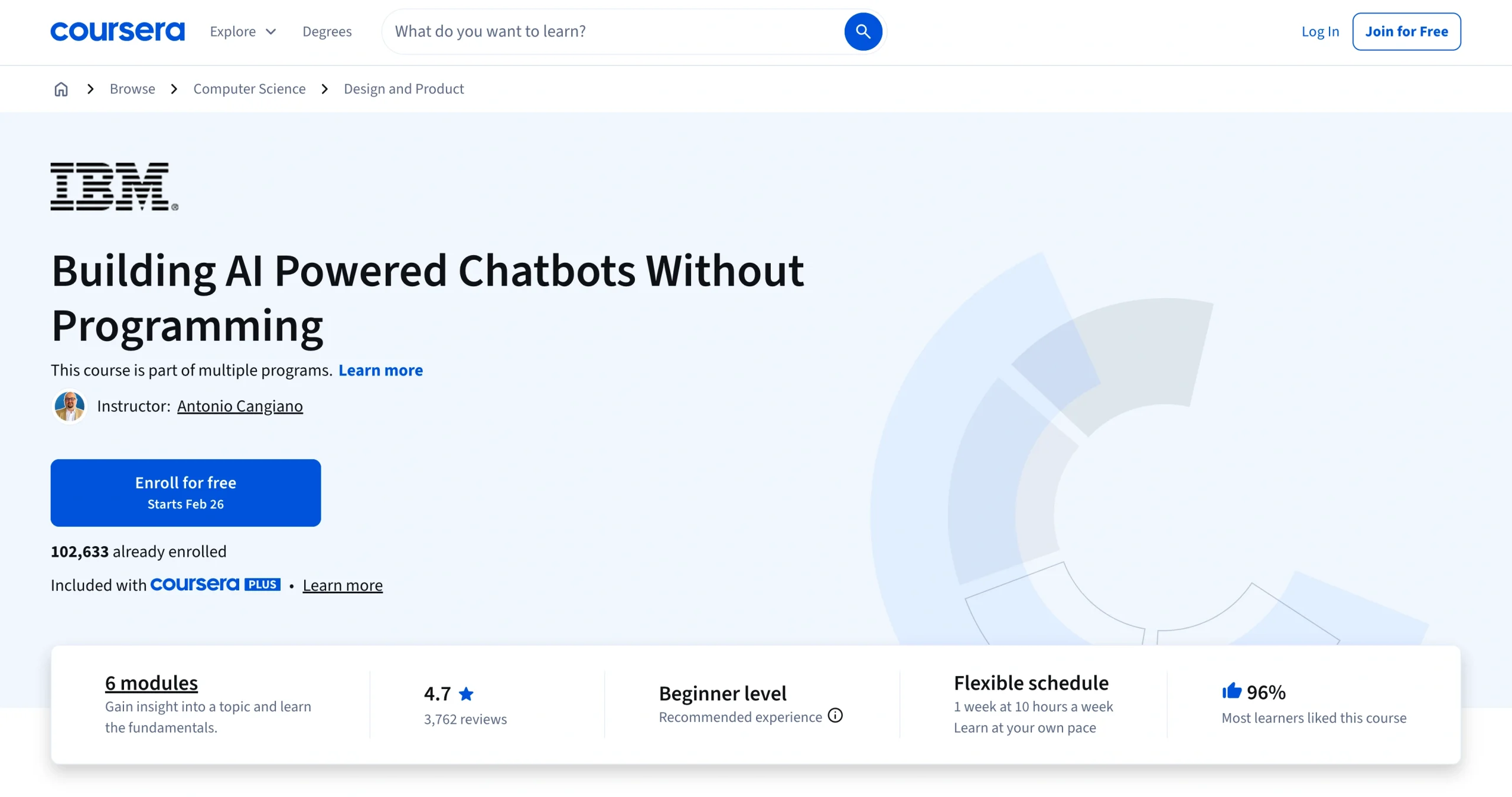
Key topics covered: You’ll work with the IBM watsonx Assistant (formerly Watson Assistant), learning to build chatbots using a visual interface. The course covers conversation flow design, action workflows, intent recognition, entity extraction, and integration with web applications.
You’ll explore decision-tree chatbots and generative AI chatbots, handle multiple conversation paths, and test your bot before deployment. IBM structures the lessons around real business scenarios, including creation of a customer care chatbot for a flower shop. You’ll also learn how to deploy chatbots on WordPress sites and connect them to various messaging platforms.
- Best for: Complete beginners who want hands-on chatbot-building practice without a requirement to write code
- Key features
- You’ll work with the IBM watsonx Assistant (formerly Watson Assistant), learning to build chatbots using a visual interface. The course covers conversation flow design, action workflows, intent recognition, entity extraction, and integration with web applications.
- Cons
- You’re learning how to build an IBM watsonx Assistant specifically, so the skills are platform dependent.
- If you want to work with other tools, such as Google Dialogflow or the Microsoft Bot Framework, you’ll need additional training.
- You’ll need an IBM Cloud account to access watsonx Assistant.
- Plans/Pricing
- Included with Coursera Plus ($59 per month or $399 per year; often discounted during promotions)
- Course link: Building AI Powered Chatbots Without Programming | Coursera
2. Chatbots (Coursera)
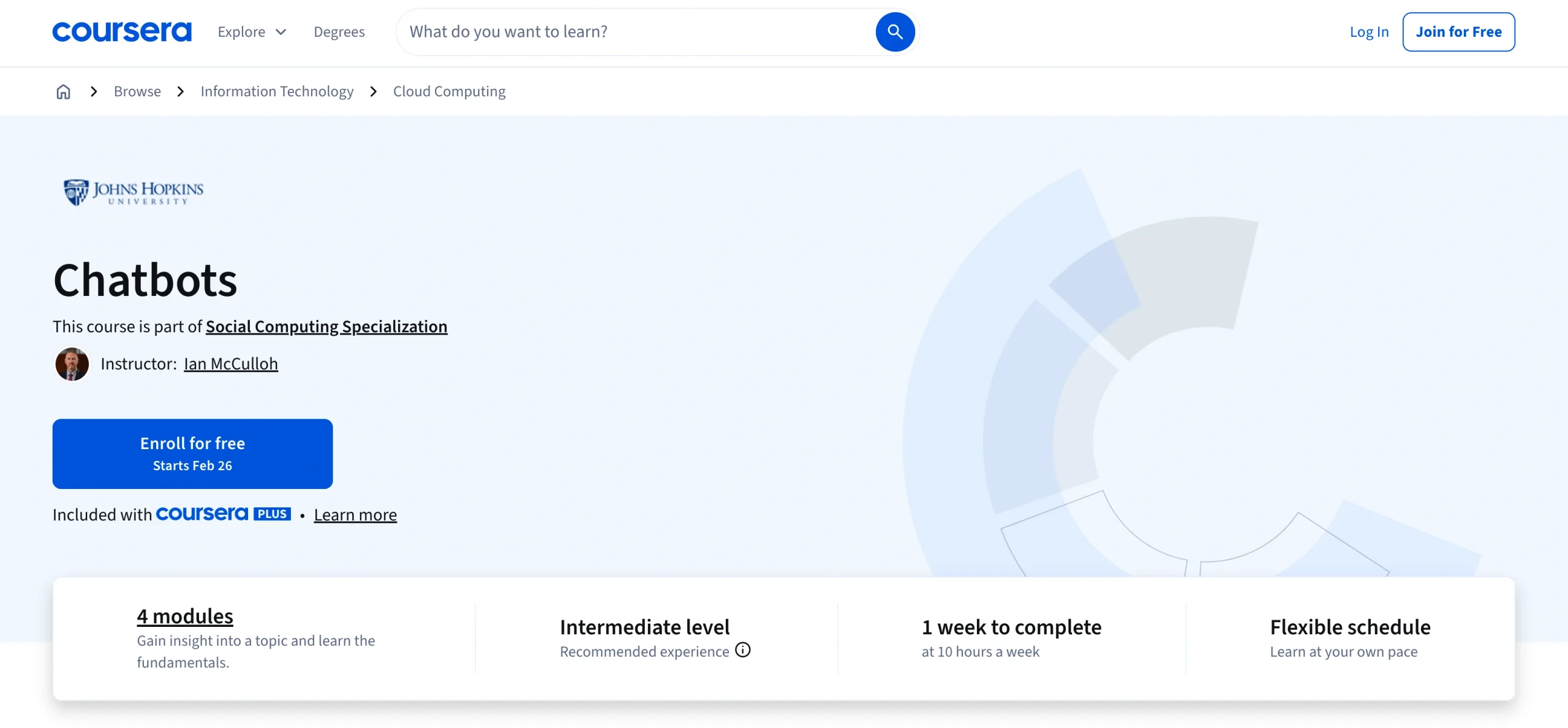
Key topics covered: Unlike most chatbot training courses, this one takes a more theoretical approach. You’ll study the linguistics of human conversation, learn how people talk to machines as opposed to other humans, and apply those insights to bot design. You’ll work with machine learning classifiers using Bidirectional Encoder Representations from Transformers (BERT) for text classification. The course also covers dialogue management, conversation history, and methods for making bots sound less robotic.
The course incorporates research from computational linguistics and cognitive science, giving you frameworks that apply to any platform you ultimately use. You’ll also get hands-on experience creating chatbots using Amazon Lex and Amazon Web Services (AWS), building machine learning models, and evaluating chatbot performance.
- Best for: People who want academic rigor and linguistic theory behind bot design
- Key features
- Unlike most chatbot training courses, this one takes a more theoretical approach. You’ll study the linguistics of human conversation, learn how people talk to machines as opposed to other humans, and apply those insights to bot design. You’ll work with machine learning classifiers using Bidirectional Encoder Representations from Transformers (BERT) for text classification. The course also covers dialogue management, conversation history, and methods for making bots sound less robotic.
- Cons
- This course is more academic than practical.
- Prerequisites for the course include basic programming skills and familiarity with machine learning concepts or AWS cloud services.
- If you want to start deploying commercial chatbots immediately, without the theoretical foundation, you might find this course too abstract.
- Plans/Pricing
- Included with Coursera Plus; individual course purchase available
- Course link: Chatbots | Coursera
3. Designing a Customer Support Chatbot Using Flowise (Coursera)
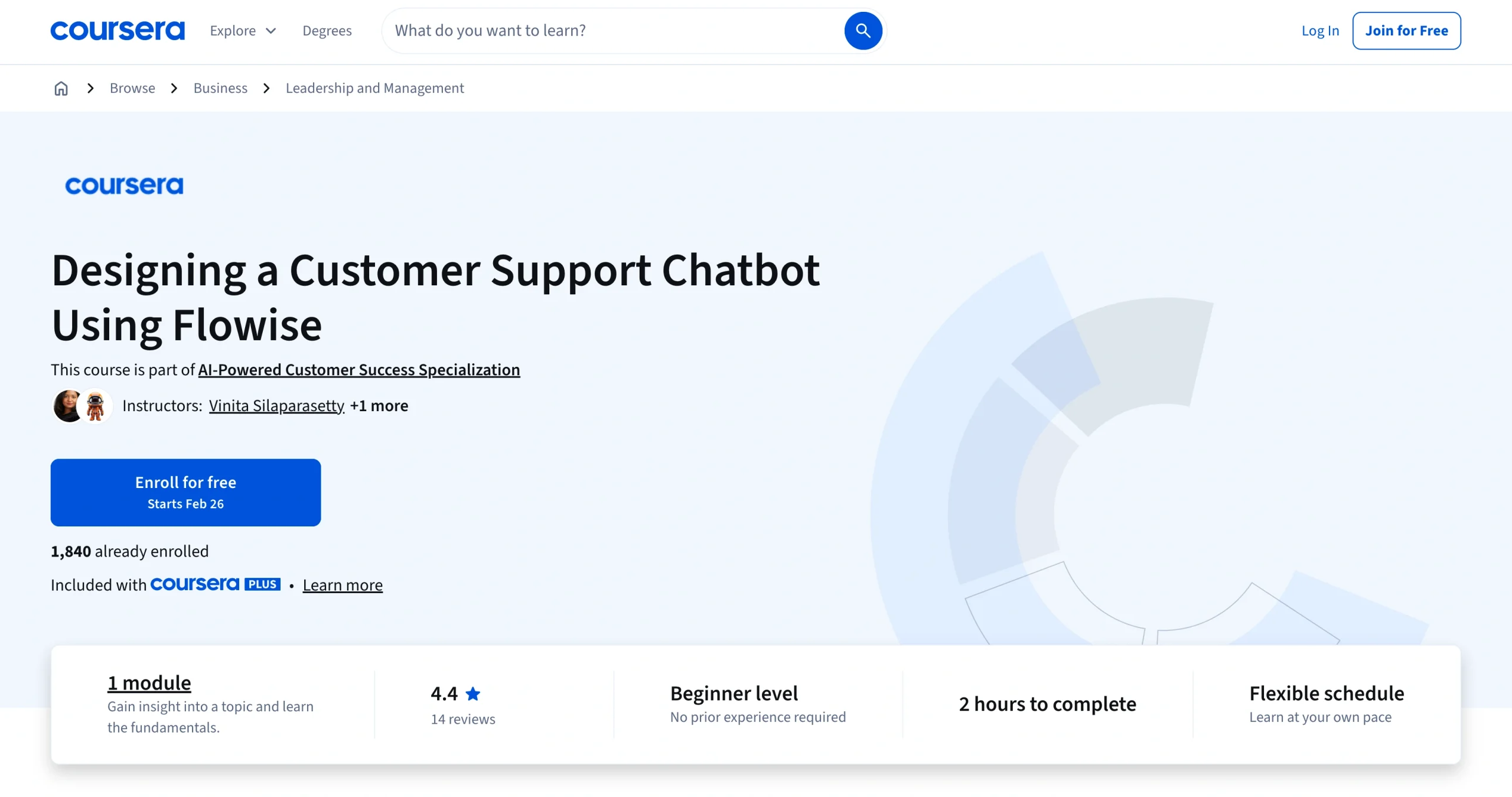
Key topics covered: This course provides a short, focused project that enables you to build and deploy a bot in a single session. Flowise is a low-code tool that allows you to connect AI models, databases, and APIs through a visual interface. You’ll use Flowise to build a customer support chatbot that can answer FAQs using specific website data, route more complex issues to human agents, and be deployed to a website. The project also covers creating blueprints for chatbots, building user interfaces, and embedding your chatbot into websites.
- Best for: Support teams and operations managers who need quick chatbot deployment
- Key features
- This course provides a short, focused project that enables you to build and deploy a bot in a single session. Flowise is a low-code tool that allows you to connect AI models, databases, and APIs through a visual interface. You’ll use Flowise to build a customer support chatbot that can answer FAQs using specific website data, route more complex issues to human agents, and be deployed to a website. The project also covers creating blueprints for chatbots, building user interfaces, and embedding your chatbot into websites.
- Cons
- This course may be too fast-paced for some.
- You’ll have a working bot in the end, but you won’t develop expertise in conversational AI principles.
- Before starting the course, you’ll have to install Flowise on your system.
- Because the course is only two hours long, you’ll be following along with an instructor rather than experimenting extensively on your own.
- CRM experience is recommended but not mandatory.
- Plans/Pricing
- Included with Coursera Plus; also available as an individual guided project
- Course link: Designing a Customer Support Chatbot Using Flowise | Coursera
4. Mastering Dialogflow: Build Smart Chatbots with Google AI (Udemy)
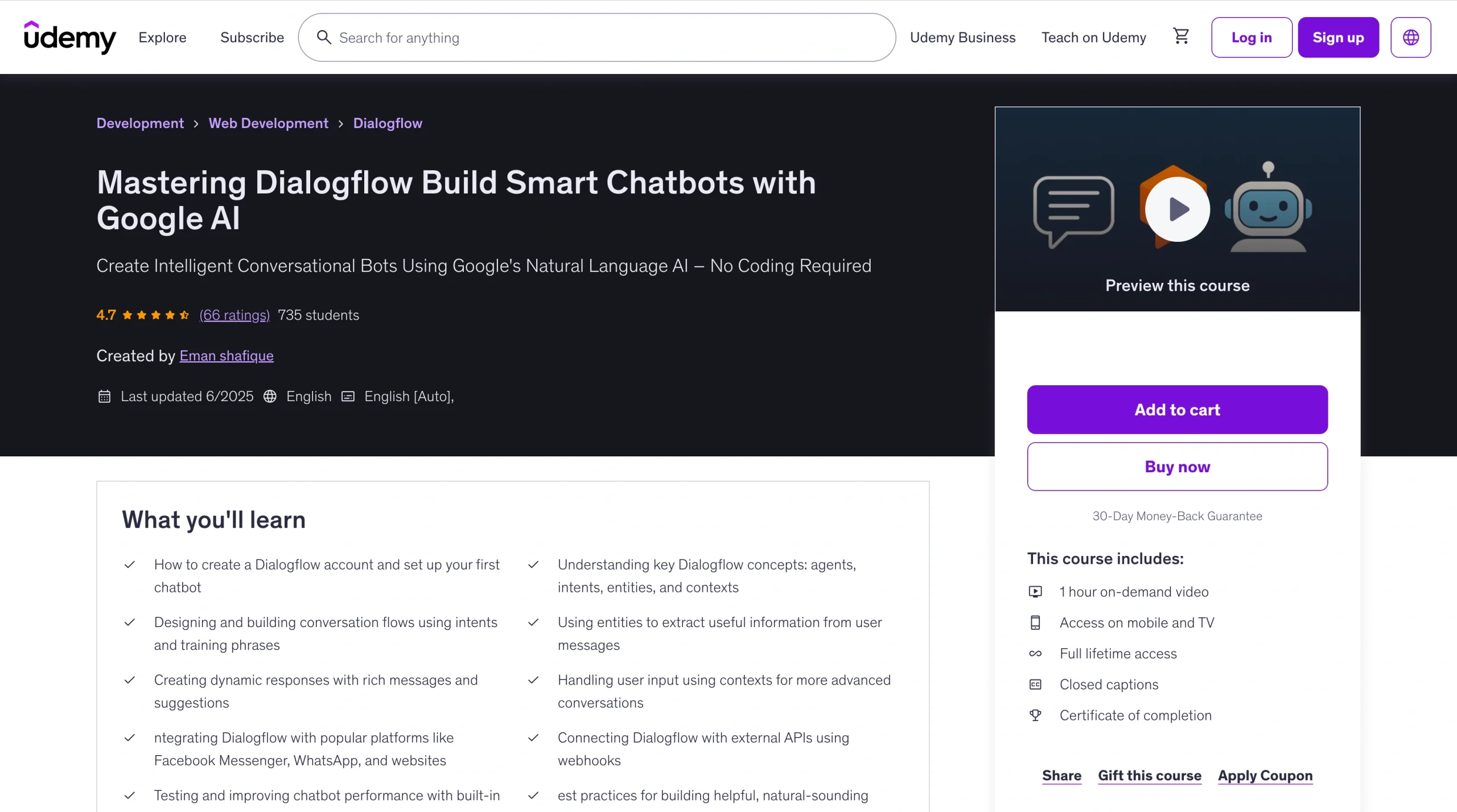
Key topics covered: You’ll learn Dialogflow, Google’s conversational AI platform, starting with intent matching, entity recognition, and context management. By the end of the course, you’ll know how to train your bot to understand different phrases.
This course teaches both theory and hands-on integration (for example, chatbot connections to platforms such as WhatsApp, Facebook Messenger, or your website). You’ll set up Google Dialogflow agents, build intents and entities, use webhooks to connect external APIs, and deploy working bots. No coding knowledge is required.
- Best for: Developers who want to build Google Assistant integrations and voice bots
- Key features
- You’ll learn Dialogflow, Google’s conversational AI platform, starting with intent matching, entity recognition, and context management. By the end of the course, you’ll know how to train your bot to understand different phrases.
- Cons
- Because of the brief course length, you’ll need hands-on practice beyond the video to master Google Dialogflow.
- You might hit the usage limits of Udemy’s free tier during development.
- Plans/Pricing
- $19.99 (Udemy frequently runs sales; watch for discounts)
- Course link: Mastering Dialogflow: Build Smart Chatbots with Google AI | Udemy
5. AI Chatbot Development & Marketing Masterclass 2026 (Udemy)
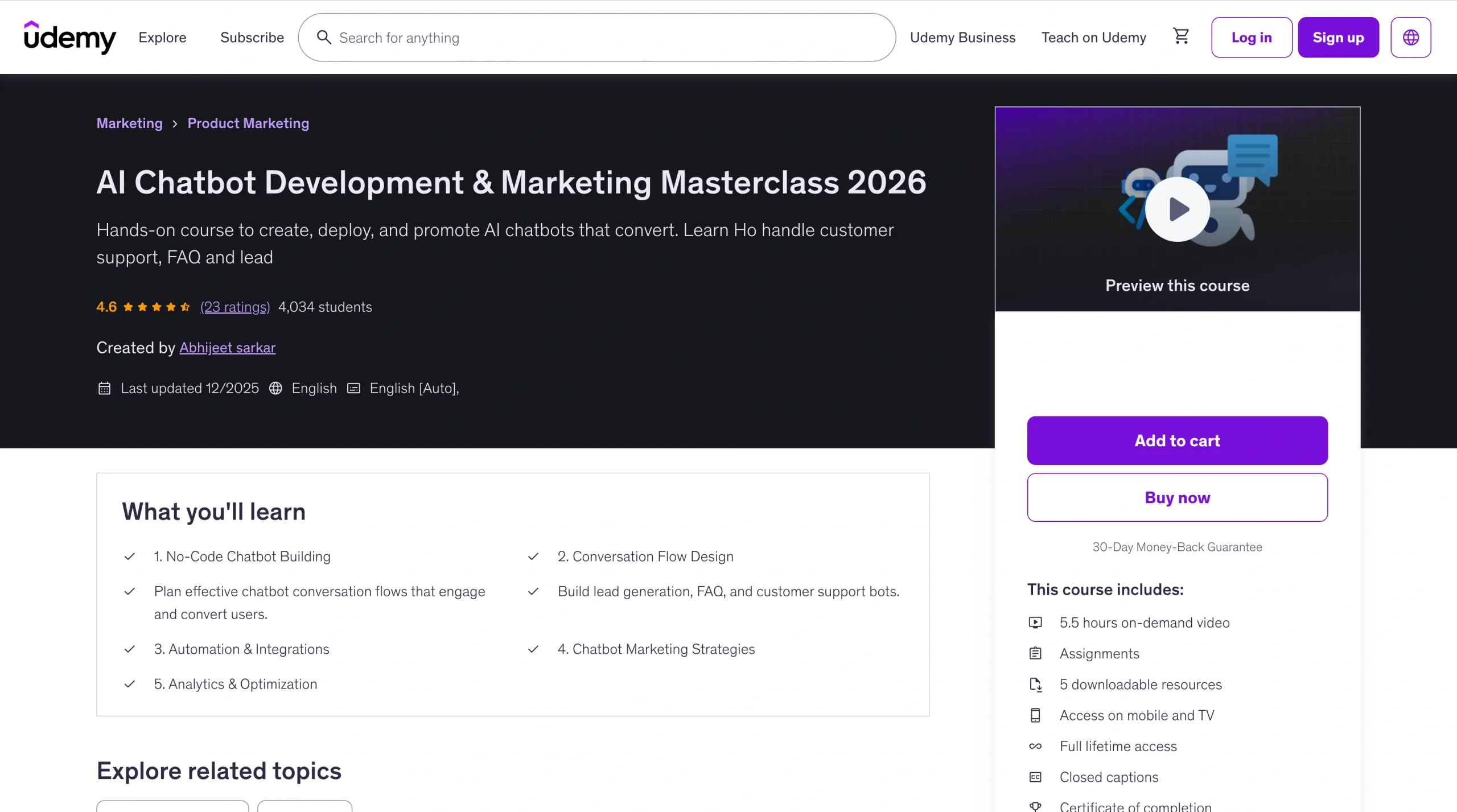
Key topics covered: This course teaches you how to build and market chatbots using drag-and-drop tools. You’ll work with platforms such as Manychat, Tidio, and Landbot to create automated chat flows for websites, WhatsApp, Instagram, and Facebook Messenger. The seven modules cover
- An introduction to chatbots and conversational AI
- No-code platforms to create chatbots
- Conversation flow design
- Automations and CRM integrations
- Chatbot marketing strategies
- Analytics and optimization techniques
- Real-world projects and freelancing opportunities
You’ll integrate bots with CRMs and email tools and track and optimize performance for better engagement. By the end, you’ll have the skills to launch chatbot services or automate your own business.
- Best for: Marketers, entrepreneurs, and business owners who want to use chatbots for lead generation but don’t want to learn to code
- Key features
- This course teaches you how to build and market chatbots using drag-and-drop tools. You’ll work with platforms such as Manychat, Tidio, and Landbot to create automated chat flows for websites, WhatsApp, Instagram, and Facebook Messenger.
- Cons
- Since the course is platform focused, you won’t learn programming or AI development fundamentals.
- Your choice of chatbot is limited to the capabilities and pricing structures of the third-party platforms featured in the course.
- The platforms’ free tiers have subscriber limits, so scaling requires paid platform accounts.
- Platform-specific workflows won’t transfer to your business if you later want custom solutions or if the platforms update their interfaces.
- If you’re looking for enterprise-level integrations, you may need technical support beyond what the course covers.
- You’ll need free or trial accounts on the featured chatbot platforms to follow the lessons.
- Plans/Pricing
- $19.99 (but check for frequent Udemy sales)
- Course link: AI Chatbot Development & Marketing Masterclass 2026 | Udemy
6. Build Your Own Chatbot (Cognitive Class)
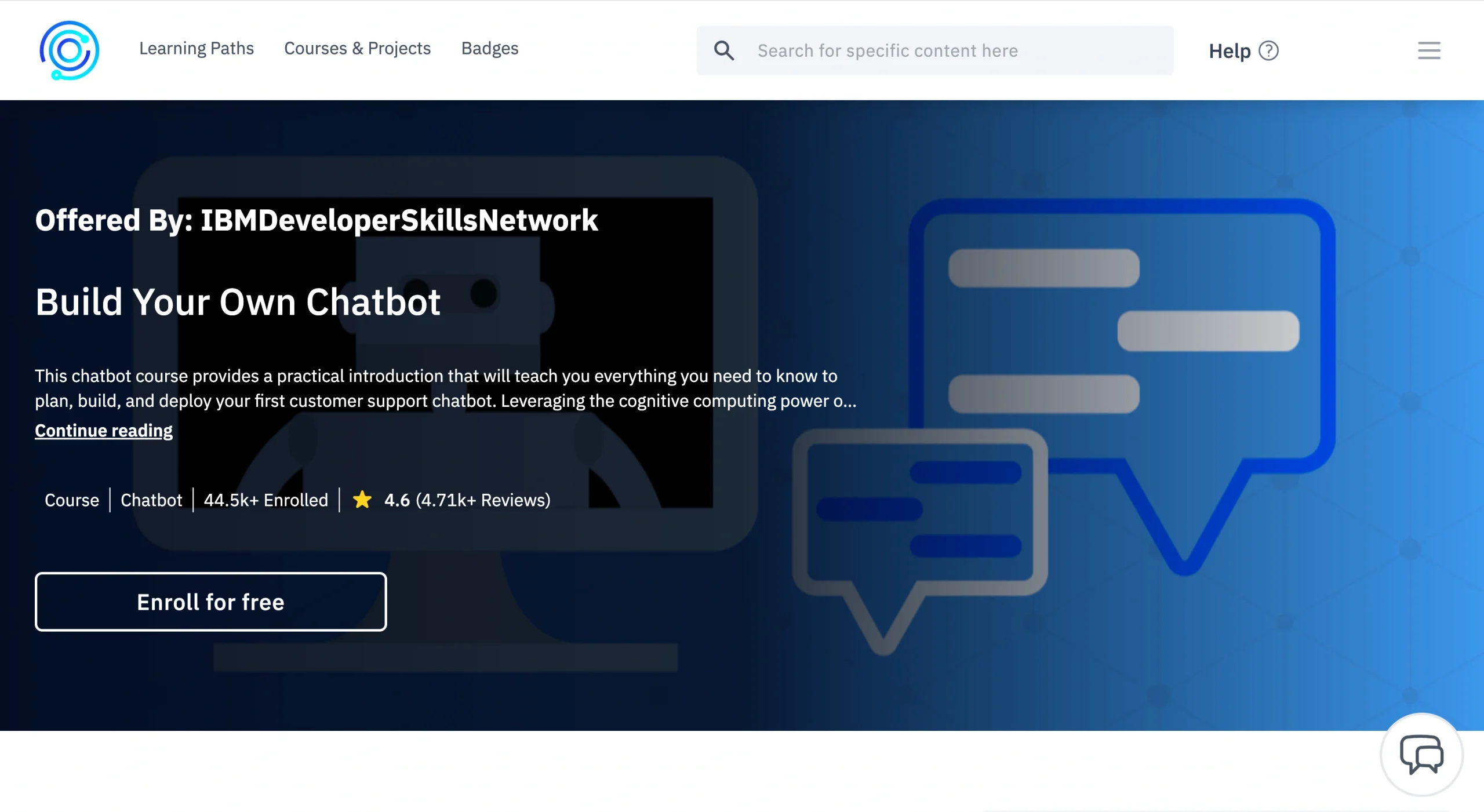
Key topics covered: IBM presents this free, hands-on introduction to building and deploying chatbots with Watson Assistant. You’ll design conversations without using code and create intents, entities, and dialog flows. You’ll also learn how to deploy your bot on WordPress sites using plug-ins. The hands-on labs walk you through building functional business chatbots from scratch, teaching you how Watson Assistant’s cognitive computing works along the way.
- Best for: IBM ecosystem learners and those who want free, self-paced chatbot training
- Key features
- IBM presents this free, hands-on introduction to building and deploying chatbots with Watson Assistant. You’ll design conversations without using code and create intents, entities, and dialog flows.
- Cons
- With the heavy Watson Assistant focus, you’re learning IBM’s approach, not platform-agnostic skills.
- Watson Assistant’s interface has evolved (it’s now watsonx Assistant), so some screenshots may be outdated. However, the core concepts still apply.
- As a free course, it lacks the polish of courses on paid platforms (though the IBM badge received at the end does add credential value).
- Plans/Pricing
- Free
- Course link: Build Your Own Chatbot | Cognitive Class
7. Customer Service with Python: Build a Chatbot Using ChatGPT (Coursera)
Key topics covered: You’ll code a ChatGPT-powered customer service bot in Python. You’ll also import libraries, configure your OpenAI API key, call the ChatGPT API, and structure prompts for consistent responses. The practice exercise covers conversation context, memory handling, and basic error handling. You’ll define conversation functions and test your bot’s interactions. This chatbot programmingtutorial is perfect for developers who want to understand how AI chatbots work under the hood (versus using drag-and-drop tools).
- Best for: Developers who want to build custom bots using OpenAI’s API
- Key features
- You’ll code a ChatGPT-powered customer service bot in Python. You’ll also import libraries, configure your OpenAI API key, call the ChatGPT API, and structure prompts for consistent responses.
- Cons
- The course isn’t beginner friendly; it requires Python and API experience.
- The practice exercise is short, covering integration basics but not advanced topics such as conversation design, user authentication, or production deployment.
- You’ll need an OpenAI API key, which requires paying for usage beyond the free OpenAI trial.
- The guided format limits experimentation during the lesson.
- Plans/Pricing
- Included with Coursera Plus
- Course link: Customer Service with Python: Build a Chatbot Using ChatGPT | Coursera
8. How to Build Chatbot with Python & Rasa Open Source (Udemy)
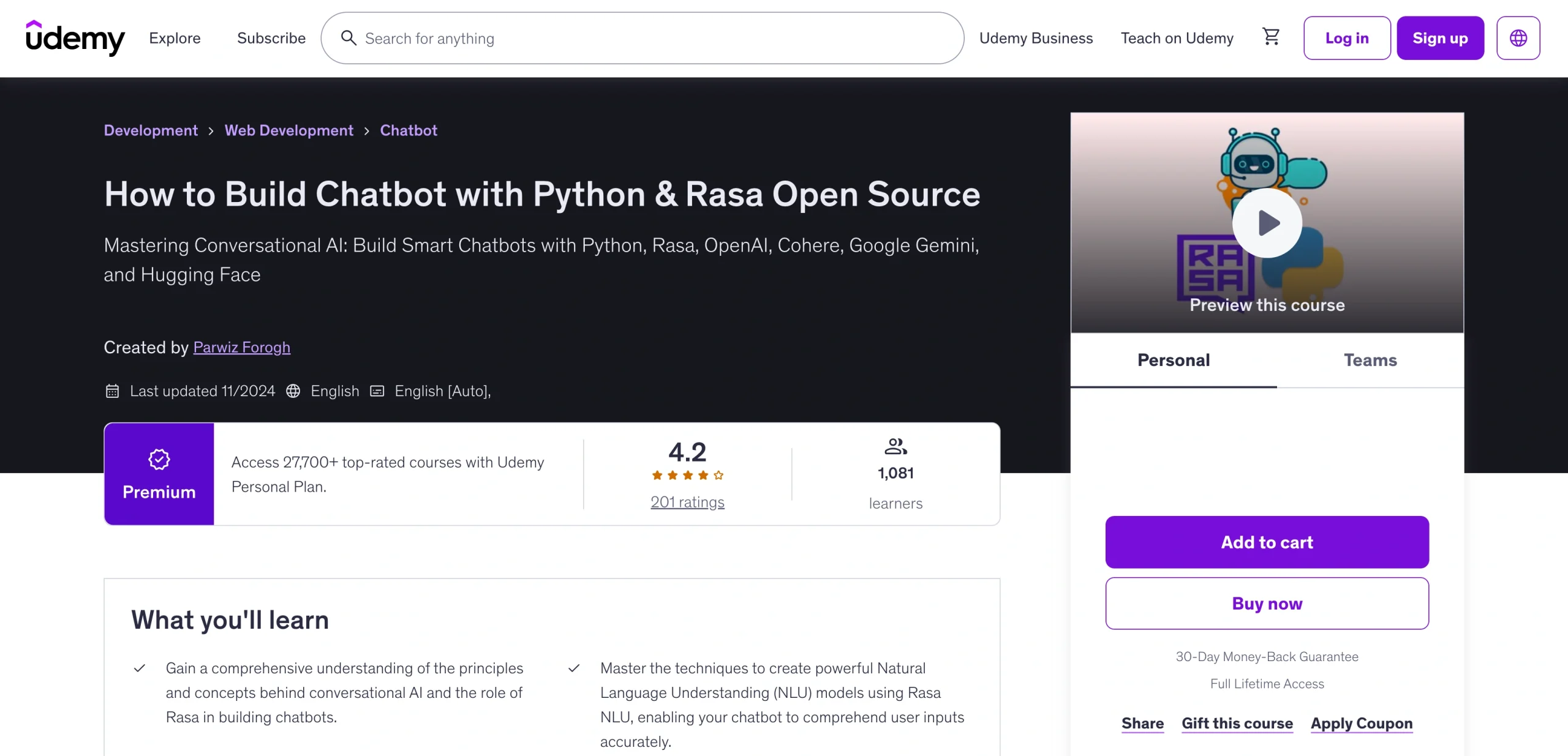
Key topics covered: Rasa is an open-source framework that gives you complete control over your chatbot’s behavior and data. You’ll set up a Rasa development environment, create training data for intent classification, and build custom actions that execute Python during conversations. The course covers natural language understanding fundamentals, for example, explaining how Rasa uses machine learning for intent recognition and entity extraction. It also shows you how to integrate Rasa with OpenAI large language models such as Cohere, Google Gemini, and Hugging Face. You’ll build interactive conversations with Rasa Forms, integrate external APIs for weather and news bots, and create Flask web interfaces.
- Best for: Developers who want full control and open-source tools
- Key features
- Rasa is an open-source framework that gives you complete control over your chatbot’s behavior and data. You’ll set up a Rasa development environment, create training data for intent classification, and build custom actions that execute Python during conversations.
- Cons
- This course is definitely for programmers. You need solid Python skills, familiarity with command-line interfaces, and patience for setup and troubleshooting.
- Recent versions of Rasa have become more complex, and the open-source community has shifted some focus to paid enterprise offerings.
- Course materials may not always reflect the latest Rasa version, requiring some adaptation.
- Plans/Pricing
- $74.99 (again, check for Udemy sales)
- Course link: How to Build Chatbot with Python & Rasa Open Source | Udemy
9. Understanding Bots: Chatbot Architecture (Skillsoft)
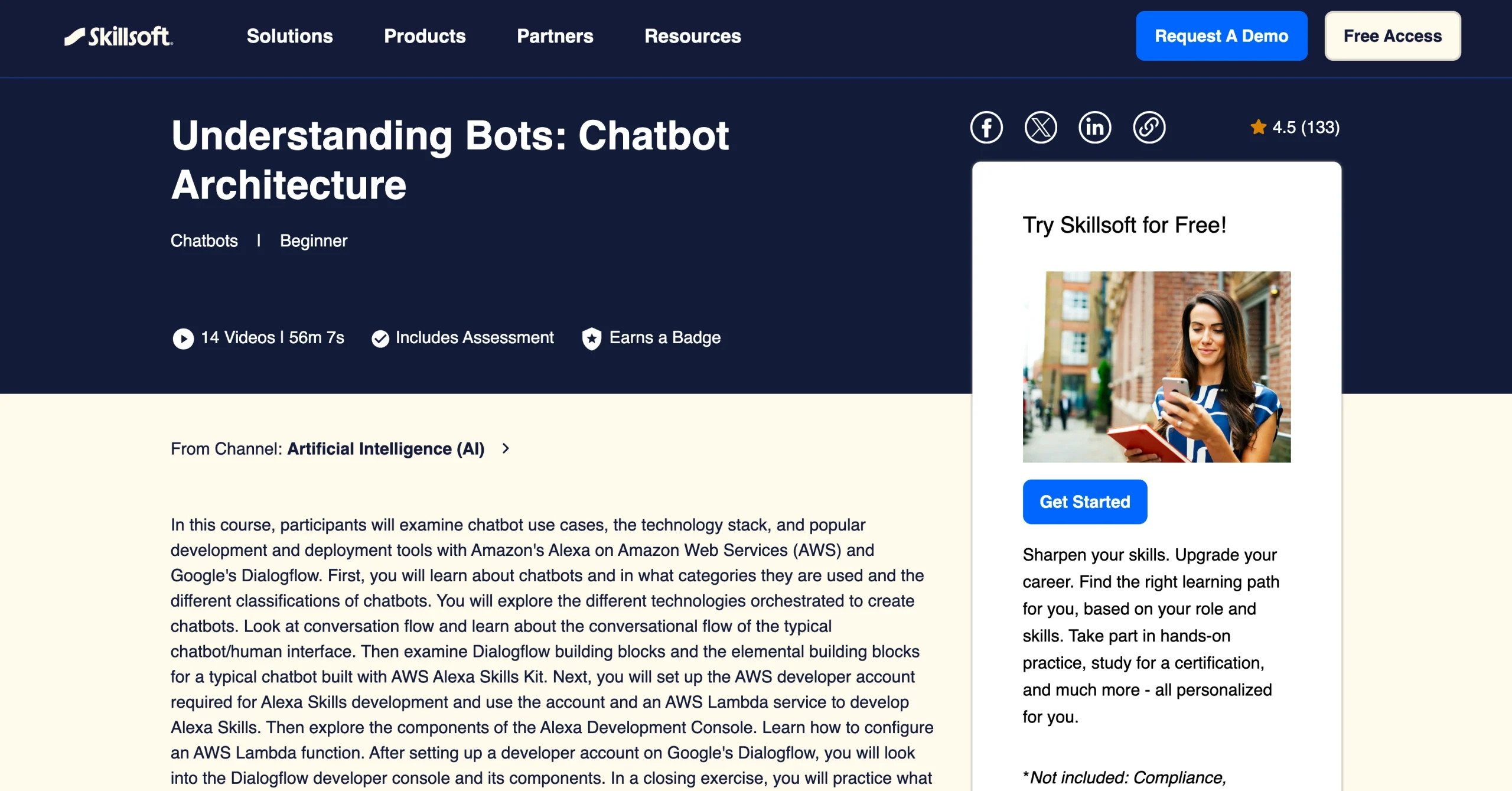
Key topics covered: You’ll explore chatbot use cases and classifications, and the tech stack behind conversational AI. You’ll learn the core components of chatbots built on Google Dialogflow and AWS Alexa Skills Kit. Hands-on labs help you create AWS and Google Dialogflow accounts, use AWS Lambda for Alexa skills, and work with both development consoles. You’ll also learn how to design conversational flows and how different technologies work together to create functional bots.
- Best for: Enterprise IT professionals and solution architects (though the course is labeled “beginner,” it helps if you have some technical background)
- Key features
- You’ll explore chatbot use cases and classifications, and the tech stack behind conversational AI. You’ll learn the core components of chatbots built on Google Dialogflow and AWS Alexa Skills Kit.
- Cons
- Because the course takes only an hour, you’ll cover a lot of ground quickly, but you won’t learn a lot about any single platform.
- You need accounts for AWS and Google Cloud to follow along with the hands-on portions. Getting these may involve setup time before the course begins.
- Access to the course requires a Skillsoft subscription. Employers typically purchase these, rather than individuals. So the course is not easily available to independent learners.
- It may be overwhelming to work with two platforms simultaneously and at a rapid pace.
- Plans/Pricing
- Requires Skillsoft subscription (pricing varies by organization; individual subscriptions not commonly available)
- Course link: Understanding Bots: Chatbot Architecture | Skillsoft
10. GenAI Chatbots: Create and Deploy OpenAI-Powered Chatbots (Coursera)
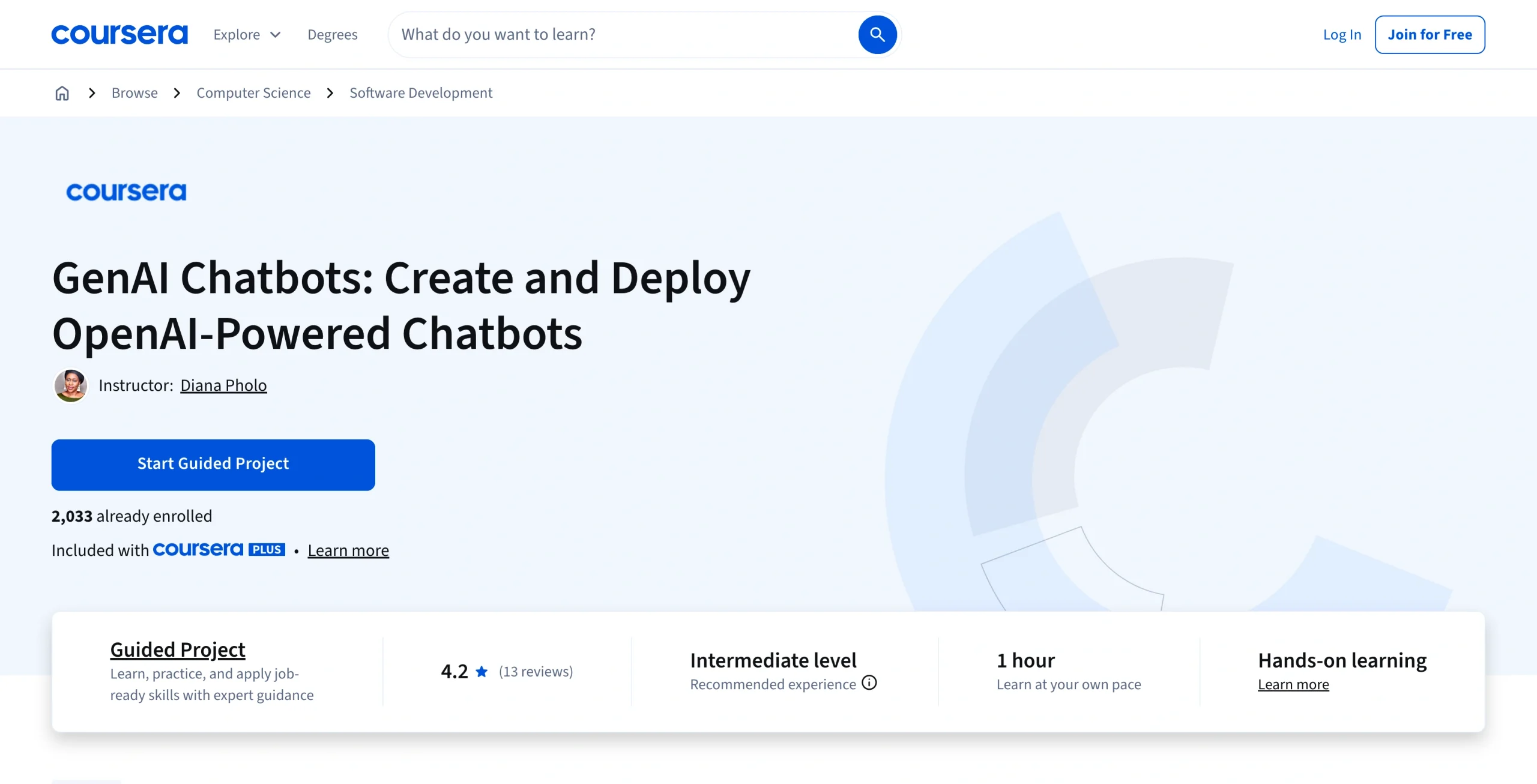
Key topics covered: You’ll build and deploy a chatbot powered by OpenAI’s GPT models, using FastAPI for the back end and Dash for the interface. You’ll learn prompts that make GPT responses more reliable and on-brand. The project involves implementing conversation memory using LlamaIndex and retrieval-augmented generation (RAG), handling context, and setting up guardrails to prevent irrelevant responses. You’ll deploy your bot with FastAPI and create an interactive Dash dashboard that you can customize for specific use cases.
- Best for: Anyone who wants to use cutting-edge generative AI in their bots
- Key features
- You’ll build and deploy a chatbot powered by OpenAI’s GPT models, using FastAPI for the back end and Dash for the interface. You’ll learn prompts that make GPT responses more reliable and on-brand.
- Cons
- Because the course takes only an hour, it rapidly covers complex topics.
- You’ll have a working bot at the end of the course, but mastering prompts and RAG patterns takes much more time.
- OpenAI API costs can add up quickly if your bot receives significant traffic, and the course doesn’t provide in-depth coverage of cost optimization strategies.
- You’re dependent on OpenAI’s service availability and pricing changes.
- Plans/Pricing
- Included with Coursera Plus
- Course link: GenAI Chatbots: Create and Deploy OpenAI-Powered Chatbots | Coursera
Start your AI learning journey today
Most careers now require some AI literacy. Companies in finance, healthcare, retail, and tech are integrating AI into daily operations. They need employees who understand how these systems work. You don’t need a graduate degree to start. Many AI courses are designed for working professionals and have flexible schedules and practical projects that build job-ready skills.
Learning how to use AI (whether for chatbots, machine learning tools, or AI agents) gives you transferable problem-solving skills. With this knowledge, you’ll know how to automate repetitive work, improve customer experiences, and make decisions based on data. These capabilities make you more competitive in the job market and more valuable to your current employer.
Now is the perfect time to start learning about AI: The tools have become more accessible, the courses are better structured, and the demand for AI skills is growing. For developers, marketers, or anyone curious about the technology, these courses provide a learning path that fits your schedule and goals.
FAQs about chatbot courses
Yes. To improve their AI, companies hire chatbot trainers to review conversations, label user intents, and write better response variations. This work is sometimes called “AI training” or “conversation design,” and it’s available as full-time employment and freelance work.
Platforms such as DataAnnotation, Scale AI, Appen, and Lionbridge hire people to train conversational AI models. The pay varies widely based on the complexity of the tool and language requirements.
That depends on what you want to learn. For general ChatGPT use and prompt engineering, look for courses that cover practical business applications rather than the basics. If you specifically want to build chatbots using ChatGPT’s API, the Coursera course “Customer Service with Python: Build a Chatbot Using ChatGPT” offers hands-on coding experience. For no-code options that integrate ChatGPT into workflows, courses covering tools such as Zapier or Make (formerly Integromat) are more useful than generic ChatGPT tutorials.
This is like asking whether a hammer or a toolbox is better: They’re two different things. ChatGPT is a specific large language model made by OpenAI. It can power chatbots, write content, analyze data, and perform many other tasks. Chatbot AI is a broader category that includes any conversational agent, whether it uses ChatGPT, another language model, or rule-based logic.
Many modern chatbots use ChatGPT as their underlying engine. Whether you use ChatGPT or chatbot AI, neither is necessarily better. What’s important is which one fits your specific needs. Simple customer service bots might not need ChatGPT’s capabilities, while complex conversational AI benefits from advanced language models.
This article is for anyone exploring chatbot training, including beginners comparing course formats and tools, and teams evaluating practical paths to build, deploy, and maintain conversational assistants for customer service, sales, or internal support.


































































Send Comment: