Enterprise resource planning (ERP) systems enable you to manage all core business processes in one place. But they are not always easy to use, especially if you’re not a technical expert.
And that’s the gap an ERP AI chatbot fills: It simplifies navigation in ERP systems. Instead of clicking through multiple complex menus manually, you interact with your ERP system using conversations, the same way you’d talk to a friend or a coworker.
That explains why AI chatbots are rapidly becoming a standard feature in modern ERP platforms.
To help you understand how AI chatbots in ERP solutions streamline operations, this guide reveals what they are, where you can use them to automate workflows, and how they benefit your business. You’ll also find out the must-have features for an ERP chatbot.
What is an ERP AI chatbot?
An ERP AI chatbot is a virtual assistant inside enterprise resource planning systems that can hold humanlike conversations. It helps users retrieve information, enter data, and even automate tasks using text or voice prompts.
Some ERP solutions come with built-in AI chatbots. But if yours doesn’t, don’t worry. You can use a platform like Jotform to build your chatbot and then connect it to your ERP system using APIs, which allow different software tools to communicate with each other in real time.
There are two main types of ERP chatbots.
Rule-based vs AI-powered ERP chatbots
Rule-based chatbots are old-school. Before launching one, you set specific conditions or triggers that determine how the tool will respond when someone uses it. They are great for simple, predictable tasks or questions.
AI-powered chatbots are the modern alternative. Instead of relying on predefined rules, they use natural language processing (NLP) to understand what a user is looking for. NLP enables the chatbots to pick up on context in written or spoken prompts. As a result, they can answer complex questions and automate more advanced workflows.
How AI-powered ERP chatbots process user input in real time
When you ask a question or type a command into an ERP AI chatbot, it uses NLP to figure out what you mean.
It then turns your message into a format your ERP system can understand. For instance, if you ask about a specific order, it will map your request to the proper ERP fields, such as order number, shipment status, and date. It then will send the information through an API to get the right data or carry out a task.
Once your ERP system replies, the chatbot uses that information to generate a conversational response that shows up in the chatting interface. For example, if you type “Get current inventory for product Z,” the chatbot sends the request in the background and the ERP returns the results in real time.
Top ERP use cases you can automate with AI chatbots
Here are six common ERP workflows you can automate with an AI chatbot.
1. Tracking orders and delivery status
In an ERP system, chasing down order information manually can be hectic and time-consuming, especially if you’re dealing with numerous shipments.
Luckily, an AI chatbot can change that. Instead of clicking through multiple dashboards and menus, you can save time by simply entering your text prompt. For example
- Where’s order [order number]?
- Has the shipment for [name of a particular customer] arrived?
- Show me delayed deliveries in the past [specific period].
2. Monitoring inventory
Too much stock increases carrying costs. Meanwhile, if there isn’t enough stock to meet demand, you miss out on sales opportunities. AI chatbots in ERP make it easy to stay on top of inventory updates. All you have to do is type a simple prompt in the chatbot, such as
- How many units of [name of item] are left?
- Show all inventory changes for the last [a particular period].
- When will [product name] run out at the current usage rate?
- Where is [item name] located in the warehouse?
3. Handling HR queries
An ERP AI chatbot can answer HR questions employees ask most often, eliminating the need for a conversation with someone in HR. For example, it can handle FAQs regarding paid time off, benefits, and payroll. And because it isn’t limited by office hours, employees can get help anytime, day or night.
By taking care of routine HR questions and automating repetitive tasks, the chatbot frees up your HR team to focus more on work that actually needs a human touch, such as managing and developing talent.
4. Finding and processing invoices
Rather than digging through the ERP interface looking for a particular invoice, you can ask the AI chatbot to fetch it automatically. For example, you can type “Find the invoice linked to purchase order 2148.”
After pulling up the invoice from your ERP system, you can ask the AI chatbot to compare its details against the purchase order and receipt. It can automatically flag discrepancies, such as vendor, price, or quantity mismatch, so you don’t have to cross-check manually.
The AI chatbot also makes it easy to track invoice status. You can instantly check approvals, payment schedules, and outstanding amounts.
5. Reconciling bank statements
An ERP chatbot can help reduce tedious accounting tasks. Without automation, finance staff would have to manually check each line of a bank statement, match it to ERP records, and figure out where to post unmatched items in the ledger. The AI chatbot can do most of that automatically.
For example, if your ERP says you paid a vendor $1,000 on June 3, and the bank statement shows that payment clearing on June 4, the chatbot can match those two entries.
If there are transactions in the bank statement that don’t match anything in the ERP records, the chatbot can recommend which account in the ledger they should go into. If the bank statement shows a bank fee, for instance, the chatbot might suggest posting it to a “Bank charges” expense account.
6. Entering data into the ERP system
An AI chatbot can automate data entry into the ERP software. Let’s say you receive a purchase order from a customer. Instead of logging into the ERP system and filling out all the details manually, you can just upload the document to the AI chatbot.
The bot then uses character recognition and NLP technologies to read the purchase order, automatically recognizing all important details, such as customer name, purchase order number, date, and item quantities. After extracting the details, it populates the corresponding fields in the ERP platform.
Benefits of using AI chatbots in ERP systems
Once you integrate an AI chatbot during ERP implementation, you get to enjoy the following benefits.
Improve employee experience and boost productivity
With the automation of AI chatbots in ERP, teams spend less time on manual, repetitive tasks, such as fetching or entering data into the system. They’re able to focus more on the parts of their work they actually enjoy and find meaningful.
Automation also improves productivity. In a Salesforce survey of over 700 automation users in the US, 74 percent said that it helped them get their work done faster. The study also found that automation made it easier for teams to collaborate, both within and across departments.
Speed up decision-making
Decision-makers rely on up-to-date information to make informed decisions quickly. But getting that data isn’t always fast enough. AI chatbots in ERP systems solve this issue by pulling insights on the spot.
For example, you can ask for sales trends and inventory levels right when you need them without tracking down someone from another department or waiting for reports. With the AI chatbot, leaders can access insights in their ERP almost instantly and use them to act as soon as possible.
Increase data accuracy
Manual data entry is prone to mistakes, such as typos and missed fields. An AI chatbot in ERP systems fixes this problem in two ways.
Because it automates data entry, you don’t have to type information into the system manually. Once you upload a document, the chatbot instantly reads the document, pulls out all the necessary details, and posts them directly into your ERP system. This eliminates human data entry errors.
An AI-powered ERP chatbot can also act as your fact-checking buddy. For example, it can look at a payment record in your ERP and automatically match it against bank statements or existing purchase orders. If there’s a mismatch or a missing piece of information, the chatbot flags it instantly so you catch inconsistencies fast and early. As a result, the data you use in making decisions is always reliable.
Reduce costs
How much time and money do you spend on manual ERP tasks? With an AI chatbot handling some or all of those operations, you save on labor costs that come with manual processes.
And because the bot improves data accuracy, you minimize the extra costs of tracking down and fixing errors. Additionally, ERP chatbots make your system easier to use, which can help reduce how much you spend on training.
Key features to look for in an ERP chatbot
When selecting an AI chatbot for your ERP system, prioritize capabilities that facilitate seamless integration and conversation-based interactions. Most important, the tools should meet data protection standards to ensure compliance with regulations.
Here are seven essential features you should look for in an ERP AI chatbot:
1. Natural language processing
You want an ERP AI chatbot with reliable NLP technology. Make sure it can accurately interpret user prompts, even when the text commands have mistakes. You don’t want a tool that gets confused by a typo or generates irrelevant responses.
An ERP chatbot with a powerful NLP engine understands the context and intent behind the prompt, not just the exact words. That way, users can interact with the system naturally and conversationally, similar to how they’d communicate with colleagues.
2. Chatbot integration with ERP systems
Choose an AI chatbot that’s compatible with SAP, Oracle, NetSuite, Microsoft Dynamics, or any other ERP system you already use.
Some ERP software solutions come with an AI chatbot as a standard feature. If yours doesn’t, pick a chatbot that can communicate with your ERP software in real time through APIs. That way, the bot can pull live data from the ERP platform to provide instant, accurate information when responding to users.
If an ERP chatbot can’t integrate with your enterprise resource planning system, it’s basically a general conversational interface that can’t access proprietary data or workflows tailored to your business.
3. Secure authentication and compliance with data protection regulations
ERP systems are a treasure trove of sensitive data. If that information lands in the wrong hands, details such as vendor names, billing addresses, and email contacts can be exposed. Cybercriminals often use this kind of data to carry out invoice fraud.
Because the AI chatbot you choose will access sensitive ERP data, you must make sure the chatbot has robust authentication measures. For example, two-factor authentication (2FA) requires users to verify their identity twice before gaining access. The first step is typically a password, and the second is often a unique verification code sent via email. Even if an attacker obtains a user’s password, they still need the second step to log in, making unauthorized access much more difficult.
The chatbot’s security features should also enable compliance with common data privacy and protection regulations, such as
- General Data Protection Regulation (GDPR)
- Payment Card Industry Data Security Standard (PCI DSS)
- Health Insurance Portability and Accountability Act (HIPAA)
4. Workflow automation
Your ERP AI chatbot shouldn’t be just a conversational assistant that only answers user prompts. Make sure it’s also autonomous, meaning it performs tasks and makes decisions with little or no human guidance.
For instance, it should be able to trigger an ERP workflow at the right time based on user interactions in the chatting interface. This ensures it can automate repetitive processes, such as inventory checks, in your ERP platform.
5. Intelligent escalation (conversation handoff to human agents)
Even the most advanced ERP AI chatbot can’t handle every scenario. When users request workflows that are too complex to execute or ask questions the bot can’t answer, the ERP bot should be able to connect users to the right support agent.
It should hand off the conversation seamlessly, including all context and history, so employees get the help they need without repeating themselves. Without this feature, the bot can frustrate users and slow down productivity instead of enhancing it.
6. Customization and scalability
Your workflows, approval paths, and even ERP naming conventions might look completely different from those of a company in another industry. That’s why you need a chatbot you can tailor to your unique environment. This often comes down to training the bot on your organization’s data so it understands your processes and terminology.
You also need to know whether the chatbot can keep up as your business grows. Can it handle more users and a larger ERP dataset without slowing down? Scalability ensures the bot stays fast and reliable, even during usage spikes or as your data expands.
7. Other capabilities
The following features are optional, but they make an ERP chatbot more powerful:
- Predictive insights: ERP chatbots with this feature can analyze historical records in the system and live data to forecast what might happen in the future, such as predicting upcoming sales trends. These insights help you prepare in advance.
- Alerts and notifications: Some ERP chatbots can use their real-time connection to ERP systems to automatically update users about important changes, such as low inventory or delayed orders.
- Continuous learning and improvement: With this feature, an AI chatbot refines its understanding over time based on user interactions. Continuous learning improves its accuracy and reliability.
Build your AI chatbot today with Jotform
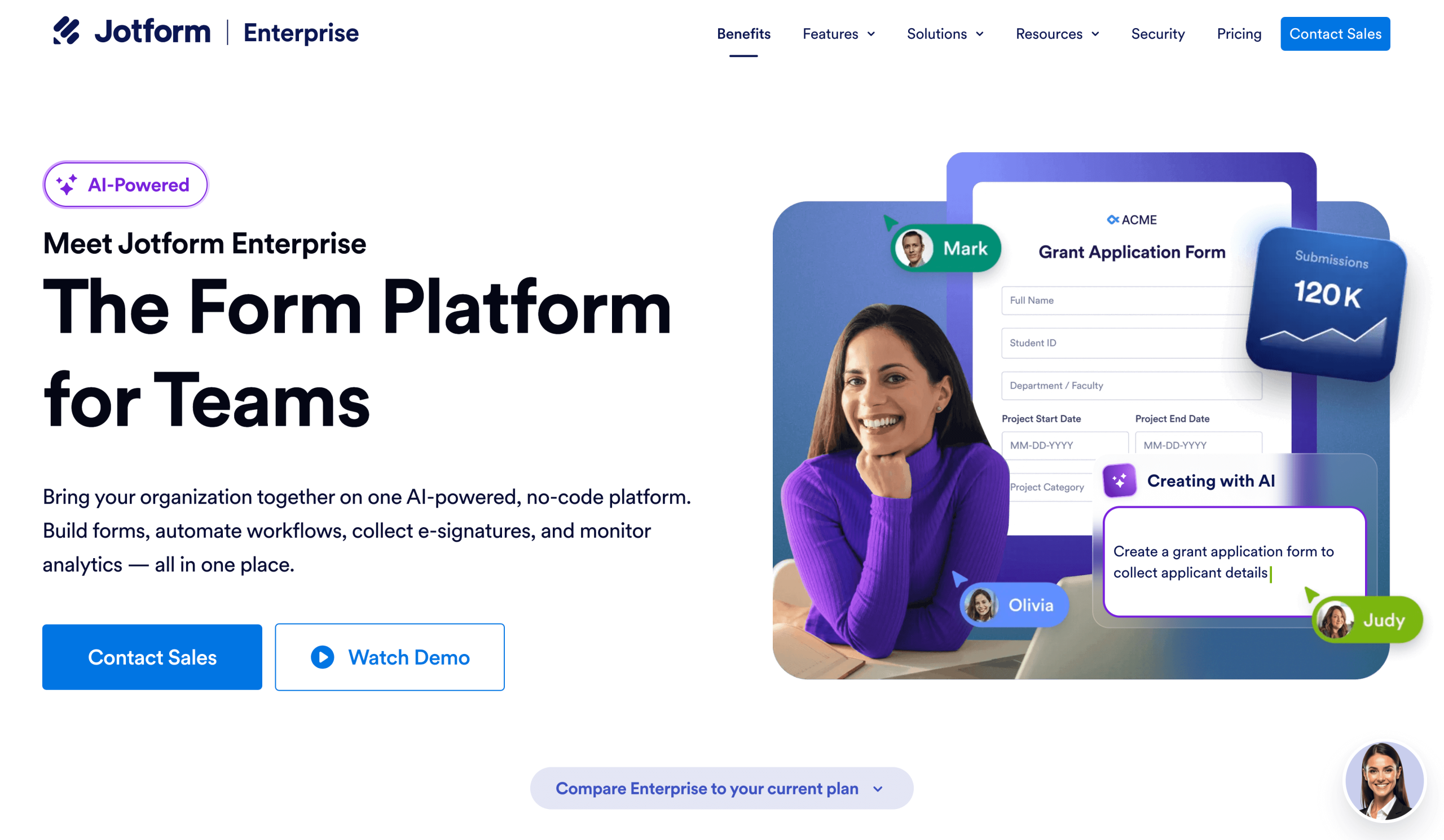
Jotform Enterprise isn’t a full ERP platform. But it offers enterprise-grade capabilities that enable growing organizations to collect all their data in one AI-powered platform, and then distribute it to other business tools through integrations.
It’s a flexible system that helps teams handle large-scale workflows and collaborate seamlessly to boost productivity. The platform comes with robust security features that protect sensitive information and enable compliance with popular data security requirements.
Most important, you can build an AI agent that can interact with users through conversations, act automatically based on user interactions, and communicate with other business tools you already use for real-time insights, all without writing any code.
If your company needs more advanced controls and scalability, you can upgrade to Jotform Enterprise.
Key features of Jotform Enterprise AI Agents
The key capabilities of Jotform Enterprise AI Agents include
- Multichannel AI deployment: Once you’ve developed your Jotform AI Agent, you can deploy it anywhere your team or customers need it, whether it’s on your website or ERP system. You can also launch it through phone, SMS, WhatsApp, or even in-person kiosks. This capability gives users consistent access across the channels they already use.
- Customizable avatars and conversation styles: You can adjust the chatbot’s persona and tone to match your brand. You can also design avatars to create a more engaging experience.
- Multiple ways to train your bot with your own data: You can train your AI agent using your organizational knowledge through URLs, uploaded documents, and Q&A sets.
- Workflow automation: Jotform AI Agents can do more than answer questions; they can also trigger actions. You can easily automate your workflows for everything from sending emails and creating support tickets to collecting payments or routing requests.
- Enterprise-level controls: With Jotform’s multiuser management settings, you can assign permissions, letting you control access to forms and document submissions.
- Monitoring and analytics: Jotform AI Agents allow you to track user conversations and submissions so you get insights that can help you understand what users need and improve support.
- Built-in scalability: No matter the size of your team, Jotform AI Agents are designed to scale as your organization grows, without affecting performance.
See how Jotform Enterprise can streamline your ERP processes.
FAQs about ERP chatbots
There isn’t a single one-size-fits-all ERP chatbot for every company. The right choice depends on multiple factors, including your ERP system and workflows. However, an AI chatbot built specifically for your ERP system (built-in bot) often works best because of direct access to all relevant data without the need for complex APIs. But if your current ERP software doesn’t come with it, you can still build one on a platform like Jotform and reliably connect it to your ERP.
ERP systems with AI use artificial intelligence technologies such as natural language processing and machine learning. As a result, they offer more powerful automation than traditional ERP solutions.
Not anytime soon. That’s because AI enhances an ERP software rather than replacing it. ERP software still brings all core business functions under one roof, and it will continue doing so in the future. In short, we’re moving toward AI-powered ERP, not AI instead of ERP.
This article is for business teams evaluating ERP tools, operations leaders improving internal workflows, and anyone exploring how conversational AI can make ERP systems easier to use, automate routine requests, and surface accurate information faster across departments.









































































Send Comment: