
The Adult Health Calculator App is a ready-to-use app template for adults who want to record measurements, calculate a BMI estimate, consider activity level, and review general health guidance in one accessible place. It is well suited to wellness programs, fitness professionals, personal trainers, health educators, and organizations offering informational self-assessments. Users can start a new assessment, view saved results, and read contextual interpretations that encourage responsible use of the estimate. This organized experience reduces scattered records and makes it easier to revisit measurements over time. Results are informational and should not replace professional medical advice, diagnosis, or treatment.
Jotform provides a no-code app builder that helps teams customize App Templates without programming. With its drag-and-drop interface, you can adapt the Adult Health Calculator App to your visual identity, reorganize content, update guidance, and connect forms or tables for data collection and workflow support. Publish the app with a shareable link or QR code so users can access its self-service features on phones, tablets, or computers. Jotform also makes it simple to maintain a polished app experience as assessment needs, educational resources, or internal processes change.
Related templates
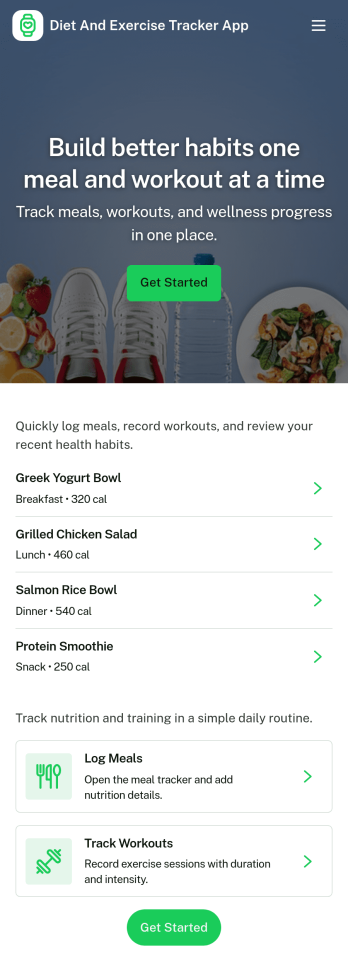
Diet and Exercise Tracker App
Diet and Exercise Tracker App helps individuals and wellness professionals keep daily nutrition and activity records in one place. Use it to log meals, record workouts, and review a running history so patterns are easier to spot over time. It fits personal fitness routines, personal training check-ins, and wellness programs where consistency matters and quick logging reduces the chance of missed details.With Jotform, you can turn this app template into a tailored self-service experience using a no-code app builder and a drag-and-drop interface. Connect your meal and workout logs to forms and tables for organized data collection, then share the app as a simple link for mobile-friendly tracking. Update fields, adjust the layout, and keep your workflow moving with notifications and connected tools inside Jotform.
Go to Category:Activity Tracking Apps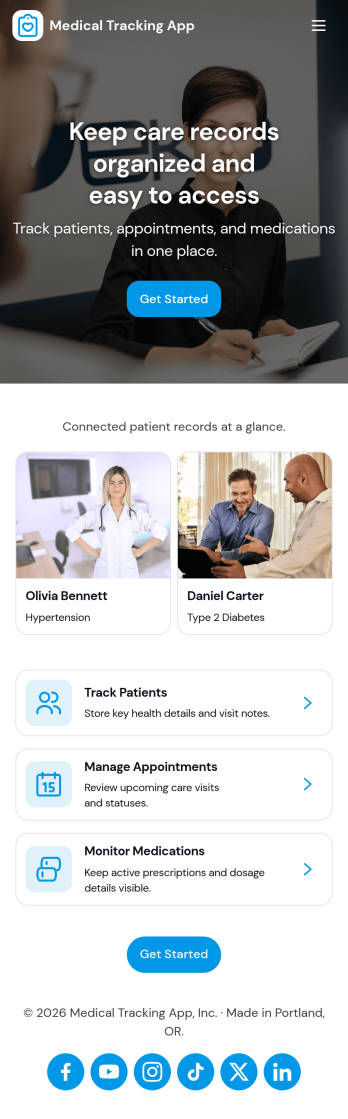
Medical Tracking App
Medical Tracking App gives individuals and caregivers a simple place to track day-to-day health details and stay organized between visits. Use it to record vital logs over time, keep a medication schedule with dose notes, and maintain a list of upcoming appointments so nothing gets missed. It works well for people managing chronic conditions, families supporting older relatives, and anyone who wants a clearer picture of patterns like weight changes or symptom shifts. Because entries are easy to add and browse, it also fits routines where multiple updates happen throughout the week.Jotform makes it easy to turn this medical tracking workflow into a shareable self-service experience with App Templates built using a no-code app builder. Customize pages with a drag-and-drop interface, connect forms for consistent data collection, and organize records so you can review updates in one place. As your needs evolve, you can refine the layout, adjust what you collect, and keep your tracking workflow aligned with how you actually manage health information.
Go to Category:Activity Tracking Apps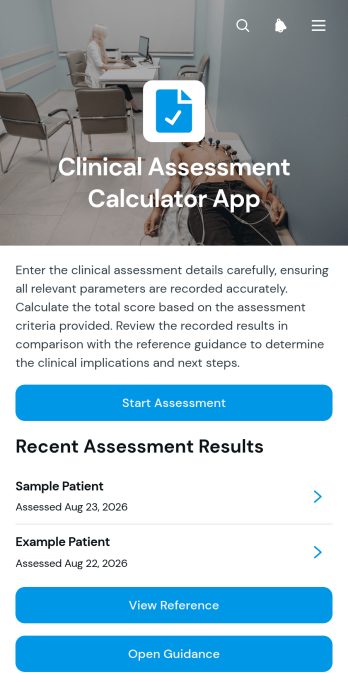
Clinical Assessment Calculator App
Clinical Assessment Calculator App gives clinicians, nurses, allied health professionals, and healthcare teams a central place to complete and review score-based patient assessments. Users can enter assessment criteria, calculate a score, view its interpretation, and consult relevant scoring guidance or thresholds. Previous assessments can be browsed by patient identifier, helping teams revisit clinical observations and score inputs without relying on scattered records. The app template is useful for clinics, care facilities, mobile health teams, and other organizations that want a consistent assessment workflow while keeping professional judgment at the center of every clinical decision.Jotform makes this app template easy to adapt with a no-code app builder and a flexible drag-and-drop interface. Teams can update pages, navigation, visual branding, assessment content, and connected data collection forms without writing code. Forms, tables, approvals, notifications, and other workflow elements can be connected to support organized record handling and timely follow-up. As part of Jotform App Templates, it can be shared through a direct link or QR code for convenient mobile access, giving authorized staff a practical way to complete assessments and reference results wherever care is delivered.
Go to Category:Healthcare Apps
Daily Medication Tracker App
Daily Medication Tracker App helps individuals, families, and care teams keep a clear day-to-day record of medications and doses in one place. Use it to view what’s been taken today, check when the next dose is due, browse a medication list, and quickly log a dose when it’s taken. It’s a practical fit for anyone managing multiple prescriptions, rotating schedules, or shared caregiving routines where missed doses and duplicate dosing are real risks.Built with Jotform, this app template can be customized with a no-code app builder and a drag-and-drop interface, so you can match it to your exact routine without technical work. Connect the app to your forms and tables for ongoing data collection, keep dose logs organized for easy reference, and create a simple self-service experience that’s easy to use on the go. Update medication details anytime, then share the app with the right people so everyone stays on the same page.
Go to Category:Healthcare Apps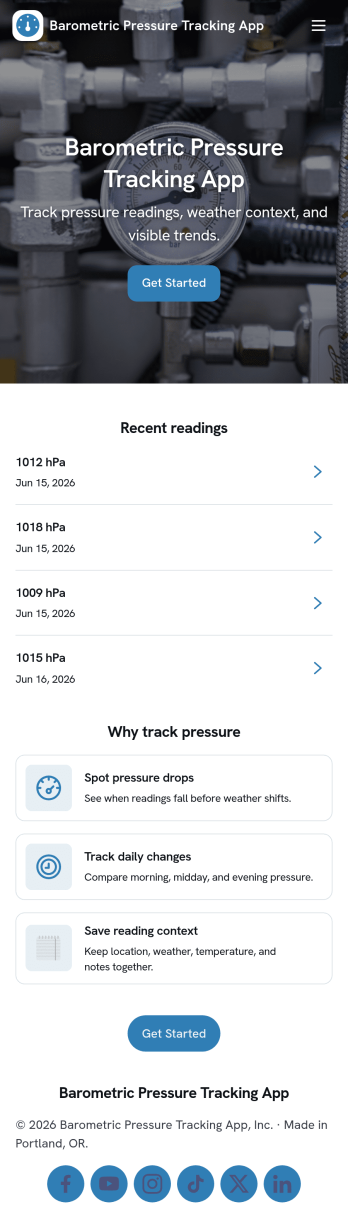
Barometric Pressure Tracking App
Barometric Pressure Tracking App helps you log and review barometric pressure readings over time so patterns are easier to spot and daily conditions are easier to compare. It’s a practical fit for weather enthusiasts, outdoor teams, pilots in training, facility managers monitoring building conditions, and anyone who wants a simple place to record measurements by date. With an in-app button to add a reading and list views for all readings and your own entries, this app keeps tracking consistent without relying on scattered notes or multiple tools.Jotform makes it easy to publish and share app templates like this using a no-code app builder with a drag-and-drop interface. Connect the app to a form and organize entries in one place, then share a link so others can contribute readings or check recent history. As your workflow evolves, you can tailor pages, update the layout, and control who can access the data collection experience, all without writing code.
Go to Category:Activity Tracking Apps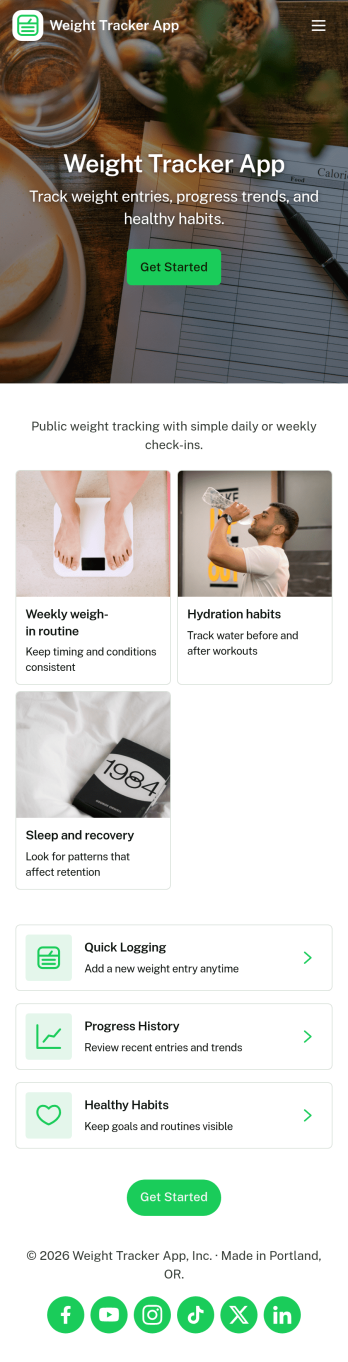
Weight Tracker App
Weight Tracker App helps individuals and wellness-focused teams record weigh-ins, review past entries, and spot patterns over time in one simple place. With a dedicated area to log weight, a history view for browsing previous records, and an insights section for quick check-ins, it’s useful for anyone building consistent habits, managing a personal fitness plan, or supporting accountability with a coach or small group.Jotform App Templates make it easy to turn a weight tracking workflow into a shareable, mobile-friendly experience without coding. Using Jotform’s no-code app builder and drag-and-drop interface, you can adjust pages, update navigation, and connect the app to the underlying form and data collection process so progress tracking stays organized as routines evolve.
Go to Category:Activity Tracking Apps