

Health Tracking Apps

Daily Medication Tracker App
Daily Medication Tracker App helps individuals, families, and care teams keep a clear day-to-day record of medications and doses in one place. Use it to view what’s been taken today, check when the next dose is due, browse a medication list, and quickly log a dose when it’s taken. It’s a practical fit for anyone managing multiple prescriptions, rotating schedules, or shared caregiving routines where missed doses and duplicate dosing are real risks.Built with Jotform, this app template can be customized with a no-code app builder and a drag-and-drop interface, so you can match it to your exact routine without technical work. Connect the app to your forms and tables for ongoing data collection, keep dose logs organized for easy reference, and create a simple self-service experience that’s easy to use on the go. Update medication details anytime, then share the app with the right people so everyone stays on the same page.
Go to Category:Healthcare Apps
Weight Gain Tracker App
Weight Gain Tracker App helps individuals and wellness professionals record weight changes and related habits in one place, so progress toward a target can be monitored over time. It’s a practical choice for anyone following a structured bulking plan, recovering from illness, or supporting healthy weight gain with consistent routines. With dedicated areas for a weight log, a nutrition log, and a recent progress view, the app keeps daily check-ins simple and makes it easier to spot patterns without relying on scattered notes or multiple tools.Built with Jotform, this app template can be tailored in a no-code app builder using a drag-and-drop interface to match your exact tracking method. Connect the experience to forms for ongoing data collection, organize entries into a clear workflow, and share the app as a self-service tool for personal use or with clients who need an easy way to submit updates. Jotform makes it easy to adjust pages, visuals, and navigation as your goals evolve.
Go to Category:Activity Tracking Apps
Exercise Tracker App
An exercise tracker app brings your workouts, goals, and progress into one place so it’s easier to stay consistent and see what’s working. This template fits personal trainers, fitness coaches, gym members, and anyone building a steady routine who wants a simple way to log workouts, review recent sessions, and check insights without digging through notes. Use it to track workout types, capture quick session summaries, and keep a clear workout history you can revisit anytime.With Jotform App Templates, you can turn your fitness tracking workflow into a branded self-service experience and keep everything organized as you go. Use Jotform’s no-code app builder and drag-and-drop interface to adjust pages, update navigation, and connect the app to a form for reliable data collection. As your routine evolves, you can refine the workflow, share the app by link, and keep workout logging and progress viewing simple on any device.
Go to Category:Activity Tracking Apps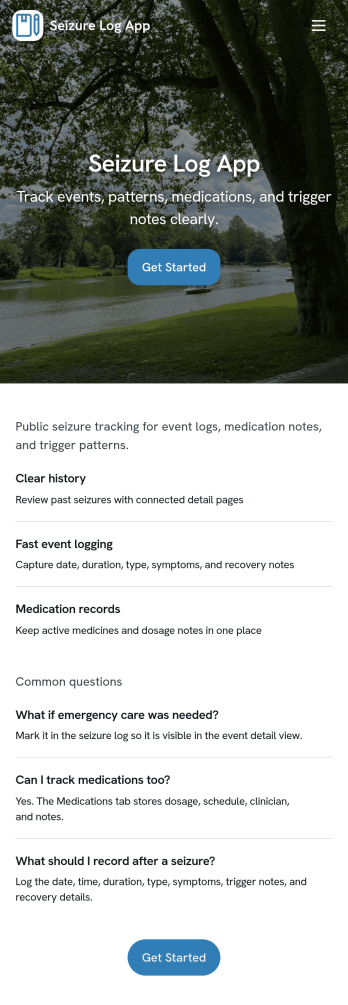
Seizure Log App
Seizure Log App helps people track seizure events over time in a simple, repeatable way so patterns are easier to notice and details are less likely to be forgotten. It works well for individuals managing epilepsy, caregivers logging events for a loved one, and support staff who need a clear record of what happened on a specific date. With a history-style view and a dedicated event page, you can quickly review past entries, open a specific record by date, and capture key context such as event details and recovery notes.Built with Jotform, this app template pairs a no-code app builder with connected forms to support reliable data collection and everyday self-service logging. Customize pages with a drag-and-drop interface, update the wording to match your tracking needs, and publish a mobile-friendly experience you can share privately with family members or care teams. As your workflow evolves, you can keep everything organized by linking the app to your form and using the app as a consistent front end for ongoing records.
Go to Category:Healthcare Apps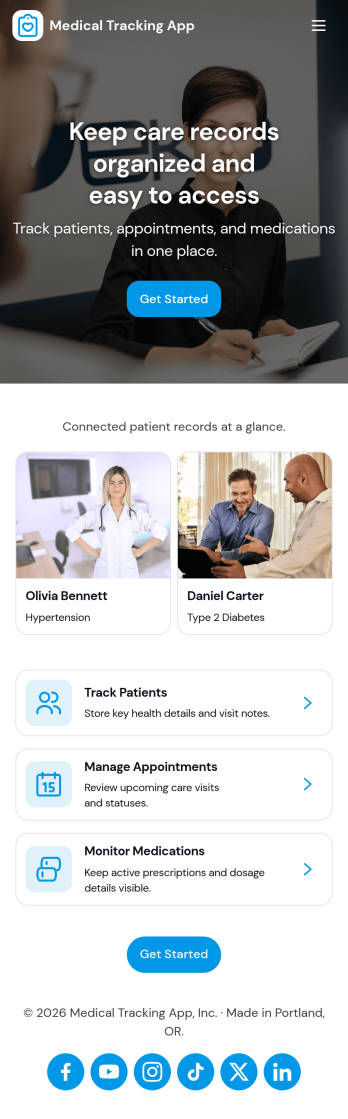
Medical Tracking App
Medical Tracking App gives individuals and caregivers a simple place to track day-to-day health details and stay organized between visits. Use it to record vital logs over time, keep a medication schedule with dose notes, and maintain a list of upcoming appointments so nothing gets missed. It works well for people managing chronic conditions, families supporting older relatives, and anyone who wants a clearer picture of patterns like weight changes or symptom shifts. Because entries are easy to add and browse, it also fits routines where multiple updates happen throughout the week.Jotform makes it easy to turn this medical tracking workflow into a shareable self-service experience with App Templates built using a no-code app builder. Customize pages with a drag-and-drop interface, connect forms for consistent data collection, and organize records so you can review updates in one place. As your needs evolve, you can refine the layout, adjust what you collect, and keep your tracking workflow aligned with how you actually manage health information.
Go to Category:Activity Tracking Apps
Period Tracking App
Period Tracking App gives individuals a simple place to log cycle start dates, keep a clear cycle history, and capture symptom notes for better personal awareness over time. It works well for anyone who wants an organized record to reference during everyday planning, routine check-ins, or conversations about patterns they notice, without relying on scattered notes or multiple tools. With guided navigation like Log Cycle, Cycle History, and Symptom Insights, it keeps tracking tasks easy to find and repeat.Jotform makes it easy to turn this app template into a personalized self-service experience using a no-code app builder and a drag-and-drop interface. Connect the app to your form and linked record views so entries can be collected and revisited in one place, then adjust the layout, buttons, and pages to match how you prefer to track. Share your Jotform app on any device and keep your data collection and workflow organized as your tracking needs evolve.
Go to Category:Self Care Apps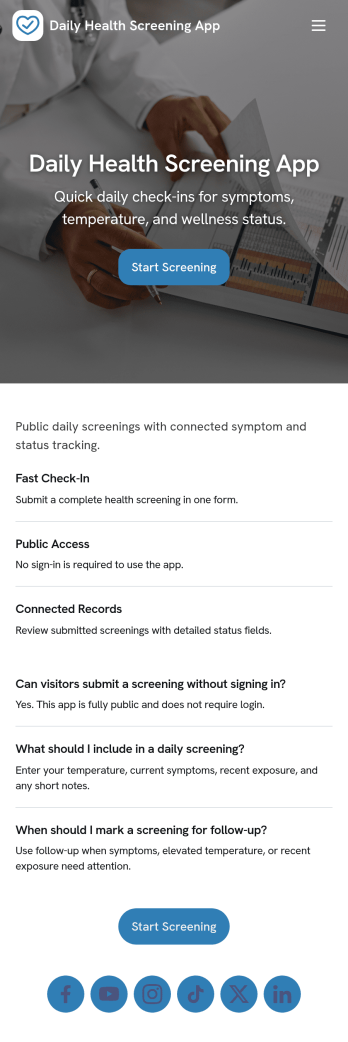
Daily Health Screening App
Daily Health Screening App helps organizations collect quick, consistent wellness check-ins from employees, students, visitors, or contractors before they arrive on-site. With a prominent Start Screening entry point and simple guidance like Stay Home If Unwell, it supports daily routines where people need a clear place to complete a check and review what they have already submitted. It also fits teams running multiple locations, rotating shifts, or recurring programs that need a reliable way to capture the same screening information each day without confusion.Jotform makes it easy to publish this type of self-service experience using ready-to-use app templates and a no-code app builder. Customize pages with a drag-and-drop interface, connect the screening form to a table for organized recordkeeping, and let users open the screening flow or view My Checks from any device. You can share the app with a link or QR code, update messaging as policies change, and keep the workflow consistent while your team focuses on follow-up and day-to-day operations.
Go to Category:Healthcare Apps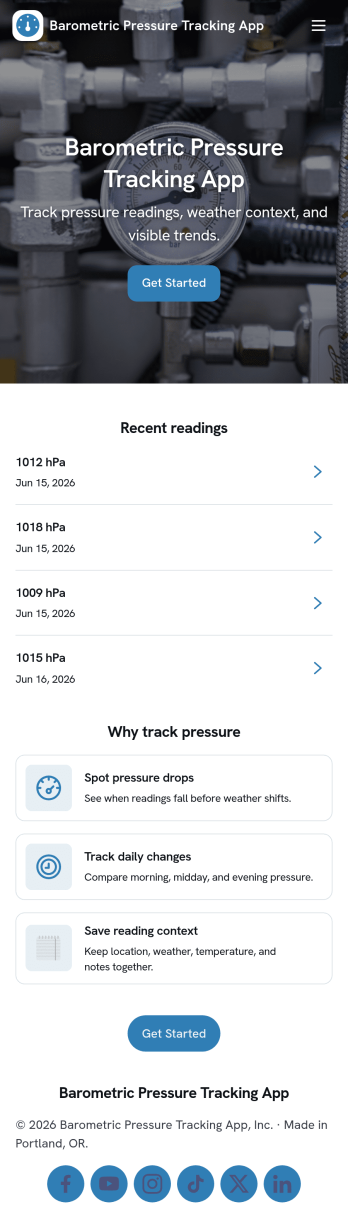
Barometric Pressure Tracking App
Barometric Pressure Tracking App helps you log and review barometric pressure readings over time so patterns are easier to spot and daily conditions are easier to compare. It’s a practical fit for weather enthusiasts, outdoor teams, pilots in training, facility managers monitoring building conditions, and anyone who wants a simple place to record measurements by date. With an in-app button to add a reading and list views for all readings and your own entries, this app keeps tracking consistent without relying on scattered notes or multiple tools.Jotform makes it easy to publish and share app templates like this using a no-code app builder with a drag-and-drop interface. Connect the app to a form and organize entries in one place, then share a link so others can contribute readings or check recent history. As your workflow evolves, you can tailor pages, update the layout, and control who can access the data collection experience, all without writing code.
Go to Category:Activity Tracking Apps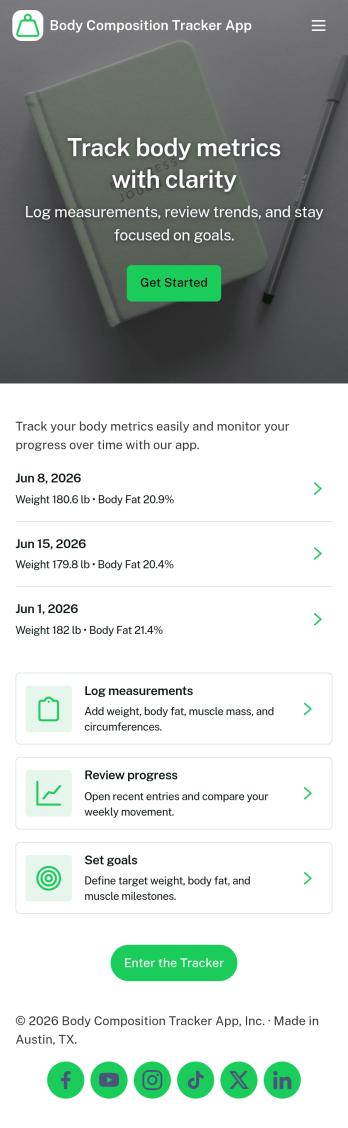
Body Composition Tracker App
A body composition tracker app gives individuals, personal trainers, and wellness-focused teams a simple way to record measurements over time and turn check-ins into consistent progress. Use it to log new entries in seconds, create an easy routine for weekly or monthly assessments, and keep a clear timeline of changes without hunting through notes or spreadsheets. It works well for fitness coaching programs, gym members who want more accountability, and anyone who prefers a structured place to track body metrics alongside their training and nutrition habits.With Jotform, you can publish this kind of experience using App Templates and a no-code app builder that’s easy to adjust as your tracking needs evolve. Update the layout with a drag-and-drop interface, connect the measurement form to your workflow, and make self-service data collection feel effortless for clients or for your own routine. Share the app with a link so logging a measurement and reviewing measurement history stays accessible from anywhere.
Go to Category:Personal Training Apps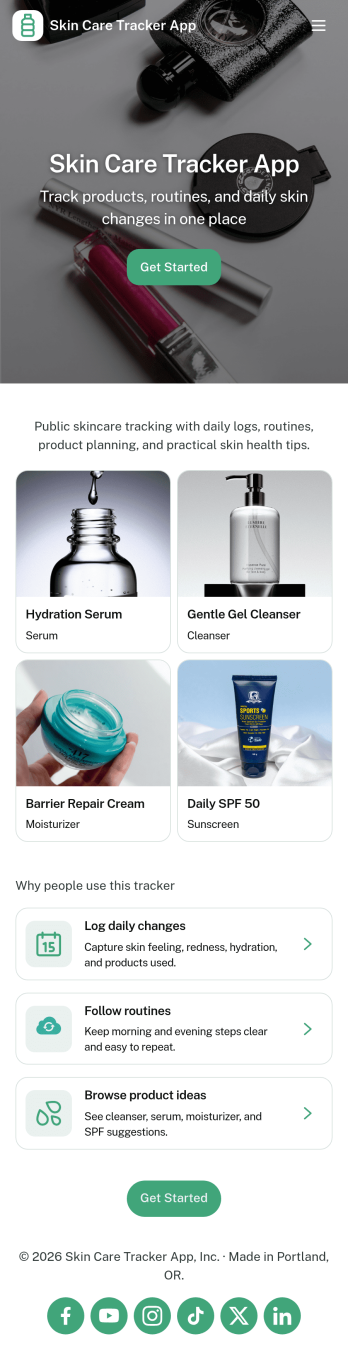
Skin Care Tracker App
Skin Care Tracker App helps you stay consistent with your routine by giving you one place to record daily steps, review what you used, and see how your skin changes over time. It’s a practical fit for anyone building better habits, from beginners trying to reduce irritation to skincare enthusiasts testing new products, as well as estheticians who want a simple way to have clients track routines between appointments. With quick routine logging, a browsable product library, and progress tracking, you can spot patterns like what works during dry weeks, what triggers breakouts, and which combinations deliver the best results.Built with Jotform, this app template turns your tracking process into a mobile-friendly self-service experience that’s easy to share and keep up to date. Use Jotform’s no-code app builder and drag-and-drop interface to adjust pages, add buttons, and connect your routine log form to organized views like My Logs and All Logs. As your needs evolve, you can expand the workflow for better data collection, add new fields for sensitivities or goals, and keep everything structured without relying on spreadsheets.
Go to Category:Self Care Apps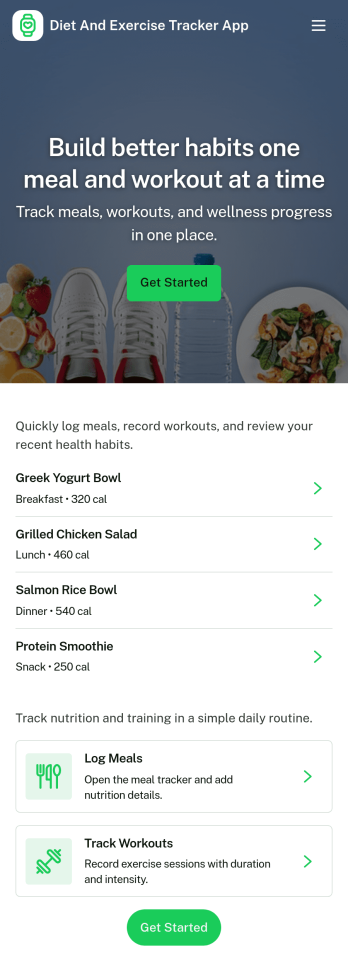
Diet and Exercise Tracker App
Diet and Exercise Tracker App helps individuals and wellness professionals keep daily nutrition and activity records in one place. Use it to log meals, record workouts, and review a running history so patterns are easier to spot over time. It fits personal fitness routines, personal training check-ins, and wellness programs where consistency matters and quick logging reduces the chance of missed details.With Jotform, you can turn this app template into a tailored self-service experience using a no-code app builder and a drag-and-drop interface. Connect your meal and workout logs to forms and tables for organized data collection, then share the app as a simple link for mobile-friendly tracking. Update fields, adjust the layout, and keep your workflow moving with notifications and connected tools inside Jotform.
Go to Category:Activity Tracking Apps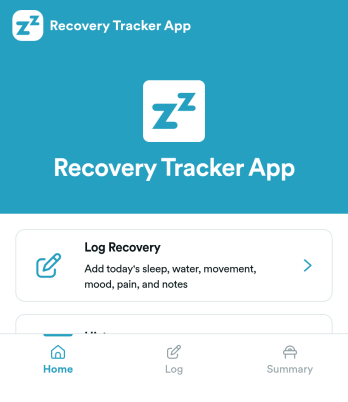
Recovery Tracker App
Recovery Tracker App helps individuals and care teams record recovery check-ins, review progress over time, and keep a clear history of what’s working. Use it to log recovery details in one place, then return later to view dated entries and follow trends without digging through notes. It’s a practical fit for wellness programs, personal recovery routines, coaching relationships, and support organizations that want a simple way to capture updates and make them easy to revisit.Built with Jotform App Templates, this experience brings your key actions into a mobile-friendly self-service layout, including a guided recovery log, a progress view, and a history list for quick lookbacks. With Jotform’s no-code app builder and drag-and-drop interface, you can tailor pages to match your process, connect the log to data collection, and keep your workflow organized as entries grow. Share the app with the right audience, update it anytime, and keep recovery tracking consistent across days and weeks.
Go to Category:Self Care Apps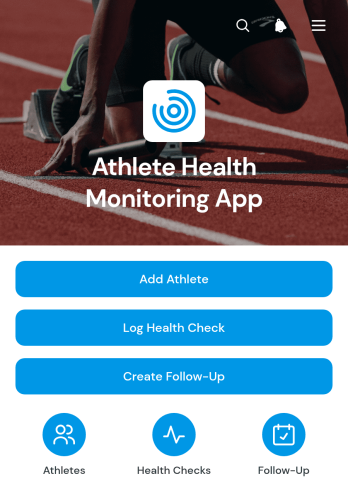
Athlete Health Monitoring App
The Athlete Health Monitoring App gives coaches, trainers, sports programs, and wellness teams a central place to maintain athlete profiles, record routine health checks, and schedule follow-up actions. Teams can document indicators such as energy level and sleep hours while keeping sport, training level, and contact information accessible for day-to-day oversight. It is useful for training facilities, school athletic departments, community sports organizations, and independent coaching practices that want to identify concerns earlier, maintain consistent records, and coordinate athlete support without relying on scattered spreadsheets or messages.With Jotform, this app template can be adapted to match different sports, monitoring routines, and team structures. The no-code app builder and drag-and-drop interface make it easy to update pages, adjust branding, and connect forms with tables, notifications, approvals, and other workflow steps. Staff can collect data, review athlete information, and manage follow-ups through a mobile-friendly experience. Start with one of Jotform’s App Templates, customize the content, and share the finished app by direct link or QR code to support convenient access for authorized team members.
Go to Category:Health Tracking Apps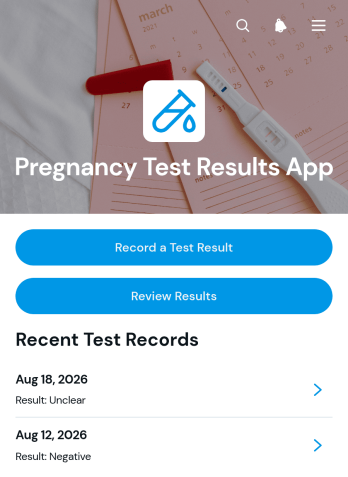
Pregnancy Test Results App
Pregnancy Test Results App provides individuals, healthcare teams, wellness professionals, and support organizations with a convenient place to record and review pregnancy test information. Users can enter a test result, note the test date and type, and return to a chronological results history when they need to check previous entries. This app template can support personal tracking, patient intake, follow-up conversations, or organized recordkeeping across care settings. Keeping key details together reduces reliance on scattered notes and makes it easier to share accurate information with an appropriate healthcare professional. The app supports recordkeeping and does not replace professional medical advice, clinical testing, or diagnosis.With Jotform Apps, this App Template can be adapted without writing code. Use the drag-and-drop app builder to adjust pages, update visual branding, add guidance, and connect forms or tables to the data collection workflow. Organizations can publish the customized experience through a direct link or scannable code, while individuals can open it from a mobile device for convenient self-service access. Jotform also helps teams connect notifications, approvals, and other workflows when follow-up is needed, creating a focused experience that fits personal wellness tracking or healthcare operations.
Go to Category:Health Tracking Apps
Abdominal Fitness Tracker App
The Abdominal Fitness Tracker App is a ready-to-use app template for individuals, personal trainers, gyms, and wellness coaches who want to organize abdominal exercise routines and monitor progress. Users can log workouts, set measurable goals, and browse exercise plans from one convenient location. Workout summaries keep key details such as duration, repetitions, exercises, entry dates, and notes accessible, while goal records help users stay focused on target values and dates. This app supports consistent fitness tracking without relying on scattered notes or separate spreadsheets, making it useful for personal programs, coached challenges, gym memberships, and remote training.Jotform App Templates help teams and individuals create interactive experiences with a no-code app builder. Customize this app template through a drag-and-drop interface, update pages and branding, and connect forms, tables, notifications, or other workflow steps to support data collection. Jotform also makes the finished app easy to share through a direct link, scannable code, or embedded experience. Mobile-friendly access gives users a practical self-service option for recording sessions, reviewing goals, and finding workout resources wherever they train.
Go to Category:Fitness and Wellness Apps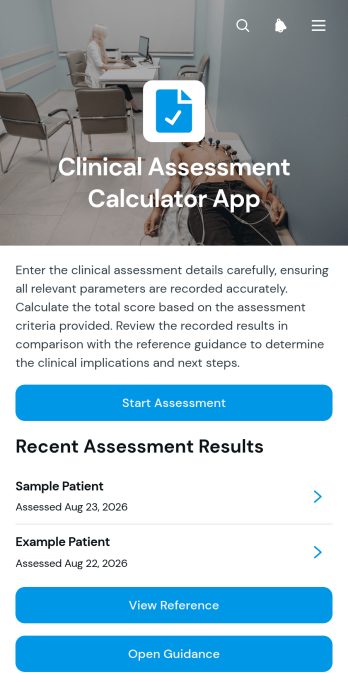
Clinical Assessment Calculator App
Clinical Assessment Calculator App gives clinicians, nurses, allied health professionals, and healthcare teams a central place to complete and review score-based patient assessments. Users can enter assessment criteria, calculate a score, view its interpretation, and consult relevant scoring guidance or thresholds. Previous assessments can be browsed by patient identifier, helping teams revisit clinical observations and score inputs without relying on scattered records. The app template is useful for clinics, care facilities, mobile health teams, and other organizations that want a consistent assessment workflow while keeping professional judgment at the center of every clinical decision.Jotform makes this app template easy to adapt with a no-code app builder and a flexible drag-and-drop interface. Teams can update pages, navigation, visual branding, assessment content, and connected data collection forms without writing code. Forms, tables, approvals, notifications, and other workflow elements can be connected to support organized record handling and timely follow-up. As part of Jotform App Templates, it can be shared through a direct link or QR code for convenient mobile access, giving authorized staff a practical way to complete assessments and reference results wherever care is delivered.
Go to Category:Healthcare Apps
Accountability Partner Habit App
The Accountability Partner Habit App is a shared habit-tracking app template for partners who want to set clear commitments and follow through together. Individuals, coaches, mentors, wellness groups, and small teams can use it to add commitments, record check-ins, view progress, and write weekly reflections with a next focus. It works well for fitness routines, study goals, personal development, creative practice, and recurring work habits. Keeping targets, completion updates, and reflections in one place gives both partners greater visibility while reducing scattered messages and forgotten goals.Jotform helps you turn this template into a personalized self-service experience with a no-code app builder and an intuitive drag-and-drop interface. Adjust the pages, navigation, colors, fonts, and branded visual elements to suit an individual program or group initiative. You can connect forms and tables to support data collection, organize records, and maintain a consistent workflow as new commitments and check-ins are added. Jotform App Templates can be shared through a direct link or QR code, making the app easy to access from phones, tablets, and computers without requiring coding knowledge.
Go to Category:Activity Tracking Apps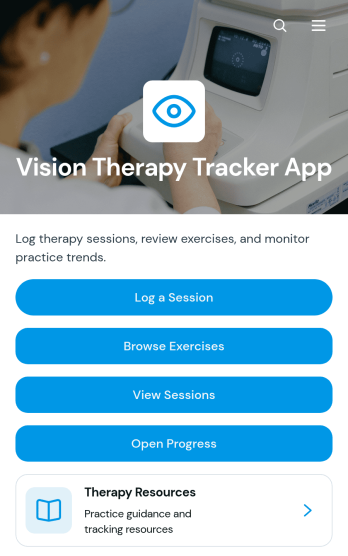
Vision Therapy Tracker App
Vision Therapy Tracker App is an app template for organizing assigned vision exercises and documenting practice between appointments. It gives patients, caregivers, vision therapy practices, and rehabilitation teams one convenient place to browse exercises, review practice instructions, log sessions, and view progress. Session records can capture details such as duration, repetitions, comfort, and notes, helping users maintain a consistent practice history. Practices can also share therapy resources and safety guidance through the app. This organized experience reduces reliance on paper logs, makes at-home routines easier to follow, and supports more informed conversations between users and their care teams.With Jotform Apps, organizations can turn this Vision Therapy Tracker App into a branded, mobile-friendly resource without writing code. The drag-and-drop app builder makes it easy to adjust pages, navigation, colors, fonts, and content while maintaining a modern layout. Connect forms for data collection, organize records in tables, and build workflows that notify team members when new activity is recorded. Jotform App Templates can be shared through a direct link or QR code, giving users convenient self-service access from a phone, tablet, or computer.
Go to Category:Health Tracking Apps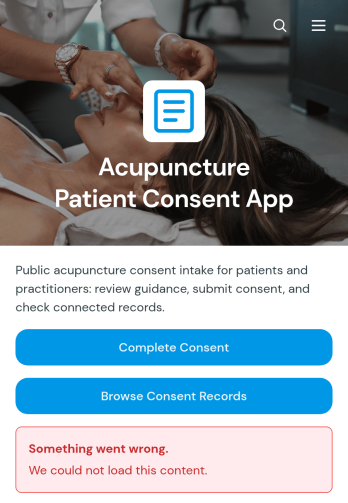
Acupuncture Patient Consent App
Acupuncture Patient Consent App is an app template for acupuncture clinics, independent practitioners, wellness centers, and reception teams that need a clear way to collect and review patient consent information before treatment. Patients can open the consent form, share relevant health details, and raise questions before providing consent. Practitioners can browse consent records and review key information such as consent status, previous acupuncture experience, health conditions, current medications, and allergies. This organized process helps clinics prepare for appointments, reduce missing information, and keep patient intake details accessible to authorized team members.With Jotform Apps, you can adapt this Acupuncture Patient Consent App through a no-code app builder and an intuitive drag-and-drop interface. Customize pages, colors, fonts, buttons, and guidance to match your clinic, then connect forms, tables, notifications, approvals, or other workflow steps as needed. Jotform app templates make it easier to create a mobile-friendly self-service experience without programming. Publish the app with a shareable link or QR code so patients can provide information before arrival, while staff use the connected records to support consistent preparation and data collection.
Go to Category:Healthcare Apps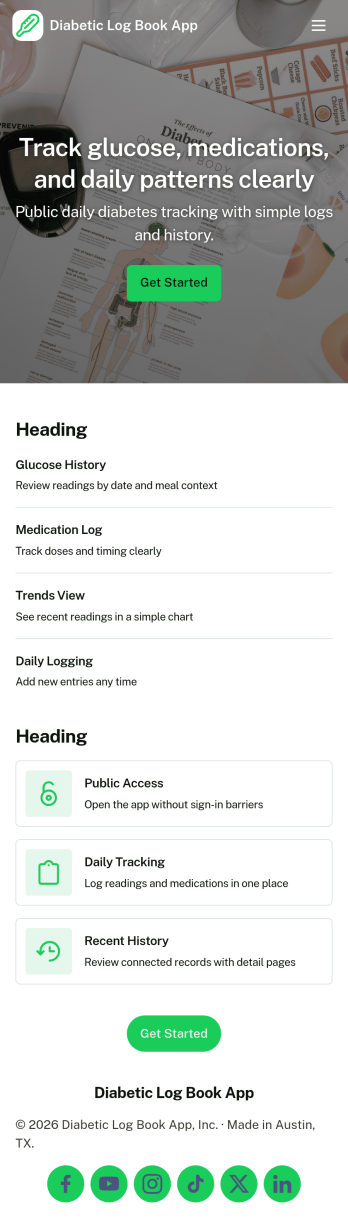
Diabetic Log Book App
Diabetic Log Book App helps people living with diabetes record daily glucose readings and meal details in one place, making it easier to build consistent routines and spot patterns over time. Use it at home, at school, while traveling, or during caregiving to capture readings as they happen, review past entries, and keep meal records tied to day-to-day changes. It’s a practical fit for individuals managing diabetes, parents tracking for a child, caregivers supporting a family member, or coaches and wellness programs that want participants to keep organized logs they can reference before check-ins.With Jotform, you can turn this app template into a mobile-friendly self-service experience without writing code. Customize pages with a drag-and-drop interface, connect the app to forms for quick data collection, and keep entries organized so history and insights are easy to browse. Share the app with a simple link, update the workflow as needs change, and centralize tracking so logging and reviewing information stays straightforward.
Go to Category:Healthcare Apps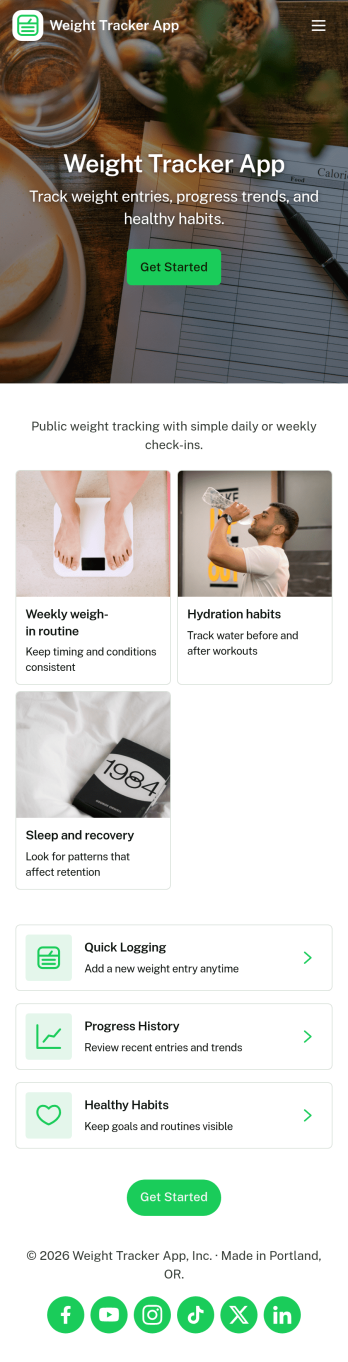
Weight Tracker App
Weight Tracker App helps individuals and wellness-focused teams record weigh-ins, review past entries, and spot patterns over time in one simple place. With a dedicated area to log weight, a history view for browsing previous records, and an insights section for quick check-ins, it’s useful for anyone building consistent habits, managing a personal fitness plan, or supporting accountability with a coach or small group.Jotform App Templates make it easy to turn a weight tracking workflow into a shareable, mobile-friendly experience without coding. Using Jotform’s no-code app builder and drag-and-drop interface, you can adjust pages, update navigation, and connect the app to the underlying form and data collection process so progress tracking stays organized as routines evolve.
Go to Category:Activity Tracking Apps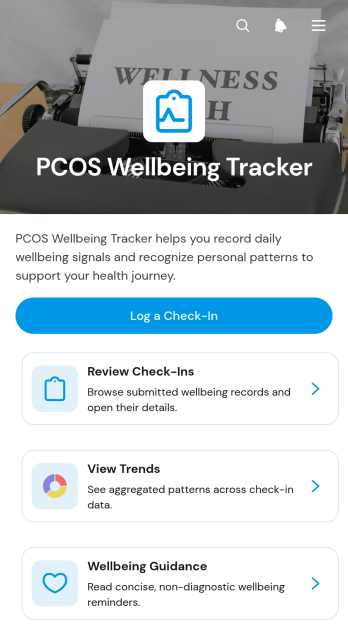
PCOS Wellbeing Tracker App
The PCOS Wellbeing Tracker App is a ready-to-use app template for individuals who want to record day-to-day wellbeing information and notice patterns over time. It supports regular check-ins covering energy, mood, sleep quality, stress, movement, symptoms, and personal notes. Users can review previous entries, view trends, and access general wellbeing guidance from one organized space. It can serve as a private self-care companion or a practical record for discussing observations with a wellness professional or healthcare provider, without replacing professional medical advice.Jotform Apps makes this PCOS Wellbeing Tracker App easy to adapt with a no-code app builder and an intuitive drag-and-drop interface. Update the layout, wording, colors, navigation, and connected forms to create a more personal tracking experience. Check-in data can feed into organized tables and workflows, helping users maintain consistent records without scattered notes. Jotform App Templates can also be shared through a direct link or QR code for convenient mobile access, making ongoing data collection and self-service tracking available wherever users need it.
Go to Category:Health Tracking Apps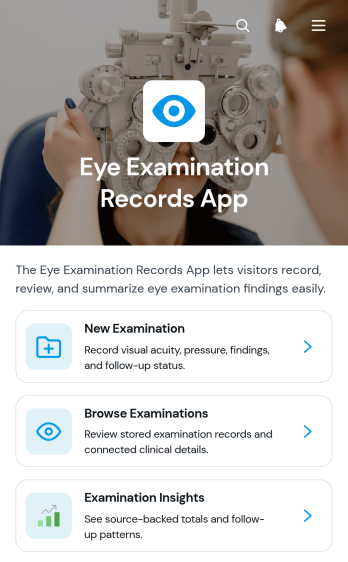
Eye Examination Records App
Eye Examination Records App is a digital recordkeeping template for optometrists, ophthalmology practices, vision clinics, and other eye care teams that need a clear view of examination history. Staff can add new examinations, browse existing records, and review individual summaries with visual acuity, eye pressure, follow-up status, findings, and notes. Examination insights help teams recognize activity patterns and support day-to-day planning. By bringing these details into one accessible experience, the app reduces reliance on scattered files, supports consistent documentation, and helps authorized team members find relevant information before follow-up visits or internal reviews.Jotform provides a no-code app builder that makes this app template easy to adapt to the way a practice works. Use the drag-and-drop interface to update pages, cards, navigation, colors, and other visual elements, then connect forms, tables, notifications, approvals, or additional workflows as needed. Teams can organize data collection and internal self-service access without writing code. Once customized, the app can be shared through a direct link or QR code for convenient access on phones, tablets, and computers, giving staff a practical resource for recording and reviewing eye examination information.
Go to Category:Healthcare Apps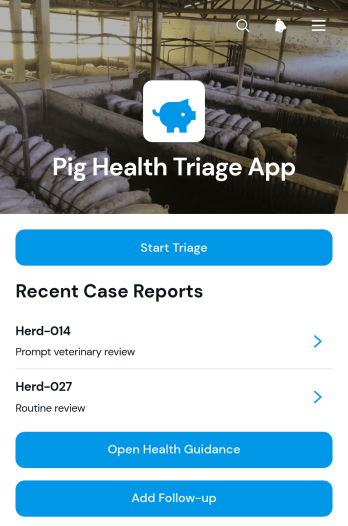
Pig Health Triage App
The Pig Health Triage App is an app template for farmers, livestock managers, animal caretakers, and veterinary teams that need a consistent way to record concerns about pig health and determine appropriate next steps. Users can start a triage assessment, review recorded cases by pig identifier, open health guidance, and add follow-up information as an animal’s condition changes. This shared process helps farms capture observations promptly, maintain clearer case histories, prioritize animals that may need attention, and give veterinary professionals more organized information when further assessment is required.Jotform makes this Pig Health Triage App easy to adapt with a no-code app builder and a flexible drag-and-drop interface. Teams can customize pages, wording, branding, forms, and navigation to suit their herd management workflow without writing code. Connected forms support consistent data collection, while case access and follow-up records create a practical self-service resource for authorized staff. Like other Jotform App Templates, the app can be published quickly and shared through a direct link or QR code for convenient access on phones, tablets, and computers.
Go to Category:Veterinary AppsAbout Health Tracking Apps
Health Tracking Apps are specialized apps designed to monitor, collect, and analyze health-related data, offering users the ability to keep track of their health metrics efficiently. These apps are commonly used in healthcare and wellness industries, supporting various operational use cases such as monitoring patient vitals, tracking fitness goals, and managing chronic conditions. Health professionals and fitness enthusiasts alike rely on these apps to streamline their workflows and ensure that health data is accurately recorded and easily accessible.
Jotform Apps serves as a no-code app builder catering to the Health Tracking category, leveraging Progressive Web App (PWA) technology to provide a seamless user experience. These apps can be installed directly via a browser, eliminating the need for App Store downloads, and are compatible across multiple devices, including iOS, Android, tablets, and desktops. With Jotform Tables, data collected through these apps is centralized, allowing for efficient data management and retrieval, which is crucial for maintaining streamlined workflows in health tracking environments.
Why Use Health Tracking Apps?
- Health Tracking Apps enable organizations to efficiently monitor and manage health-related data, leading to improved health outcomes and operational efficiencies. By automating data collection and providing real-time analytics, these apps help organizations save time and reduce human error.
- With the ability to provide personalized health insights, these apps aid in creating tailored health programs for individuals, enhancing their engagement and adherence to health goals. This personalization fosters a proactive approach to health management, which is essential in clinical and wellness settings.
- These apps support seamless communication between healthcare providers and patients, facilitating better patient care and engagement. By allowing patients to access their health data directly, they empower individuals to take charge of their health, leading to increased satisfaction and trust in healthcare services.
- Through integration with wearable devices, Health Tracking Apps can collect and analyze data continuously, offering comprehensive insights into an individual's health trends. This feature supports preventive care measures and timely interventions, which are crucial in chronic disease management.
- Health Tracking Apps contribute to the overall efficiency of healthcare operations by reducing paperwork and manual data entry, thus lowering administrative costs. The streamlined data flow between various healthcare systems ensures that health professionals have the information they need at their fingertips.
Common Problems Solved by Health Tracking Apps
- Health professionals often face challenges in managing and analyzing large volumes of patient data. Health Tracking Apps solve this by automating data collection and providing analytics tools that help identify patterns and trends, thus supporting better clinical decision-making.
- Patient engagement can be low due to lack of access to personal health data. These apps resolve this issue by providing patients with direct access to their health metrics, fostering engagement and encouraging active participation in their own care.
- Manual data entry errors can lead to significant inaccuracies in health records. By automating data capture and processing, Health Tracking Apps minimize human error, ensuring that health data is accurate and reliable.
- Coordination of care among different healthcare providers can be complex. Health Tracking Apps facilitate seamless data sharing and communication, ensuring that all parties involved in patient care have access to up-to-date information.
Matching Use Cases to Features
- The use case of real-time health monitoring is effectively supported by the app's Push Notifications feature, which alerts users to critical health updates. This ensures timely intervention and enhances the ability to respond to potential health issues promptly.
- For organizations needing to establish a private health tracking environment, the Publish Options feature allows apps to be made Private or Company-only, which safeguards sensitive health data and ensures compliance with privacy regulations.
- To cater to diverse user groups, apps can be shared through multiple methods such as Direct Link, Email, or QR Code, making them easily accessible to both tech-savvy and less technologically-inclined users, thus expanding reach and engagement.
- Payment Integrations like Stripe and PayPal facilitate seamless transactions for health services or wellness program fees, streamlining the payment process and enhancing user experience by providing secure and convenient payment methods.
- The Drag-and-Drop Interface supports the customization of health tracking apps, allowing organizations to tailor app functionalities to specific health monitoring needs, thereby enhancing user engagement and satisfaction.
- Offline Mode via Mobile Forms ensures that data collection is uninterrupted by connectivity issues, providing reliability in environments with limited internet access and ensuring that critical health data is always captured.
How to Create a Health Tracking App
- Choose a category-relevant template from the Template List or start from scratch.
- Customize using the Drag-and-Drop Interface to add and organize app elements according to your specific health tracking needs.
- Share the app via Link, QR Code, or Embed to make it accessible to your desired audience, ensuring easy and efficient distribution.
Top Use Cases for Health Tracking Apps
- For Managers: Health Tracking Apps provide managers with comprehensive dashboards to monitor employee wellness programs effectively. They can access real-time analytics and generate reports that help in strategic planning and decision-making. This ensures that wellness initiatives are aligned with organizational health goals and contribute to improved workforce productivity.
- For Teams: Teams benefit from collaborative features that allow them to share health data and insights quickly and efficiently. These apps facilitate seamless communication among team members, enabling them to coordinate health initiatives and track progress collectively. This collaboration fosters a supportive environment, promoting team cohesion and collective health improvement.
- For Customers: Customers gain a personalized health tracking experience through these apps, enabling them to monitor their health metrics and progress easily. By having direct access to their health data, customers are empowered to make informed decisions about their wellness routines. This empowerment leads to greater satisfaction and trust in the health services provided.
Summarizing Health Tracking Apps
Health Tracking Apps offer significant business value by streamlining health data management and enhancing user engagement through personalized health insights. By leveraging Jotform’s no-code app builder, organizations can create customized apps that meet their specific health tracking needs, driving efficiency and improving health outcomes. The integration of advanced features like real-time notifications and secure payment systems further enhances the functionality and appeal of these apps, making them indispensable in the healthcare and wellness industries.
Frequently Asked Questions
1) Is it free to create and use Health Tracking apps on Jotform?
Creating and using Health Tracking apps on Jotform is free under the Starter plan. With the Starter plan, users can access basic features to build and deploy apps without any initial cost. However, for more advanced features and higher submission limits, users might consider upgrading to a paid plan that better suits their needs.
2) Are the data and payments collected through the app secure?
Yes, the data and payments collected through Jotform Apps are secure. Jotform employs advanced security measures, including SSL encryption and compliance with GDPR regulations, to protect user data and transaction information. This ensures that sensitive health and payment data are handled with the utmost confidentiality and integrity.
3) Do I need any coding skills to create a Health Tracking app with Jotform?
No coding skills are required to create a Health Tracking app with Jotform. The no-code app builder offers a user-friendly Drag-and-Drop Interface that allows users to design and customize their apps effortlessly. This accessibility enables users of all technical backgrounds to create professional-grade apps tailored to their specific health tracking needs.
4) Can I collect payments for services directly through the app?
Yes, you can collect payments for services directly through the app using payment integrations such as Stripe and PayPal. These integrations allow for secure and efficient transactions, making it easy for users to process payments for health services or wellness programs. This feature enhances the app's functionality by providing a seamless payment experience for users and service providers.
5) Does Jotform support offline data collection for Health Tracking apps?
Jotform does support offline data collection through its Mobile Forms feature. This capability ensures that data can be captured without an active internet connection, which is particularly useful in remote or connectivity-challenged environments. Once the device is back online, the data is automatically synced, ensuring no information is lost.
6) Are Jotform Apps compatible with both iOS and Android devices?
Yes, Jotform Apps are compatible with both iOS and Android devices, as well as tablets and desktops. Built using Progressive Web App technology, these apps can be installed directly via a browser, providing a seamless and consistent user experience across different platforms. This multi-device compatibility ensures that users can access their apps anytime and anywhere.
7) How can Health Tracking Apps enhance patient engagement in healthcare?
Health Tracking Apps enhance patient engagement by providing easy access to personal health data, enabling patients to monitor their progress and participate actively in their health management. This involvement increases patient satisfaction and compliance with treatment plans, fostering better health outcomes and a stronger patient-provider relationship.
8) What are the advantages of using Health Tracking Apps for remote health monitoring?
Health Tracking Apps offer significant advantages for remote health monitoring by enabling continuous data collection and real-time analytics. This capability supports early detection of potential health issues and allows healthcare providers to offer timely interventions, thus improving patient care and reducing the need for frequent in-person visits.