Diabetic Log Book App helps people living with diabetes record daily glucose readings and meal details in one place, making it easier to build consistent routines and spot patterns over time. Use it at home, at school, while traveling, or during caregiving to capture readings as they happen, review past entries, and keep meal records tied to day-to-day changes. It’s a practical fit for individuals managing diabetes, parents tracking for a child, caregivers supporting a family member, or coaches and wellness programs that want participants to keep organized logs they can reference before check-ins.
With Jotform, you can turn this app template into a mobile-friendly self-service experience without writing code. Customize pages with a drag-and-drop interface, connect the app to forms for quick data collection, and keep entries organized so history and insights are easy to browse. Share the app with a simple link, update the workflow as needs change, and centralize tracking so logging and reviewing information stays straightforward.
Related templates
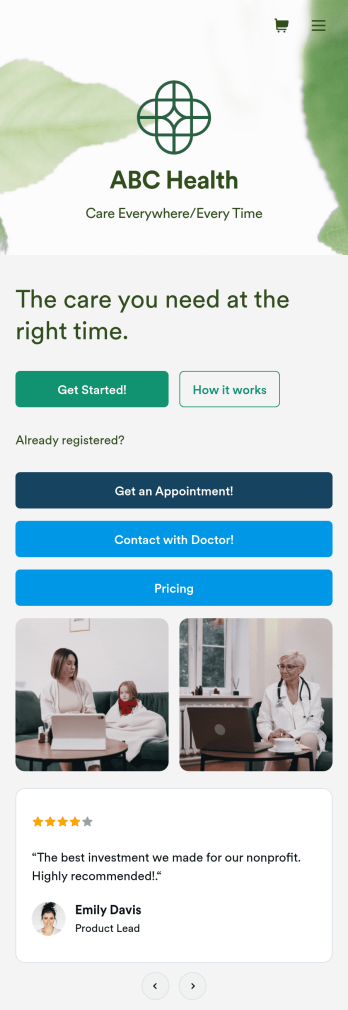
Telehealth App
Gather appointment bookings and patient information with ease using this Telehealth App from Jotform. Simple customize the app to match your needs, share it with patients using a link, and have them download it onto their computer, tablet, or smartphone for easy access. The app includes a Zoom Scheduler that lets patients select a time slot that works for them and generates a new Zoom meeting for each new booking.Need to customize this Telehealth App template? Drag and drop to rearrange the design, add your logo and branding, update existing forms, or connect them to 100+ popular app integrations. Jotform protects form data with a 256-bit SSL connection, GDPR and CCPA friendly features, but you can also optionally upgrade your forms to be HIPAA friendly. Save time with a free Telehealth App that your patients can use on any device.
Go to Category:Appointment & Booking Apps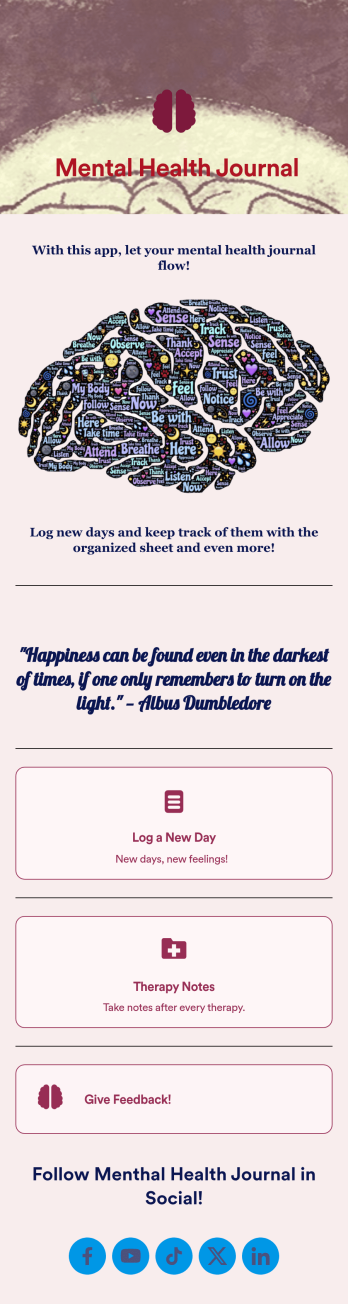
Mental Health Journal App
Need an efficient and less intrusive way to oversee your patients’ mental health? Jotform’s got you covered with our own custom Mental Health Journal App — no coding knowledge required. This app is great for psychologists or psychiatrists alike. Build a thoughtful app that lets your patients express themselves in a variety of ways. Upload daily or weekly check in forms, provide a list of resources and exercises, add appointment scheduling forms, and collect payments from your very own app.Need to make some changes to your app? Simply utilize our easy-to-use online app builder to give your Mental Health Journal App your own signature touch. Pick fonts and colors you like, upload images, integrate with helpful scheduling widgets, and more depending on you and your patients’ needs. Then simply share with your patients via QR code, email, or by linking to it in your patient portal.
Go to Category:Healthcare Apps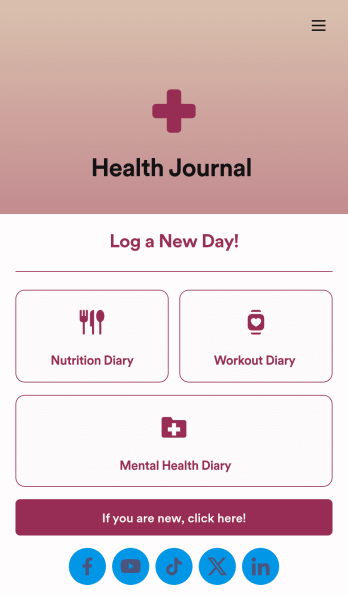
Health Journal App
Does your health services organization need an interactive and thoughtful way to track client data and progress? Give Jotform’s Health Journal App a shot. Have your patients log their moods, exercise goals, nutrition concerns, and health records. You can even receive payments and schedule appointments through your app.Use this Health Journal App ready-made, or use our drag-and-drop app builder to add your own personal flair. Make it your own by uploading images or videos, choosing colors and fonts you like, integrating with payment or scheduling widgets, including branding assets, and more. Get your clients on track to be their healthiest selves with Jotform Apps.
Go to Category:Healthcare Apps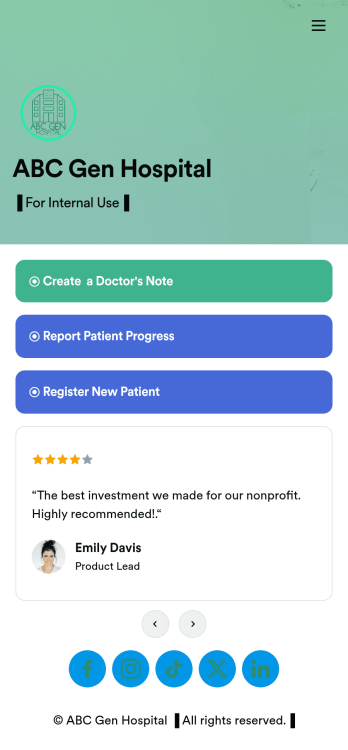
Doctors Note App
A doctor’s note app is used by hospitals and medical professionals to document a medical appointment when a patient is feeling unwell. Doctors can record general information about the patient and hospital, provide a medical diagnosis, and sign off on the note with a digital signature. Once submitted, a PDF of the doctor’s note will be automatically generated using our Doctor’s Note Template. Doctors can report patient progress and update treatment plans in a separate form through this app.Want to customize your Doctor’s Note App? No coding required — our drag-and-drop interface allows you to add forms and text, choose fonts and colors, change your app icon and splash screen, and more. After you’re done, you can share notes and progress updates with patients via link, where they can be viewed and downloaded on any smartphone, tablet, or desktop. Simplify the paperwork and let your patients focus on getting well with this customizable Doctor’s Note App.
Go to Category:HIPAA Apps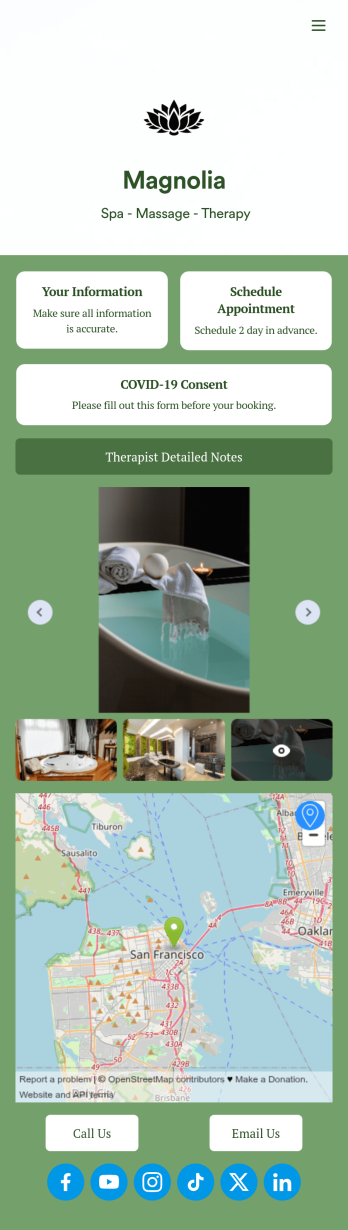
Therapist App
Eliminate stress with our free Therapist App for massage therapists and salons. This ready-to-use app shares multiple forms in one place, so you can register new clients with a Physical Therapy Intake Form, schedule appointments with a Therapy Booking Form, and receive signed Massage Therapy Consent Form responses with ease. Clients can open and download your custom app on their favorite device, be it a smartphone, tablet, or computer.Customize your Therapist App in just a few clicks with our drag-and-drop builder. Without any coding, you can easily create new forms, include links, and change the app name, icon, splash page, and background image to better match your branding. Once you’re ready to share your app, send it to clients directly via email or embed the app link in your website. Give your clients —and yourself — peace of mind with a secure and easy-to-use Therapist App for your spa.
Go to Category:Customizable Beauty Salon Apps
Patient Registration App
A patient registration app is used by clinics and hospitals for managing patient information. Our readymade Patient Registration App makes it easy for front desk staff to register new patients and record patient medical history in a central database. This app also includes a COVID-19 self declaration form and COVID-19 liability waiver for patients to fill out and digitally sign upon entering the building. All patient data is instantly synced and stored in your secure Jotform account, which you can access from any device for ease of use.This Patient Registration App is ready to go, but if you’d like to make it your own, just use Jotform’s no-code app builder to make changes in seconds. Simply drag and drop to add or change form elements, edit form text and fields, upload images and documents, choose fonts and colors, and more. After you’re done, you can access and download your app onto any device in your office with the app link. Easily record and compile patient data with the touch of a button using Jotform’s fully-customizable Patient Registration App.
Go to Category:Healthcare Apps