
Affiliate Program Registration App gives marketing teams, ecommerce businesses, agencies, and partnership managers one place to collect and review applications from prospective affiliates. Applicants can register their interest and share essential details about their audience, website or channel, estimated reach, contact information, and promotional approach. Internal users can browse submitted applications and open applicant profiles for easier evaluation. This app template replaces scattered emails and spreadsheets with an organized intake experience, helping teams identify promising partners, maintain consistent records, and support affiliate program growth.
With Jotform Apps, you can adapt this Affiliate Program Registration App using a no-code app builder and an intuitive drag-and-drop interface. Customize pages, branding, navigation, and application questions without writing code, then connect forms, tables, approvals, notifications, and other workflow tools. Jotform app templates make data collection and applicant review easier to manage across devices. Publish the finished app with a direct link or QR code to offer convenient registration while giving your team a practical workspace for ongoing program administration.
Related templates
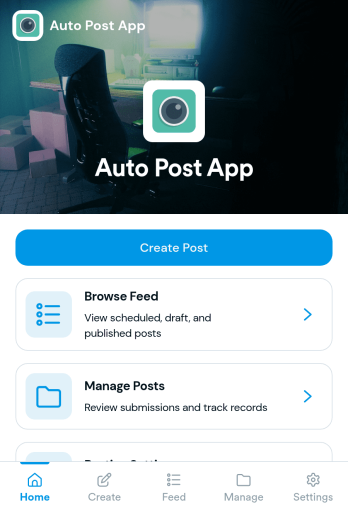
Auto Post App
Auto Post App brings your social content workflow into one place so teams can draft posts, organize what’s coming up, and keep a clear record of what’s already gone out. It’s a practical fit for social media managers, small business owners, creators, and marketing teams who want a simple way to build drafts, move them into a queue, and reference past publishing activity without relying on scattered notes or multiple tools.With Jotform App Templates, you can publish a branded, self-service app experience powered by Jotform’s no-code app builder and drag-and-drop interface. Connect your draft form to collect content details, use lists to review items in your queue and history, and share the app with teammates so everyone follows the same workflow from planning to tracking.
Go to Category:Sales & Marketing Portal Apps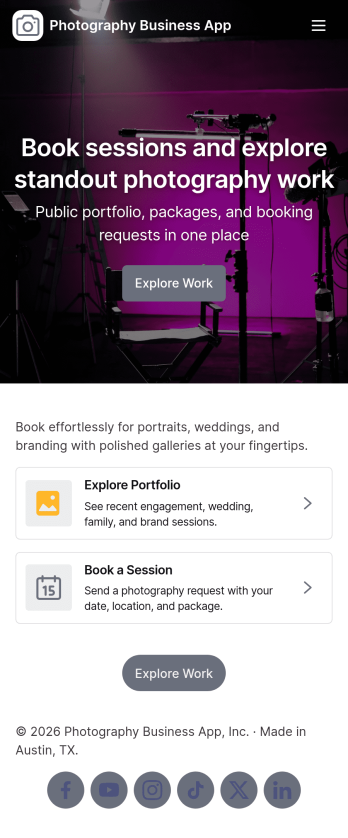
Photography Business App
Photography Business App brings your studio’s client-facing experience into one place so people can browse your portfolio, explore services, and reach out when they’re ready to book. It’s a practical fit for independent photographers, small studios, and creative teams who want an always-on home for inquiries and session requests without relying on scattered links. Visitors can jump from featured work to project views, then take action with clear contact options including email and phone, plus a custom quote request for clients who need something beyond standard packages.With Jotform App Templates, you can publish a polished, branded Photography Business App using a no-code app builder and a drag-and-drop interface that’s easy to update as your work evolves. Connect the app to forms for data collection, route requests into a workflow your team can manage, and keep portfolio and service information organized for self-service browsing. Share your app through a link or QR code, refresh content in minutes, and deliver a consistent booking and inquiry experience across devices.
Go to Category:Booking Apps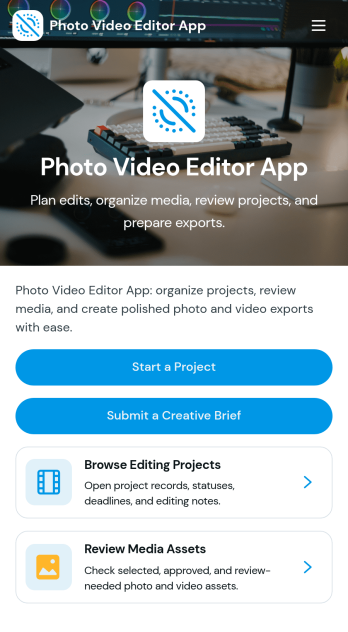
Photo Video Editor App
Photo Video Editor App brings your photo and video editing work into one organized place, so creators can plan edits, manage projects, and follow a consistent workflow from first draft to export. It’s useful for influencers, marketing teams, photographers, and editors who juggle multiple deliverables and need a clear way to create a project, browse a saved project library, and open each project to view key details like editing goals, source media links, and notes. With guided sections for photo and video workflows plus an export check, the app helps reduce missed steps and keeps production moving even when several people contribute.Jotform makes it easy to build and publish app experiences like this using customizable App Templates and a no-code app builder with a drag-and-drop interface. Connect pages to your forms and workflows to support data collection, keep project info consistent, and share a self-service hub with your team or clients. You can update the layout, add new steps, and tailor navigation as your editing process evolves, all without needing to write code.
Go to Category:Entertainment Apps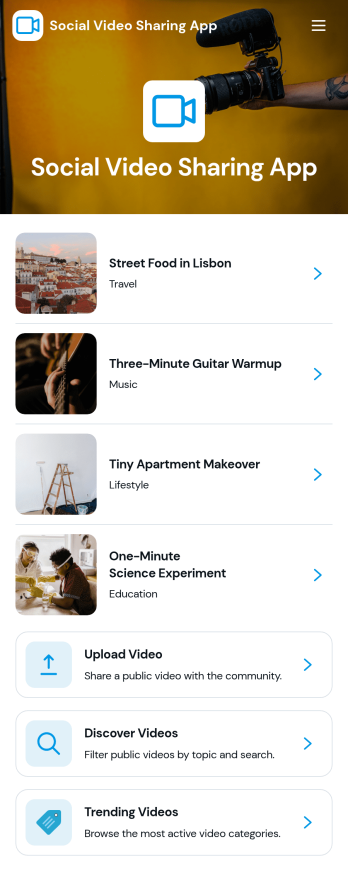
Social Video Sharing App
Social Video Sharing App brings a simple way to watch, share, and discover videos in one place. It’s built for creators, community teams, clubs, and organizations that want a lightweight video hub where people can browse a public feed, open videos through links, and contribute new content through a guided share flow. Alongside sharing, the app also supports structured input by letting viewers send video feedback, making it useful for campaigns, internal showcases, student work reviews, or any community where responses matter as much as views.With Jotform, you can turn this app template into a branded experience using a no-code app builder and a drag-and-drop interface. Connect buttons to forms for data collection, route updates into a workflow your team can manage, and organize links into a feed that’s easy to navigate on any device. Share your finished app through a link or QR code, then iterate quickly as your video library and audience grow.
Go to Category:Influencer Apps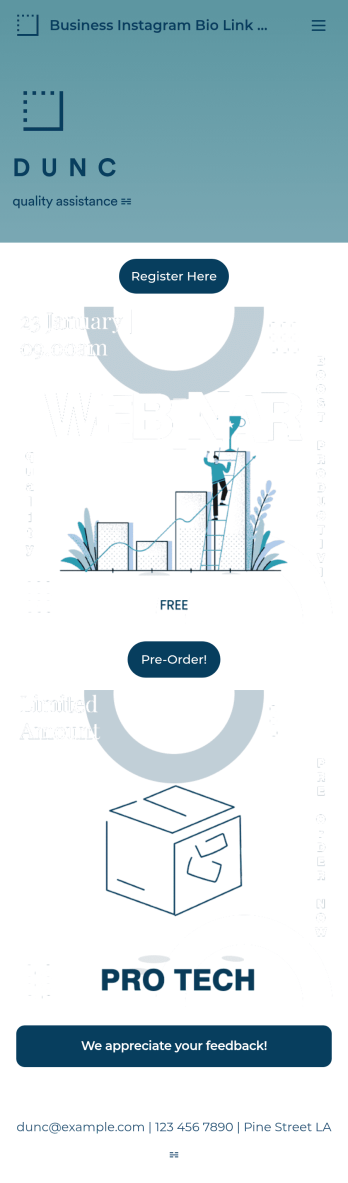
Business Instagram Bio Link App
Create an app to add to your company’s Instagram bio with Jotform’s Business Instagram Bio Link App. With this app template, you can make company announcements, showcase webinars and events, create pre-order forms, and have your followers submit feedback — all accessible from a single app in your Instagram bio. Submissions made to your app are stored in your secure Jotform account, which you can view on any smartphone, tablet, or desktop.Make this Business Instagram Bio Link App your own by adding your own branding. Just use Jotform’s drag-and-drop form builder to upload your logo or a background image, choose a custom app icon, change fonts and colors, and more — no coding required. You can also fully customize your app’s splash screen by adding or changing form elements or installing widgets. After you’re finished, simply copy and paste a link to your app in your Instagram bio and you’re off and running. Create an all-in-one app that your followers can access on any device with this free Business Instagram Bio Link App.
Go to Category:Information Technology Apps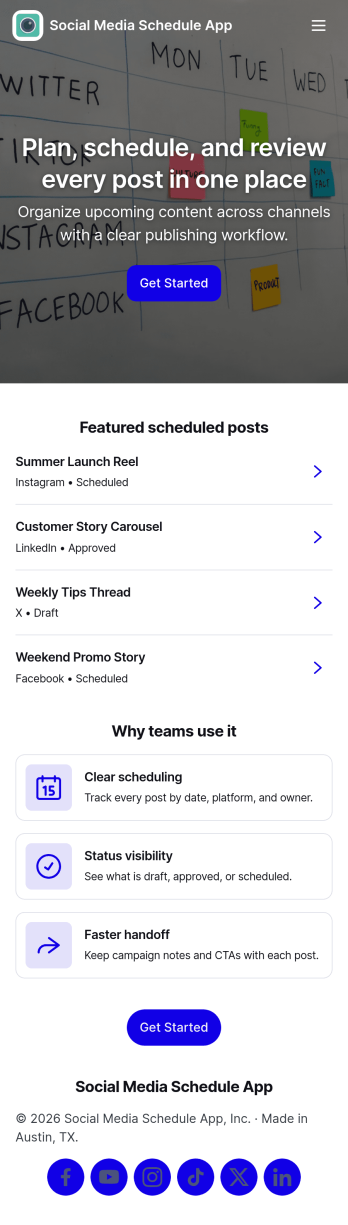
Social Media Schedule App
Social Media Schedule App helps you plan, draft, and organize upcoming social posts in one place so your team always knows what’s going out and when. Use it to add new posts through a simple intake form, keep works-in-progress in My Drafts, and review what’s already queued by opening View Schedule. It’s a practical fit for marketing teams, creators, agencies, and small businesses that need a clear posting rhythm across platforms without losing track of approvals, last-minute edits, or content gaps.With Jotform, you can turn this app template into a shareable self-service workspace using a no-code app builder and a drag-and-drop interface. Connect the app to your post form and table views so updates stay organized, then tailor pages, buttons, and navigation to match your workflow and data collection needs. Publish with a link for quick access, keep content planning consistent, and maintain a smoother workflow from draft to scheduled post.
Go to Category:Sales & Marketing Portal Apps