AI Productivity Planner App helps individuals and teams turn daily intentions into clear action by organizing tasks, goals, and focused work sessions in one place. Use it to add tasks, set priorities, estimate effort, track due dates, and capture goals with next steps so planning feels less scattered. It’s a practical fit for busy professionals, students, freelancers, and managers who want a repeatable routine for today’s planning, reviewing what’s next, and staying accountable without juggling multiple tools.
Built with Jotform App Templates, this app template can be customized in minutes using a no-code app builder and a drag-and-drop interface. Connect buttons to your forms for fast data collection, route updates through simple workflow steps, and share a self-service planning experience on any device. With Jotform, you can tailor pages, navigation, and branding to match how you plan, then publish a single link your audience can use right away.
Related templates
Planners App
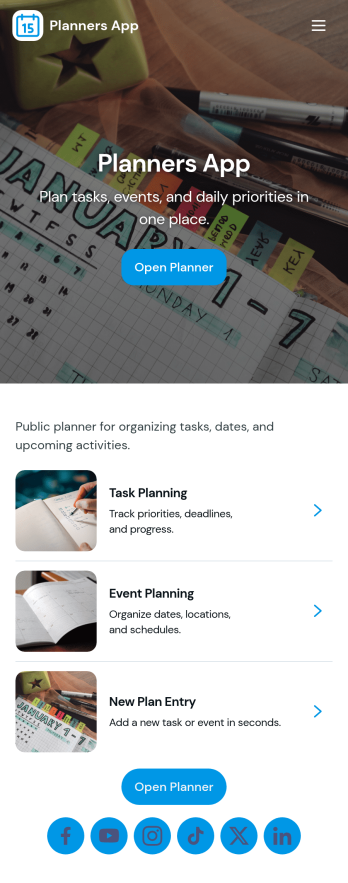
Planners App brings your day-to-day planning into one place, combining task lists, project overviews, and a schedule you can keep up with. It’s a practical fit for busy professionals, students, freelancers, and small teams who need a simple way to capture new to-dos, organize work by project, and keep events visible without juggling multiple tools. Use it for weekly planning, content calendars, client work, study deadlines, or home admin, so priorities stay clear and nothing slips through the cracks.With Jotform you can turn this app template into a branded planning hub using a no-code app builder and a drag-and-drop interface. Connect buttons to forms for fast data collection when adding tasks, projects, or events, and keep everything organized for easy self-service navigation on any device. Update pages, adjust the layout, and publish a shareable link so your planner stays consistent as your workflow evolves.
Go to Category:Planner Apps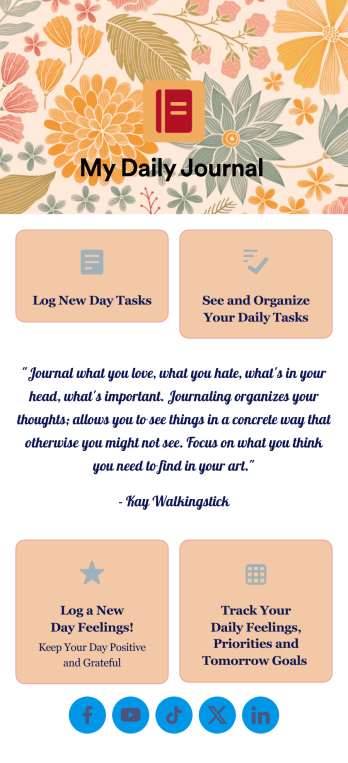
Daily Journal App
A daily journal app lets you keep track of your daily tasks as well as manage important goals and priorities. With the help of this free Daily Journal App from Jotform, you can turn your phone into a quick and convenient journal — easy to fill out and view entries on any device. Simply customize the app if you’d like, then download it onto your iOS or Android device.Feel free to customize this Daily Journal App’s forms, upload images, change fonts and colors, or add a custom background or app icon. If you’d like to send your journal entries to your other accounts — like Google Drive, Dropbox, or Airtable — explore 100+ free integrations to do it automatically. Go from a messy paper to a powerful way to track thoughts and information.
Go to Category:Activity Tracking Apps
Lesson Planner App
Create and manage your classroom lesson plan with this free Lesson Planner app from Jotform. Download this app onto any device and start adding courses, start and end dates, lesson titles and objectives, tasks, resources, and more. There are also separate forms for entering student information and creating daily assignment checklists. Submissions are aggregated and stored in a color-coded and easy-to-understand spreadsheet using Jotform Tables.Want to make changes to this Lesson Planner App? No problem! With Jotform’s no-code app builder, you can build a custom app that meets your classroom’s needs in seconds. Simply drag and drop to add or change form elements, edit text fields and checklist items, install integrations and widgets, change fonts and colors, and more. When you’re done, you can access and download your app onto any smartphone, tablet, or desktop and start using it right away. Manage all your lesson plans and assignments from a single location with this mobile-friendly Lesson Planner App.
Go to Category:Daily Planner Apps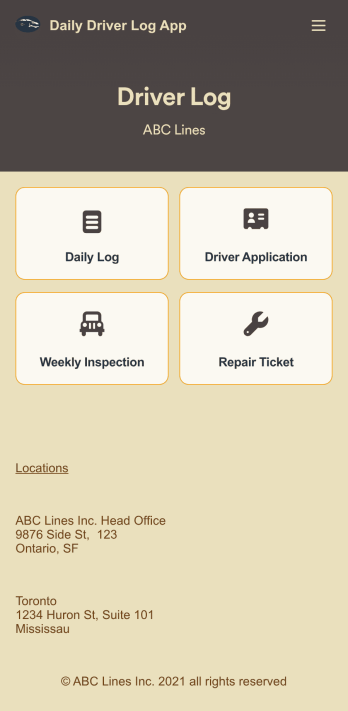
Custom Daily Driver Log App
A Daily Driver Log App is used by businesses to record daily driving activities and maintenance requests from their drivers. With this ready-to-use app template, drivers can log their mileage, start and return dates, upload fuel receipts, and fill out a vehicle condition checklist. There is a digital signature form at the bottom where drivers can sign off on their reports. Also included are forms for weekly vehicle inspections, repair service requests, and even an application for new drivers. Submissions will be stored securely in your account, where you can view and access all your driver logs in an easy-to-read spreadsheet in Jotform Tables.Want to customize this Daily Driver Log App to match your company’s branding? Our drag-and-drop interface makes it easy to add or change forms, choose fonts and colors, upload your logo, update the app name or text, and more — no coding required. When you’re done, your app can be shared with your drivers via link, and then accessed and downloaded on any smartphone, tablet, or desktop computer for future use. Keep track of every driven mile with this Daily Driver Log App!
Go to Category:Daily Planner Apps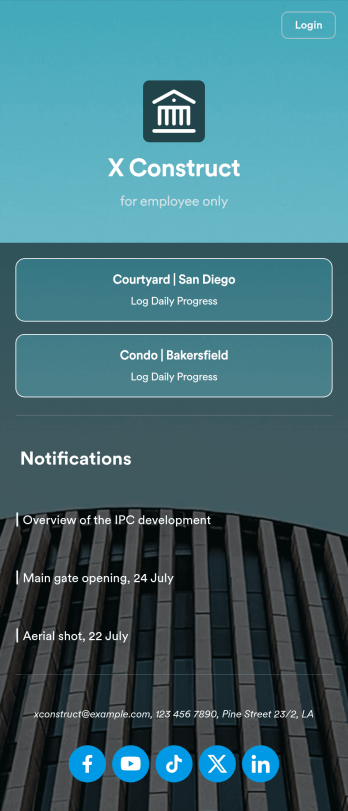
Custom Construction Daily Log App
A construction daily log app is used by construction companies to log their daily progress on construction sites. With Jotform’s free Construction Daily Log App, your company’s employees can complete daily work logs directly from their smartphone or tablet. Just customize the app template, share it with your employees to download onto any device, and view responses in your secure Jotform account.Update the app template to include your branding, add more forms, and make other design changes using our drag-and-drop app builder. No coding knowledge required! Once your app is fully customized to match your needs, share it with a link or invite company members to download it via email so they can readily access it from their mobile device. Save time and paper by completing work logs online with this free Construction Daily Log App.
Go to Category:Construction Apps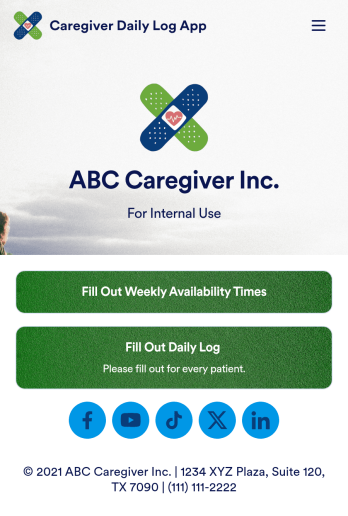
Customizable Caregiver Daily Log App
A caregiver provides specific care to a person who may need additional support due to illness or injury. Whether you’re a private caregiver or manage a home care business, our free Caregiver Daily Log App helps you get organized by making it easy to access all your forms in one place. This ready-made app includes a caregiver application, availability sheet, and daily log — all of which can be filled out from any smartphone, tablet, or computer.Customize your Caregiver Daily Log App in just a few clicks with our drag-and-drop builder. Without any coding, you can create new forms, embed links to other sites, add text and images, and change the app icon, name, and splash screen for a fully-custom design. When your app is ready to use, it can be downloaded onto any device and shared with other caregivers or family members via a link. Stay on top of your duties as caregiving with an easily accessible Caregiver Daily Log App!
Go to Category:Log Apps