
Allergen Risk Forecast App helps teams document allergen observations and assess where elevated risks may emerge based on recorded conditions. This app template gives staff a clear way to report an observation, browse previous reports, and review the allergen, observation date, and surrounding conditions. It can support food service teams, hospitality operators, schools, healthcare facilities, wellness programs, property managers, and workplace safety coordinators. By keeping reports in one accessible location, organizations can identify recurring patterns, prioritize follow-up actions, and make more informed operational decisions without relying on scattered notes or messages.
Jotform Apps makes it easy to adapt this experience with a no-code app builder and a flexible drag-and-drop interface. Teams can customize pages, branding, navigation, and linked forms while connecting data collection to tables, notifications, approvals, and other workflow steps. The finished app can be shared through a direct link or QR code for convenient mobile access, helping staff contribute observations wherever they work. Start with this app template, tailor it to internal procedures, and create a practical self-service resource without writing code.
Related templates
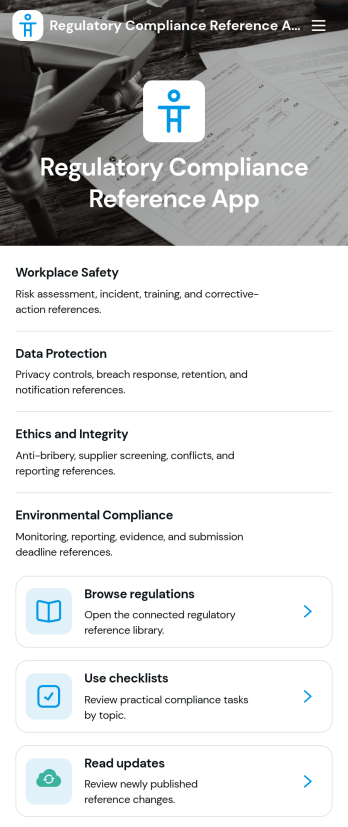
Regulatory Compliance Reference App
Regulatory Compliance Reference App brings your organization’s key regulations, checklists, and update notes into one easy-to-browse reference library. It’s built for compliance leads, operations managers, risk teams, and distributed departments that need a reliable place to review requirements by topic, confirm jurisdictions and effective dates, and keep internal guidance aligned with the latest reference status. With quick navigation to browse regulations, open source references, and use checklists tied to real responsibilities like owners and review frequency, teams can reduce time spent hunting for the right information and keep day-to-day decisions consistent.Jotform makes it simple to publish this app template as a self-service resource without coding. Using a drag-and-drop interface, you can tailor pages, organize your reference lists, and connect the app to a form for ongoing data collection when new regulations, checklist updates, or internal notes need to be added. Share the finished app with a link or QR code, keep content current in one place, and support clearer workflows across teams with Jotform.
Go to Category:Safety and Compliance Apps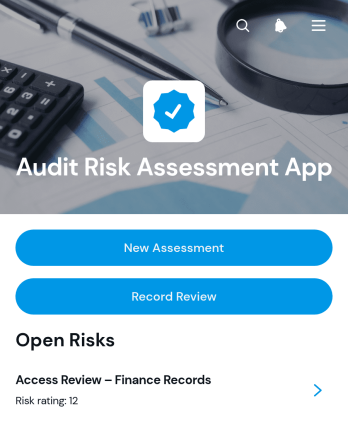
Audit Risk Assessment App
The Audit Risk Assessment App is an app template for audit teams, internal reviewers, consultants, and operations leaders who need a consistent way to document and revisit organizational risks. Teams can create new assessments, evaluate findings through likelihood and impact, and record controls, recommended actions, and review outcomes. Centralized assessment records make it easier to compare risks across business areas, preserve reviewer notes, plan the next review date, and keep follow-up work visible. It is well suited to recurring internal audits, process reviews, operational risk checks, and consulting engagements.Jotform App Templates provide a practical starting point that can be adapted through a no-code app builder. Customize this Audit Risk Assessment App with a drag-and-drop interface, connect forms for data collection, and organize assessment and review steps into one accessible workflow. Teams can add branded pages, adjust navigation, connect tables or approvals, and publish the finished app through a direct link or QR code. This creates a mobile-friendly resource for assessors and reviewers without requiring software development, while supporting convenient self-service access to current risk records.
Go to Category:Audit Apps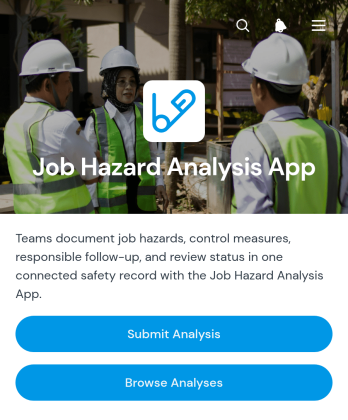
Job Hazard Analysis App
The Job Hazard Analysis App provides safety managers, supervisors, contractors, and field teams with a central place to document job risks before work begins. Users can submit a new analysis, browse previous analyses, and review key information about identified hazards and control measures. Follow-up details, responsible personnel, and review status help teams maintain clear ownership after an assessment is recorded. This app template is useful for construction sites, warehouses, maintenance operations, manufacturing facilities, and other workplaces where tasks need to be evaluated consistently. It supports better preparation, creates accessible records, and gives workers and managers a shared reference for safer task planning.Jotform makes it easy to adapt this app to an organization’s existing safety workflow without coding. The drag-and-drop app builder can be used to update pages, adjust navigation, apply workplace branding, and connect forms with tables, approvals, notifications, and other processes. Teams can organize data collection and self-service access in one mobile-friendly experience, then share the app through a direct link or QR code. Starting with ready-made app templates also reduces setup time while leaving room to tailor questions, control-measure records, and review steps to different roles, locations, or types of work.
Go to Category:Safety and Compliance Apps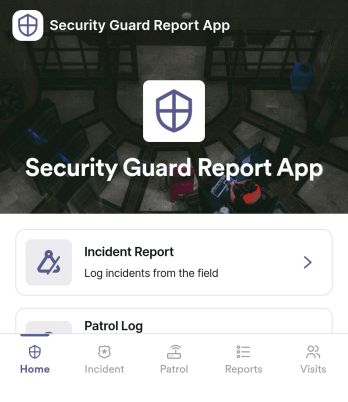
Security Guard Report App
Security Guard Report App helps security teams capture incidents, document shift activity, and confirm routine patrol checks in a consistent format across sites. It’s built for guard companies, property managers, event venues, and in-house security departments that need clear, time-stamped reporting without relying on paper notes or scattered messages. With dedicated areas for incident reports, shift logs, and patrol checks, supervisors get better visibility into what happened, when it happened, and what actions were taken during each assignment.Jotform makes it easy to turn this Security Guard Report App into a branded self-service workflow using a no-code app builder and a drag-and-drop interface. Connect pages to forms for fast data collection in the field, route key updates for review, and keep records organized for follow-up and internal reporting. Share the app with a link or QR code so guards can submit reports from any device, while managers can review entries and standardize operations across locations.
Go to Category:Log Apps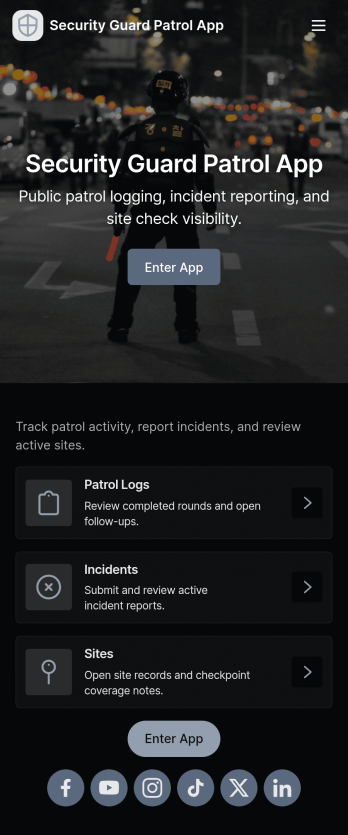
Security Guard Patrol App
Security Guard Patrol App keeps patrol teams organized during every shift by bringing check-ins, incident reporting, and patrol history into one easy place. It’s a practical fit for security companies, property managers, HOAs, warehouses, campuses, and event venues that need guards to start shifts consistently, log patrol activity, and document issues as they happen without relying on paper notes or scattered messages.With Jotform, you can turn this app template into a tailored self-service experience using a no-code app builder and a drag-and-drop interface. Connect the app to your forms for shift activity and incident reports, route information to the right people, and review records in a central workflow for faster follow-ups and clearer visibility across sites and teams.
Go to Category:Log Apps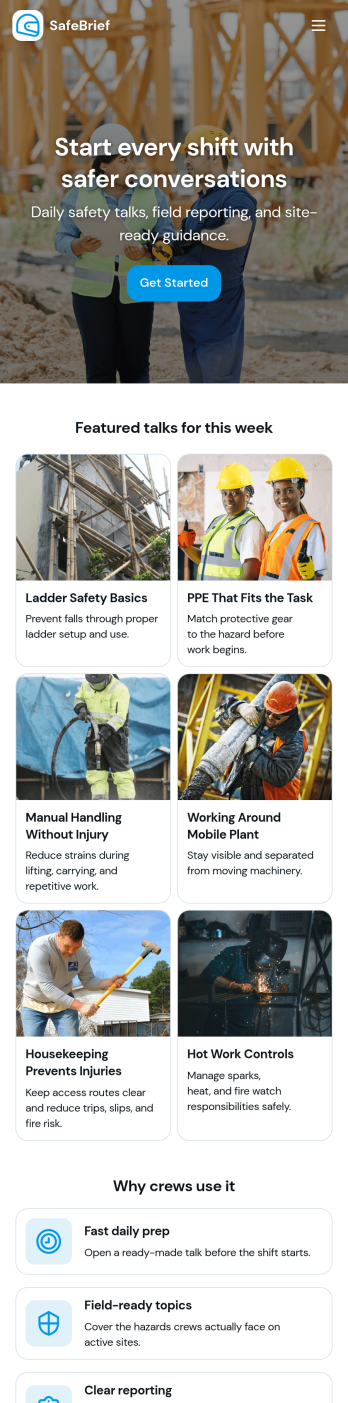
Toolbox Talks App
Toolbox Talks App helps safety leads and site supervisors run consistent pre-task briefings, keep a ready-to-use talk library, and gather participation details in one place. Use it to launch a talk for the day, guide crews through key points, and keep everyone aligned on hazards, procedures, and expectations before work begins. With dedicated areas for running a talk, tracking attendance, and collecting feedback, it fits construction crews, maintenance teams, field service groups, warehouses, and any operation that relies on frequent safety conversations.Built with Jotform, this app template gives you a practical way to support self-service access to talks and simple data collection without code. Customize pages and cards with a drag-and-drop interface, connect the app to your existing Jotform forms for attendance and feedback, and keep information organized for ongoing workflows. Share the app by link or QR code so teams can open it on the jobsite, record participation, and submit notes while the conversation is still fresh.
Go to Category:Checklist Apps