Security Guard Report App helps security teams capture incidents, document shift activity, and confirm routine patrol checks in a consistent format across sites. It’s built for guard companies, property managers, event venues, and in-house security departments that need clear, time-stamped reporting without relying on paper notes or scattered messages. With dedicated areas for incident reports, shift logs, and patrol checks, supervisors get better visibility into what happened, when it happened, and what actions were taken during each assignment.
Jotform makes it easy to turn this Security Guard Report App into a branded self-service workflow using a no-code app builder and a drag-and-drop interface. Connect pages to forms for fast data collection in the field, route key updates for review, and keep records organized for follow-up and internal reporting. Share the app with a link or QR code so guards can submit reports from any device, while managers can review entries and standardize operations across locations.
Related templates

Law Firm App
Need an efficient way to manage your law firm? Keep track of your associates and fellows, manage your case documents, review client forms, and more with our Law Firm App – free from Jotform. With your custom app, you’ll be able to receive and manage all types of internal information. All your data will be stored on your Jotform account in one accessible place – go paperless and manage your firm in a centralized place.Want to give your Law Firm App a professional, polished touch? Jotform’s no-code drag-and-drop app builder allows you to customize your app just the way you want. Use your logo or pick an app icon and background image that represents your firm the best. Your lawyers can access the app through direct messaging, email, or via a scannable QR code. Relieve some of your daily stress and try Jotform’s free Law Firm App today.
Go to Category:Legal Apps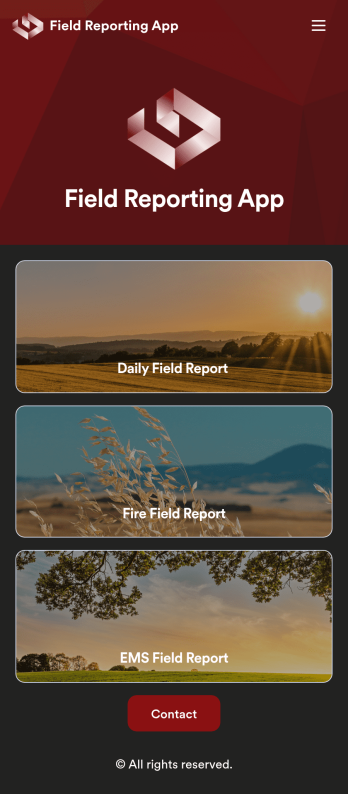
Custom Field Reporting App
A field reporting app can be used by any company that completes field reports. With this free Field Reporting App from Jotform, your employees can complete their reports directly from their smartphone or tablet! No more messy paper forms — instantly collect information online and save it to your secure Jotform account, ready to access on any device.Need to make changes to this app template? Drag and drop to get the look you want. You can upload your logo, change existing forms or add new ones, and make other design changes with no coding required. Once your custom Field Reporting App is ready to go, share it with a link to be downloaded instantly onto any iOS or Android device.
Go to Category:Booking Apps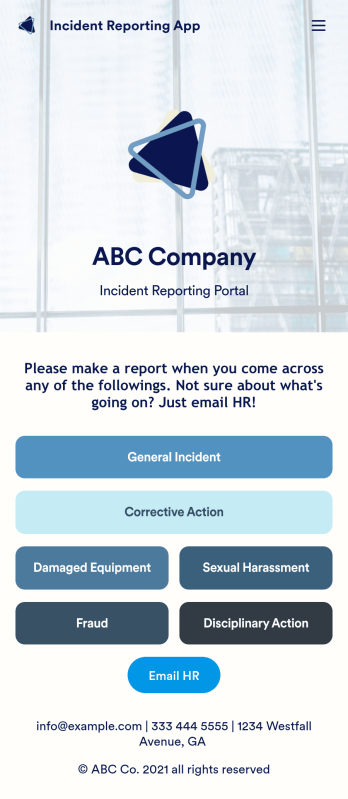
Incident Reporting App
Reporting workplace incidents helps address safety hazards and prevent future accidents. Create a custom Incident Reporting App for your company with our free readymade template. This app features report forms for general incidents, fraud, and corrective and disciplinary actions. You’ll be able to customize and share your form with other managers or supervisors, who can then access, download, and interact with your app from any device. This Incident Reporting App is ready to use as if — but feel free to make modifications using our drag-and-drop interface. Without coding, you can add new report forms, update text, upload images, and change the name, icon, and splash page of your app. When it’s ready, you can access your app from any smartphone, tablet, or computer and share it with others via link. Make it easier to record, report, and respond to incidents at your workplace with a custom Incident Reporting App!
Go to Category:Report Apps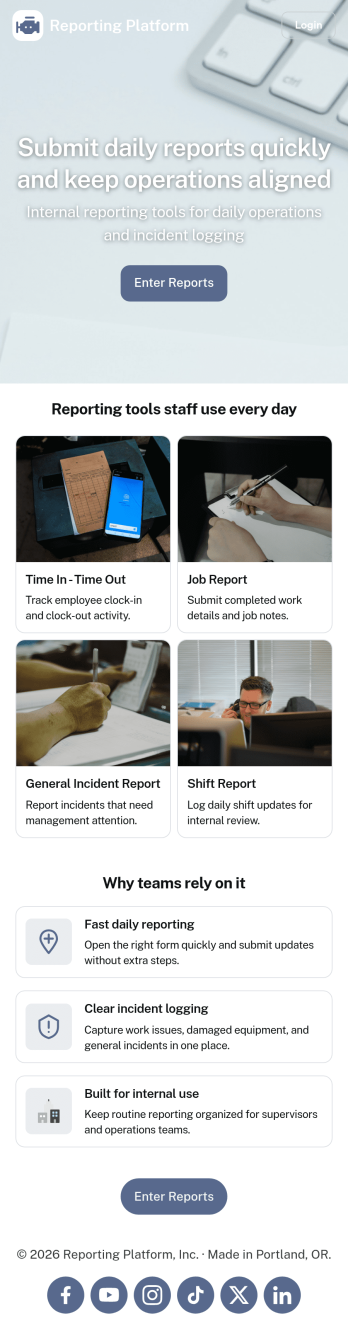
Daily Report App
A daily report app is used by employers to track shift reports, hours worked, and other types of job reports. If you need a more efficient way to collect and manage reports, do it with this ready-made Daily Report App. Simply customize the app if you need to and share it with your employees to download onto their smartphone, tablet, or computer.Customizing this Daily Report App is easy. Jotform’s drag-and-drop app builder lets you add your logo, update forms, change the app background and icon, and make other design changes with no coding required. And if you want to send reports to other platforms, you can do it automatically with 100+ form integrations.
Go to Category:Human Resources Apps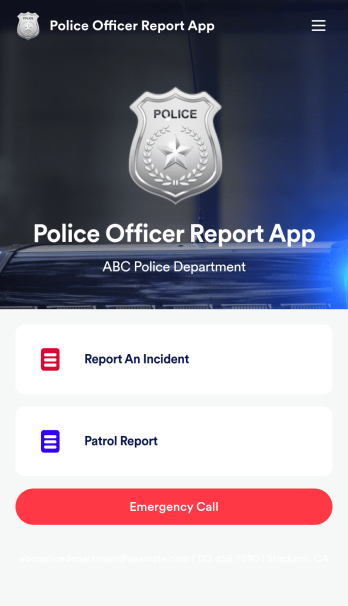
Police Officer Report App
A police officer report app is used by members of law enforcement to report an incident or submit patrol reports. By entering important information like date, time, officer ID, and the people involved in the incident, your department can keep a thorough record of incidents with this free Police Officer Report App from Jotform! All reports are stored securely in your Jotform account and easy to view on any device.Make changes to this app fast with our drag-and-drop builder. Personalize the design by adding a new logo, including extra forms to gather additional details, and customizing other elements to meet your specific needs — then share the app with a link so it can be downloaded to each officer’s computer, tablet, or smartphone. Ditch paper forms and enjoy a faster, more secure way to file incident reports with this free Police Officer Report App.
Go to Category:Report Apps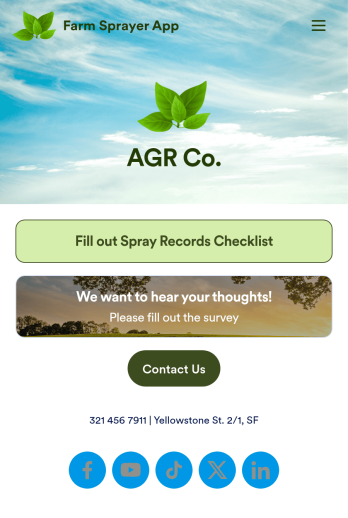
Farm Sprayer App
A farm sprayer app is used by farmers, agricultural applicators, orchard applicators, crop advisers and growers for keeping records of farm pesticide sprays. Our Farm Sprayer App comes with a Spray Records Checklist Form, which makes it easy for farm workers to keep detailed records of spray locations, pesticide amount, date, time of application, wind conditions, and more. Users can also calculate the cost per acre, sign off on farm spray reports using an e-signature form, and collect farm and land survey data with an included Agricultural Survey Form.This ready-made app template can be customized to your liking with Jotform’s no-code app builder. Simply drag and drop to add or change form elements, edit text fields and checklist items, create additional forms, update your app’s splash screen and icon, and more. You can even add your own branding with just a few clicks. When you’re finished making changes, share your app with other farm workers by sending email invites or the app link. Users can then download your app on any device and start filling out reports right away. Submissions are instantly synced and stored in your Jotform account for ease of access. Record and manage your farm’s pesticide spray data from a single convenient location with Jotform’s Farm Sprayer App.
Go to Category:Checklist Apps