Battery Tracker App helps you record routine battery checks, keep a clear history of past results, and spot patterns before a battery becomes a surprise problem. Use it to log each check in seconds, review saved checks when troubleshooting, and share quick updates with a team that maintains devices, vehicles, tools, or backup power systems. It fits field crews, IT and facilities teams, workshop managers, fleet owners, and anyone who wants a simple place to track battery condition over time without hunting through notes.
With Jotform, you can turn this app template into a self-service experience for consistent data collection and follow-up. Customize the pages and cards, connect the built-in form to your workflow, and centralize records in one place so your team can capture new checks, view history, and monitor insights from any device. Jotform’s no-code app builder and drag-and-drop interface make it easy to publish, share, and update your process as your tracking needs change.
Related templates
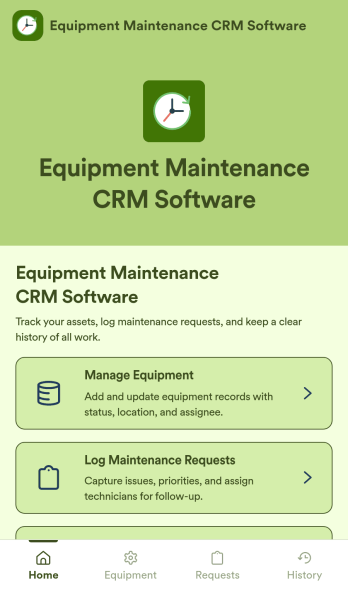
Equipment Maintenance CRM Software
Equipment Maintenance CRM Software is an app template designed to streamline the management of customer data, service histories, and maintenance activities. This robust template is intended for maintenance service companies, field service teams, asset managers, and operations departments who are keen on enhancing their service delivery. It centralizes customer data and service history, significantly reducing downtime and boosting operational efficiency. This template is particularly beneficial in scenarios of regular equipment maintenance checks, enabling a smoother scheduling process and better coordination of service delivery. What's more, it's ready to use right out of the box, making data collection a breeze for teams, whether they're in the field or at the office. This template is best suited for organizations seeking to maintain a comprehensive record of equipment maintenance activities in one accessible system.With Jotform, the Equipment Maintenance CRM Software template becomes an operational powerhouse. Jotform's ease of use and customization abilities allow you to tailor the template to your specific needs without requiring any technical skills. The ability to collect electronic signatures simplifies the verification process of maintenance activities, making it an extremely convenient feature for field service teams. Furthermore, you can generate easily digestible reports and sheets from collected data for an overview of maintenance activities. With Jotform, keeping up with maintenance schedules and coordinating service delivery has never been easier. Collect, track, and manage your maintenance data with precision using the Equipment Maintenance CRM Software from Jotform.
Go to Category:CRM Apps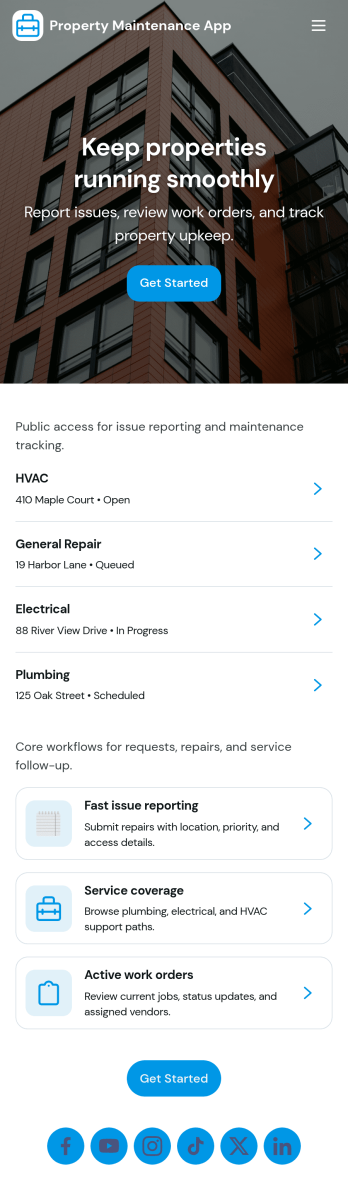
Property Maintenance App
Property Maintenance App gives teams a clear place to log maintenance issues, route them to the right property, and keep work moving without losing context. It’s a practical fit for property managers, landlords, HOAs, and service coordinators who handle recurring repairs across multiple locations and need an easy way to capture new requests, review properties, and follow what’s already been reported.Built with Jotform, this app template brings together self-service request intake and ongoing request visibility in one mobile-friendly experience. Using Jotform’s no-code app builder and drag-and-drop interface, you can tailor pages for your process, connect requests to your data collection, and centralize updates so your maintenance workflow stays organized as volume grows.
Go to Category:Equipment Maintenance Software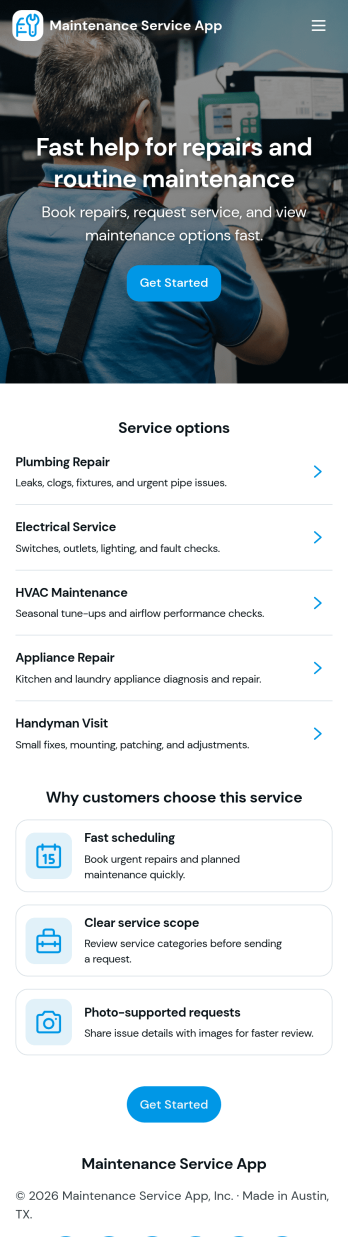
Maintenance Service App
Maintenance Service App brings maintenance requests and work orders into one place so teams can capture new issues, monitor active jobs, and reference completed work without hunting through emails or spreadsheets. It works well for home service providers, property managers, facilities teams, and small operations groups that need a simple way to accept incoming requests and keep technicians aligned on what is open, in progress, or finished. With quick navigation for creating a new request, viewing open work orders, and checking job history, the app supports faster response times and clearer handoffs from intake to completion.Built with Jotform App Templates, this app template can be customized in minutes using Jotform’s no-code app builder and drag-and-drop interface. Connect the request flow to your existing forms and tables for consistent data collection, keep records organized for day-to-day workflow tracking, and share a self-service link with staff or customers to reduce manual follow-ups. As your process evolves, you can update pages, buttons, and lists to match how your maintenance operation actually runs.
Go to Category:Equipment Maintenance Software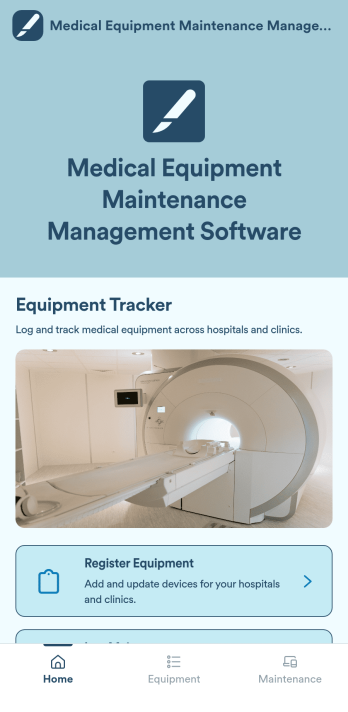
Medical Equipment Maintenance Management Software
Medical Equipment Maintenance Management Software is a versatile app template designed to systematize administrative tasks within healthcare settings. This app facilitates the logging of maintenance activities, registration of new medical equipment, and maintenance of a comprehensive record of all assets in a centralized system. By consolidating these critical tasks, the app promotes accurate tracking of service history and eases the process of equipment registration. The app is tailored to healthcare facilities, maintenance teams, and equipment managers who are tasked with managing medical devices. It is also advantageous for administrators aiming to uphold precise equipment records and align with industry standards. Additionally, the app is a go-to solution for organizations that require a systematic approach to overall maintenance organization.Jotform's No-Code App Builder, integral to the Medical Equipment Maintenance Management Software, empowers healthcare professionals to create a fully personalized, streamlined mobile solution without writing a single line of code. Leveraging the intuitive drag-and-drop interface, users can effortlessly adapt the app to their facility's branding, modifying colours, and integrating necessary forms. Jotform enables a seamless user experience, bundling multiple forms, links, and resources into one accessible package. The app's cross-platform compatibility ensures its seamless functionality across smartphones, tablets, or desktops. This means they can be installed directly to the device's home screen, ensuring instant access without requiring an App Store download. With Jotform, managing medical equipment maintenance has never been easier or more efficient.
Go to Category:Inspection Apps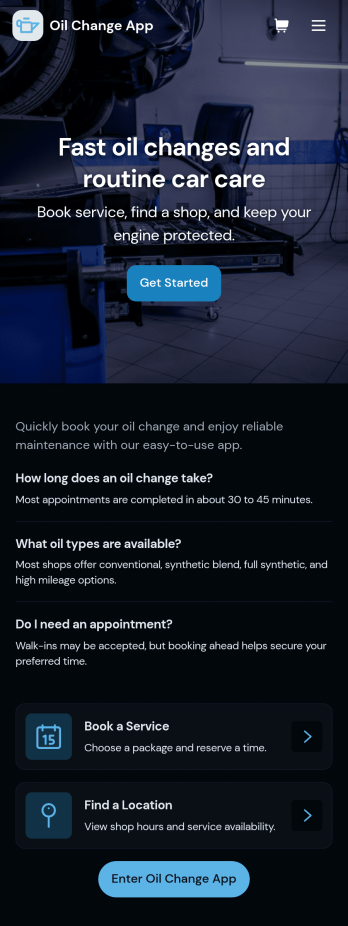
Oil Change App
Oil Change App gives auto shops and mobile mechanics a simple way to manage oil change appointments while keeping vehicle details and service history easy to find. Use it to let customers request service, track upcoming bookings, and organize key vehicle information in one place so your team spends less time searching and more time turning bays. It’s a strong fit for quick lube locations, independent repair shops, fleet-focused service providers, and any operation that needs repeatable, trackable oil change workflows across multiple vehicles.With Jotform, you can turn this app template into a branded, customer-friendly self-service experience using a no-code app builder and a drag-and-drop interface. Connect the app to your forms and tables for data collection, route requests into a workflow, and keep records centralized for staff. Share the app by link or QR code, update content anytime, and create a smoother service process from booking to completed records, all without writing code.
Go to Category:Automotive Apps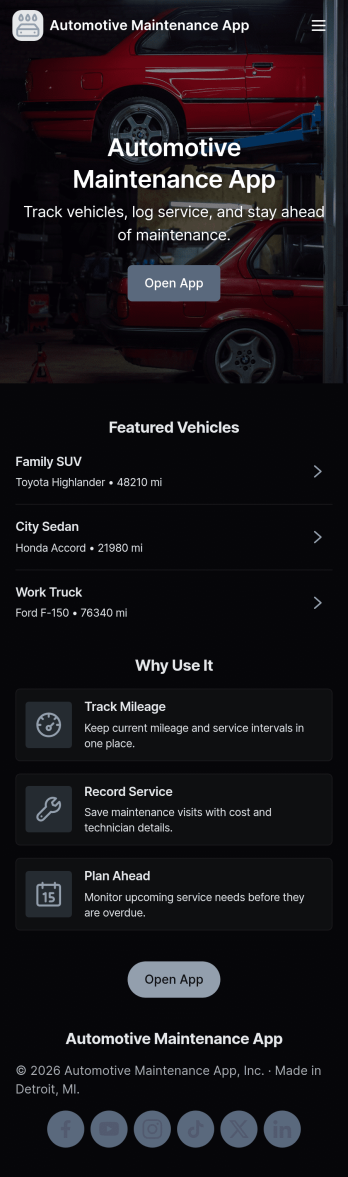
Automotive Maintenance App
An automotive maintenance app brings your vehicle details and service history into one place so you can stay on top of routine care and avoid missed maintenance. Use it to add vehicles, log service visits, and review insights that help you understand what’s been done and what may be coming up next. It’s a practical fit for individual drivers, families with multiple cars, small fleets, and auto shops that want a simple way to keep records organized and easy to access.With Jotform, you can turn this automotive maintenance app into a branded self-service experience without coding. Customize pages with a drag-and-drop interface, connect forms for data collection like adding a vehicle or logging a service, and keep everything organized in a single workflow that’s easy to share and use on the go. Update the layout as your process evolves, then publish and distribute your app with a link or QR code.
Go to Category:Automotive Apps