
The Book Club Reading Schedule App helps reading groups, community organizers, librarians, educators, and membership coordinators plan upcoming books and keep participants informed. Members can browse selected titles, review reading dates and current status, and see the discussion focus for each book in one convenient place. They can also propose future readings through a connected form, giving organizers a consistent way to collect and review suggestions. This app template reduces scattered messages, makes expectations clearer, and supports clubs that meet in person, online, at schools, or through community programs.
Jotform makes it easy to adapt this Book Club Reading Schedule App without writing code. Use the drag-and-drop app builder to update pages, adjust navigation, apply your preferred colors and fonts, and connect forms or tables to your workflow. Among Jotform’s customizable app templates, this option provides a mobile-friendly resource for schedule management, data collection, and member self-service. Once ready, publish it with a personalized link or QR code so readers can access current plans from any device.
Related templates
Tabletop Game Session App
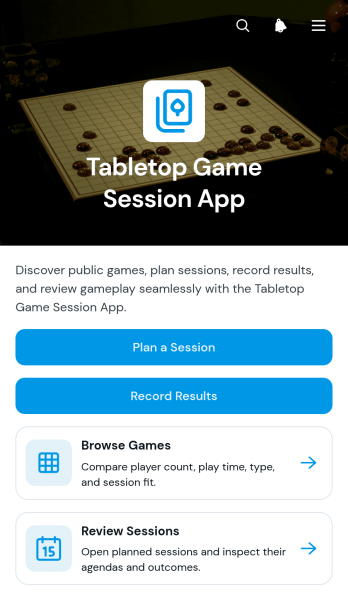
The Tabletop Game Session App is an app template for groups, clubs, community organizers, and venue hosts who want one convenient place to coordinate tabletop gaming activities. Participants can browse a game collection, review player counts and expected play times, plan upcoming sessions, and record results after play. Session pages keep agendas, venues, and participant details easy to find, helping organizers reduce scattered messages and give players a reliable source for event information. It works well for recurring game nights, club meetups, casual gatherings, tournaments, and organized community events.Jotform App Templates help teams turn scheduling and recordkeeping tasks into accessible digital experiences without coding. Use Jotform’s no-code app builder and drag-and-drop interface to adjust pages, update branding, connect forms, and organize data collection around your workflow. You can add resources, change navigation, link supporting processes, and create a clearer self-service experience for players. Once customized, the Tabletop Game Session App can be published and shared through a direct link or QR code, giving participants mobile-friendly access wherever they plan or play.
Go to Category:Entertainment Apps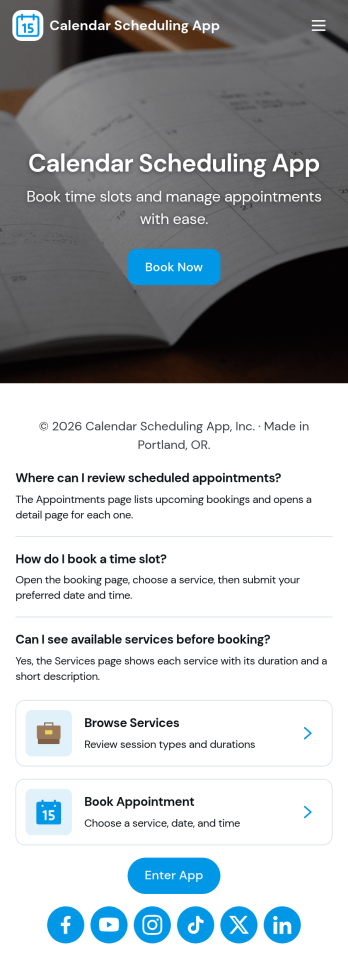
Calendar Scheduling App
Calendar Scheduling App helps teams and service providers coordinate availability and book time without confusion. It brings scheduling into one place with a simple flow for booking a slot, viewing what’s coming up, and opening individual booking details when needed. Use it for client meetings, internal check-ins, consultations, office hours, site visits, or any scenario where multiple people need clear visibility into upcoming appointments.With Jotform, you can turn this scheduling experience into a polished, shareable app without coding. Use the drag-and-drop app builder to adjust pages, add helpful context, and connect the booking form to your workflow so requests are collected consistently and stored for easy follow-up. Share the app link with customers or teammates, manage updates in one place, and keep scheduling organized as your volume grows.
Go to Category:Appointment & Booking Apps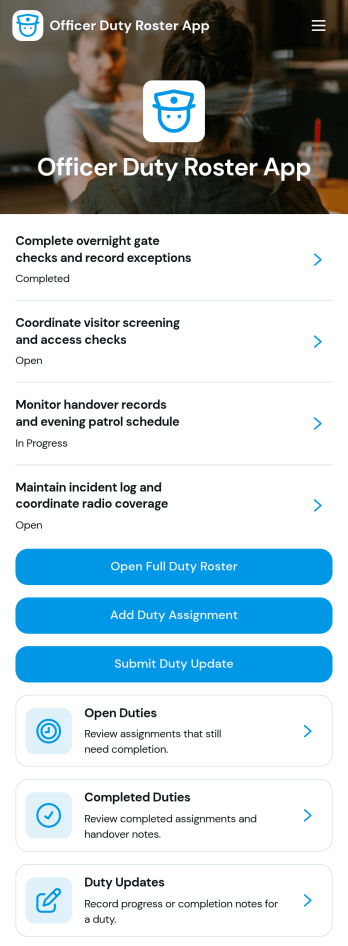
Officer Duty Roster App
The Officer Duty Roster App gives police departments, security teams, public safety units, and other officer-based organizations a central place to coordinate duty assignments. Supervisors can publish roster entries, add new assignments, review open and completed duties, and receive duty updates from personnel. Each assignment can present the responsible officer, shift, station, current status, briefing notes, and completion notes, helping teams understand who is working, where they are assigned, and what requires attention. It is especially useful for daily deployment planning, shift handovers, station coverage, event security, patrol coordination, and other operations where timely roster information supports accountability and continuity.Jotform makes this app template easy to adapt with a no-code app builder and a drag-and-drop interface. Teams can update pages, navigation, colors, fonts, images, and buttons to reflect their procedures and branding, then connect forms and tables to support data collection and workflow management. The finished app can be shared by direct link or QR code for convenient mobile access, giving officers and supervisors a practical self-service resource wherever duties are performed. Jotform App Templates also help organizations launch faster while retaining the flexibility to revise assignments, resources, and connected processes as operational needs change.
Go to Category:Scheduling and Planning Apps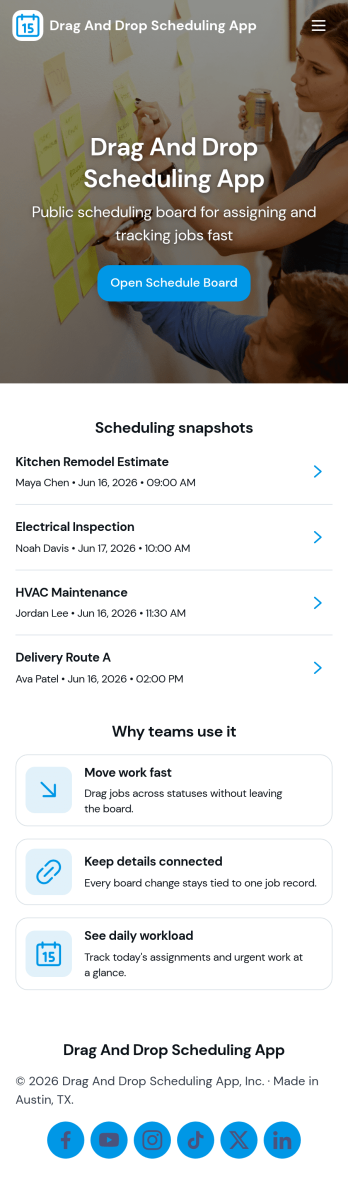
Drag and Drop Scheduling App
Drag and Drop Scheduling App helps teams build and manage shift schedules in a simple, visual way. Use it to create shifts, view the schedule, open a full schedule view, and quickly move between employee-specific pages so managers can confirm coverage and spot gaps. It’s a practical fit for restaurants, retail stores, clinics, field teams, and any operation that needs recurring shift planning, last-minute updates, or clear day-to-day visibility for staff.With Jotform, you can turn scheduling workflows into a shareable self-service app experience using App Templates and a no-code app builder with a drag-and-drop interface. Connect your schedule to forms for fast data collection when adding shifts or capturing requests, keep information organized, and publish updates instantly so everyone works from the same source of truth.
Go to Category:HR Portal Apps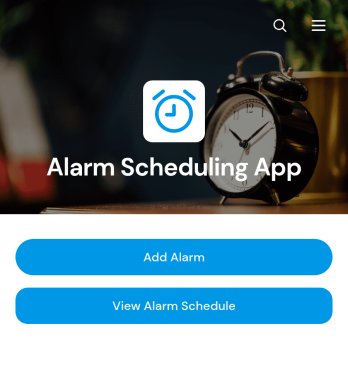
Alarm Scheduling App
Alarm Scheduling App is an app template for individuals, administrative teams, operations staff, caregivers, educators, and service professionals who need a central place to organize time-based reminders. Users can add alarms, browse the full alarm schedule, and review key details such as time, repeat settings, sound preferences, and notes. Each alarm can also be opened and edited when plans change. This setup is useful for coordinating daily routines, medication reminders, classroom activities, shift tasks, equipment checks, appointments, and other recurring responsibilities. By keeping schedules in an accessible format, the app reduces missed tasks and makes upcoming commitments easier to review.Jotform App Templates provide a flexible starting point that can be adapted to personal or organizational workflows. With Jotform’s no-code app builder and drag-and-drop interface, users can update pages, buttons, cards, branding, and navigation without programming. The Alarm Scheduling App can connect with forms, tables, notifications, approvals, and other workflow tools to support data collection and follow-up activities. Once customized, it can be shared through a direct link or QR code for convenient mobile access, giving teams and individuals a practical self-service resource for maintaining consistent schedules.
Go to Category:Scheduling Apps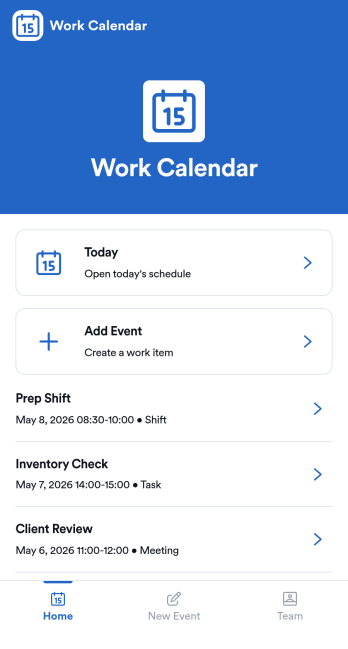
Work Calendar App
A work calendar app keeps schedules, shifts, and time-off needs in one place so teams know what’s happening today and what’s coming next. Use it to highlight today’s shift at a glance, view a weekly calendar for planning, and route upcoming requests to the right place, making it especially useful for managers coordinating coverage and employees checking their schedules. It fits retail, hospitality, clinics, field teams, and any workplace juggling rotating shifts, events, and schedule changes that need quick visibility without digging through messages.With Jotform, you can turn this work calendar app template into a branded self-service experience using a no-code app builder and a drag-and-drop interface. Connect buttons to forms for adding events and submitting requests, then organize updates in connected tables so your workflow stays consistent from request to review. Share the app through a link or QR code, collaborate on scheduling, and keep data collection and updates centralized as your team grows.
Go to Category:Daily Planner Apps