A Bus Schedule App gives riders a clear, mobile-friendly place to check bus routes and quickly find schedule details for the line they need. With simple route browsing and route-specific pages, it works well for city transit teams, campus transportation services, shuttle operators, and community programs that want to share up-to-date route information without sending people to multiple web pages or printed PDFs. It also includes a request option so riders can send questions or report issues from the same place they view routes.
Jotform makes it easy to publish this kind of self-service experience using App Templates and a no-code app builder. Customize pages with a drag-and-drop interface, connect route data to a list for easier browsing, and link a form for rider requests so information and data collection live together in one workflow. Share your Jotform app through a link or QR code and update content anytime to keep riders informed.
Related templates
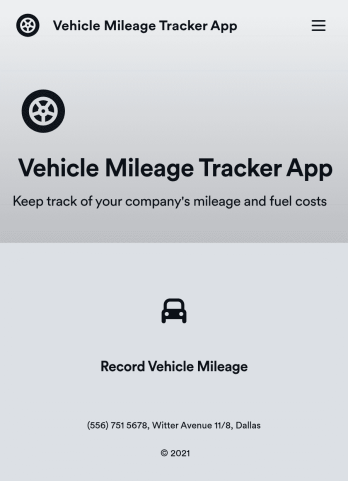
Vehicle Mileage Tracker App
A Vehicle Mileage Tracker App is used by employers to record and track mileage and fuel costs of vehicles used for business. This free and easy-to-use template includes a simple form for employees to fill out their basic contact information, start and end locations, mileage type, odometer readings, and an upload form for attaching receipts. All submitted information is stored securely and can be viewed at a glance in Jotform Tables.Want to customize your Vehicle Mileage Tracker App? With our drag-and-drop interface, it only takes a couple of clicks to add or change forms, choose fonts and colors, upload your company’s logo, update the app name or text, and more — with no coding involved. Once it’s ready, simply share the link with your employees to have them access and download your app on any device. Keeping track of vehicle business expenses has never been easier with this Vehicle Mileage Track App!
Go to Category:Tracker Apps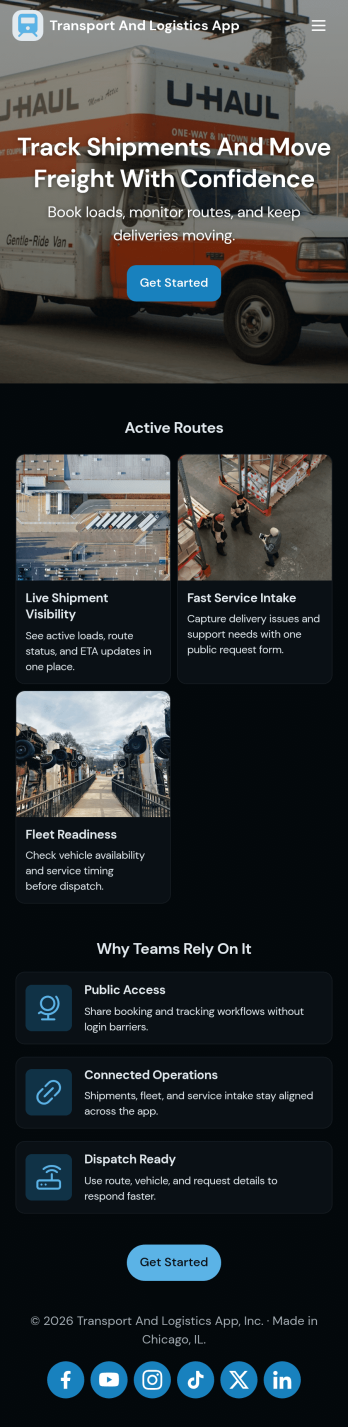
Transport and Logistics App
Transport and Logistics App brings shipment intake and dispatch coordination into one place for teams that move freight day to day. Use it to create new shipments, send requests into a shared workflow, and keep a simple dispatch view that helps operations stay on top of what needs to go out next. It fits trucking companies, delivery operators, freight brokers, and in-house logistics teams that manage multiple loads, drivers, and vehicles while trying to reduce missed details and scattered updates.Built with Jotform App Templates, this app template can be tailored in a no-code app builder with a drag-and-drop interface, so you can match the experience to how your team works. Connect the app to a shipment form for fast data collection, organize incoming records, and share a self-service link with staff who need to submit requests or review assigned work. As your workflow evolves, you can adjust pages, navigation, and connected processes without rebuilding from scratch.
Go to Category:Delivery Apps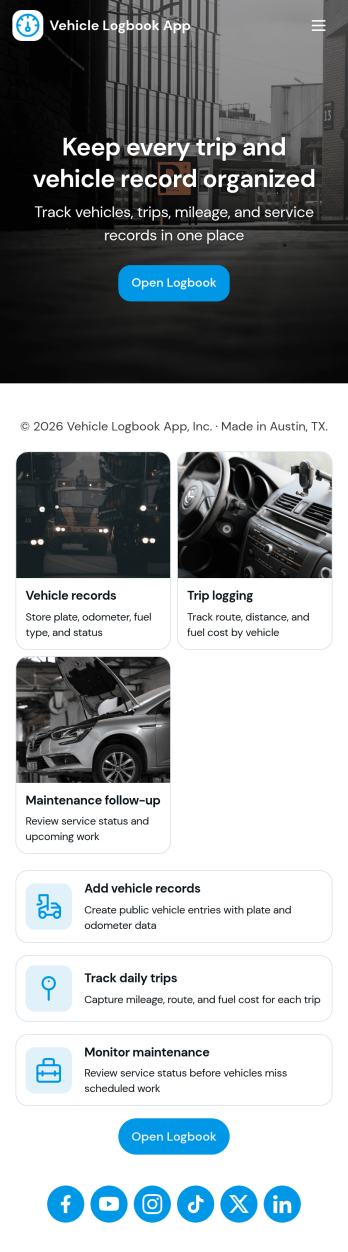
Vehicle Logbook App
Vehicle Logbook App helps individuals and teams keep accurate records of company or personal vehicle activity in one place. Use it to manage vehicle details, log trips as they happen, and capture expenses tied to each vehicle so you can stay organized across day-to-day driving. It fits fleet managers, field service crews, delivery teams, real estate agents, and anyone who needs a reliable driving history for reporting, reimbursements, or internal tracking.With Jotform, you can turn this vehicle logbook app template into a branded, mobile-friendly experience using a no-code app builder and a drag-and-drop interface. Connect the app to forms for adding vehicles, trips, and expenses, then keep entries consistent in a single workflow you can review anytime. Share the app by link or QR code, collaborate with your team, and keep data collection simple whether you’re on the road or at the office.
Go to Category:Automotive Apps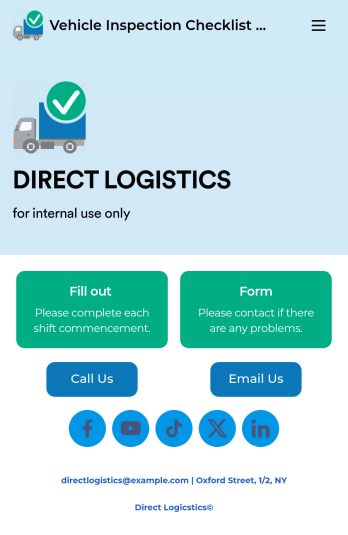
Vehicle Inspection Checklist App
A vehicle inspection checklist app is used by businesses to keep track of vehicle inspection reports for company vehicles. With this free Vehicle Inspection Checklist App, employees can fill out a pre-trip inspection checklist documenting the fuel level and overall condition of a vehicle. Employees can also add notes and attach any relevant pictures using an image upload form. There is a separate contact form employees can use to report issues. Inspection reports are synced automatically to your account, and can be sorted, filtered, and exported from any device.Customize this free app template using Jotform’s drag-and-drop interface. With just a few clicks, you can add or swap out form elements, choose fonts and colors, upload your logo, and more — no coding required. When you’re done, embed a link in an email or on your company website to have employees download your app on any smartphone, tablet, or computer. Create and store vehicle inspection reports in one convenient place with this Vehicle Inspection Checklist App.
Go to Category:Checklist Apps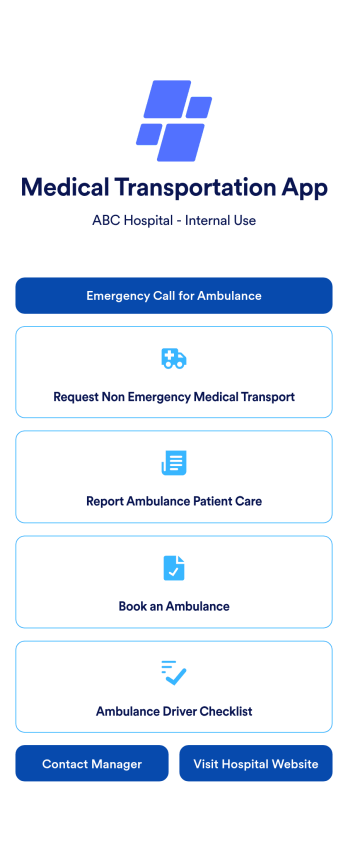
Medical Transportation App
A medical transportation app is a mobile application used by healthcare workers to direct and request ambulances, report medical care, and complete driver checklists. Using Jotform Apps, you can build a custom Medical Transportation App in minutes to streamline ambulance calls and consolidate your checklists. Just choose the template that best suits your needs, customize it to your liking, and share it via link, email, or QR code. Your healthcare workers can then download it onto any iOS or Android device!With Jotform’s drag-and-drop app builder, you can add your hospital logo, change fonts and colors, rearrange app elements, and make other design changes in just a few clicks — no coding required. Plus, integrates with 150+ popular integrations to keep your data in one place, like Google Drive, Slack, or Asana. Keep track of your ambulances with a free Medical Transportation App from Jotform.
Go to Category:Company Portal Apps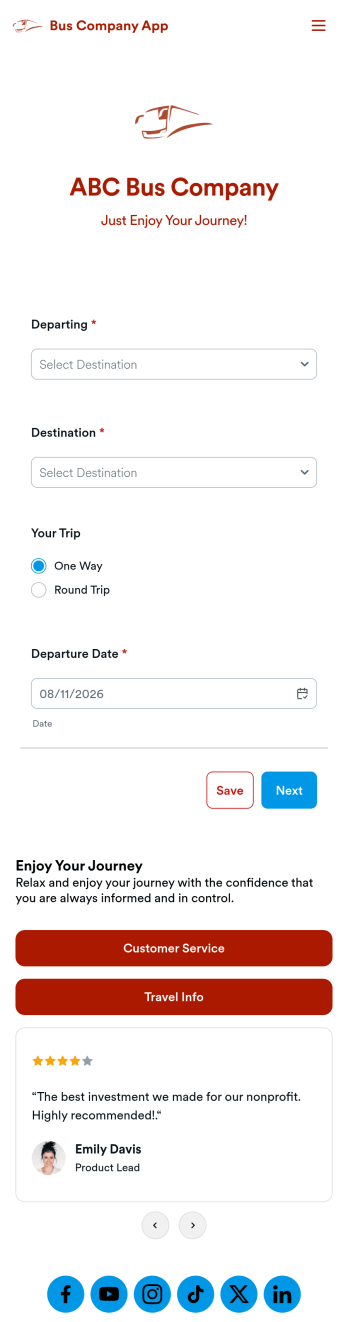
Bus Company App
A bus company app is a type of mobile application used by bus transportation companies to manage and organize customer rides and payments. Build your own custom app with this ready-made Bus Company App from Jotform Apps. Collect customer payments, book bus rides, share information about your policies, and more — all from your very own app. Gather requested departure dates and pickup locations from your mobile device.Want to customize this template to match your business’ branding? No problem. Use our no-code, drag-and-drop builder to make any changes you see fit. Add or remove forms from your app, edit text, change colors and fonts, and more. You can even integrate with 200+ platforms like Google Calendar, PayPal, and Calendly to take your app to the next level.
Go to Category:Reservation Apps