
The Case Notes Management App is a centralized workspace for recording, reviewing, and following up on case-related interactions. It helps case managers, consultants, support teams, social service providers, and other client-facing professionals keep notes organized across active matters. Users can add case notes, browse records with contextual details, and monitor follow-up needs and insights without searching through disconnected files. Clear summaries, categories, statuses, and follow-up indicators make it easier to understand case history, prioritize next steps, prepare for reviews, and support consistent service when several team members contribute to the same work.
Jotform provides a no-code app builder that makes this app template easy to adapt to existing processes. With its drag-and-drop interface, teams can change pages, branding, navigation, and connected forms without writing code. The Case Notes Management App can connect data collection with tables, notifications, approvals, and other workflow steps, creating a practical self-service resource for authorized staff. Publish it with a shareable link or QR code so team members can reach current information from a phone, tablet, or computer while working in the office or remotely.
Related templates
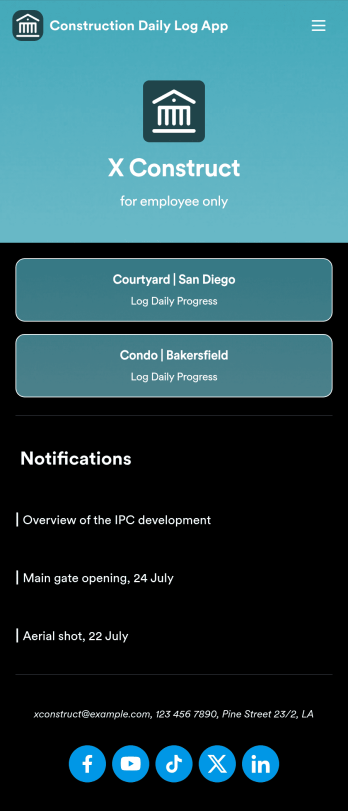
Custom Construction Daily Log App
A construction daily log app is used by construction companies to log their daily progress on construction sites. With Jotform’s free Construction Daily Log App, your company’s employees can complete daily work logs directly from their smartphone or tablet. Just customize the app template, share it with your employees to download onto any device, and view responses in your secure Jotform account.Update the app template to include your branding, add more forms, and make other design changes using our drag-and-drop app builder. No coding knowledge required! Once your app is fully customized to match your needs, share it with a link or invite company members to download it via email so they can readily access it from their mobile device. Save time and paper by completing work logs online with this free Construction Daily Log App.
Go to Category:Construction Apps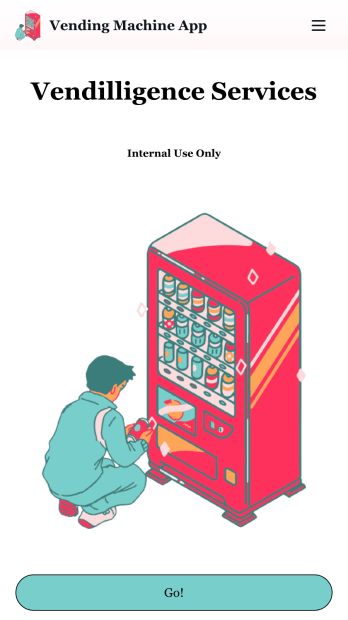
Vending Machine App
Do you have a vending machine business? Equip your employees with the tools they need to take on any request by using the free Vending Machine App from Jotform. In your custom app your employees will be able to request services and inspections, log inventory, and report any issues to the company. All employee data will be stored on your Jotform account in one easy to manage place – making work as seamless as possible for both you and your employees. Need to switch up the look and feel of your Vending Machine App? With Jotform’s no-code drag-and-drop app builder you’ll never have to worry about a tedious brand refresh. Upload your own logo or pick an app icon and background image that works for you. Send your app out to your employees via direct message, email, or even through a scannable QR code. Try Jotform’s free Vending Machine App and revolutionize your business’s workflow.
Go to Category:Inspection Apps
Daily Log App
A daily log app is used by business owners and human resource departments for tracking employee leave requests and daily reports. Jotform’s free Daily Log App allows employees to fill out a leave request form with general contact information, position, manager, and start and end dates for the requested time off. A separate End of Day Form is for employees to provide a daily report summary and write down any questions and comments they may have. Submissions are synced instantly and stored securely in your Jotform account.If you’d like to customize this app template to match your company’s branding, simply use our drag-and-drop interface to add or change forms, upload your logo, change fonts and colors, and more — no coding required. You can even use your splash screen to post announcements and upcoming company holidays. Once you’re done, employees can download your app on any smartphone, tablet, or desktop with a shareable link. Keep track of employee leave requests and daily reports with this Daily Log App.
Go to Category:Daily Planner Apps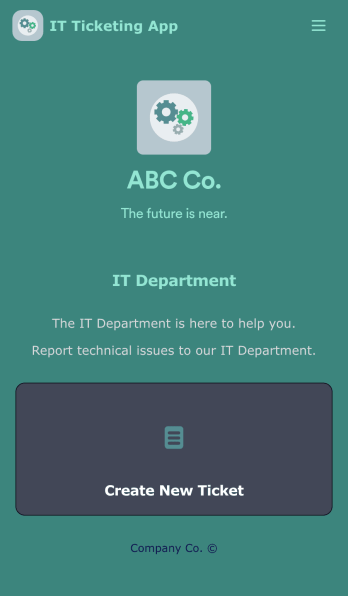
IT Ticketing App
An IT Ticketing App is used by companies to internally record IT issues using support tickets. This readymade app allows employees to specify their IT issue, browser, and operating system, add relevant URLs, assign priority level, and even attach screenshots using an included upload form. IT tickets are then stored securely in your account, where they are compiled into an easy-to-read spreadsheet in Jotform Tables.Our drag-and-drop interface makes customizing this IT Ticketing App a breeze. With just a few clicks, you can add or change forms and text, choose fonts and colors, upload your company logo, update the app name and icon, and more — no coding required. When you’re finished, just share a link with your employees, where they can access and download your app on any smartphone, tablet, or desktop. Start squashing bugs today with this fully customizable IT Ticketing App!
Go to Category:Tracker Apps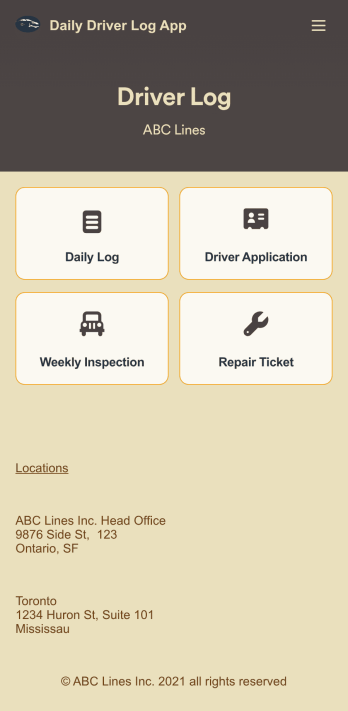
Custom Daily Driver Log App
A Daily Driver Log App is used by businesses to record daily driving activities and maintenance requests from their drivers. With this ready-to-use app template, drivers can log their mileage, start and return dates, upload fuel receipts, and fill out a vehicle condition checklist. There is a digital signature form at the bottom where drivers can sign off on their reports. Also included are forms for weekly vehicle inspections, repair service requests, and even an application for new drivers. Submissions will be stored securely in your account, where you can view and access all your driver logs in an easy-to-read spreadsheet in Jotform Tables.Want to customize this Daily Driver Log App to match your company’s branding? Our drag-and-drop interface makes it easy to add or change forms, choose fonts and colors, upload your logo, update the app name or text, and more — no coding required. When you’re done, your app can be shared with your drivers via link, and then accessed and downloaded on any smartphone, tablet, or desktop computer for future use. Keep track of every driven mile with this Daily Driver Log App!
Go to Category:Daily Planner Apps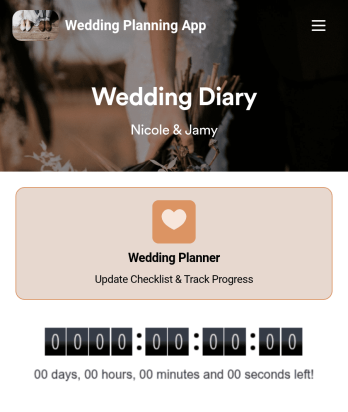
Wedding Planning App
Plan your wedding like a pro with a free Wedding Planning App from Jotform! Whether you’re a professional wedding planner or getting things ready for your own wedding, use this app to create a wedding checklist, track your progress, and view a countdown timer ticking off the seconds until the big day. You can also use the app to log expenses, manage your guestlist, and keep track of venue information.Make changes to this Wedding Planning App template in seconds with our drag-and-drop builder. Add new forms, pages, links, images, and personalize design elements like splash screen and app icon with no coding required. Your custom Wedding Planning App can then be downloaded instantly onto any device — including your computer or any iOS or Android device — so you can prepare for your event seamlessly on the go.
Go to Category:Checklist Apps