
Catering Sales Tracker App gives catering companies a central place to capture inquiries, manage sales opportunities, record confirmed bookings, and review reports. This app template is useful for catering sales managers, event coordinators, restaurant catering teams, and independent caterers who need a clearer view of prospective and booked business. Teams can organize contact details, guest counts, service types, estimated values, follow-up dates, and contract values without relying on scattered notes or disconnected spreadsheets. It supports consistent data collection, timely sales follow-up, and a more visible workflow from the first inquiry through the final booking.
Jotform Apps helps businesses turn processes into interactive, mobile-friendly experiences with a no-code app builder and an intuitive drag-and-drop interface. Start with this Catering Sales Tracker App, customize its pages and branding, and connect forms, tables, approvals, or other workflows as your operation grows. Jotform app templates can be shared through a direct link or QR code, making information accessible to authorized team members wherever they work. Updates can be made without coding, helping catering teams maintain a practical sales workspace that supports collaboration, reporting, and faster access to current records.
Related templates
Client Management App
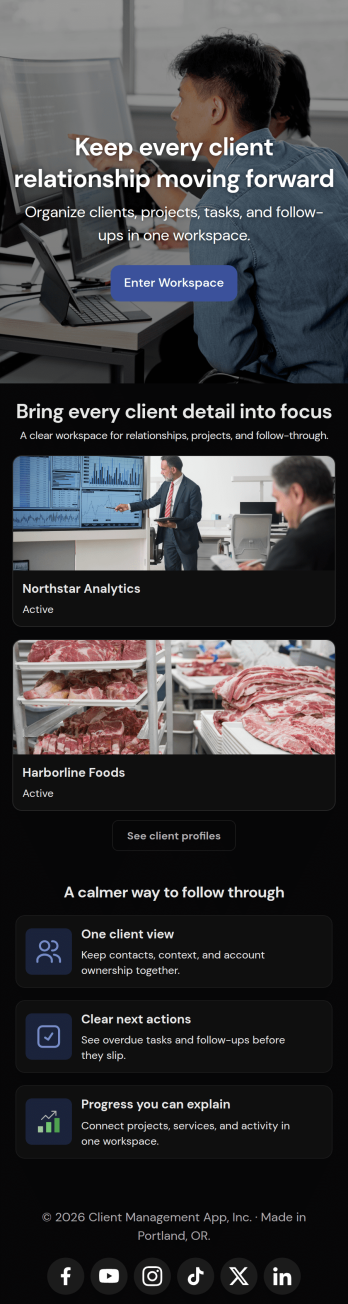
Looking for a way to manage clients without relying on expensive CRM software? Our free Client Management App is just the tool your team needs for tracking all your company’s relationships and interactions with clients. This customizable app shares all your forms at once, so you can register new clients, access your CRM database, log tasks, generate reports, and collect feedback all in one place.Customize your Client Management App to meet your company requirements. No coding necessary—just drag and drop to add or delete forms, embed links to your spreadsheets or other sites, change text and images, and even update your app icon and name to match your branding. Jotform’s List Element feature lets you connect Tables and Role-based features; you can control access so admins and other users see only the parts of the app relevant to them. When your app is ready to use, send the link to teammates to open and download on any smartphone, tablet, or computer. Increase customer loyalty and retention for your company with a custom Client Management App as your go-to CRM tool!
Go to Category:Management Apps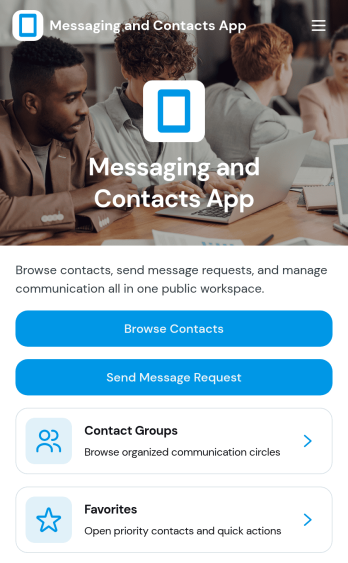
Messaging and Contacts App
Messaging and Contacts App helps teams organize contact details and send message requests from one central, easy-to-share workspace. It’s a practical fit for customer support, sales, community managers, and internal departments that need a simple way to browse contacts, group people by purpose, and quickly reach out when a follow-up is needed. With built-in navigation for browsing contacts, viewing favorites, and working with contact groups, this app keeps communication tasks moving without digging through spreadsheets or scattered tools.Jotform makes it easy to build and publish app templates like Messaging and Contacts App using a no-code app builder with a drag-and-drop interface. Connect buttons to forms for data collection, keep contact records organized, and support a smoother workflow for self-service updates and requests. Share your app through a link or QR code, tailor the branding to match your organization, and update the experience as your contact list and communication needs grow.
Go to Category:CRM Apps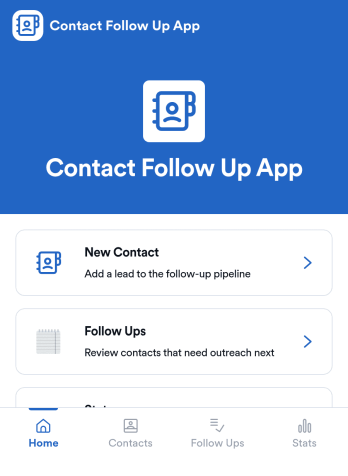
Contact Follow Up App
Contact Follow Up App helps you capture new leads and keep every conversation moving forward without losing track of who needs a reply. It’s built for sales reps, small business owners, agencies, and client-facing teams who juggle outreach across events, referrals, inbound inquiries, and repeat customers. With a simple New Contact entry point and a dedicated Follow Ups area, you can quickly log contact details, review people who need attention, and open an individual contact view when it’s time to act.Jotform makes it easy to turn this kind of follow-up workflow into a shareable, branded experience using a no-code app builder and a drag-and-drop interface. Connect your app to forms and tables for consistent data collection, keep information organized in one place, and publish updates fast as your workflow evolves. Whether you’re tracking lead status, prioritizing outreach, or reviewing simple stats, Jotform app templates help you deliver reliable self-service and internal processes without extra tools.
Go to Category:Customer Engagement Apps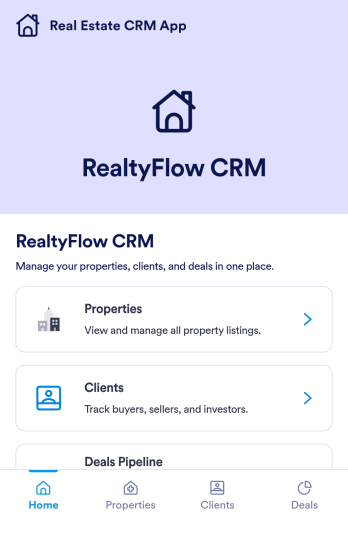
Real Estate CRM App
Real Estate CRM App is an app template designed to centralize client interactions, property listings, and sales activities in a unified management system. It's a ready-to-use solution that efficiently streamlines the inner workings of real estate agencies, brokers, property managers, and sales teams by organizing their client and property relationships into one digital platform. This app is optimized for the collection of critical data, including client communication, property details, and sales records, providing a clear and consistent overview for more effective decision-making. By replacing ad-hoc data collection methods with this template, real estate professionals benefit from a more organized and efficient workflow, thus contributing to improved productivity and client satisfaction. This app is particularly beneficial for those who aim to reduce manual tasks, minimize errors, and optimize operational efficiency in their real estate operations.Jotform's Real Estate CRM App is a robust platform that makes the task of real estate management simple and seamless. With Jotform's user-friendly interface, you can easily customize the app to your specific needs, from adjusting the app's layout and design to adding or modifying data fields. The easy-to-use drag-and-drop feature allows you to personalize your app without any coding required. Furthermore, the app supports the collection of electronic signatures, making it convenient for clients to sign off on important documents digitally. Jotform also features a comprehensive reporting system, enabling you to generate sheets and reports from your collected data with ease. The simplicity and flexibility of Jotform's Real Estate CRM App make it a formidable ally in your daily real estate operations, helping you maintain a high level of efficiency and client satisfaction.
Go to Category:Real Estate Apps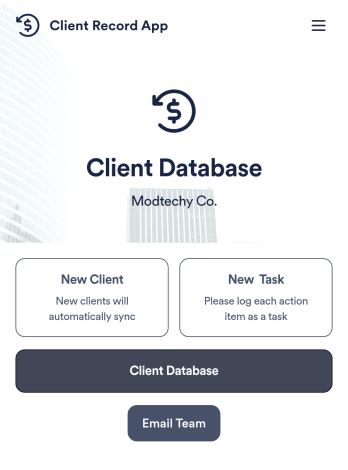
Client Record App
A client record app is used by companies to keep track of clients in a Jotform Tables database. With our Client Record App, you can add general contact information for new clients and view a list of existing clients. There is also a separate task form for employees to log projects. Submissions are stored securely in your online account and can be accessed directly through your app from any smartphone, tablet or computer.This Client Record App can be easily customized without any coding. Our drag-and-drop builder allows you to add and change forms, upload your logo, choose fonts and colors, create a custom app icon and splash screen, and more. When you’re finished, your team can access and download your app on any device with a share link. Keep all your business contacts in one convenient location with this Client Record App!
Go to Category:Freelancer Apps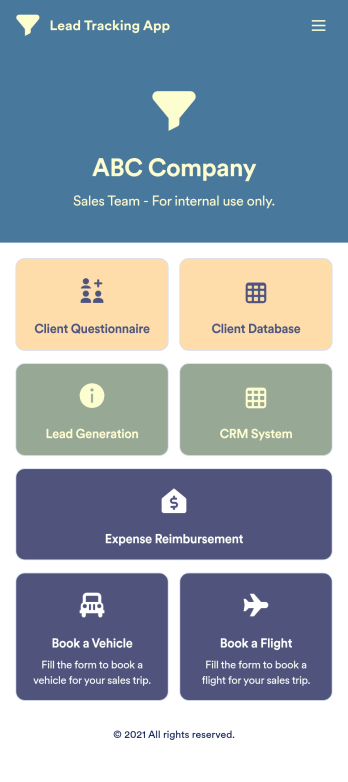
Lead Tracking App
A lead tracking app lets sales teams track and follow up with new and existing leads from any device. Make it easier for your sales team to capture, nurture, and manage your leads with a fully-customizable Lead Tracking App powered by Jotform. This ready-to-use app template includes multiple tools to help you keep track of your leads and sales pipeline, including a client database, CRM system, client questionnaire, lead-gen form, expense reimbursement form, and more. You and your team can download the app onto any mobile device or computer for easy access to your leads at any time.This Lead Tracking App has everything you need to successfully manage your leads — but if you’re looking for even more, customize the template to meet your each and every need. Our drag-and-drop builder lets you add forms, pages, links, documents, buttons, images, photos, data grids, and other app elements without any coding. When it’s ready to use, your app can be saved onto any device and shared with teammates via email invite or the app link. Turn leads into returning customers with a powerful and easily-accessible Lead Tracking App in your sales toolkit.
Go to Category:Management Apps