
Childcare Service Agreement App gives independent caregivers, childcare providers, families, and household service coordinators one organized place to create and review care arrangements. Users can prepare an agreement, browse records by child, and view key details covering schedules, payment terms, responsibilities, and acknowledgments. This app template helps clarify expectations before care begins or whenever an existing arrangement changes. It is useful for recurring in-home care, part-time childcare, after-school support, and temporary care arrangements where families and caregivers need consistent access to shared information.
Jotform Apps makes it easy to adapt this Childcare Service Agreement App without writing code. Use the drag-and-drop app builder to adjust pages, cards, buttons, colors, and branding while connecting forms and tables to support data collection and workflow organization. Records can be kept accessible through a mobile-friendly experience, helping users find current agreement information without searching through scattered messages or documents. Start with one of Jotform’s App Templates, personalize it for your childcare process, and share it through a direct link or QR code for convenient self-service access.
Related templates
Intellectual Property Personality Quiz App
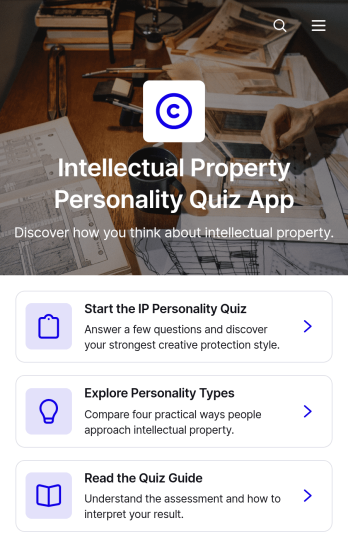
Intellectual Property Personality Quiz App is a ready-to-use interactive experience for exploring how people approach intellectual property topics, decisions, and responsibilities. Legal consultants, intellectual property educators, innovation teams, entrepreneurs, creators, and training providers can use it to make awareness activities more engaging. Participants can complete the quiz, explore personality types, and review results that highlight a strength, a potential blind spot, and a recommended next action. A supporting quiz guide adds useful context. This app template works well for workshops, educational campaigns, team development sessions, lead generation, and client engagement without presenting the results as legal advice.Jotform App Templates help organizations turn forms and supporting resources into polished, mobile-friendly experiences. With Jotform’s no-code app builder and drag-and-drop interface, you can update quiz content, adjust navigation, apply your branding, and organize data collection without programming. Connect forms with tables, notifications, approvals, and other workflow tools to manage responses or follow-up activities. Once your Intellectual Property Personality Quiz App is ready, publish it through a direct link, share it with a QR code, or embed it online for convenient self-service access.
Go to Category:Quiz Apps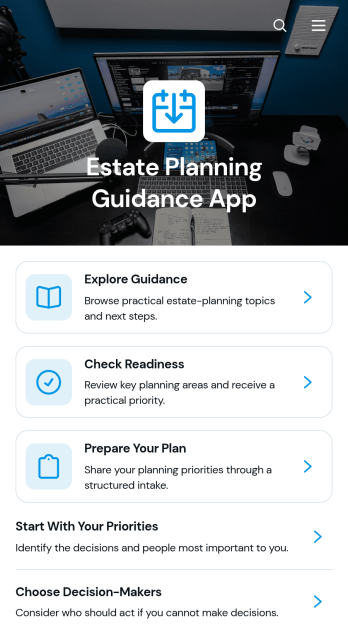
Estate Planning Guidance App
The Estate Planning Guidance App is a digital resource for individuals who want to understand planning considerations, assess their readiness, and prepare information before discussing an estate plan with a qualified professional. It can support legal practices, financial education teams, consultants, and community organizations that provide general planning guidance. Users can explore organized educational content, follow recommended actions, and complete a readiness checklist from one accessible location. This app template helps turn a potentially complex topic into a clear sequence of manageable steps while giving organizations a consistent way to share resources and encourage informed preparation.Jotform App Templates make it easy to customize this experience with a no-code app builder. Using a drag-and-drop interface, teams can update pages, branding, navigation, guidance, and connected forms without programming. The app builder can also connect data collection with tables, notifications, approvals, and other workflow steps, helping staff review readiness responses and coordinate appropriate follow-up. Publish the app for mobile-friendly self-service access, then share it through a direct link, a personalized web address, a scannable code, or an embedded experience.
Go to Category:Legal Apps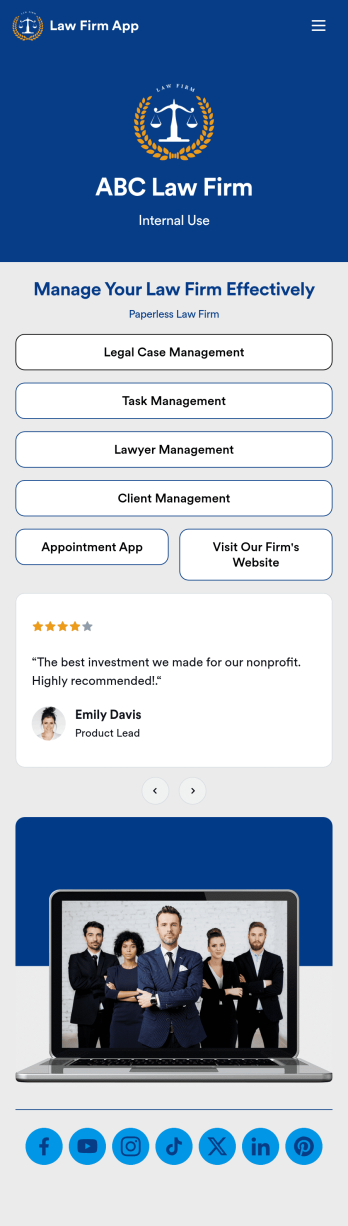
Law Firm App
Need an efficient way to manage your law firm? Keep track of your associates and fellows, manage your case documents, review client forms, and more with our Law Firm App – free from Jotform. With your custom app, you’ll be able to receive and manage all types of internal information. All your data will be stored on your Jotform account in one accessible place – go paperless and manage your firm in a centralized place.Want to give your Law Firm App a professional, polished touch? Jotform’s no-code drag-and-drop app builder allows you to customize your app just the way you want. Use your logo or pick an app icon and background image that represents your firm the best. Your lawyers can access the app through direct messaging, email, or via a scannable QR code. Relieve some of your daily stress and try Jotform’s free Law Firm App today.
Go to Category:Legal Apps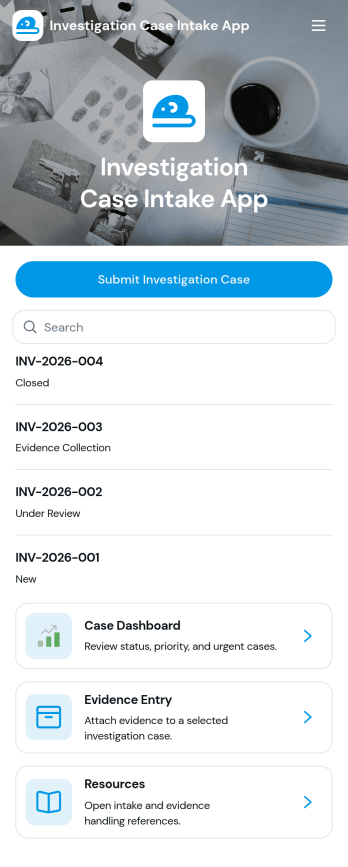
Investigation Case Intake App
Investigation Case Intake App helps teams capture new investigation reports and keep case information organized from the first intake through ongoing follow-ups. It’s a practical fit for HR teams, internal audit groups, compliance and risk teams, security operations, and legal departments that need a consistent way to log incidents, assign urgency, and reference cases without losing critical details. With quick access to case records and a guided path to submit follow-ups, the app supports clearer handoffs, better documentation, and faster internal response when multiple stakeholders are involved.Built with Jotform, this app template can be customized in a no-code app builder using a drag-and-drop interface, so you can match your internal workflow and terminology. Connect intake and follow-up forms to keep data collection consistent, centralize records for easy review, and share the app with the right people through a link or QR code for secure self-service reporting. As your process evolves, you can update pages, add steps, and keep your investigation workflow running smoothly without writing code.
Go to Category:Legal Apps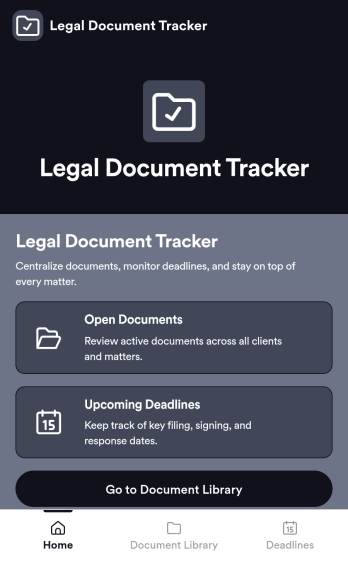
Legal Document Tracker
Legal Document Tracker is an app template designed to streamline and optimize the handling of various legal documents. This robust solution is primarily utilized by legal teams, law firms, compliance departments, and other organizations to effectively manage their document workflows. With its straightforward design and functionality, it collects relevant data pertaining to the status and details of legal documents, offering a superior alternative to ad-hoc data collection methods. The consistent and comprehensive data collection ensures that no critical document details are missed, bringing clarity and consistency to complex legal workflows. The Legal Document Tracker is best suited for environments where tracking and handling various legal documents is a regular operational aspect.Jotform takes the ease of managing legal documents a step further with its distinctive features tailored to support the Legal Document Tracker's workflow. Leveraging Jotform's user-friendly interface, legal teams, law firms, and compliance departments can effortlessly customize the app to their unique needs, without the need for any coding. Jotform's electronic signature feature adds another layer of convenience, allowing for swift and secure document approval processes. Moreover, Jotform's sophisticated system simplifies data collection and helps in compiling sheets and reports, making the document tracking process even more streamlined. All these distinctive features and benefits of Jotform accentuate the practicality and efficiency of the Legal Document Tracker, making it an invaluable asset for any legal or compliance department.
Go to Category:Tracker Apps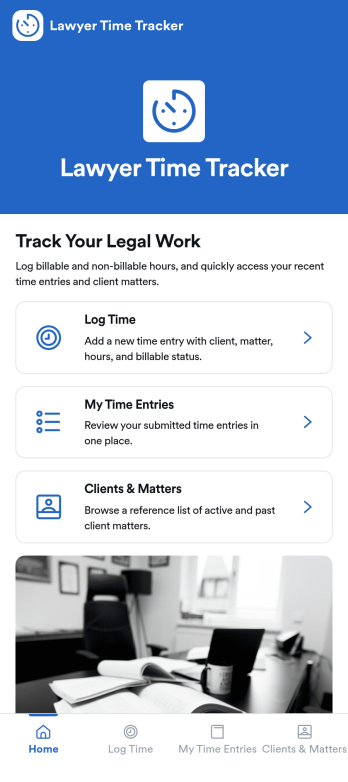
Lawyer Time Tracking App
Lawyer Time Tracking App helps attorneys and legal teams capture billable time in a consistent, matter-based workflow. From a central home screen, team members can log time as they work, review their own time entries, and reference clients and matters so hours are attributed correctly before invoicing. It’s a practical fit for solo practices, boutique firms, and in-house legal departments that need clearer visibility into workload, faster month-end close, and fewer missed billables across calls, research, drafting, and court prep.Jotform makes it easy to turn this experience into a branded, client-ready tool using App Templates and a no-code app builder. With a drag-and-drop interface, you can tailor pages, connect a form for data collection, and keep time records organized in one workflow for self-service entry and review. Share the app via link or QR code, collaborate with your team, and update the layout anytime as your processes evolve.
Go to Category:Activity Tracking Apps