Classroom Observer App

Classroom Observer App gives instructional coaches, administrators, and department leads a simple way to document classroom visits, keep observation records organized, and follow up with teachers over time. From the home screen, you can log a new observation through a connected form, browse observation history, and open a summary view to spot patterns across visits. It works well for walkthroughs, formal observations, and coaching cycles in K–12 schools, districts, and training programs where consistency and timely notes matter.
With Jotform App Templates, you can turn your observation workflow into a shareable, mobile-friendly experience without coding. Build and customize your app using Jotform’s no-code app builder and drag-and-drop interface, then connect forms and data collection to keep information accessible in one place. Publish with a link for quick access during classroom rounds, and update pages, cards, and navigation as your process evolves.
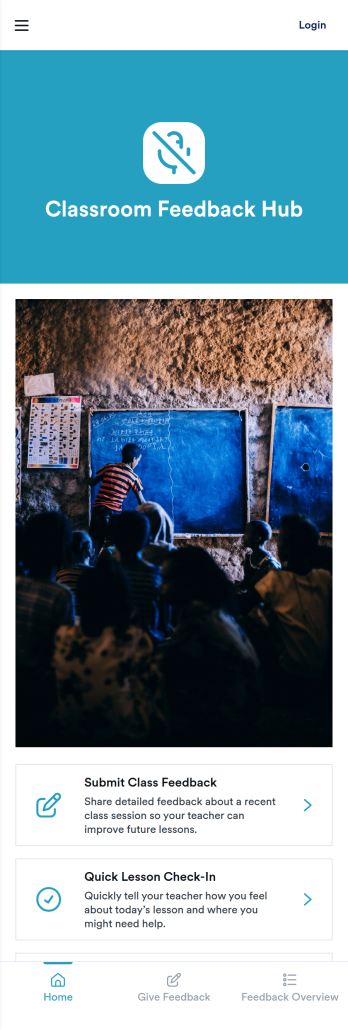
Classroom Feedback Hub App
Classroom Feedback Hub App gives teachers and school teams one place to collect class feedback, run quick lesson check-ins, and review responses over time. Use it to spot what students understood, what needs reteaching, and how classroom experiences are landing week to week. It’s a practical fit for K–12 classrooms, tutoring programs, and training groups that want a consistent rhythm for gathering input without adding extra admin work. With clear entry points for submitting feedback and a dedicated view for reviewing results, the app supports reflective teaching and more responsive instruction.Jotform makes it simple to launch this app template and tailor it to your routine using a no-code app builder and a drag-and-drop interface. Connect the app to your forms and a linked table view to keep data collection organized and easy to revisit, then share the app with a link or QR code for fast self-service access. Update pages, branding, and navigation anytime so the experience stays aligned with your classroom needs and feedback workflow.
Go to Category:Classroom Management Apps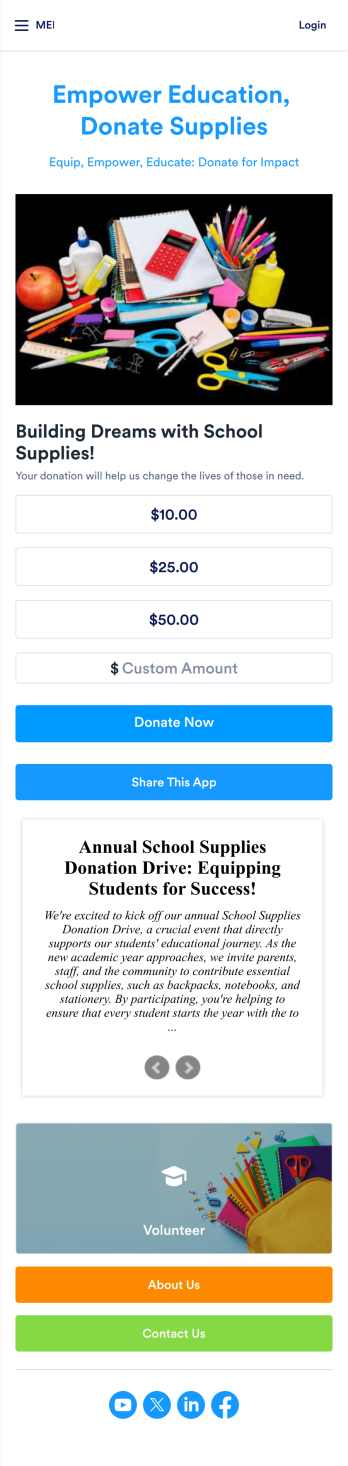
School Supplies Donation App
Empower your educators and their students with this free School Supplies Donation App from Jotform — fully customizable with no coding knowledge needed. Collect donations for much needed school supplies with our handy Donation Box element, gather volunteer signups for your next school wide event, and so much more with this handy app.Feel free to customize your app by uploading your school’s mascot or logo, switching up colors and fonts, editing letter text, and more. You can even include a progress bar to track donations and see how far you are from your goal. After you’ve finalized your School Supplies Donation App, simply share it with your audience via QR code, direct link, or by embedding it into your online school portal or website.
Go to Category:Community & Engagement Portal Apps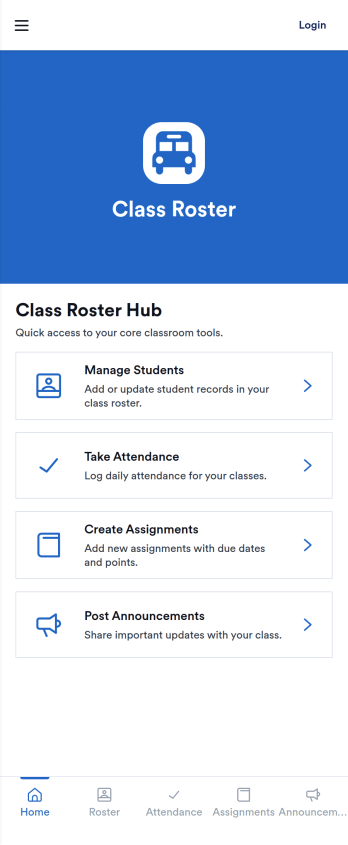
Class Roster App
Class Roster App keeps your student list, attendance logs, assignments, and class announcements organized in one place. Built for teachers, tutors, trainers, and school staff, it supports day-to-day classroom routines without relying on scattered spreadsheets or paper notes. Use it to add and manage students, record attendance by date and class name, post updates for the group, and keep assignment details easy to find when learners or guardians ask questions.With Jotform’s App Templates, you can launch this app template quickly and tailor it to your class. Use the no-code app builder and drag-and-drop interface to adjust pages, update labels, and match your program’s workflow. Connect the app to your existing Jotform forms and data collection so rosters and records stay current, then share a single link or QR code for simple self-service access wherever learning happens.
Go to Category:Education Apps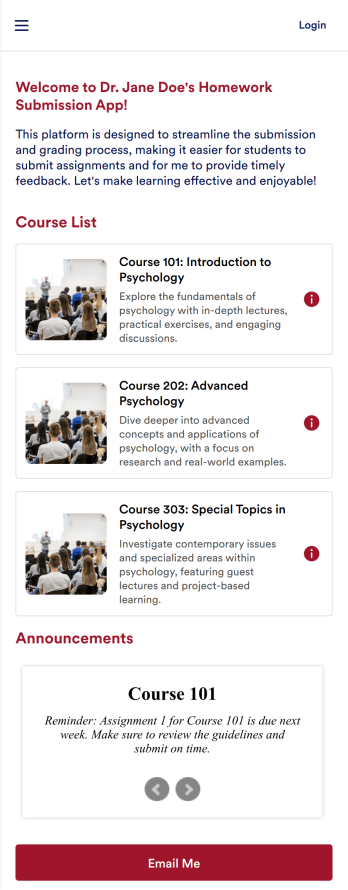
Homework Submission App
A homework submission app is a type of mobile application used by educators to collect student homework assignments. Build your own custom Homework Submission App with Jotform Apps. List your courses, add homework submission forms, set up automated responder emails, and streamline your own overall grading process.Customize the look and feel of your Homework Submission App by using our drag-and-drop app builder. Add or remove forms, change your app’s color scheme and font, select a unique app icon, include helpful form elements, add our Card element to organize your app, and so much more. Once you’re satisfied with your app, simply share it with your students to start collecting homework assignments on any device.
Go to Category:Classroom Management Apps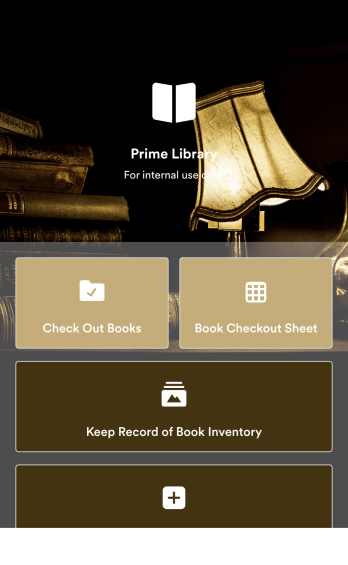
Library Management App
A library management app is used by libraries for library management and inventory purposes. Jotform’s Library Management App makes it easy to quickly fill out a form documenting book title, author, and serial number to keep an accurate record of books checked out by library patrons. A separate form allows librarians to enter incoming book orders into an inventory system. This app comes bundled with companion spreadsheets for each form, giving you an easy-to-understand overview to help you manage your library at a glance.Make this app template your own in seconds with Jotform’s no-code app builder. You don’t need to have any coding or design background — just drag and drop to add or change form elements, edit form text and fields, upload images, add documents, and more. Once you’re done customizing, download your app on any smartphone, tablet, or desktop in your library and start checking out books right away. Manage your library from any device using a single app with our readymade Library Management App.
Go to Category:Management Apps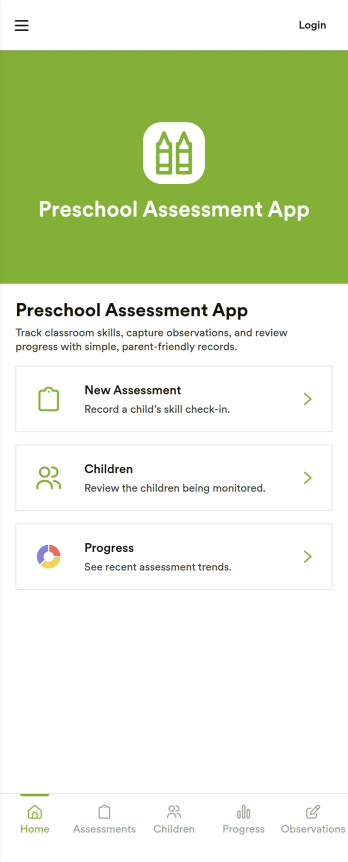
Preschool Assessment App
Preschool Assessment App helps early childhood educators record assessment check-ins, keep a clear list of children, and review progress over time in one place. Use it to start a new assessment, capture quick observation notes during class, and pull up a child’s assessment history when planning small-group activities, conferences, or support strategies. It fits preschools, daycare centers, pre-K programs, and learning pods that want a consistent way to document skills and development without relying on scattered paper packets.Jotform makes it easy to turn this workflow into a polished, shareable experience using App Templates and a no-code app builder with a drag-and-drop interface. Connect the app to forms for data collection, organize records in tables, and keep your workflow moving with simple handoffs and notifications when updates are needed. Publish your Preschool Assessment App as a self-service tool for staff so teachers can add assessments and review progress from any device while keeping information organized across the program.
Go to Category:Education Apps