
The Clinical Research Article Submission App is an app template for journals, research departments, academic institutions, healthcare organizations, and editorial teams that need a central place to receive and assess clinical research manuscripts. Authors can start an article submission, provide essential study information, and present an abstract and disclosure details. Editors can browse submitted articles, review key information, and follow progress through intake checks, editorial screening, and review decisions. This organized experience reduces scattered correspondence, gives contributors a clearer submission path, and helps editorial teams manage incoming research more consistently.
Jotform makes this app template easy to adapt with a no-code app builder and an intuitive drag-and-drop interface. Teams can update pages, branding, navigation, and submission content without programming, then connect forms, tables, notifications, approvals, and other workflow tools. The app can be shared through a direct link or QR code for convenient mobile access. Whether used for ongoing data collection or a dedicated publication workflow, Jotform App Templates help organizations create a practical self-service experience for authors, editors, and reviewers.
Related templates
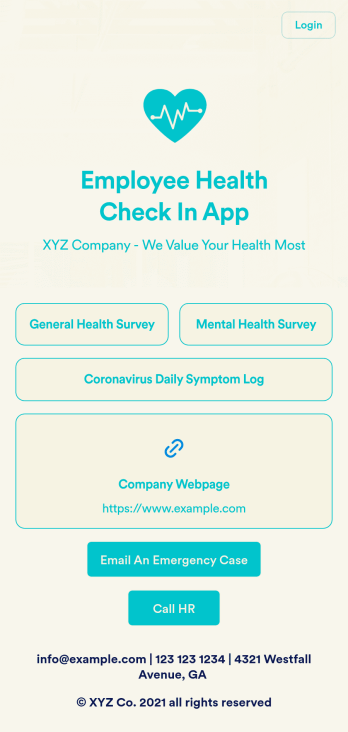
Employee Health Check In App
Screening your employees can help keep your workplace safe and free of contagious diseases. Conduct company health screenings and surveys in one place with our free Employee Health Check In App. Employees will be able to record possible coronavirus symptoms through the COVID-19 Daily Symptom Tracker and answer surveys from any smartphone, tablet, and computer.Customize your Employee Health Check In App for your company in just a few clicks. No coding necessary — simply drag and drop to add forms, surveys, spreadsheets, links, text, images, and more. You’ll even be able to modify the app name, icon, and splash page for a more professional and personalized look. When it’s ready, your app can be shared with employees via link and downloaded onto any device. Take care of your employees’ health and your business with a custom Employee Health Check In App for your company.
Go to Category:Human Resources Apps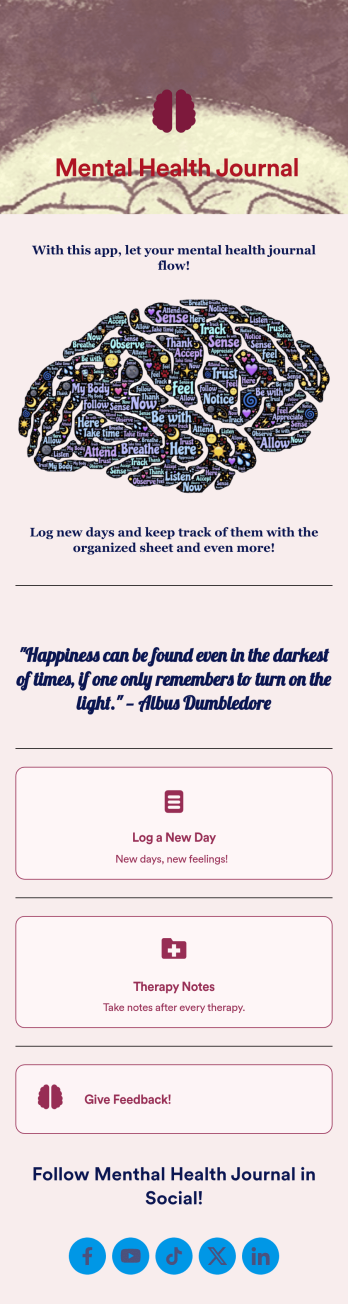
Mental Health Journal App
Need an efficient and less intrusive way to oversee your patients’ mental health? Jotform’s got you covered with our own custom Mental Health Journal App — no coding knowledge required. This app is great for psychologists or psychiatrists alike. Build a thoughtful app that lets your patients express themselves in a variety of ways. Upload daily or weekly check in forms, provide a list of resources and exercises, add appointment scheduling forms, and collect payments from your very own app.Need to make some changes to your app? Simply utilize our easy-to-use online app builder to give your Mental Health Journal App your own signature touch. Pick fonts and colors you like, upload images, integrate with helpful scheduling widgets, and more depending on you and your patients’ needs. Then simply share with your patients via QR code, email, or by linking to it in your patient portal.
Go to Category:Healthcare Apps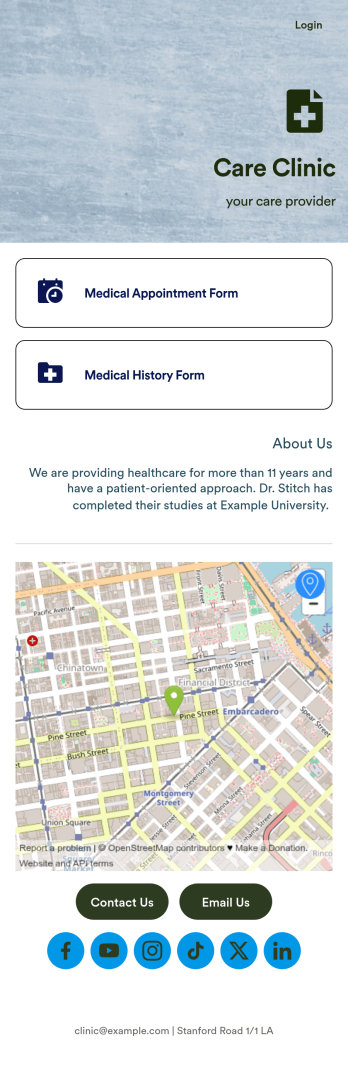
Medical Appointments App
A medical appointments app makes it easier for patients to schedule doctor’s appointments from any device. Simplify appointments for your hospital or health clinic with our free Medical Appointments App Template. This ready-to-use app includes an appointment scheduling form and a medical history form that patients can easily fill out from their smartphone, tablet, or computer. Submissions will be received instantly, stored in your dashboard, and encrypted if you opt for HIPAA friendly features in your Jotform plan.Customize this Medical Appointments App in just a few clicks with our drag-and-drop builder. It’s easy to create and add more healthcare forms, embed links to other webpages, update the provided text and images, upload branding elements, and even change the app name, icon, and splash page. Once it’s ready, share your app on your website or send it to patients directly to open and download onto their favorite device. Take the pain out of appointment scheduling by streamlining the process with a professional Medical Appointments App for your organization.
Go to Category:Booking Apps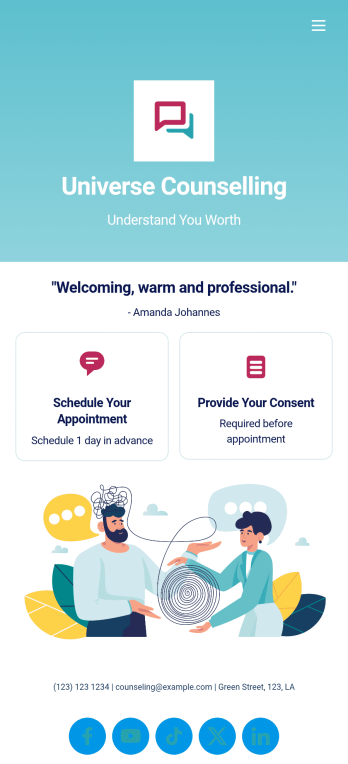
Custom Counseling App
A counseling app provides easier access to mental health resources and tools. Whether you’re a school counselor, family therapist, or life coach, build a fully-custom app for your counseling services with our free Counseling App Template. This ready-to-use app template comes with multiple forms — including a client information form, COVID-19 consent form, and appointment booking form — so clients can access and fill out your forms all from one place.Make this Counseling App your own by customizing it in just a few clicks. Without any coding, you can create and add new forms, embed links to other sites, update the provided text, upload different images, and change app settings. Once you’re satisfied with the app design, embed the app link in your website or send it directly to clients to download on their preferred devices. Make it easier for clients to get the help they need with a professional Counseling App for your services.
Go to Category:Consulting Apps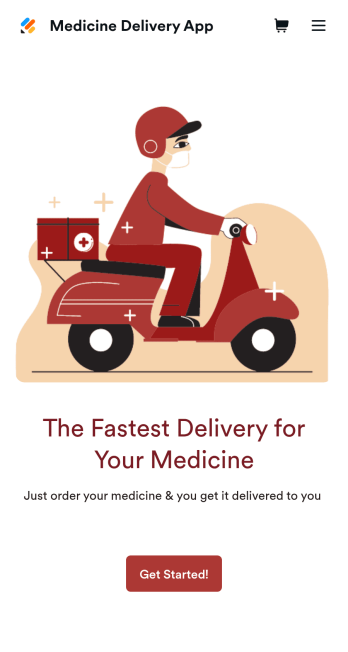
Medicine Delivery App
If your pharmacy offers medicine delivery services and is wondering how to sell medicine deliveries online, collect orders and payments from any device with Jotform’s free Medicine Delivery App. This customizable app includes a medicine order form as well as a feedback form that patients can fill out using any computer, tablet, or smartphone. Submitted orders will be received instantly, so you and your pharmaceutical staff can begin filling prescriptions without any delay.Customize this Medicine Delivery App for your pharmacy without coding. Simply drag and drop to add forms, tables, links, documents, text, images, logos, and other app elements. Then share your app with patients by sending them email invites to download it onto their own devices, or by posting the app link on your website. With a fully-custom Medicine Delivery App that works anywhere, you can sell medicine deliveries online and ensure that patients can refill their prescriptions with ease.
Go to Category:Delivery Apps
Dentist App
A dentist app is used by dental practitioners to gather patient information. With Jotform’s powerful Dentist App, your practice can collect patient dental history, consent forms with e-signatures, and schedule appointments from any device. All responses are stored securely in your Jotform account, which is protected by advanced security methods and the ability to opt into HIPAA compliance.Feel free to update the design of this app template by including your practice’s logo, adding or removing forms, updating the background image, and more with our drag-and-drop no-code app builder. Once your app is ready to go, share it with your staff to download onto any smartphone, tablet, or computer — so it can be filled out fast with no messy paperwork. Improve the patient experience with a free Dentist App from Jotform.
Go to Category:Booking Apps