
The Community Picnic Planning App gives neighborhood groups, nonprofits, schools, clubs, and volunteer committees one shared place to organize community picnics. Participants can submit a picnic plan, browse proposed events, and review essential details such as themes, food plans, and activities. Organizer contact access also makes it easier to ask questions or coordinate next steps. This app template is useful for planning park gatherings, resident meetups, school community days, volunteer appreciation picnics, and seasonal celebrations while keeping ideas visible and reducing scattered messages.
Jotform App Templates help teams turn event planning tasks into accessible, interactive experiences without writing code. Customize this template with the no-code app builder and its drag-and-drop interface, then adjust pages, cards, buttons, images, colors, and fonts to match your community. Connected forms support data collection, while organized navigation makes self-service browsing simple on phones, tablets, and computers. You can expand the workflow with approvals, tables, notifications, or other event resources, then publish the finished app through a direct link or QR code.
Related templates
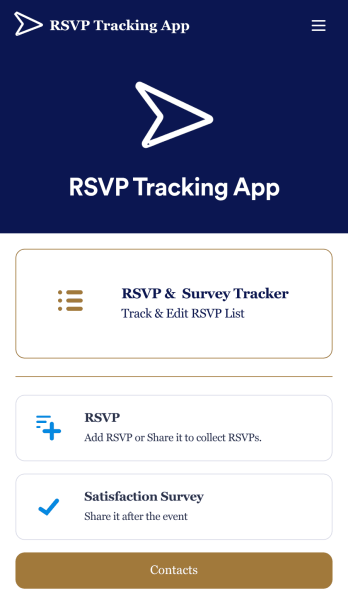
RSVP Tracking App
An RSVP tracking app is a type of mobile application used to track and manage RSVPs. This type of app is great for those planning events, parties, or other sorts of gatherings. Build your own with this free RSVP Tracking App from Jotform Apps. Add RSVP forms, post-event satisfaction surveys, and ticket payment forms to your app to manage all aspects of your event from one centralized app. Customize this RSVP Tracking App to match your needs with our no-code builder. Drag and drop to add or remove forms, upload images and videos, You can also opt to integrate the forms with 200+ platforms like Calendly, Square, and Google Drive for added convenience. Make your RSVP process seamless for everyone with this free RSVP Tracking App.
Go to Category:Event Planner Apps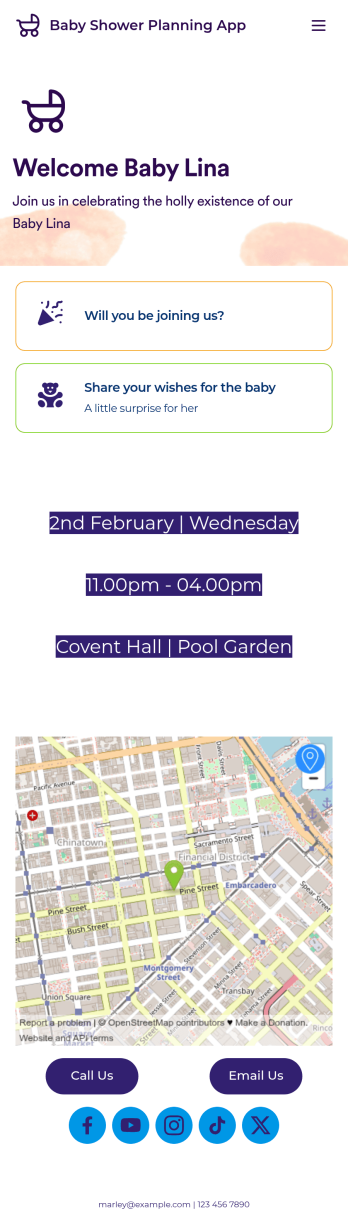
Baby Shower Planning App
Give your baby shower guests an easy way to RSVP to your event with a free Baby Shower Planning App! It downloads onto any computer, tablet, or smartphone — including both iOS and Android devices — for easy access. All responses through the app will be stored in your Jotform account, and you can view submission details in your own Baby Shower Sign In Sheet as a spreadsheet, calendar, or cards.Want to make changes to this Baby Shower Planning App? Update the app icon or background, include personalized details for your event, or add or remove forms to collect all the information you need. You can then share your app with baby shower attendees by copying and pasting an app link or inviting them to download it via email. Get people excited for your baby shower and ensure it goes off without a hitch with the help of this Baby Shower Planning App.
Go to Category:Booking Apps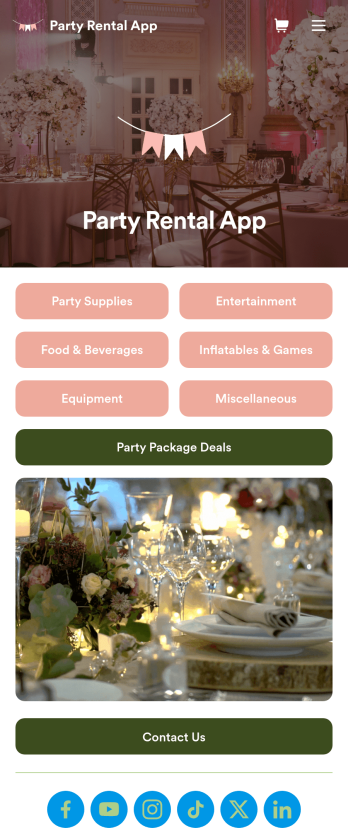
Party Rental App
A party rental app is a mobile application used by party rental businesses or event planners to display available party materials for rental and collect reservations and payments from clients. Build your own Party Rental App for free with Jotform Apps to organize your materials seamlessly. Collect payments, display images of equipment and activities, show available package deals, and so much more.Need to make changes to this Party Rental App template? No problem. Use our no-code app builder to customize this app to fit your needs. Upload images or videos, change backgrounds and colors, choose a unique icon for your app, add or remove forms, and more. Once you’re happy with the design of your Party Rental App, simply share it with your audience to start booking events and renting out party gear for all!
Go to Category:Delivery Apps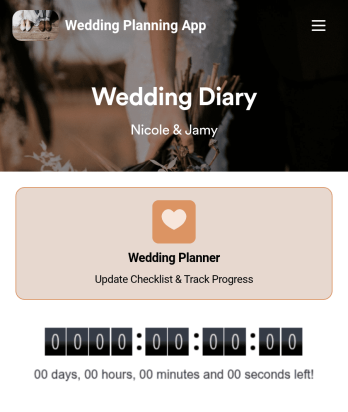
Wedding Planning App
Plan your wedding like a pro with a free Wedding Planning App from Jotform! Whether you’re a professional wedding planner or getting things ready for your own wedding, use this app to create a wedding checklist, track your progress, and view a countdown timer ticking off the seconds until the big day. You can also use the app to log expenses, manage your guestlist, and keep track of venue information.Make changes to this Wedding Planning App template in seconds with our drag-and-drop builder. Add new forms, pages, links, images, and personalize design elements like splash screen and app icon with no coding required. Your custom Wedding Planning App can then be downloaded instantly onto any device — including your computer or any iOS or Android device — so you can prepare for your event seamlessly on the go.
Go to Category:Checklist Apps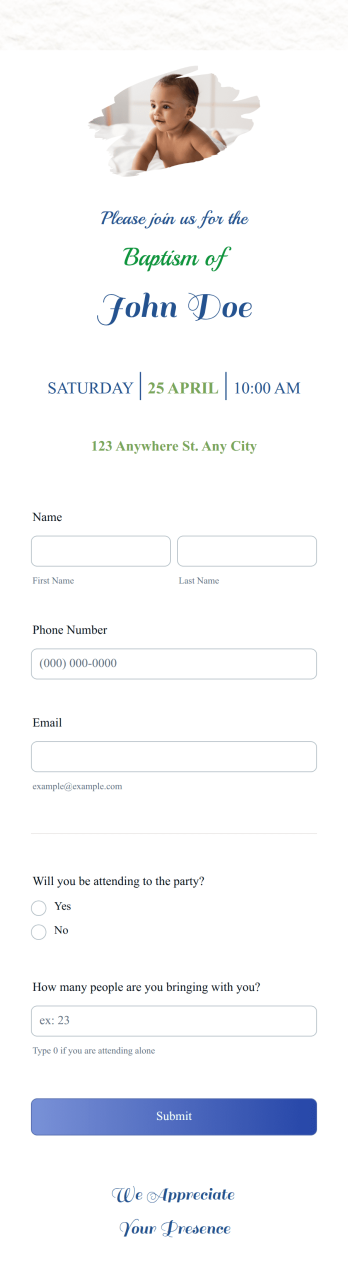
Baptism Invitation App
A baptism invitation app is a mobile application used by organizers of baptism events to collect RSVPs. Whether you’re a professional event planner or are organizing a baptism event for your own little one, this ready-made Baptism Invitation App is a convenient way to collect, view, and respond to RSVPs for your baptism.Need to make changes to the design of this Baptism Invitation App? Drag and drop to design your perfect app with no coding required. Change the app icon and background, add a photo of your little one, and include details for the event. You can even integrate with 200+ apps to automatically sync RSVPs to your other accounts!
Go to Category:Event Planner Apps
Baby Birthday Planner App
Plan your baby birthday like a pro with this free Baby Baby Planner App from Jotform! From your smartphone, tablet, or computer, you can use this downloadable app to complete your baby birthday preparation checklist or manage your guest list with ease. All submissions are stored securely in your Jotform account and easy to access on any device.Want to customize this Baby Birthday Planner App template? Add photos, change the app icon or splash screen, and add more elements like forms, spreadsheets, and links with no coding knowledge required. You can then share the app with your partner or download it onto your own device instantly. Make sure your baby birthday goes off without a hitch with your own custom Baby Birthday Planner App from Jotform.
Go to Category:Checklist Apps