
The Confectionery Sales Inventory App is an app template for confectionery shops, bakeries, candy retailers, market vendors, and small food businesses that need a clearer view of products, sales, and stock movement. Staff can add products, record sales, and adjust inventory from one organized location while browsing product details, pricing, current quantities, and reorder levels. A low-stock check helps teams spot items that may need replenishment. This centralized approach reduces scattered records, supports more accurate data collection, and gives owners useful information for purchasing, daily sales reviews, and inventory planning.
Jotform App Templates help businesses turn routine processes into accessible digital experiences without writing code. Customize the Confectionery Sales Inventory App with Jotform’s no-code app builder and drag-and-drop interface, then connect forms, tables, notifications, and related workflow steps as needed. Teams can adapt the layout and branding, organize self-service actions for authorized staff, and share the finished app through a direct link or QR code. Its mobile-friendly format makes product and stock information easier to access from a sales counter, storeroom, market stall, or office.
Related templates
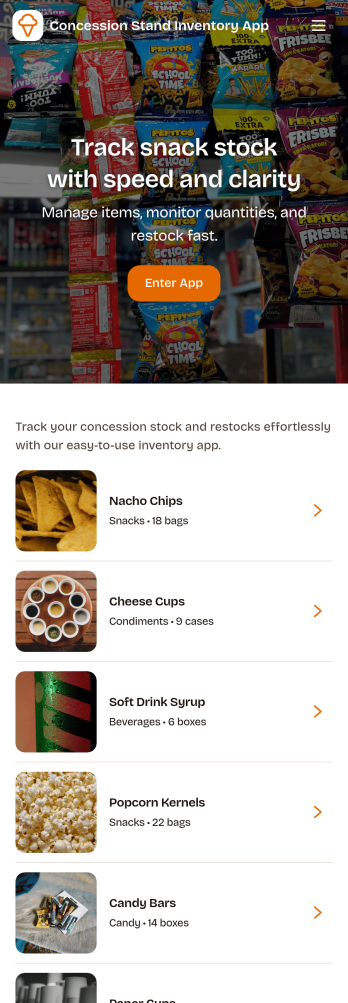
Concession Stand Inventory App
Concession Stand Inventory App helps you keep snack and drink stock under control for busy booths at games, tournaments, fairs, and school events. Use it to view current inventory, add new items as your menu changes, and log restocks so volunteers and staff know what’s available before the next rush. With a dedicated area for operational inventory insights, this app supports day-to-day decisions like which items are running low, what needs replenishing, and how stock levels shift across event days.Jotform makes it easy to turn this Concession Stand Inventory App into a mobile-friendly self-service experience using a no-code app builder with a drag-and-drop interface. Connect your app to Jotform forms and tables for reliable data collection, then share a single link or QR code with your team so updates happen in one place. As your workflow evolves, you can adjust navigation, add pages, and keep inventory records organized without relying on technical help.
Go to Category:Food & Beverage Apps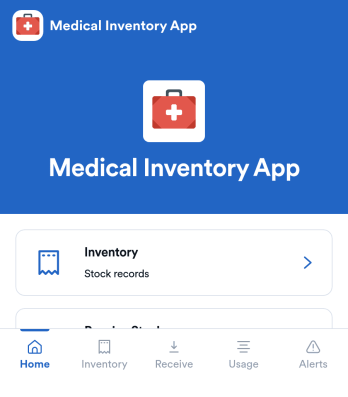
Medical Inventory App
Medical Inventory App helps clinics, private practices, labs, and school health offices keep essential supplies organized so staff can find what they need quickly and record movement as items are received and used. Use it to browse current inventory, capture receiving details when new stock arrives, and maintain a usage log for day-to-day consumption across rooms, carts, or departments. With dedicated areas for low-stock visibility and item-level navigation, teams can reduce guesswork, avoid running out of critical items, and keep purchasing and restocking conversations grounded in up-to-date records.Jotform makes it easy to turn this workflow into a shareable, mobile-friendly experience using App Templates and a no-code app builder. Customize pages with a drag-and-drop interface, connect forms for data collection like stock receiving and usage logging, and keep information organized for simple self-service access. As needs change, you can adjust fields, add steps to your workflow, and publish updates without relying on developers.
Go to Category:Healthcare Apps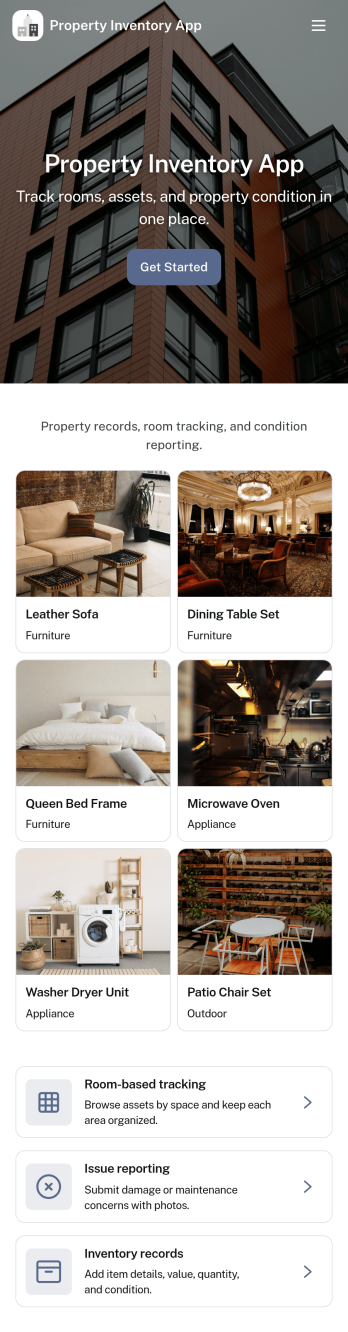
Property Inventory App
Property Inventory App helps you keep a clear, room-by-room record of what’s inside a home, unit, or managed property. Use it to add inventory items with key details, browse rooms to see tracked items at a glance, and flag issues when something is damaged, missing, or needs attention. It’s a practical fit for landlords, property managers, short-term rental hosts, housing providers, and inspection teams who want consistent documentation for turnovers, maintenance follow-ups, and ongoing asset tracking.With Jotform App Templates, you can launch a mobile-friendly inventory experience and tailor it to how your properties operate. Use Jotform’s no-code app builder and drag-and-drop interface to adjust pages, refine data collection fields, and connect the app to your existing workflow, so updates stay organized and easy to share with staff or stakeholders when needed.
Go to Category:Inventory Apps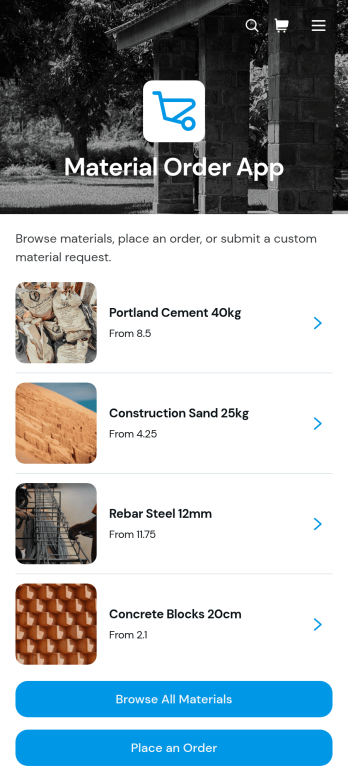
Material Order App
Material Order App is a ready-to-use ordering experience for teams that need a central place to find materials and submit requests. Employees, contractors, construction crews, warehouse staff, purchasing teams, and operations managers can browse a material catalog, review unit prices and availability, and place an order through a connected form. It replaces scattered product lists and informal requests with a consistent self-service process, helping organizations reduce ordering mistakes, give requesters clearer information, and keep material needs easier to review. It is especially useful for job sites, workshops, facilities, warehouses, and businesses that regularly distribute supplies across teams.With Jotform Apps, organizations can adapt this app template without writing code. The no-code app builder and drag-and-drop interface make it easy to update catalog content, adjust navigation, apply company branding, and connect forms, tables, approvals, or other workflow steps. Teams can use the Material Order App to support organized data collection while sharing it through a direct link or QR code for convenient mobile access. Jotform App Templates also provide a practical starting point for expanding the experience as inventory processes, purchasing rules, and operational needs change.
Go to Category:Inventory Management Apps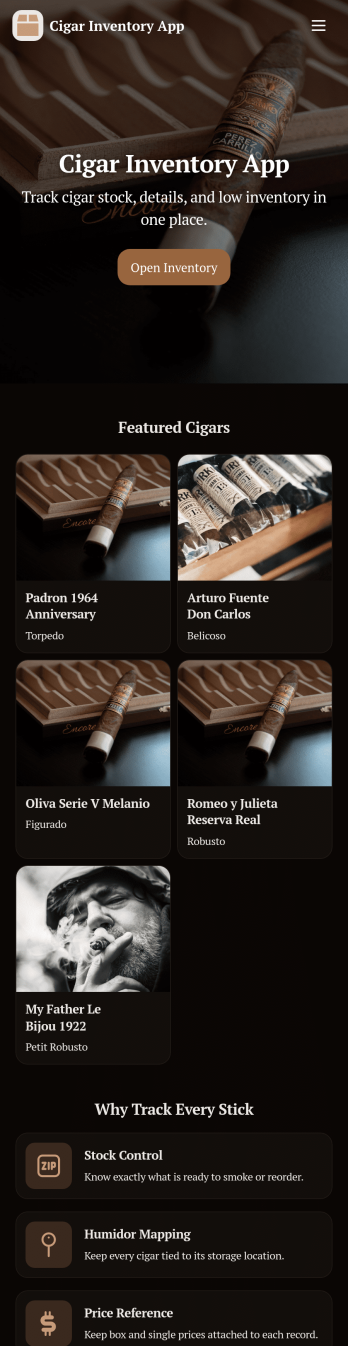
Cigar Inventory App
Cigar Inventory App keeps your humidor or retail stock organized by giving you a simple place to browse what’s on hand, log incoming boxes, and document adjustments when counts change. It’s a practical fit for cigar shops, lounges, distributors, and serious collectors who want clearer visibility across brands and lines without relying on scattered notes or spreadsheets. With an Inventory view for quick lookups, a Receive Stock area for adding new product, and an Adjustments section for corrections, teams can keep day-to-day stock records consistent and easier to trust.Jotform makes it easy to publish and manage app templates like this with a no-code app builder and a drag-and-drop interface. Connect buttons in your app to forms and tables for fast data collection, keep inventory workflows moving with shared access for staff, and make self-service navigation simple on any device. When you’re ready, you can customize pages, branding, and the way inventory information is displayed so the app matches how you track cigars in real life.
Go to Category:Food & Beverage Apps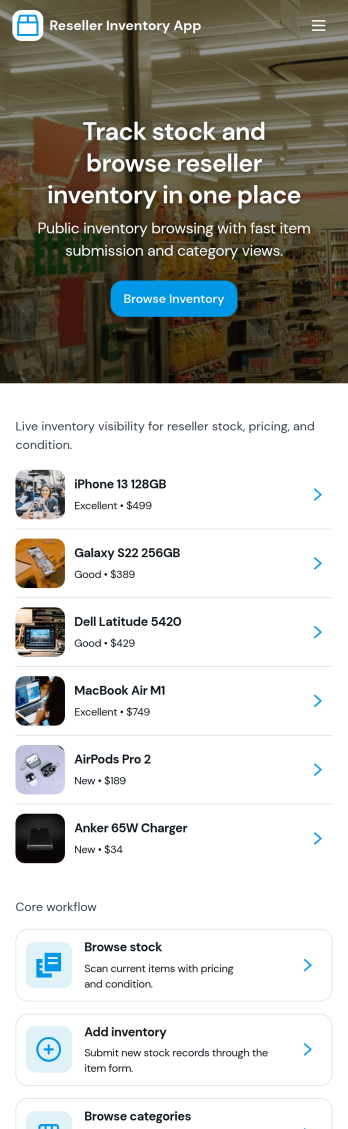
Reseller Inventory App
Reseller Inventory App helps resellers keep product stock organized in one place so you can add new stock, review what you have on hand, and quickly spot items that are running low. It fits common resale workflows like tracking inventory for online marketplaces, pop-up booths, local pickup sales, and small warehouse shelves where quantities change often and accuracy matters. Use it to reduce missed sales from stockouts, avoid overbuying, and keep your catalog up to date as you source new items.With Jotform, you can turn this app template into a branded, self-service inventory experience without coding. Use the drag-and-drop app builder to adjust pages, buttons, and navigation, then connect your inventory list to a form for consistent data collection when you add stock. As your workflow evolves, you can update fields, organize records in Jotform, and share the app with your team so inventory updates stay timely and reliable.
Go to Category:Inventory Apps