Conference Calendar App brings your event schedule into one place so attendees and organizers can stay aligned before and during the conference. Use it to browse sessions by time, learn more about speakers, and check venue details without juggling multiple links. It’s a practical fit for event teams running multi-track conferences, internal summits, user conferences, or academic gatherings that need a clear agenda people can actually follow. Attendees can also save sessions they care about and quickly return to them, making it easier to plan a day on the go.
Jotform makes it simple to turn this experience into a branded, mobile-friendly hub using App Templates and a no-code app builder. With a drag-and-drop interface, you can adjust pages, reorder navigation, and connect forms for data collection so interest and feedback flow into your workflow. Share the app with a link or QR code, keep information current, and give your audience a self-service way to explore what’s happening next.
Related templates
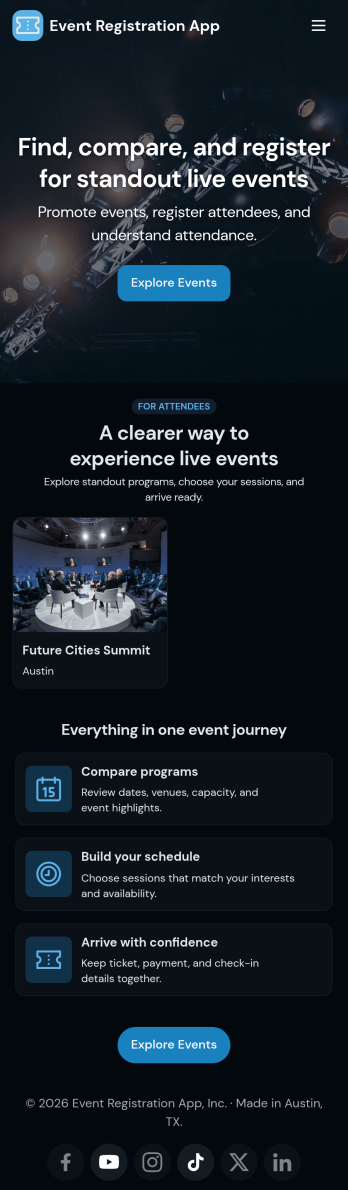
Customizable Event Registration App
In 2026, Jotform’s Event Registration App stands out as one of the best event registration apps for planners, helping you stay organized for any type of event. Trusted by thousands of event planners worldwide, this ready-to-use app bundles registration, sponsorship, and feedback forms in one reliable platform. Guests can easily register, share feedback, or inquire about details from their smartphone, tablet, or computer — ensuring a smooth experience across devices in 2026.Want to customize this Event Registration App? Without any coding, you can customize forms and pages to match your event branding — upload logos, update icons, adjust splash pages, and more. Once your app is ready, share it by embedding the link in your event website. In 2026, prepare for your next event with Jotform’s Event Registration App — a top choice among event registration platforms for planners who need a fast, professional solution.
Go to Category:Booking Apps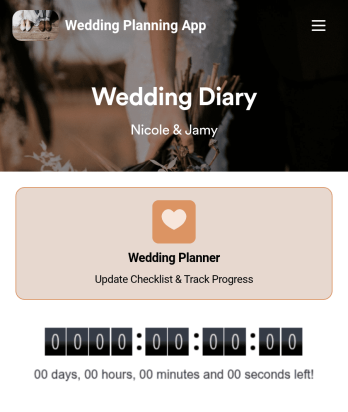
Wedding Planning App
Plan your wedding like a pro with a free Wedding Planning App from Jotform! Whether you’re a professional wedding planner or getting things ready for your own wedding, use this app to create a wedding checklist, track your progress, and view a countdown timer ticking off the seconds until the big day. You can also use the app to log expenses, manage your guestlist, and keep track of venue information.Make changes to this Wedding Planning App template in seconds with our drag-and-drop builder. Add new forms, pages, links, images, and personalize design elements like splash screen and app icon with no coding required. Your custom Wedding Planning App can then be downloaded instantly onto any device — including your computer or any iOS or Android device — so you can prepare for your event seamlessly on the go.
Go to Category:Checklist Apps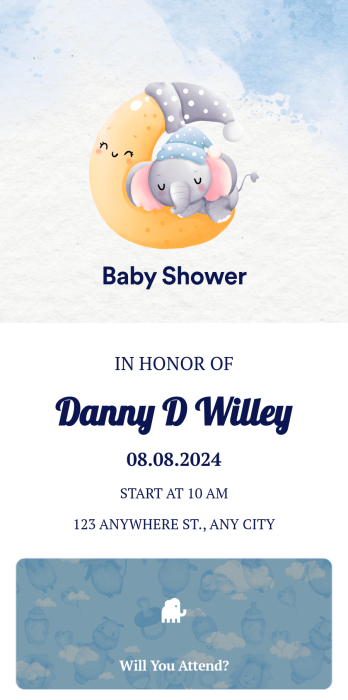
Baby Shower Invitation App
A baby shower invitation app is used by expectant parents or event planners to collect RSVPs and provide details for a baby shower. With this ready-made Baby Shower Invitation App, you can seamlessly collect RSVP details like name, plus-ones, and dietary preferences on any device. Just customize the app and share it via email or social media.Need to update this app template? Customize the design without coding using Jotform’s drag-and-drop builder. Include baby shower details, add images, and make other design changes in seconds. You can even add a gift registry form, or connect your Baby Shower Invitation App with 250+ other platforms to sync submissions to your other accounts automatically!
Go to Category:Entertainment Apps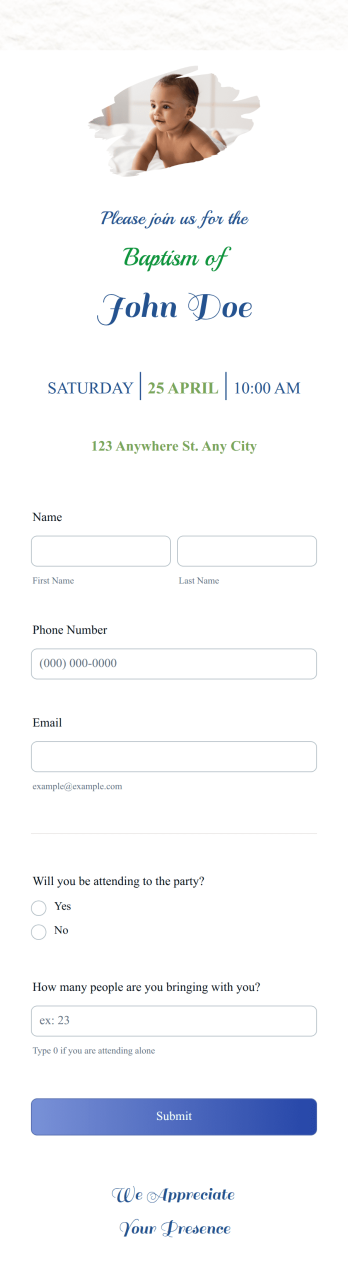
Baptism Invitation App
A baptism invitation app is a mobile application used by organizers of baptism events to collect RSVPs. Whether you’re a professional event planner or are organizing a baptism event for your own little one, this ready-made Baptism Invitation App is a convenient way to collect, view, and respond to RSVPs for your baptism.Need to make changes to the design of this Baptism Invitation App? Drag and drop to design your perfect app with no coding required. Change the app icon and background, add a photo of your little one, and include details for the event. You can even integrate with 200+ apps to automatically sync RSVPs to your other accounts!
Go to Category:Event Planner Apps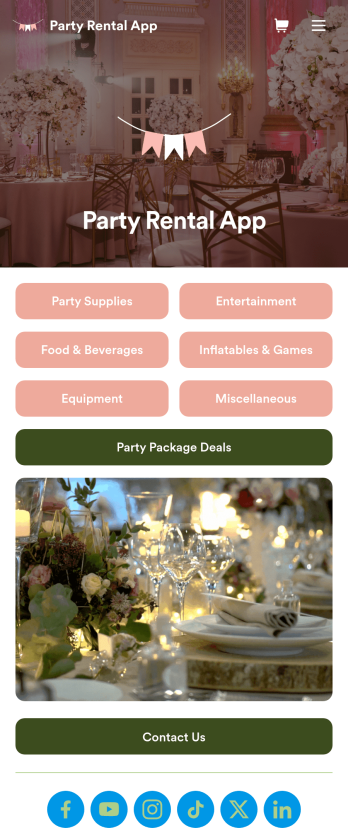
Party Rental App
A party rental app is a mobile application used by party rental businesses or event planners to display available party materials for rental and collect reservations and payments from clients. Build your own Party Rental App for free with Jotform Apps to organize your materials seamlessly. Collect payments, display images of equipment and activities, show available package deals, and so much more.Need to make changes to this Party Rental App template? No problem. Use our no-code app builder to customize this app to fit your needs. Upload images or videos, change backgrounds and colors, choose a unique icon for your app, add or remove forms, and more. Once you’re happy with the design of your Party Rental App, simply share it with your audience to start booking events and renting out party gear for all!
Go to Category:Delivery Apps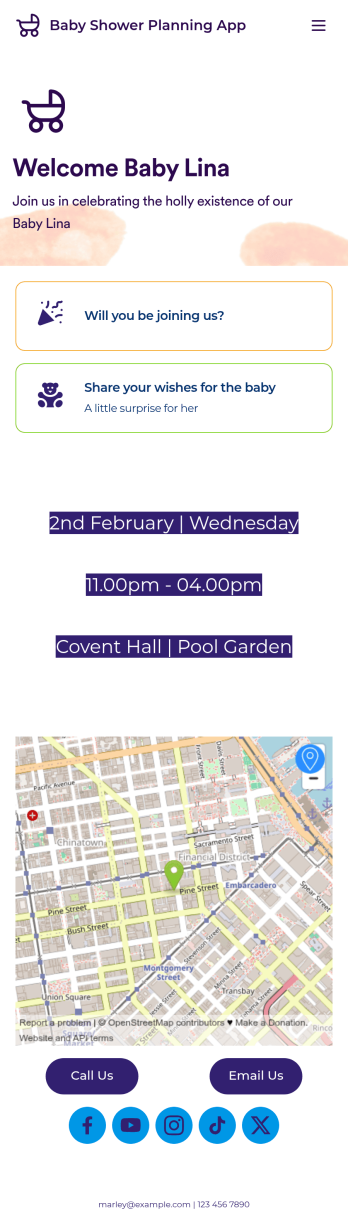
Baby Shower Planning App
Give your baby shower guests an easy way to RSVP to your event with a free Baby Shower Planning App! It downloads onto any computer, tablet, or smartphone — including both iOS and Android devices — for easy access. All responses through the app will be stored in your Jotform account, and you can view submission details in your own Baby Shower Sign In Sheet as a spreadsheet, calendar, or cards.Want to make changes to this Baby Shower Planning App? Update the app icon or background, include personalized details for your event, or add or remove forms to collect all the information you need. You can then share your app with baby shower attendees by copying and pasting an app link or inviting them to download it via email. Get people excited for your baby shower and ensure it goes off without a hitch with the help of this Baby Shower Planning App.
Go to Category:Booking Apps