Construction Crew App gives jobsite teams a simple way to record daily activity and surface on-site problems without relying on scattered texts or paper notes. Crew members can add check-ins, review check-in entries in a list, and quickly submit site issue reports, making it easier for supervisors and office staff to understand what happened on a shift, who was on site, and what needs attention next. It fits construction companies managing multiple crews, subcontractors who need a consistent routine, and foremen who want one place for task visibility and issue reporting.
Built with Jotform, this app template can be tailored in a no-code app builder using a drag-and-drop interface, so you can match it to your crew’s workflow in minutes. Connect the buttons to your forms and keep information organized in linked lists, then share the app by link or QR code for fast self-service access on mobile. As check-ins and issue reports come in, your team gets cleaner data collection and a more reliable workflow for day-to-day site operations.
Related templates
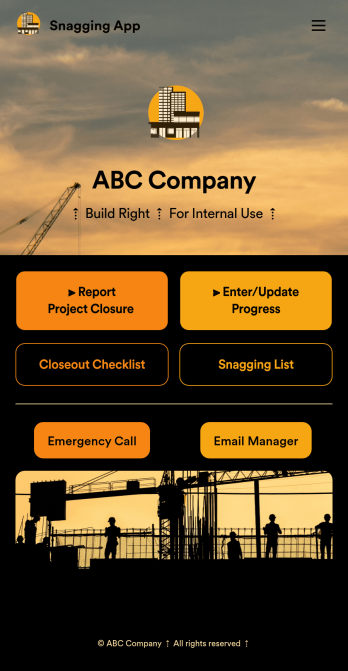
Snagging App
A snag list is a list of items that must be completed to finish a building project. Get organized with our free Snagging App! This prebuilt template bundles together multiple form and table templates, so you can easily access and share your snag list, Closeout Checklist, and Project Closeout Checklist in one place. The app can be used from any device, so you can submit and access entries while on the go. Customize this Snagging App to better meet your needs. Our drag-and-drop interface is easy to use, so you won’t have to do any coding to build and add forms, embed links to other pages, and change the app design to match your branding. Once it’s ready to use, You and your construction team can download and use the app from any smartphone, tablet, or computer. Get building projects completed on time and more efficiently with a fully-custom Snagging App for your construction company or contractor services!
Go to Category:Construction Apps
Carpentry Design App
Start taking carpentry design service orders with this readymade app template from Jotform. Our Carpentry Design App makes it easy for customers to request carpentry services by filling out a form with basic contract information and a description of their request. Customers can also upload example images to give you a better understanding of what they’re looking for. Once a submission is received, you can respond with a cost estimate based on the amount of time and materials needed to complete the job. There is also a separate feedback form where customers can leave reviews.Customizing this app template to suit your carpentry company’s needs is easy with Jotform’s no-code app builder. Simply drag and drop to add form elements, create additional pages, upload your own branding, change the app icon and splash screen, and more. Share your custom app by putting a link in your website or social media, and customers can then access and download it on any smartphone, tablet, or desktop computer. Empower your carpentry business and start taking orders right away with this ready-to-use Carpentry Design App from Jotform.
Go to Category:Construction Apps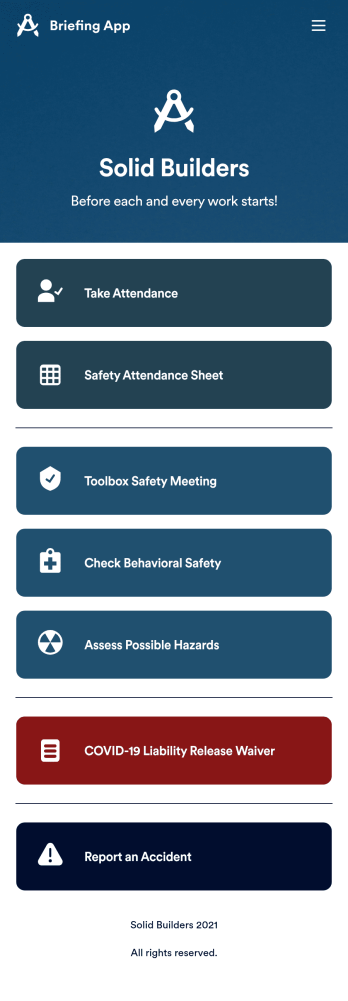
Briefing App
A briefing app is used by worksite safety managers and employees for taking attendance and reviewing safety procedures prior to beginning work. Our readymade Briefing App bundles several forms, including an attendance tracking sheet, and safety guidelines and checklists for tools and equipment, PPE, and hazardous materials and conditions. Employees can also fill out and digitally sign a COVID-19 liability waiver and report worksite accidents directly from the app. Attendance and form submissions are instantly synced and stored in your secure Jotform account, so you can keep everything organized in one convenient location.Make this app template your own in just a few clicks with Jotform’s no-code app builder. Simply drag and drop to add form elements, edit existing forms, attach documents, upload your own branding, and more. You can even use the main page of your app to post work schedules, make announcements, and link to external resources. After you’re done, share your app with employees via email or the app link, and they can download and use it on their preferred devices directly from the jobsite. Build an app to keep everyone safe and accounted for with Jotform’s fully-customizable Briefing App.
Go to Category:Construction Apps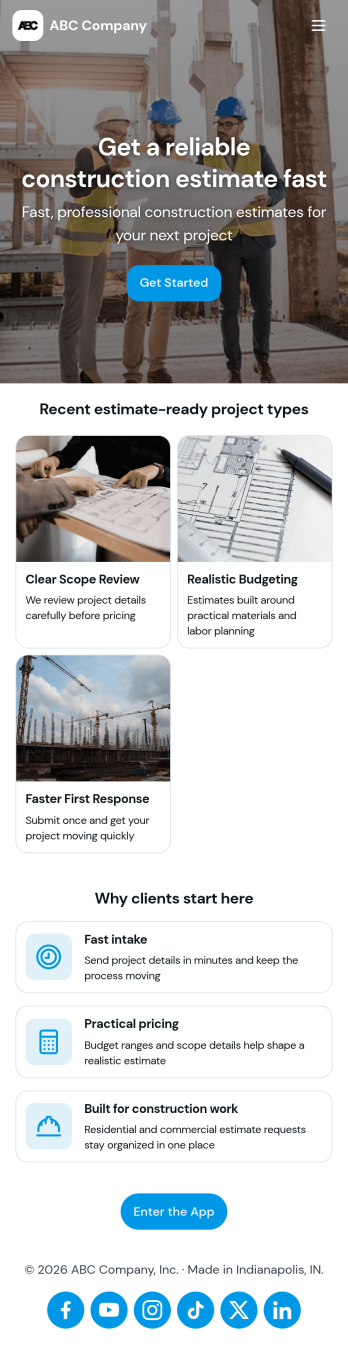
Construction Estimate App
A construction estimate app allows you to calculate the estimated cost of construction projects from any device. Make construction estimates from any smartphone, tablet, or desktop with Jotform’s free Construction Estimate App. This ready-to-use template is easy to customize for your construction business, so you can use your favorite device to collect project requests and calculate costs through a fully-custom mobile app. All entries are stored in your secure Jotform account, where you can view them in a table or turn them into PDFs.In just a few clicks, you can make this Construction Estimate App your own. Simply drag and drop to add forms, documents, links, buttons, and much more. You can also change the app name, icon, and splash screen for a more personalized design. When it’s ready to use, you can download your app onto any device, or share it with others by copying and pasting the app link on your website or sending it via message. Make construction estimates easy anytime, anywhere with a Construction Estimate App for your company.
Go to Category:Construction Apps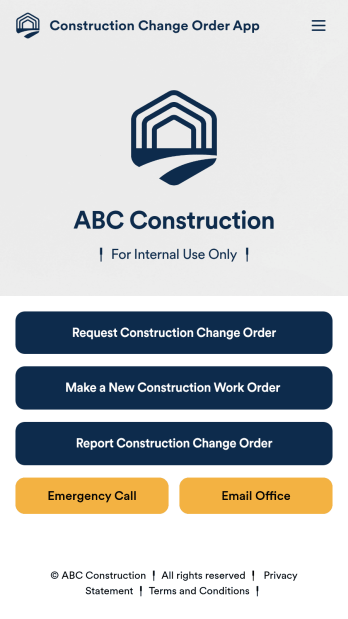
Construction Change Order App
A change order is an amendment to a construction contract that modifies the original project plans, such as adding work, altering the design, or updating the schedule. Keep track of change orders for your construction company with our free Construction Change Order App! This ready-to-use app keeps all your construction forms in one place, so you can receive new work orders, change order requests, and reports with ease. You can even use the attached Change Request Approval Process Template to streamline your approval flow for requests.Need to modify this Construction Change Order App? No coding or heavy lifting required — our drag-and-drop builder makes it easy to customize this app template for your construction company. You can easily build new forms, embed links, update text, upload images, and even change the app name, icon, and splash page. When it’s ready to be used, share your app with teammates by sending them the link to open and download onto their smartphone, tablet, or computer. Stay on top of change orders by receiving them instantly with a custom Construction Change Order App!
Go to Category:Construction Apps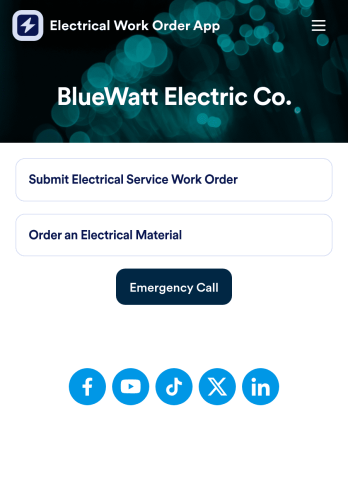
Electrical Work Order App
An electrical work order app is used by electricians for submitting service work orders, keeping track of equipment, and ordering new materials. Jotform’s Electrical Work Order App comes bundled with two useful forms: an Electrical Service Work Order Form to be filled out in detail before beginning a new job, and an Electrical Material Order Form to be filled out when an employee requires new work materials. Submission data from both forms is instantly synced and stored in your Jotform account, so everything is securely organized in one central location.Make this app template your own with just a few clicks. No coding necessary — just use Jotform’s drag-and-drop interface to add or swap out form elements, edit text fields and checklist items, install widgets, upload your own branding, and much more. After you’re done, employees can download your app onto their favorite device by opening an email invite or accessing the app link through a browser. Mobile users can also add your app to their home screen for future use with just the tap of a button. Make filling out and submitting work orders and material requests a snap with this free and fully customizable Electrical Work Order App from Jotform.
Go to Category:Construction Apps