
The Construction Site Induction App is an app template for introducing workers, contractors, visitors, and project partners to essential site information before they begin work or enter an active construction area. Its organized pages, topic-based navigation, guidance content, and connected induction form help construction managers and safety teams present key expectations in one accessible location. Use it to support worker onboarding, communicate site procedures, collect induction details, and give crews a consistent self-service resource. This approach reduces scattered paperwork, makes instructions easier to find, and helps teams maintain a clear record of completed induction activities across projects.
Jotform Apps makes this Construction Site Induction App easy to adapt without coding. The drag-and-drop app builder lets teams update pages, arrange navigation, apply project branding, and connect forms with tables, notifications, approvals, and other workflow steps. It can be shared by a direct link or QR code for convenient mobile access at the site office, entry point, or before arrival. Starting with Jotform App Templates also shortens setup time, helping construction businesses create a practical induction experience while keeping data collection and operational resources connected.
Related templates
Electrical Work Order App
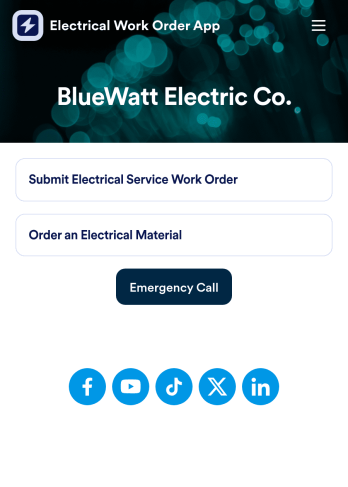
An electrical work order app is used by electricians for submitting service work orders, keeping track of equipment, and ordering new materials. Jotform’s Electrical Work Order App comes bundled with two useful forms: an Electrical Service Work Order Form to be filled out in detail before beginning a new job, and an Electrical Material Order Form to be filled out when an employee requires new work materials. Submission data from both forms is instantly synced and stored in your Jotform account, so everything is securely organized in one central location.Make this app template your own with just a few clicks. No coding necessary — just use Jotform’s drag-and-drop interface to add or swap out form elements, edit text fields and checklist items, install widgets, upload your own branding, and much more. After you’re done, employees can download your app onto their favorite device by opening an email invite or accessing the app link through a browser. Mobile users can also add your app to their home screen for future use with just the tap of a button. Make filling out and submitting work orders and material requests a snap with this free and fully customizable Electrical Work Order App from Jotform.
Go to Category:Construction Apps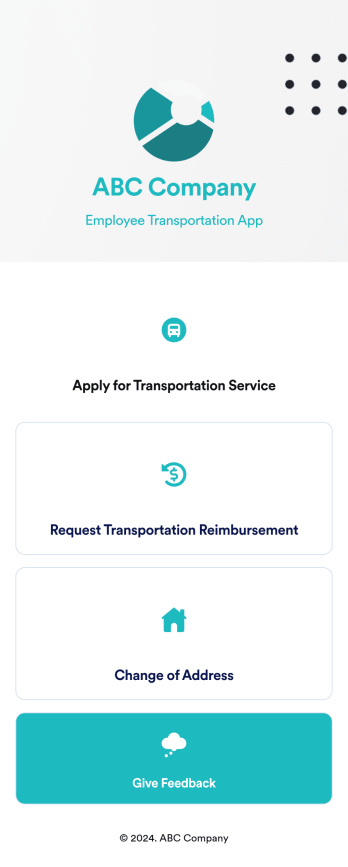
Employee Transportation App
An employee transportation app is used by companies or organizations to track and manage employee transportation requests and reimbursements. Build your own Employee Transportation App for free with Jotform Apps to streamline your company transportation practices. Once you’re finished creating your app, send it off to your employees via direct link or embed it in your company’s online portal for easy access.Customizing your Employee Transportation App is easy with Jotform’s no-code app builder. Drag and drop to change fonts and colors, integrate with trusted apps and payment processors, edit company policies, upload company branding assets and images, and so much more. Upgrade the way your company handles employee transportation with this free Employee Transportation App.
Go to Category:Construction Apps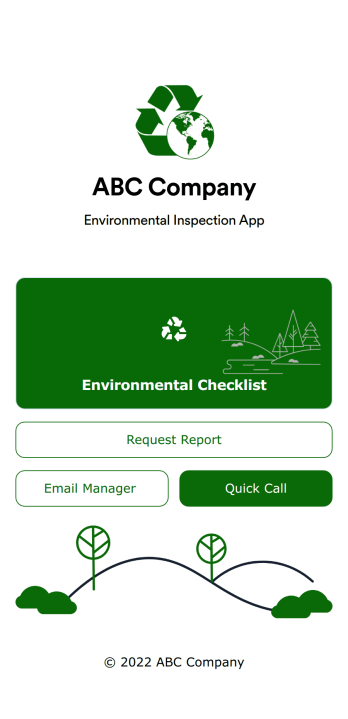
Environmental Inspection App
An environmental inspection app is used by government agencies and other environmental organizations to conduct inspections from their mobile devices. With Jotform’s free Environmental Inspection App, your agency can switch from paper forms to online forms to reduce messy paperwork and create a secure database of all your inspection information. Just customize and share the app to download it onto any device — no coding required!Customize the app design with our drag-and-drop no-code builder. Choose a new app icon and splash screen, add or remove forms, include your unique logo, and make other changes in seconds. You can then send your personalized Environmental Inspection App to your teammates with a copy-paste link that they can use to download the app onto their iOS or Android device.
Go to Category:Checklist Apps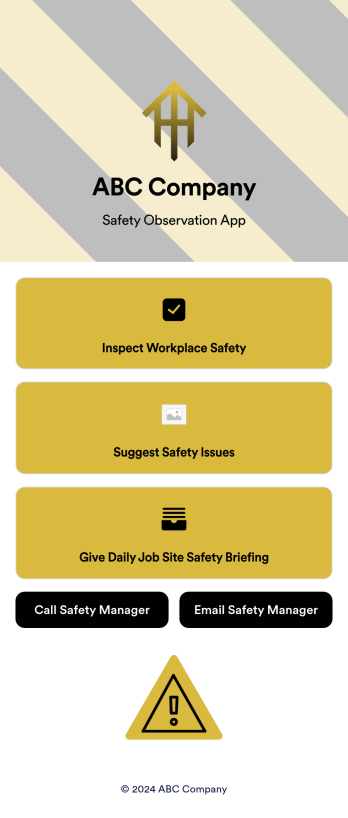
Safety Observation App
A safety observation app is a mobile app that businesses can use to collect and manage information about workplace safety. With a free Safety Observation App from Jotform Apps, you can gather safety reports, give safety briefings, and inspect job site safety from one convenient platform. Plus, include direct buttons to contact safety managers by email or phone. All submissions made in the app will be stored securely in your Jotform account — ready to view, edit, or share on any device.Want to customize your Safety Observation App? No problem! You can use our drag-and-drop app builder to upload images and videos, change fonts and colors, integrate with popular apps, and much more. Give your employees a user-friendly way to submit safety information with a free app from Jotform.
Go to Category:Checklist Apps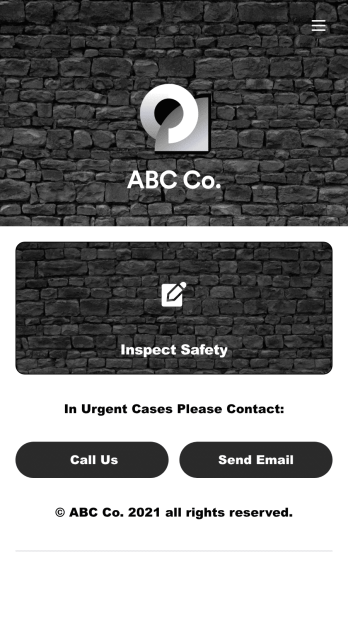
Safety Audit App
A safety audit app is used by safety auditors to perform safety inspections from their mobile devices. Have members of your inspection team perform audits without any messy paperwork using this free Safety Audit App. The app can be downloaded onto any computer, tablet, or smartphone to gather important data in the field — such as checks for fire prevention, equipment, first aid, and more.Customize this app template’s design without coding using our drag-and-drop app builder. Update items on your inspection checklist, include your company logo, change the app icon or background, and make other changes in seconds. You can then share the app via link or email to be downloaded onto iOS or Android devices. Save time and paper performing safety checks with a free Safety Audit App from Jotform.
Go to Category:Construction Apps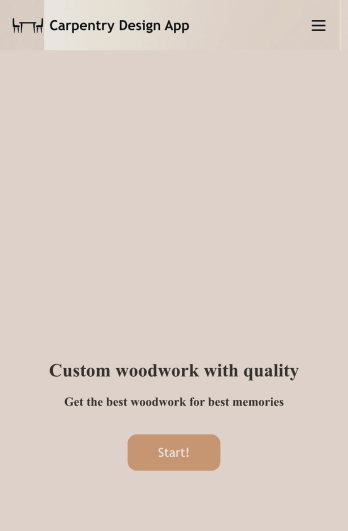
Carpentry Design App
Start taking carpentry design service orders with this readymade app template from Jotform. Our Carpentry Design App makes it easy for customers to request carpentry services by filling out a form with basic contract information and a description of their request. Customers can also upload example images to give you a better understanding of what they’re looking for. Once a submission is received, you can respond with a cost estimate based on the amount of time and materials needed to complete the job. There is also a separate feedback form where customers can leave reviews.Customizing this app template to suit your carpentry company’s needs is easy with Jotform’s no-code app builder. Simply drag and drop to add form elements, create additional pages, upload your own branding, change the app icon and splash screen, and more. Share your custom app by putting a link in your website or social media, and customers can then access and download it on any smartphone, tablet, or desktop computer. Empower your carpentry business and start taking orders right away with this ready-to-use Carpentry Design App from Jotform.
Go to Category:Construction Apps