
The Continuous Preparation Planning App is a ready-to-use app template for teams that need to maintain readiness through recurring plans, activities, reviews, and progress checks. It suits project leaders, operations teams, consultants, educators, trainers, and other groups managing preparation over an extended period. Users can create preparation plans, log related activities, record periodic reviews, and view progress from one organized experience. This makes it easier to maintain accountability, identify unfinished work, document lessons, and adjust upcoming actions. The app can support operational readiness, project preparation, training programs, recurring assessments, or any initiative where preparation must be monitored rather than treated as a one-time task.
Jotform provides a no-code app builder that makes this template easy to adapt without programming. Use the drag-and-drop interface to reorganize pages, update navigation, apply your branding, and connect forms with tables, approvals, notifications, and other workflow steps. These connections support consistent data collection while giving participants a convenient self-service destination for recording work and checking priorities. Like other Jotform App Templates, the Continuous Preparation Planning App can be shared by direct link or QR code and accessed on mobile, tablet, or desktop devices.
Related templates
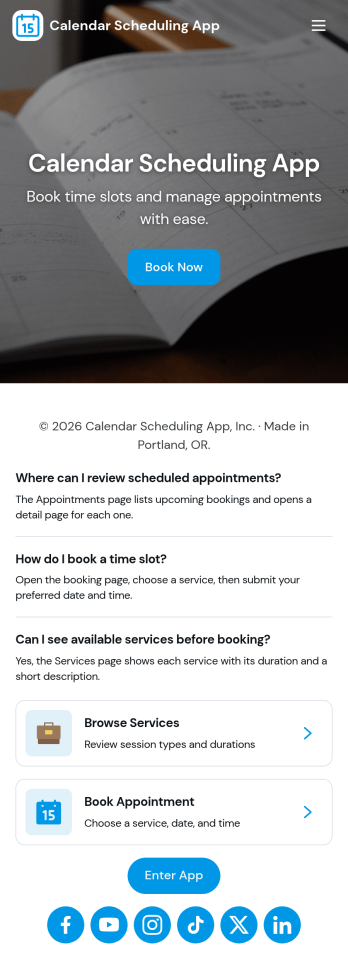
Calendar Scheduling App
Calendar Scheduling App helps teams and service providers coordinate availability and book time without confusion. It brings scheduling into one place with a simple flow for booking a slot, viewing what’s coming up, and opening individual booking details when needed. Use it for client meetings, internal check-ins, consultations, office hours, site visits, or any scenario where multiple people need clear visibility into upcoming appointments.With Jotform, you can turn this scheduling experience into a polished, shareable app without coding. Use the drag-and-drop app builder to adjust pages, add helpful context, and connect the booking form to your workflow so requests are collected consistently and stored for easy follow-up. Share the app link with customers or teammates, manage updates in one place, and keep scheduling organized as your volume grows.
Go to Category:Appointment & Booking Apps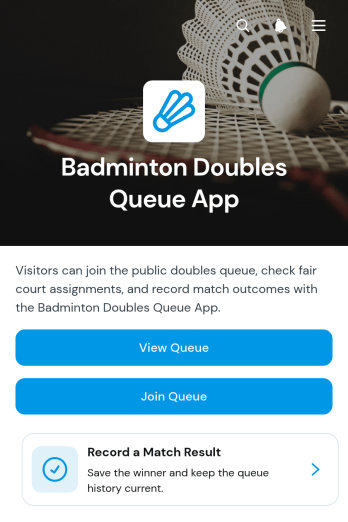
Badminton Doubles Queue App
The Badminton Doubles Queue App is an app template for organizing player rotations during club nights, open play sessions, training events, and informal tournaments. Badminton clubs, recreation centers, coaches, event hosts, and community groups can use it to give participants a clear way to join or view the queue. Organizers can add players, record match results, and review match history without relying on paper lists or scattered messages. This keeps doubles pairings and court turnover visible, reduces confusion over who plays next, and creates a more orderly experience for participants of different skill levels.Jotform makes this template easy to adapt with a no-code app builder and a flexible drag-and-drop interface. Change the layout, colors, text, buttons, and navigation to suit a regular club session or one-time badminton event. Connected forms support data collection for queue entries and results, while organized pages help players find the actions they need through a mobile-friendly self-service experience. Share the finished app with a direct link or QR code so participants can access the workflow from their phones. Start with one of Jotform’s App Templates, personalize the app template, and publish it without writing code.
Go to Category:Sports Apps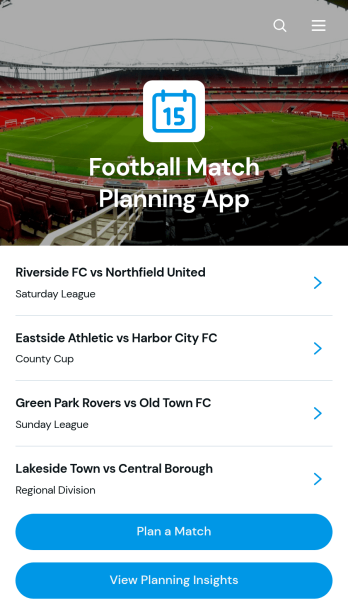
Football Match Planning App
Football Match Planning App is a ready-to-use app template for coaches, team managers, club administrators, and tournament organizers who need one place to prepare and monitor upcoming fixtures. Users can add matches, review home and away team pairings, check kickoff and venue information, follow planning status, and update match details when arrangements change. Planning insights also help organizers maintain visibility across scheduled games. By replacing scattered messages and documents with an accessible planning experience, the app helps teams coordinate responsibilities, reduce missed updates, and keep match preparation moving from the initial schedule through game day.Jotform makes the Football Match Planning App easy to adapt with a no-code app builder and an intuitive drag-and-drop interface. Customize pages, navigation, colors, fonts, and branding to suit a club, league, school, or community program. Connected forms support consistent data collection, while tables, notifications, and workflows can help staff manage updates and collaborate. Jotform App Templates can be published quickly and shared through a direct link or QR code, giving team members mobile-friendly self-service access without requiring them to download software or create a new system from scratch.
Go to Category:Sports Apps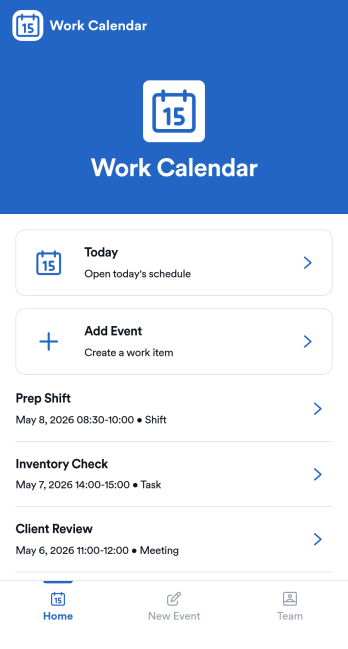
Work Calendar App
A work calendar app keeps schedules, shifts, and time-off needs in one place so teams know what’s happening today and what’s coming next. Use it to highlight today’s shift at a glance, view a weekly calendar for planning, and route upcoming requests to the right place, making it especially useful for managers coordinating coverage and employees checking their schedules. It fits retail, hospitality, clinics, field teams, and any workplace juggling rotating shifts, events, and schedule changes that need quick visibility without digging through messages.With Jotform, you can turn this work calendar app template into a branded self-service experience using a no-code app builder and a drag-and-drop interface. Connect buttons to forms for adding events and submitting requests, then organize updates in connected tables so your workflow stays consistent from request to review. Share the app through a link or QR code, collaborate on scheduling, and keep data collection and updates centralized as your team grows.
Go to Category:Daily Planner Apps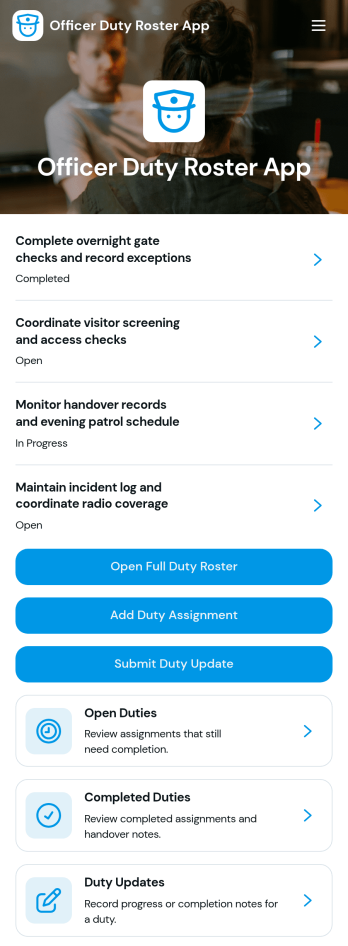
Officer Duty Roster App
The Officer Duty Roster App gives police departments, security teams, public safety units, and other officer-based organizations a central place to coordinate duty assignments. Supervisors can publish roster entries, add new assignments, review open and completed duties, and receive duty updates from personnel. Each assignment can present the responsible officer, shift, station, current status, briefing notes, and completion notes, helping teams understand who is working, where they are assigned, and what requires attention. It is especially useful for daily deployment planning, shift handovers, station coverage, event security, patrol coordination, and other operations where timely roster information supports accountability and continuity.Jotform makes this app template easy to adapt with a no-code app builder and a drag-and-drop interface. Teams can update pages, navigation, colors, fonts, images, and buttons to reflect their procedures and branding, then connect forms and tables to support data collection and workflow management. The finished app can be shared by direct link or QR code for convenient mobile access, giving officers and supervisors a practical self-service resource wherever duties are performed. Jotform App Templates also help organizations launch faster while retaining the flexibility to revise assignments, resources, and connected processes as operational needs change.
Go to Category:Scheduling and Planning Apps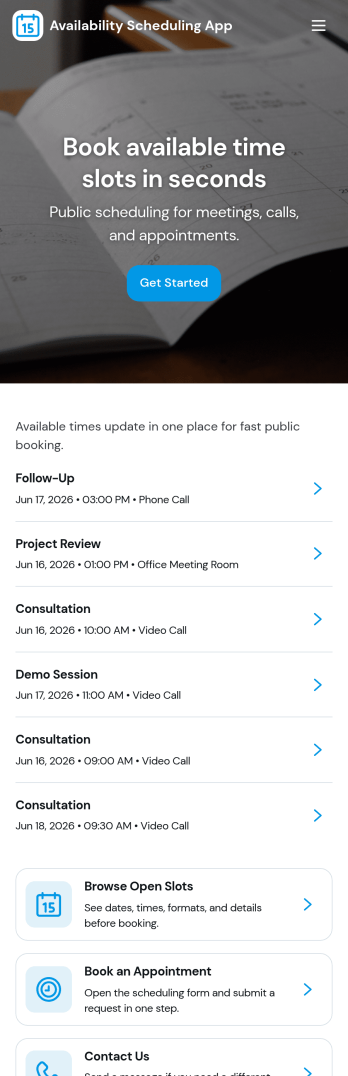
Availability Scheduling App
Availability Scheduling App helps teams collect availability, review open time blocks, and turn day-to-day entries into a clear schedule everyone can reference. It’s a practical fit for managers coordinating shift-based staff, clinics assigning rotating coverage, schools organizing office hours, and service businesses matching team members to time windows. With quick navigation to submit availability and view schedules, the app keeps availability requests in one place so coordinators can reduce missed messages and make faster staffing decisions.Built with Jotform, this app template combines self-service data collection with an organized schedule view that’s easy to share. Use Jotform’s no-code app builder and drag-and-drop interface to tailor pages, add your own instructions, and connect the app to a central table for ongoing updates. As availability changes, Jotform helps you maintain a dependable workflow for collecting entries, reviewing records, and keeping your schedule current across teams and locations.
Go to Category:Appointment & Booking Apps