
The Contractor Project Leads App gives contractors and construction teams a central place to capture potential projects, review opportunities, and document follow-up activity. It is well suited to general contractors, specialty trades, estimators, sales representatives, and project managers who need a clearer view of prospective work. Users can submit a project lead, open the pipeline, and review essential details such as the contact, budget range, and project scope. Follow-up records and pipeline insights help teams prioritize next actions, maintain consistent communication, and reduce the risk of promising opportunities being overlooked.
With Jotform Apps, teams can adapt this app template to their sales process without writing code. The no-code app builder and drag-and-drop interface make it easy to update pages, navigation, branding, and connected forms while keeping lead data collection and workflow resources together. The app can be shared by direct link or QR code, giving office and field teams mobile-friendly access wherever they work. Jotform App Templates also connect with forms, tables, notifications, approvals, and other processes, helping businesses create a practical self-service workspace that can evolve as their project pipeline grows.
Related templates
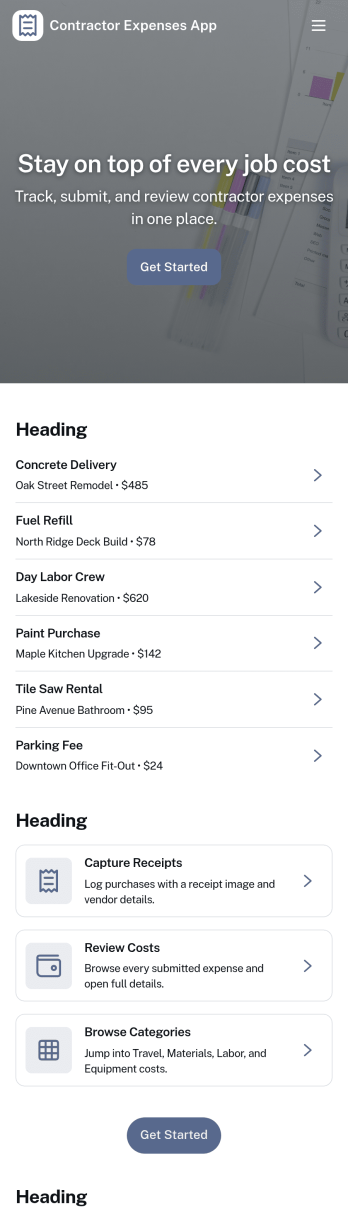
Contractor Expenses App
Contractor Expenses App helps independent contractors and field teams capture, review, and understand job-related spending in one place. Use it to add expenses as they happen, browse past entries, and open individual expense records when you need the details for invoicing, reimbursements, or end-of-month bookkeeping. It’s a practical fit for construction crews, home service pros, subcontractors, and small business owners who need a simple way to keep receipts and costs organized without digging through messages or spreadsheets.Jotform makes it easy to turn this app template into a branded expense workflow using a no-code app builder and a drag-and-drop interface. Connect the app to your expense form for consistent data collection, then share it by link or QR code so contractors can submit expenses from anywhere. As records grow, you can keep information accessible for your team, route entries into the right workflow, and use the built-in insights area to spot trends and track spending over time.
Go to Category:Activity Tracking Apps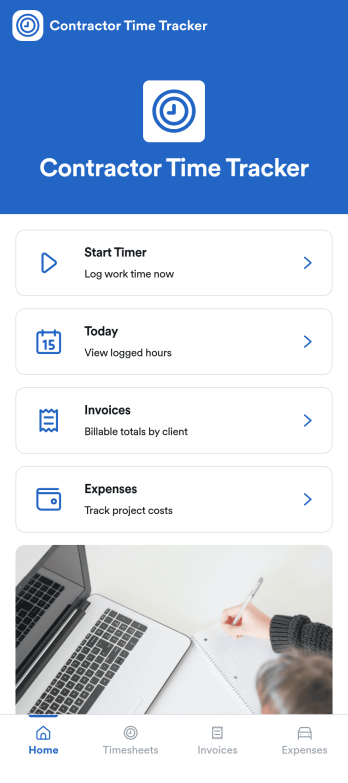
Independent Contractor Time Tracking App
Independent Contractor Time Tracking App helps freelancers and independent contractors record hours worked in a simple, focused place when they need a quick way to document time for clients, projects, or daily tasks. With a single page and clear on-screen guidance, it fits service providers who want a lightweight option for capturing work time during the day and keeping personal records consistent, whether they’re on-site, traveling, or working from home.Jotform makes it easy to turn this use case into a shareable, branded experience using its no-code app builder and drag-and-drop interface. Start with Jotform App Templates, adjust the page content to match how you track time, and connect the app to your broader workflow for data collection and self-service when you’re ready to expand beyond a basic layout.
Go to Category:Activity Tracking Apps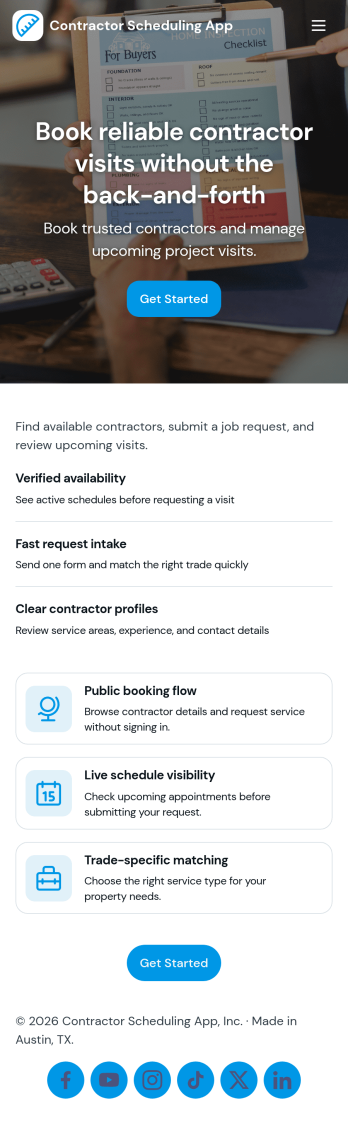
Contractor Scheduling App
Contractor Scheduling App helps teams coordinate contractors, projects, and day-to-day assignments in one organized place. Use it to keep a clear roster of who you work with, capture project details as they come in, and connect each job to the right people and dates. It’s a practical fit for construction companies, home service businesses, property managers, and operations teams that need quick visibility into upcoming work without relying on scattered messages or spreadsheets.With Jotform’s app templates, you can turn your scheduling process into a mobile-friendly experience powered by a no-code app builder and a drag-and-drop interface. Connect forms for adding contractors and projects, display assignment lists for easy self-service access, and keep data collection consistent across your workflow. Customize pages, branding, and navigation so everyone knows where to go to view schedules, update job information, and stay aligned.
Go to Category:Construction Apps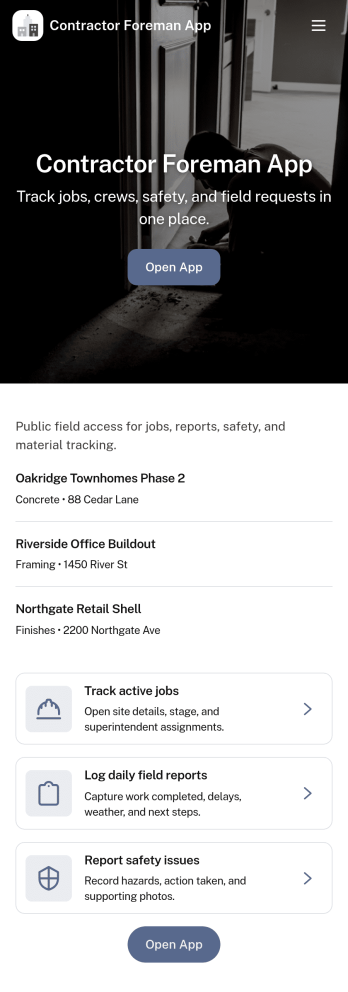
Contractor Foreman App
Contractor Foreman App brings day-to-day jobsite coordination into one place so foremen and field leads can keep projects moving without chasing updates across calls and texts. Use it to review open jobs, submit new job requests, capture daily logs from the field, and complete inspections as work progresses. It fits general contractors, subcontractors, and small construction crews who need a consistent way to document activity, spot issues early, and keep everyone aligned across multiple sites.Built with Jotform, this app template helps you turn field processes into a mobile-friendly self-service experience using a no-code app builder and a drag-and-drop interface. Connect key actions to forms and organize records in connected lists so teams can capture data collection on-site and follow a clear workflow from request to log to inspection. Customize pages, buttons, and navigation to match how your crew runs jobs, then share a link so the right people can access the tools they need.
Go to Category:Construction Apps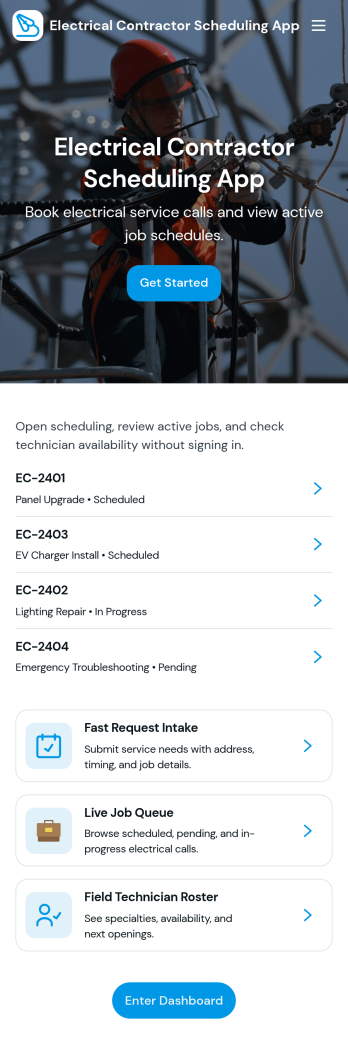
Electrical Contractor Scheduling App
Electrical Contractor Scheduling App helps electrical service businesses capture new job requests, organize a job queue, and keep dispatch decisions clear as the day changes. Use it to route incoming work into a central place, review job details by customer and work order, and quickly move from request intake to scheduling. It’s a practical fit for electrical contractors, dispatchers, office managers, and field supervisors who manage multiple crews, urgent calls, and tight appointment windows.Built with Jotform, this app template pairs a mobile-friendly experience with the flexibility of a no-code app builder. With a drag-and-drop interface, you can tailor pages for your dispatch board and crew directory, link buttons to scheduling forms for fast data collection, and keep your workflow moving from request to scheduled job. Share the app with your team using a link or QR code so everyone stays aligned without juggling spreadsheets.
Go to Category:Construction Apps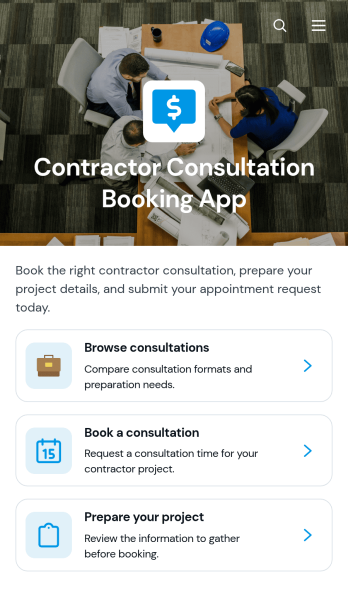
Contractor Consultation Booking App
Contractor Consultation Booking App gives contractors and construction service providers a convenient way to present consultation options and accept appointment requests from prospective clients. Visitors can browse available consultations, review details such as the best-fit project type, duration, and meeting format, then book the most relevant option. Project preparation guidance helps clients arrive with useful information, while direct contact access supports questions before scheduling. This app template is well suited to general contractors, remodelers, builders, tradespeople, project consultants, and home service teams that want to create a more organized booking experience, qualify inquiries, and reduce the time spent coordinating initial meetings.Jotform makes it easy to adapt this app template to your services without writing code. Use the drag-and-drop app builder to update pages, apply your branding, connect booking forms, and organize consultation resources in one mobile-friendly experience. You can also connect data collection to tables, notifications, approvals, payments, and other workflow steps as your process develops. Publish the finished app with a direct link or QR code to offer convenient self-service access from your website, social channels, proposals, or client communications.
Go to Category:Contractor Apps