
Customer Lead Onboarding App gives sales, marketing, consulting, and service teams a central place to review new prospects and move them toward a successful start. Team members can browse lead records, open individual profiles, and view essential details such as contact information, primary needs, onboarding stage, and expected start date. Direct email and phone actions make timely follow-up easier. This app template is especially useful for small and medium-sized businesses that need clearer lead visibility, more consistent handoffs, and a practical way to keep prospective customers from being overlooked during onboarding.
With Jotform Apps, teams can turn lead intake and follow-up processes into an accessible, interactive experience without writing code. Customize this Customer Lead Onboarding App through a drag-and-drop interface, connect it to forms and tables for data collection, and organize resources around your workflow. Jotform app templates can also be adapted with branded pages, cards, buttons, and navigation. Once ready, share the app through a direct link or QR code so authorized team members can access lead information from desktop or mobile devices and support faster, more coordinated customer engagement.
Related templates
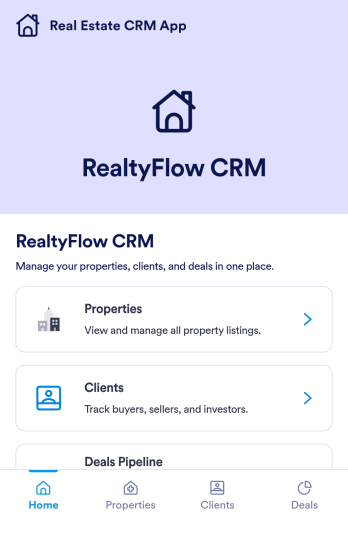
Real Estate CRM App
Real Estate CRM App is an app template designed to centralize client interactions, property listings, and sales activities in a unified management system. It's a ready-to-use solution that efficiently streamlines the inner workings of real estate agencies, brokers, property managers, and sales teams by organizing their client and property relationships into one digital platform. This app is optimized for the collection of critical data, including client communication, property details, and sales records, providing a clear and consistent overview for more effective decision-making. By replacing ad-hoc data collection methods with this template, real estate professionals benefit from a more organized and efficient workflow, thus contributing to improved productivity and client satisfaction. This app is particularly beneficial for those who aim to reduce manual tasks, minimize errors, and optimize operational efficiency in their real estate operations.Jotform's Real Estate CRM App is a robust platform that makes the task of real estate management simple and seamless. With Jotform's user-friendly interface, you can easily customize the app to your specific needs, from adjusting the app's layout and design to adding or modifying data fields. The easy-to-use drag-and-drop feature allows you to personalize your app without any coding required. Furthermore, the app supports the collection of electronic signatures, making it convenient for clients to sign off on important documents digitally. Jotform also features a comprehensive reporting system, enabling you to generate sheets and reports from your collected data with ease. The simplicity and flexibility of Jotform's Real Estate CRM App make it a formidable ally in your daily real estate operations, helping you maintain a high level of efficiency and client satisfaction.
Go to Category:Real Estate Apps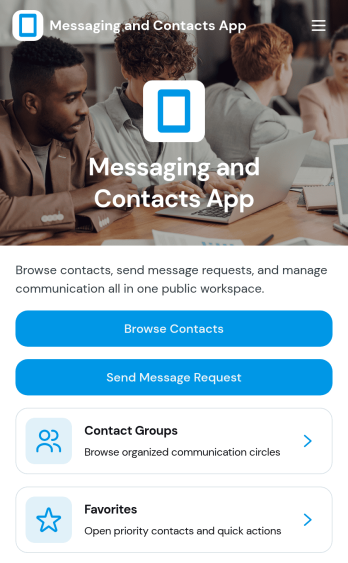
Messaging and Contacts App
Messaging and Contacts App helps teams organize contact details and send message requests from one central, easy-to-share workspace. It’s a practical fit for customer support, sales, community managers, and internal departments that need a simple way to browse contacts, group people by purpose, and quickly reach out when a follow-up is needed. With built-in navigation for browsing contacts, viewing favorites, and working with contact groups, this app keeps communication tasks moving without digging through spreadsheets or scattered tools.Jotform makes it easy to build and publish app templates like Messaging and Contacts App using a no-code app builder with a drag-and-drop interface. Connect buttons to forms for data collection, keep contact records organized, and support a smoother workflow for self-service updates and requests. Share your app through a link or QR code, tailor the branding to match your organization, and update the experience as your contact list and communication needs grow.
Go to Category:CRM Apps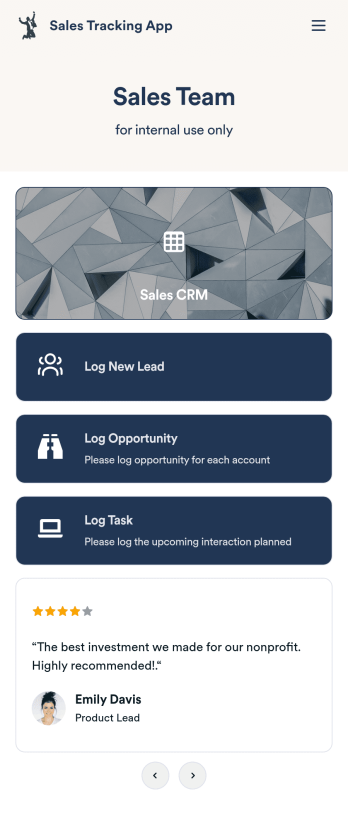
Customizable Sales Tracking App
A sales tracking app enables you to track your sales from any device. Get started with our free Sales Tracking App for businesses of all sizes. This ready-to-use app bundles multiple forms that you can sync to your CRM, so you can create a seamless workflow for generating leads and logging tasks. To get started, customize the template for your company using our drag-and-drop app builder. When you’re satisfied with the look and feel of your app, download it on your smartphone, tablet, or desktop computer, or share it with other members of your sales team to save onto their own devices.Customizing this Sales Tracking App for your sales team won’t require any coding. In just a few clicks, you can create new forms, integrate them with your CRM, embed links, add images and buttons, and change app settings such as name, icon, and splash screen for a fully-custom experience. To share it, just copy and paste the app link in emails or messages to your sales team members. Your Sales Tracking App will be easy to pull up on any device, so you can track and grow sales no matter where you are — even on the go.
Go to Category:Company Portal Apps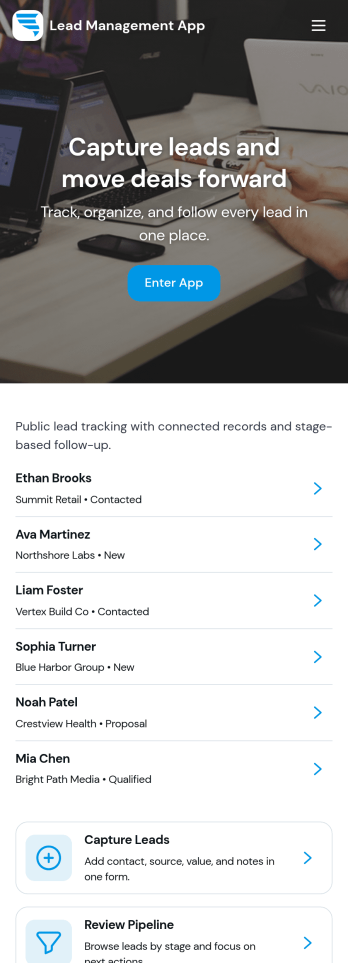
Lead Management App
Lead Management App helps sales and marketing teams capture new leads, keep contact details organized, and move prospects through a simple pipeline from first touch to follow-up. Use it to centralize lead intake from events, inbound interest, referrals, or outbound outreach, then quickly review lead records, flag high-priority opportunities, and keep your pipeline from going stale. With guided navigation for capturing a lead, opening the pipeline, and viewing insights, it’s a practical fit for agencies, consultants, real estate teams, startups, and any growing business that needs visibility into what’s coming in and what needs attention.Jotform makes it easy to turn this lead workflow into a branded, shareable app experience using a no-code app builder and a drag-and-drop interface. Connect your lead form to the app for fast data collection, keep records consistent as your team updates lead details, and create a self-service experience you can share by link for internal use or with partners. As your process evolves, you can adjust pages, layout, and connected workflows in minutes without rebuilding from scratch.
Go to Category:Customer Portal Apps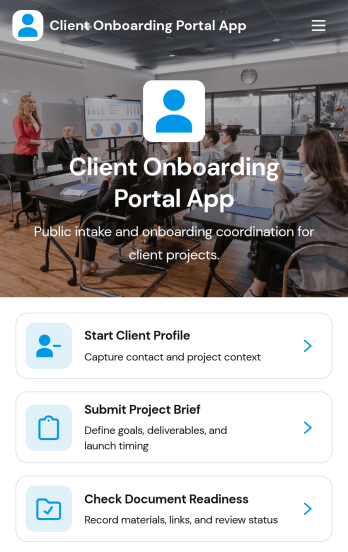
Client Onboarding Portal App
The Client Onboarding Portal App is a centralized onboarding experience for agencies, consultants, professional service providers, and account teams welcoming new clients. It gives customers one place to create a client profile, submit a project brief, and confirm document readiness. Organized client and project records help teams reduce scattered communication, identify missing information, and prepare for kickoff with greater clarity. Use this app template when starting consulting engagements, creative projects, managed services, or other client relationships that require accurate contact details, project requirements, and supporting documents.Jotform Apps makes it easy to adapt this Client Onboarding Portal App to your process using a no-code app builder and an intuitive drag-and-drop interface. Customize pages, branding, navigation, and connected forms without writing code. You can bring data collection, resource access, and workflow steps into a mobile-friendly self-service experience, then share it through a direct link or QR code. Jotform App Templates provide a ready-made starting point while giving your team the flexibility to update content, organize records, and connect approvals or other processes as onboarding needs evolve.
Go to Category:Customer Portal Apps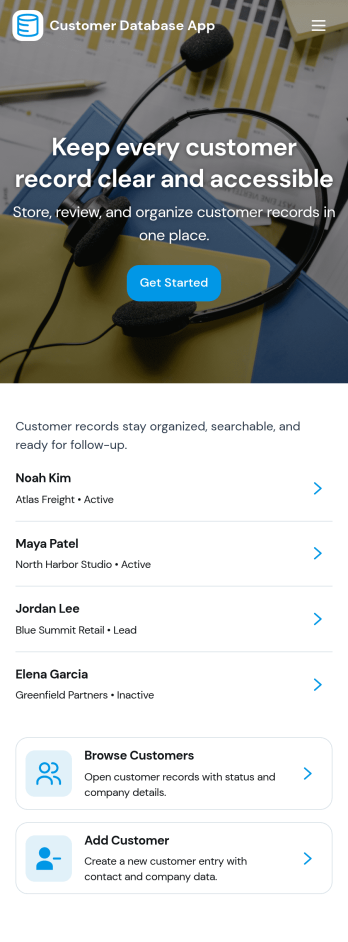
Customer Database App
Customer Database App brings your customer information into one organized place so you can add new customers, browse profiles, and keep a reliable record of every relationship. It fits teams that need quick access to names and details across sales, support, operations, and account management, especially when information is scattered across spreadsheets, inboxes, or individual devices. With an in-app option to add customers and a browse view for customer profiles, staff can find the right record faster and reduce duplicate entries as the list grows.Built with Jotform, this app template can be tailored in a no-code app builder with a drag-and-drop interface, making it easy to adjust pages, navigation, and the customer intake flow as your process evolves. Connect the add-customer form to a central record list, share the app through a link for self-service access, and keep work moving with a clear workflow for capturing and reviewing customer data collection. You can also provide a personal view like My Submissions so team members can quickly revisit the profiles they created or updated.
Go to Category:Customer Portal Apps