
The Customer Style Review App gives salons, stylists, image consultants, apparel retailers, and other style-focused service teams a central place to collect and review customer opinions after an appointment or purchase. Customers can submit a style review, while staff can browse feedback records, view review details, check service dates and categories, and analyze recurring trends. This app template helps businesses replace scattered messages with organized data collection, making it easier to understand preferences, identify service patterns, follow up on concerns, and recognize experiences that customers value. Managers and customer experience teams can use these insights to guide training, refine offerings, and support more personalized service.
Jotform makes this Customer Style Review App easy to adapt with a no-code app builder and an intuitive drag-and-drop interface. Teams can adjust pages, buttons, visual elements, and branding without programming, then connect forms, tables, notifications, approvals, or other workflow steps as needed. The finished app can be shared by a direct link or QR code for convenient mobile-friendly self-service. Jotform App Templates provide a ready-made starting point, helping style businesses launch an engaging review experience quickly while keeping feedback accessible and useful.
Related templates
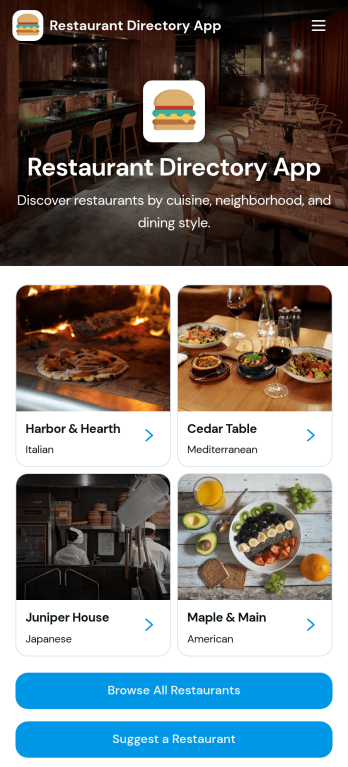
Restaurant Directory App
Restaurant Directory App brings your restaurant listings into one place so customers, tourists, and local communities can quickly discover where to eat. Use it to publish a curated guide for a neighborhood, campus, hotel concierge desk, food festival, or chamber of commerce, with list-style browsing and dedicated restaurant pages that highlight key details. Visitors can explore options, open a restaurant profile, and take action with one-tap calling or a direct website link, while your team keeps the directory consistent and easy to navigate.Jotform makes it simple to turn this restaurant directory app template into a branded, mobile-friendly experience using a no-code app builder and a drag-and-drop interface. Connect your directory to data collection with linked forms, route updates through a workflow your team controls, and publish changes fast without relying on developers. Share your Jotform app through a link or QR code so people can access the directory anytime and suggest new restaurants as your guide grows.
Go to Category:Food & Beverage Apps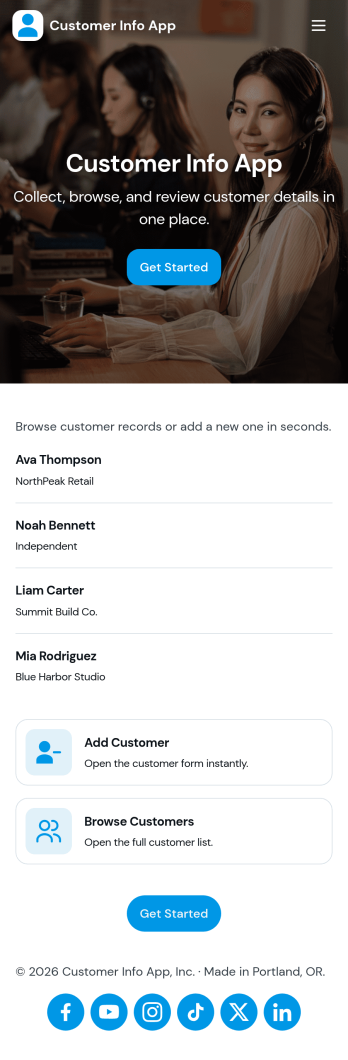
Customer Info App
Customer Info App brings customer details into one place so you can add new contacts, browse customer lists, and quickly open an individual record when you need context fast. It fits teams that juggle repeat clients and inquiries such as service businesses, agencies, consultants, and sales teams that need a simple way to look up names, contact info, and notes while staying organized. Use it to reduce scattered spreadsheets, avoid duplicate entries, and keep everyone aligned on the latest customer information during calls, on-site visits, or follow-ups.Built with Jotform, this app template pairs a form for adding customers with easy navigation for browsing and reviewing saved records, plus links to view all records or only the ones assigned to you. Customize the pages, buttons, and branding in Jotform’s no-code app builder using a drag-and-drop interface, then share the app for quick self-service access across your team. Connect your data collection to connected workflows so updates and customer information stay consistent as your process grows.
Go to Category:Customer Portal Apps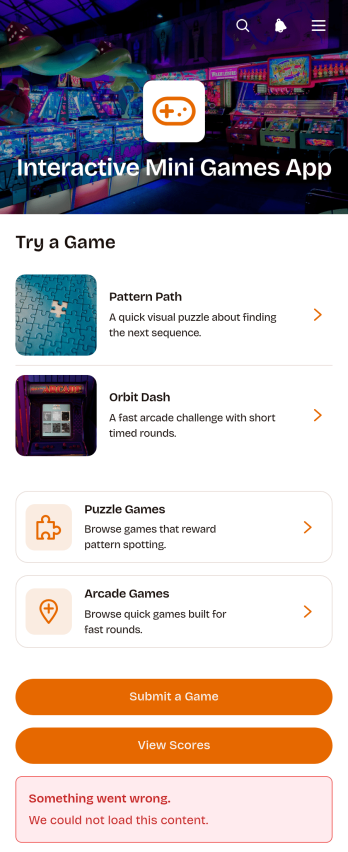
Interactive Mini Games App
The Interactive Mini Games App is a ready-to-use app template for event organizers, educators, community managers, marketing teams, and employers who want to offer casual digital entertainment from one convenient destination. It organizes game discovery and participation through browsable puzzle and arcade collections. Players can review difficulty levels, categories, and instructions before launching a game, then access score records or submit a game for consideration. The template works well for virtual events, classroom breaks, community activities, employee engagement programs, and promotional campaigns. Bringing game links, participation options, and results together gives players simple self-service access while helping organizers avoid scattered resources.Jotform App Templates make it easy to adapt this experience without coding. Use the no-code app builder and drag-and-drop interface to update pages, cards, buttons, images, and navigation so they match your audience and visual style. You can connect forms to support data collection, organize score-related workflows, and gather new game suggestions. Once your Interactive Mini Games App is ready, publish it with a direct link or QR code for convenient mobile access. Jotform also makes ongoing updates simple, so teams can refresh game selections and content without rebuilding the app.
Go to Category:Entertainment Apps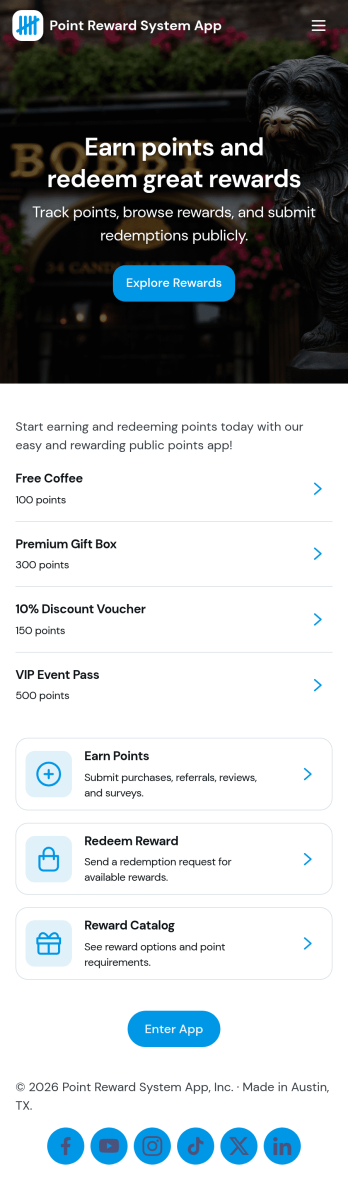
Point Reward System App
Point Reward System App helps businesses and organizations run a simple loyalty-style points experience where people can earn points, view available rewards, review activity, and redeem rewards from one place. It’s a practical fit for retail shops, gyms and studios, cafés, online communities, and internal teams that want to encourage repeat engagement without juggling scattered spreadsheets or manual updates. With dedicated areas for earning points, browsing rewards, and checking activity, users can understand how points are gained and what they can redeem next.Built with Jotform, this app template pairs a no-code app builder with a drag-and-drop interface so you can tailor the flow to your program in minutes. Connect the app to forms and tables for data collection and ongoing tracking, then share it as a self-service experience for customers or employees. You can also keep point entries organized in one place, update reward options as your program evolves, and maintain a clear workflow from point entry to reward redemption.
Go to Category:Community & Engagement Portal Apps
Secure Messaging App
Secure Messaging App helps teams and organizations share sensitive updates, quick instructions, and internal notes in one private place, especially when email threads and public chat tools feel too exposed. Use it for employee communications, client check-ins, on-call announcements, incident coordination, or confidential project discussions where clarity and controlled access matter most. It fits HR teams, IT and operations groups, healthcare and nonprofit staff, and any distributed team that needs a simple, focused channel for protected communication.With Jotform, you can build and publish a branded, mobile-friendly experience using a no-code app builder and a drag-and-drop interface. Start from this app template, tailor the content to your workflow, and share it by link or QR code for fast self-service access. As your needs grow, you can connect the app to Jotform forms and workflows to support structured data collection, internal requests, and organized follow-ups without adding complexity.
Go to Category:Customer Engagement Apps
Audience Voting App
Audience Voting App is an interactive app template for collecting audience opinions during live events, competitions, presentations, community programs, classroom activities, and online campaigns. Event organizers, educators, entertainment teams, marketers, and community leaders can present polls, help participants browse questions and available choices, and provide a clear path for casting a vote. Bringing voting access into one organized experience reduces confusing instructions, makes participation easier on mobile devices, and gives audiences a convenient self-service option. It can support anything from choosing a contest winner to gathering quick feedback on a topic.Jotform App Templates help teams create polished digital experiences without writing code. Customize the Audience Voting App with the no-code app builder, adjust pages and navigation through a drag-and-drop interface, and connect forms or other workflow assets for data collection. Branding, text, images, buttons, and poll content can be adapted to suit a specific event or campaign. Once the app is ready, share it through a direct link or QR code so participants can reach the voting experience from their preferred device.
Go to Category:Customer Engagement Apps