
The Cyberbullying Safety Guide App is a ready-to-use resource for schools, youth programs, nonprofits, community groups, and families seeking clearer ways to respond to online harassment. It brings practical safety information into one accessible experience, with guidance for immediate danger, organized resource navigation, and a form for reporting a safety concern. Educators, counselors, program leaders, students, and caregivers can use this app template to share response steps, encourage early reporting, and reduce uncertainty when harmful digital behavior occurs. It can support awareness campaigns, student resource centers, safeguarding programs, and educational initiatives without overwhelming users with scattered materials.
Jotform Apps makes it easy to adapt this guide to the needs of a school or community using a no-code app builder and a flexible drag-and-drop interface. Update the content, adjust the branding, reorganize pages, and connect the concern form to notifications, tables, approvals, or other workflow steps. Teams can publish the app with a direct link or QR code, helping users reach resources and self-service guidance from a phone, tablet, or computer. Jotform app templates offer a practical starting point for collecting information and maintaining a current, approachable safety resource without writing code.
Related templates
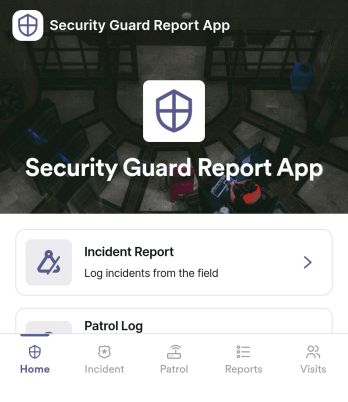
Security Guard Report App
Security Guard Report App helps security teams capture incidents, document shift activity, and confirm routine patrol checks in a consistent format across sites. It’s built for guard companies, property managers, event venues, and in-house security departments that need clear, time-stamped reporting without relying on paper notes or scattered messages. With dedicated areas for incident reports, shift logs, and patrol checks, supervisors get better visibility into what happened, when it happened, and what actions were taken during each assignment.Jotform makes it easy to turn this Security Guard Report App into a branded self-service workflow using a no-code app builder and a drag-and-drop interface. Connect pages to forms for fast data collection in the field, route key updates for review, and keep records organized for follow-up and internal reporting. Share the app with a link or QR code so guards can submit reports from any device, while managers can review entries and standardize operations across locations.
Go to Category:Log Apps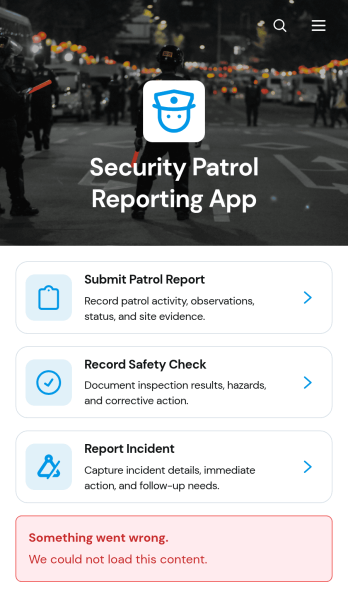
Security Patrol Reporting App
The Security Patrol Reporting App is an app template for documenting patrol activity, safety checks, and incidents across offices, residential properties, construction sites, warehouses, campuses, and other monitored locations. Security officers can submit patrol reports from the field, record inspection findings, and report incidents while details are still current. Supervisors, property managers, facility teams, and security service providers can review records by date, officer, location, status, severity, and follow-up needs. Bringing these activities into one accessible reporting experience reduces missing information, improves visibility across shifts, and helps teams respond to identified concerns.Jotform App Templates make it easy to adapt this reporting experience to an organization’s procedures without writing code. With Jotform’s no-code app builder and drag-and-drop interface, teams can update pages, branding, navigation, and connected forms to suit different properties or patrol assignments. Collected data can feed into tables, notifications, approvals, and related workflows, giving managers a central place to organize reports and monitor next steps. Once ready, the app can be shared with officers through a direct link or QR code for convenient mobile access and field-based self-service.
Go to Category:Report Apps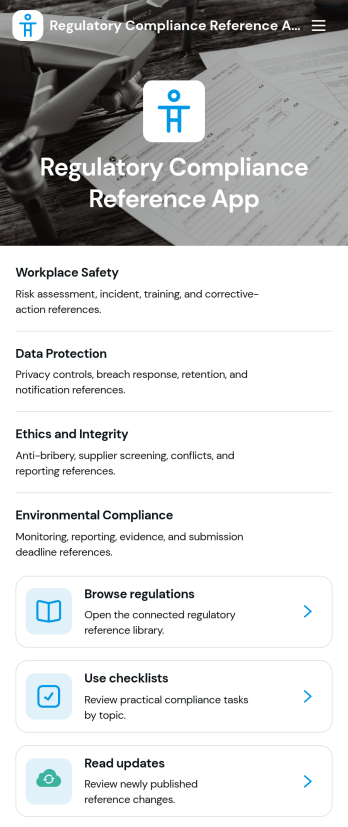
Regulatory Compliance Reference App
Regulatory Compliance Reference App brings your organization’s key regulations, checklists, and update notes into one easy-to-browse reference library. It’s built for compliance leads, operations managers, risk teams, and distributed departments that need a reliable place to review requirements by topic, confirm jurisdictions and effective dates, and keep internal guidance aligned with the latest reference status. With quick navigation to browse regulations, open source references, and use checklists tied to real responsibilities like owners and review frequency, teams can reduce time spent hunting for the right information and keep day-to-day decisions consistent.Jotform makes it simple to publish this app template as a self-service resource without coding. Using a drag-and-drop interface, you can tailor pages, organize your reference lists, and connect the app to a form for ongoing data collection when new regulations, checklist updates, or internal notes need to be added. Share the finished app with a link or QR code, keep content current in one place, and support clearer workflows across teams with Jotform.
Go to Category:Safety and Compliance Apps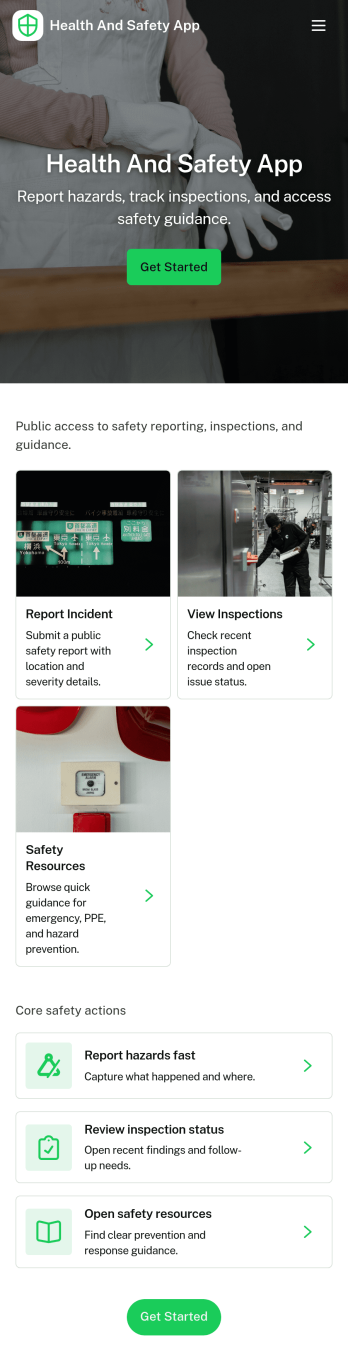
Health and Safety App
Health and Safety App helps teams centralize day-to-day workplace safety actions in one place, so employees know exactly where to go when something happens. Use it to capture incident details fast through a simple reporting flow, guide staff through routine safety checks, and keep everyone aligned on what’s been logged. It’s a practical fit for construction crews, warehouses, manufacturing floors, facilities teams, field service organizations, schools, and nonprofits that need a consistent way to document issues and reinforce safe habits across locations.With Jotform, you can turn this Health and Safety App into a mobile-friendly self-service experience using app templates and a no-code app builder with a drag-and-drop interface. Connect the app to forms and tables to support reliable data collection and clearer workflow handoffs, then share it by link or QR code so the right people can report, review, and act without hunting for the latest document or process.
Go to Category:Company Portal Apps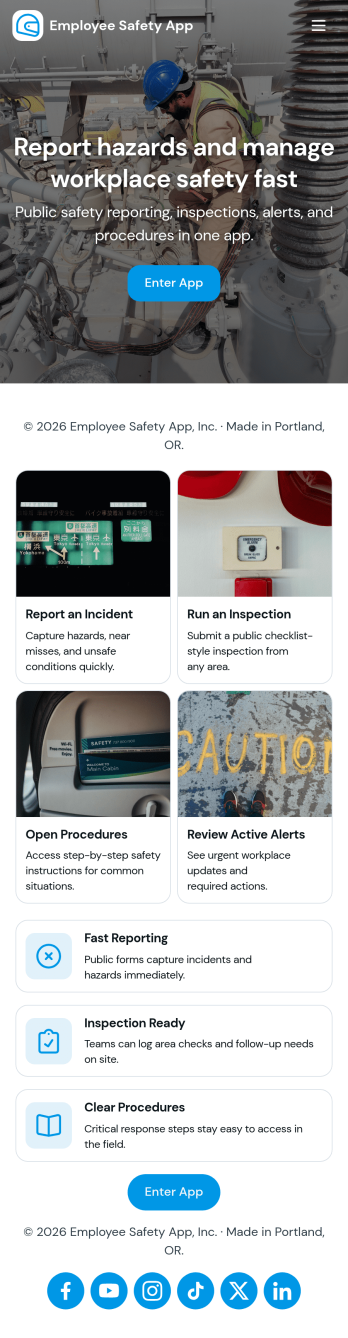
Employee Safety App
Employee Safety App brings key workplace safety actions into one place so teams can report incidents, run safety checks, and review logged issues without hunting for the right link or paper form. It fits companies with distributed crews, warehouses, job sites, clinics, or offices that want a consistent way to capture what happened, where it happened, and what immediate action was taken. Built-in navigation makes it easy to jump from reporting to an incident list, and the app can also surface quick emergency and safety lead contact options when time matters.With Jotform, you can turn this employee safety app template into a branded self-service experience using a no-code app builder and a drag-and-drop interface. Connect the app to your incident and safety check forms for reliable data collection, route updates through the right workflow, and keep records organized in one system for follow-up, training, and continuous improvement. Share the app by link or QR code so employees can access it on the go, then refine pages and content as your safety processes evolve.
Go to Category:HR Portal Apps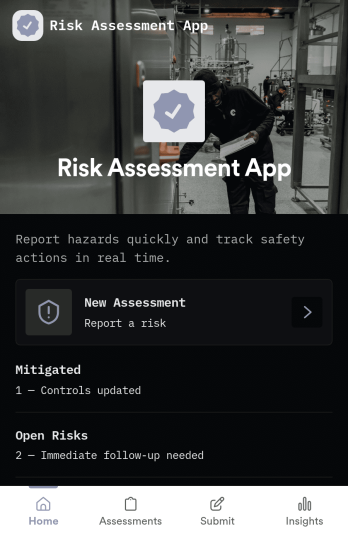
Risk Assessment App
Risk Assessment App helps teams capture new assessments and review open records in one place, so risk checks don’t get buried in email threads or scattered files. Use it to document hazards, rate likelihood and impact, and keep a clear log of what was assessed and when. It’s a practical fit for safety leads, operations managers, project teams, and supervisors who need a repeatable way to run assessments across sites, equipment, tasks, or events while keeping progress visible.Built with Jotform, this app template combines simple navigation with connected data collection to support day-to-day risk work. Create a new assessment through an embedded form, browse record lists for quick follow-up, and share the app as a self-service link for internal teams. With Jotform’s no-code app builder and drag-and-drop interface, you can tailor the layout, add your own fields, and evolve the workflow as your risk process changes.
Go to Category:Inspection Apps