Daily Jobsite Reporting App gives construction teams a central place to document daily progress, complete safety checks, and report incidents across active projects. Superintendents, site supervisors, project managers, contractors, and field crews can use it to create timely records from the jobsite while office teams review project activity in one organized experience. Easy project browsing helps users find the relevant job before submitting an update. This reduces scattered paperwork, improves visibility into field conditions, and supports more consistent communication between site and operations teams.
Built with Jotform Apps, this app template can be adapted to match a contractor’s reporting process, branding, and project structure. Jotform’s no-code app builder and drag-and-drop interface make it easy to update pages, navigation, buttons, and connected forms without programming. Teams can connect data collection to tables, notifications, approvals, and other workflow steps, then share the finished app by direct link or QR code. Starting with Jotform App Templates saves setup time while providing a mobile-friendly self-service resource for daily reporting and jobsite documentation.
Related templates
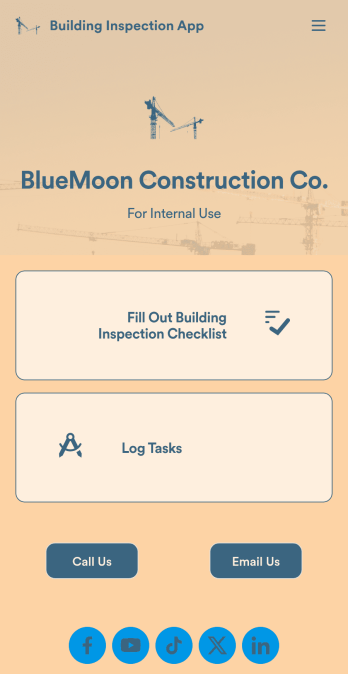
Building Inspection App
A building inspection app allows building inspectors to complete their work using any device. Conduct inspections from any smartphone, tablet, or computer with Jotform’s free Building Inspection App. This readymade template comes with a building inspection checklist and task log, but with our drag-and-drop builder you can add whatever else you need to make the app your own. All entries will be stored in your secure Jotform account and ready to view at any time.Customize your Building Inspection App without any coding. Just drag and drop to add more forms, checklists, documents, links, and even your branding. When you’re done, download it onto your favorite device or share it with other building inspectors via link or email invite. With a fully-custom Building Inspection App, you’ll be able to efficiently conduct building inspections and write reports no matter where you are!
Go to Category:Construction Apps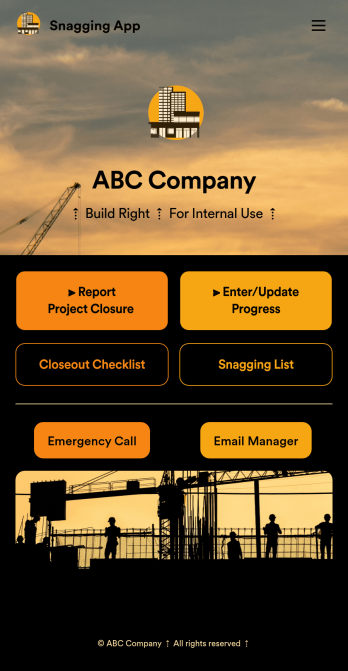
Snagging App
A snag list is a list of items that must be completed to finish a building project. Get organized with our free Snagging App! This prebuilt template bundles together multiple form and table templates, so you can easily access and share your snag list, Closeout Checklist, and Project Closeout Checklist in one place. The app can be used from any device, so you can submit and access entries while on the go. Customize this Snagging App to better meet your needs. Our drag-and-drop interface is easy to use, so you won’t have to do any coding to build and add forms, embed links to other pages, and change the app design to match your branding. Once it’s ready to use, You and your construction team can download and use the app from any smartphone, tablet, or computer. Get building projects completed on time and more efficiently with a fully-custom Snagging App for your construction company or contractor services!
Go to Category:Construction Apps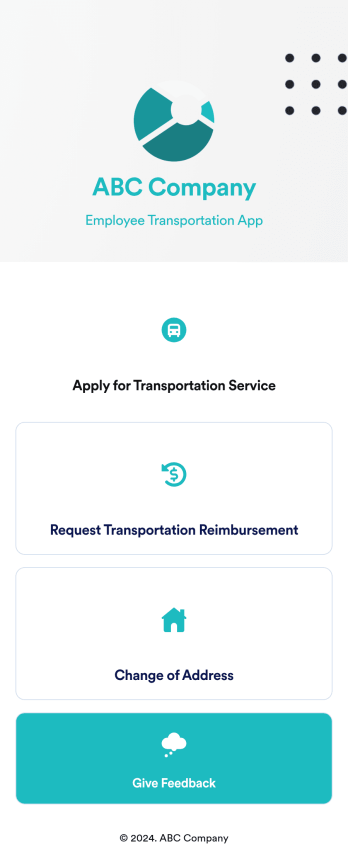
Employee Transportation App
An employee transportation app is used by companies or organizations to track and manage employee transportation requests and reimbursements. Build your own Employee Transportation App for free with Jotform Apps to streamline your company transportation practices. Once you’re finished creating your app, send it off to your employees via direct link or embed it in your company’s online portal for easy access.Customizing your Employee Transportation App is easy with Jotform’s no-code app builder. Drag and drop to change fonts and colors, integrate with trusted apps and payment processors, edit company policies, upload company branding assets and images, and so much more. Upgrade the way your company handles employee transportation with this free Employee Transportation App.
Go to Category:Construction Apps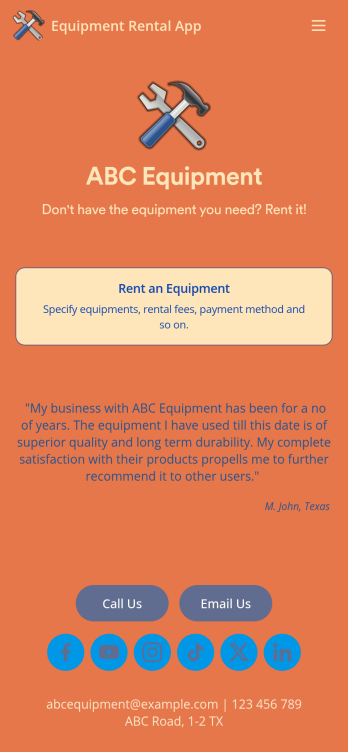
Equipment Rental App
An Equipment Rental App is used by companies that need to keep track of loaned out equipment. This app template allows customers to enter general contact and payment information, log start and end dates, and specify which equipment they’re taking out and why. There are also two digital signature boxes to be signed by both parties before submitting the agreement form. Once submitted, an Equipment Rental Agreement PDF is automatically generated. Rental agreements are stored securely in an easy-to-read spreadsheet in your online account.Personalizing this Equipment Rental App is easy. Using our drag-and-drop interface, you can add or change forms, choose fonts and colors, upload your company logo, update the app name, text and splash page, and more — all with zero coding. After you’re done customizing, your app can be shared via link and then accessed and downloaded on any smartphone, tablet, or desktop computer. Make equipment rental a breeze with this customizable Equipment Rental App!
Go to Category:Construction Apps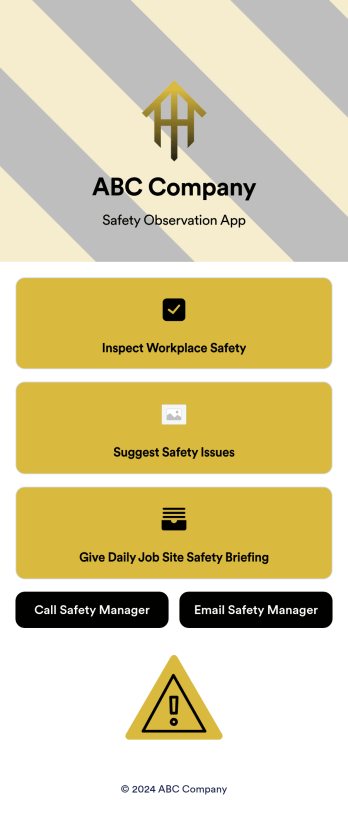
Safety Observation App
A safety observation app is a mobile app that businesses can use to collect and manage information about workplace safety. With a free Safety Observation App from Jotform Apps, you can gather safety reports, give safety briefings, and inspect job site safety from one convenient platform. Plus, include direct buttons to contact safety managers by email or phone. All submissions made in the app will be stored securely in your Jotform account — ready to view, edit, or share on any device.Want to customize your Safety Observation App? No problem! You can use our drag-and-drop app builder to upload images and videos, change fonts and colors, integrate with popular apps, and much more. Give your employees a user-friendly way to submit safety information with a free app from Jotform.
Go to Category:Checklist Apps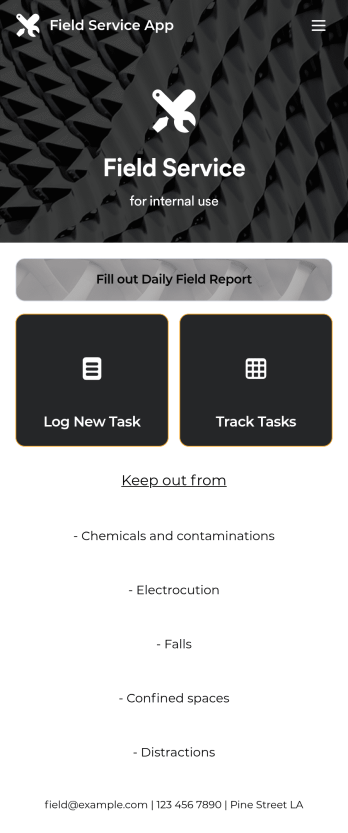
Custom Field Service App
A field service app makes it easier for technicians and other employees who work offsite to submit reports while in the field. Instead of using paper forms or waiting until you’re back at your office computer to submit reports, use this free Field Service App powered by Jotform to work anywhere, anytime. This customizable app template includes forms for submitting daily reports, logging new tasks, and tracking completed tasks. All submissions are instantly synced to your secure Jotform account.Need to modify this Field Service App to meet your needs? Just use our drag-and-drop builder to add forms, links, documents, buttons, pages, text, images, videos, tables, data grids, and much more. When it’s ready to use, download your app onto your smartphone, tablet, laptop, or computer for easy access. You can also share it with others via the app link or email invites. Get work done wherever you are with a custom, easy-to-use Field Service App.
Go to Category:Company Portal Apps