
The Daily Operations Checklist App gives managers and frontline teams a central place to document recurring operational checks, report issues, and review completion records and insights. It is well suited to retail locations, restaurants, hospitality teams, warehouses, service businesses, offices, and other organizations that rely on consistent opening, closing, safety, maintenance, or shift procedures. Staff can record who completed each checklist, note the relevant operational area, add observations, and flag related problems for follow-up. This shared process improves accountability, reduces missed tasks, and gives supervisors clearer visibility into daily activity across teams or locations.
With Jotform Apps, organizations can adapt this app template to their own routines without writing code. The drag-and-drop App Builder makes it easy to update pages, navigation, branding, and connected forms while keeping resources accessible from one mobile-friendly experience. Checklist data can support organized workflows, timely notifications, and informed operational reviews. Start with this template from Jotform App Templates, connect it to related forms or tables, and publish it through a direct link, QR code, or embedded experience for convenient employee self-service.
Related templates
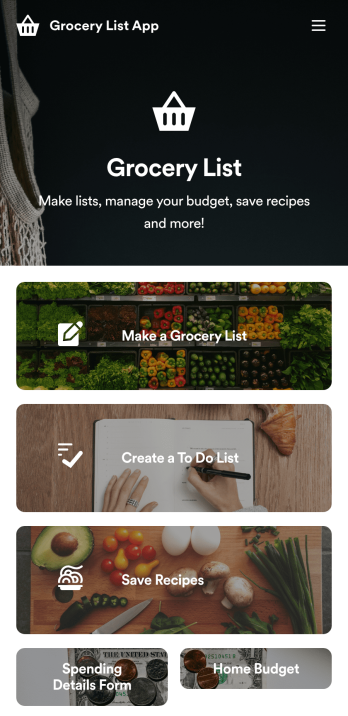
Grocery List App
A grocery list app makes grocery shopping easy from any device! Make grocery lists, save recipes, and track your spending from your favorite device using Jotform’s free Grocery List App. This ready-to-use app template includes forms for grocery lists, to-do lists, recipes, and budgeting. You can download the app onto your smartphone, tablet, or computer for easy access no matter where you are. Make this Grocery App your own with our drag-and-drop builder. Without coding, you can add forms, links to recipes, images of products, tables or data grids, app pages and buttons, and more elements. When you’re happy with app design, save it onto your favorite device to pull up when you’re grocery shopping. You can even share the app with others simply by sharing the app link or sending email invites. Make your next grocery trip a breeze — and under budget — with a fully custom Grocery List App.
Go to Category:Checklist Apps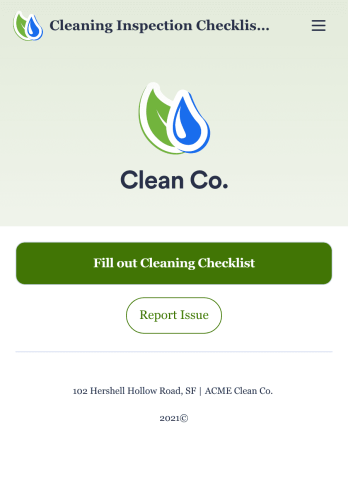
Cleaning Inspection Checklist App
A cleaning inspection checklist app is used by cleaning companies to keep track of what has and hasn’t been cleaned in a home or building. If you own or manage a cleaning company, employees can fill out a Cleaning Inspection Checklist form straight from their smartphone on Jotform’s free Cleaning Inspection Checklist App. All responses are stored in your Jotform account, ready to view on any device.Need to make changes to this app template? Add your logo, update the checklist form, and customize other design elements in seconds with our drag-and-drop builder — no coding necessary. You can then share the app by copying and pasting the app link, so members of your team can save it onto their devices instantly. Ditch paper checklists and manage your cleaning process more efficiently with a free Cleaning Inspection Checklist App.
Go to Category:Checklist Apps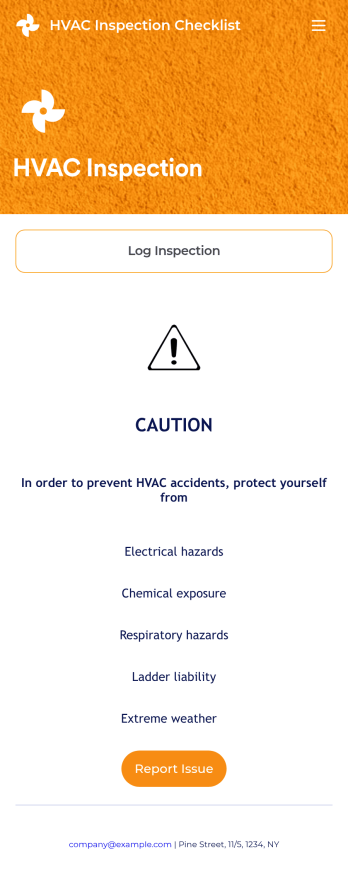
HVAC Inspection Checklist
An HVAC inspection app makes it easy for inspectors to inspect heating, ventilation, and air condition systems and log reports from any mobile device. If you’re a certified HVAC inspector or technician, create your own mobile app with our free HVAC Inspection Checklist App. This ready-to-use app template comes with an inspection report form where you can provide inspection details such as date and location, and check off inspection checklist items such as air intake, fans, and filters.Customizing your HVAC Inspection Checklist App for your specific needs will only take a few clicks. No coding required — simply drag and drop to update the checklist form, create and add new forms, embed links, include instructions or images, and change app settings such as name or icon. Once you’re satisfied with how your app looks, you can download and open it to any smartphone, tablet, or computer. Say goodbye to paper checklists with an efficient, easy-to-use HVAC Inspection Checklist App that keeps all your submitted reports in one secure place.
Go to Category:Checklist Apps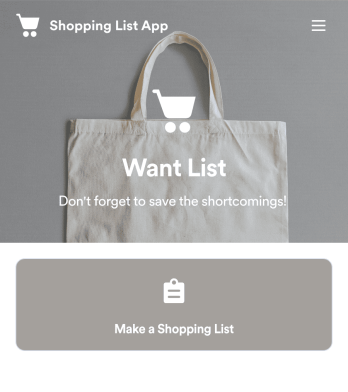
Shopping List App
Keep track of your shopping list with a free Shopping List App from Jotform. Whether you’re gathering ingredients for your restaurant or grocery shopping for your home, quickly jot down the items you need and store them securely in your online account. The app includes sections for fruits and vegetables, meat and poultry, and other items like snacks, toiletries, and canned goods.Make changes to the Shopping List App design with our drag-and-drop app builder. No coding required — you can update forms and add links, spreadsheets, images, and other elements at the touch of a button. You can even change the app background and icon for a personal touch! Then download your custom Shopping List App instantly, or share it with a link for employees or family members to fill out on their own devices.
Go to Category:Checklist Apps
House Cleaning Checklist App
Complete checklists for house cleanings with a free House Cleaning Checklist App! Housekeepers, cleaning services, and homeowners can keep a thorough record through the app’s Morning Cleaning Checklist, which lets them enter their name, the date and time of the cleaning, which areas have been cleaned, and sign off on it with an e-signature. All submissions are stored securely and ready to view on any device.Feel free to make changes to this House Cleaning Checklist App template with our drag-and-drop app builder. Add a logo, change the app icon, include images, and add more forms, links, documents, and other app elements at the touch of a button. When your app is ready to go, share it with a link to download onto any computer, tablet, or smartphone instantly. Ditch messy paper checklists and save time with a free House Cleaning Checklist App from Jotform.
Go to Category:Checklist Apps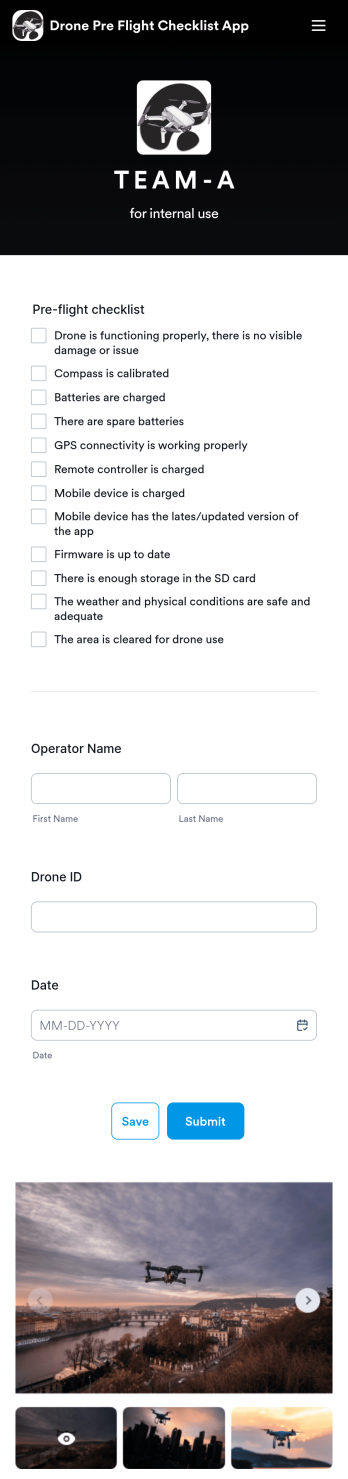
Drone Pre Flight Checklist App
A drone pre-flight checklist app ensures that drone pilots properly follow the right steps to ensure a safe and controlled flight. If you’re a drone inspector or pilot, prepare for your next flight with Jotforms’ free Drone Pre-Flight Checklist App. This prebuilt app includes a comprehensive checklist form that also requires operator name, drone ID, and flight date. You can download the app to fill out the form from any smartphone, tablet, laptop or computer before your drone takes flight. Submissions are securely stored in your Jotfrom account for your records.This Drone Pre-Flight Checklist App is ready to be used as is — but if you’re looking for even more, customize the template in just a few clicks with Jotform’s drag-and-drop builder. You can add more items to the checklist, include new forms and tables, change the fonts and colors, and even update the app name, icon, and splash screen for a more personalized design. When you’re happy with the way it looks and feels, download the app onto your preferred device to open at any time. Check weather conditions, record flight details, and prevent damage to your drone with an easily-accessible Drone Pre-Flight Checklist App on hand.
Go to Category:Checklist Apps