
Date And Time Calculator App is a ready-to-use app template for calculating the difference between dates and determining time offsets. It gives project coordinators, event planners, administrative teams, educators, contractors, and individuals quick access to date difference calculations, time offset calculations, and a supporting calculation reference. Users can apply it when checking elapsed periods, estimating deadlines, planning milestones, coordinating schedules, or confirming how a time adjustment affects a target date. Clear unit and accuracy notes also help users interpret results consistently. This practical resource reduces manual calculations and keeps frequently used date and time tools together in one accessible place.
Jotform makes this template easy to adapt with a no-code app builder and an intuitive drag-and-drop interface. You can customize pages, navigation, buttons, colors, fonts, and visual elements to match your preferred experience, then connect forms or other workflow resources when additional data collection is needed. Jotform App Templates can be published without programming and shared through a direct link, a custom app link, or a QR code. Whether the finished app supports internal planning or public self-service, it provides a mobile-friendly way to organize calculation tools and related guidance.
Related templates
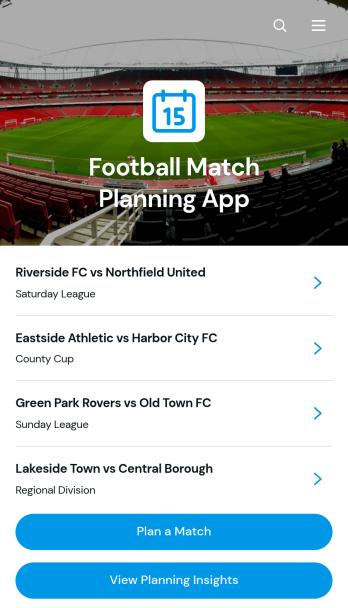
Football Match Planning App
Football Match Planning App is a ready-to-use app template for coaches, team managers, club administrators, and tournament organizers who need one place to prepare and monitor upcoming fixtures. Users can add matches, review home and away team pairings, check kickoff and venue information, follow planning status, and update match details when arrangements change. Planning insights also help organizers maintain visibility across scheduled games. By replacing scattered messages and documents with an accessible planning experience, the app helps teams coordinate responsibilities, reduce missed updates, and keep match preparation moving from the initial schedule through game day.Jotform makes the Football Match Planning App easy to adapt with a no-code app builder and an intuitive drag-and-drop interface. Customize pages, navigation, colors, fonts, and branding to suit a club, league, school, or community program. Connected forms support consistent data collection, while tables, notifications, and workflows can help staff manage updates and collaborate. Jotform App Templates can be published quickly and shared through a direct link or QR code, giving team members mobile-friendly self-service access without requiring them to download software or create a new system from scratch.
Go to Category:Sports Apps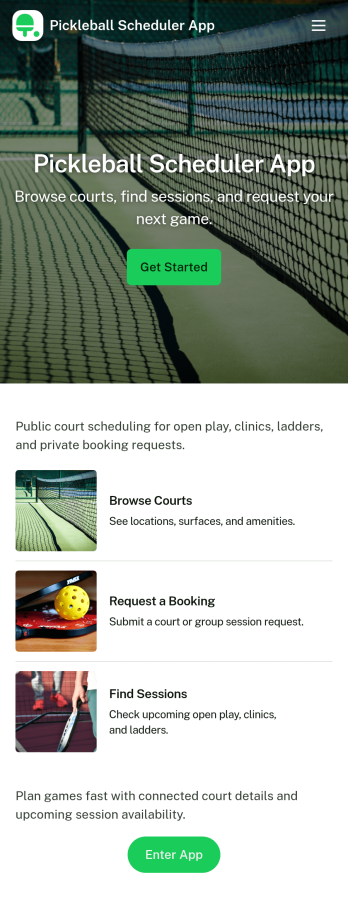
Pickleball Scheduler App
Pickleball Scheduler App helps clubs, recreation centers, and community groups organize court time and keep reservations easy to find. Use it to route players to Court 1, Court 2, or Court 3, collect booking details through a simple reservation form, and give everyone a clear place to review upcoming sessions. With dedicated actions like Make a Booking and My Reservations, the experience stays focused on reducing double-booking, missed time slots, and confusion around who reserved which court.Jotform makes it simple to turn scheduling into a polished self-service experience using App Templates and a no-code app builder. Customize pages with a drag-and-drop interface, connect your booking and member forms, and keep data collection organized behind the scenes so staff can spend less time coordinating and more time running great play sessions.
Go to Category:Booking Apps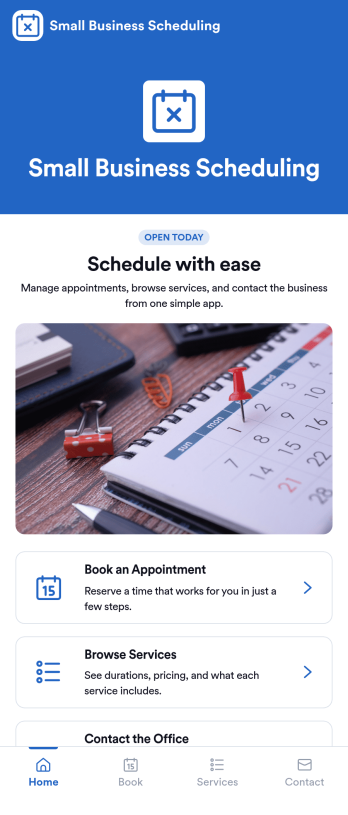
Small Business Scheduling App
A small business scheduling app helps service-based teams manage bookings in one place, so staff can see what’s happening today, add a new booking quickly, and keep customer requests organized. This template fits salons, studios, home service providers, consultants, and local shops that juggle multiple appointments and need an easy way to view schedules, capture booking details, and maintain a reliable list of upcoming work without relying on scattered notes or messages. With quick navigation to Today, New Booking, and an all-bookings view, it supports day-to-day coordination at the front desk or on the go.Jotform makes it simple to turn scheduling workflows into a polished, shareable experience using App Templates and a no-code app builder. Customize pages with a drag-and-drop interface, connect buttons to your booking form, and keep records organized through connected tables and request tracking. Publish your Small Business Scheduling App with a link for your team, update it anytime, and use Jotform for consistent data collection and smoother workflow management as your business grows.
Go to Category:Appointment & Booking Apps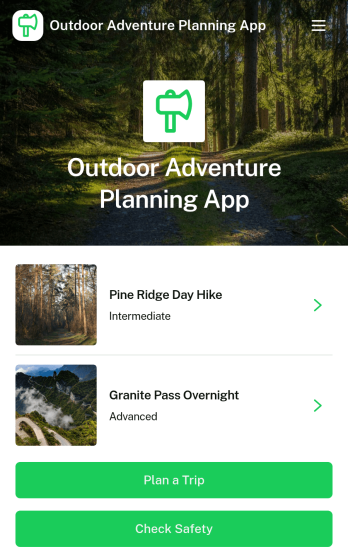
Outdoor Adventure Planning App
Outdoor Adventure Planning App helps individuals and groups organize trips in the outdoors, from choosing an adventure to building a ready-to-follow plan and double-checking safety prep. Use it to browse adventure options, review key route details like difficulty, duration, distance, and elevation, and guide people to actions such as planning a trip, creating a public trip plan, or checking safety before heading out. It’s a practical fit for hiking clubs, outdoor educators, tour leaders, campus recreation teams, and anyone coordinating weekend excursions who wants everyone aligned on the route and expectations.With Jotform App Templates, you can turn your trip planning process into a mobile-friendly self-service experience that’s easy to share. Customize pages with a drag-and-drop interface, connect forms for data collection such as public trip plans, and keep your workflow organized without a no-code app builder learning curve. Publish with a link or QR code so your group can view plans, prepare properly, and stay informed from one central Jotform app.
Go to Category:Trip Planner Apps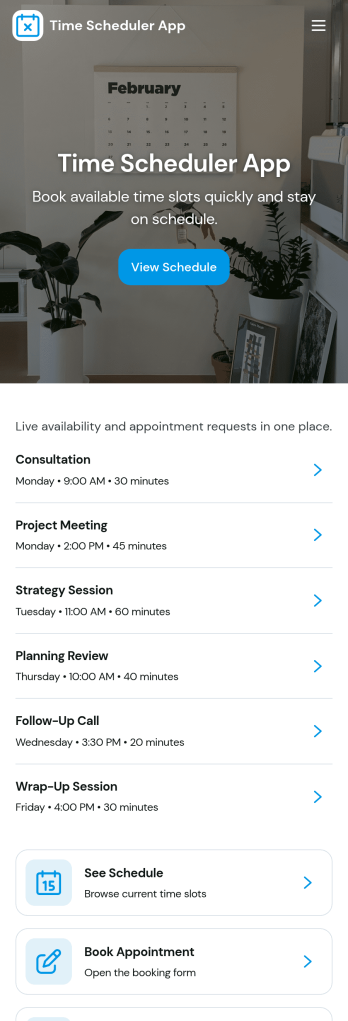
Time Scheduler App
Time Scheduler App helps individuals and teams publish available time slots and accept bookings in one simple place. It fits appointment-based businesses, shared resources, and anyone coordinating time-sensitive meetings, from consultants and tutors to clinics, salons, and small service teams. With clear actions like booking a slot, viewing open times, and checking availability, it reduces missed connections and keeps schedules organized without relying on scattered messages.Jotform makes it easy to turn this scheduling flow into a polished, shareable experience using its no-code app builder and drag-and-drop interface. Connect the app to your booking form for fast data collection, keep upcoming requests in one workflow, and share a link or QR code so people can self-service from any device. Customize pages, buttons, and branding to match how your schedule works, then update availability as your hours or capacity change.
Go to Category:Appointment & Booking Apps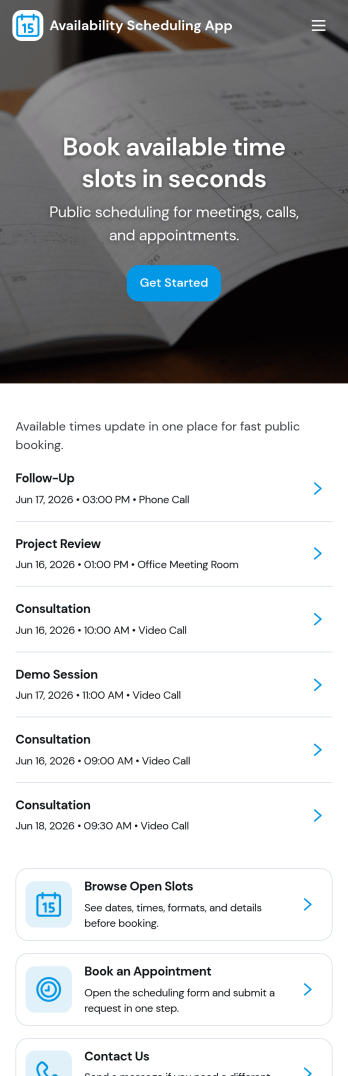
Availability Scheduling App
Availability Scheduling App helps teams collect availability, review open time blocks, and turn day-to-day entries into a clear schedule everyone can reference. It’s a practical fit for managers coordinating shift-based staff, clinics assigning rotating coverage, schools organizing office hours, and service businesses matching team members to time windows. With quick navigation to submit availability and view schedules, the app keeps availability requests in one place so coordinators can reduce missed messages and make faster staffing decisions.Built with Jotform, this app template combines self-service data collection with an organized schedule view that’s easy to share. Use Jotform’s no-code app builder and drag-and-drop interface to tailor pages, add your own instructions, and connect the app to a central table for ongoing updates. As availability changes, Jotform helps you maintain a dependable workflow for collecting entries, reviewing records, and keeping your schedule current across teams and locations.
Go to Category:Appointment & Booking Apps