
Dealer Directory App gives manufacturers, distributors, franchise networks, trade associations, and retail brands a central place to present their dealer network. Customers and partners can browse dealer listings, open individual profiles, and use the available phone, email, or website details to contact the right business. A connected submission form also lets prospective or existing dealers provide their information for review. By replacing scattered spreadsheets and outdated web pages with an accessible directory, the app helps organizations improve dealer visibility, support customer self-service, and maintain a more consistent path from discovery to inquiry.
Jotform makes this app template easy to adapt without writing code. Use the no-code app builder and drag-and-drop interface to update pages, arrange dealer cards, apply brand colors, and connect forms or tables that support data collection and workflow management. Teams can share the finished Dealer Directory App through a direct link or QR code, giving users mobile-friendly access from nearly any device. Jotform App Templates also make it simple to expand the experience with approval steps, notifications, resource links, and other connected processes as the dealer network grows.
Related templates
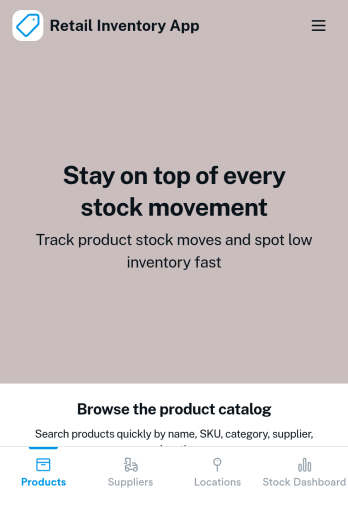
Retail Inventory App
A retail inventory app is used by retail store managers and employees for keeping records of product inventory. This free Retail Inventory App allows you to easily keep track of inventory by recording product name, inventory ID, stock location, unit price, quantity, and more through a Product Inventory Information Record Form. Product entries are stored securely in a Product Inventory Table in your account, which you can sort, filter, and search from any device. You can also share and export an inventory list with just a few clicks.If you’d like to personalize your app, just use our drag-and-drop form builder to add or change form elements, choose fonts and colors, and customize your icon and splash page—no coding required. With Jotform’s Role-based feature, you can control access so tutors, admins, and other users see only the parts of the app relevant to them. Afterwards, you can share your app with managers and employees using a link or embed it in an internal website. Start keeping detailed product inventory records with this customizable Retail Inventory app from Jotform.
Go to Category:Company Portal Apps
Birthday Invitation App
A birthday invitation app is used by event planners or individuals to collect RSVPs and share important details for a birthday party. Whether you’re planning your own party or planning one for your clients, this ready-made Birthday Invitation App makes it easy to collect information like RSVPs, dietary preferences, and more on any device.Customize the app design with Jotform’s drag-and-drop builder — no coding knowledge required. You can update the app icon or background, add or remove forms, and add your party details in seconds. Keep all of your party information organized in one place with this free Birthday Invitation App that works great on any device.
Go to Category:Management Apps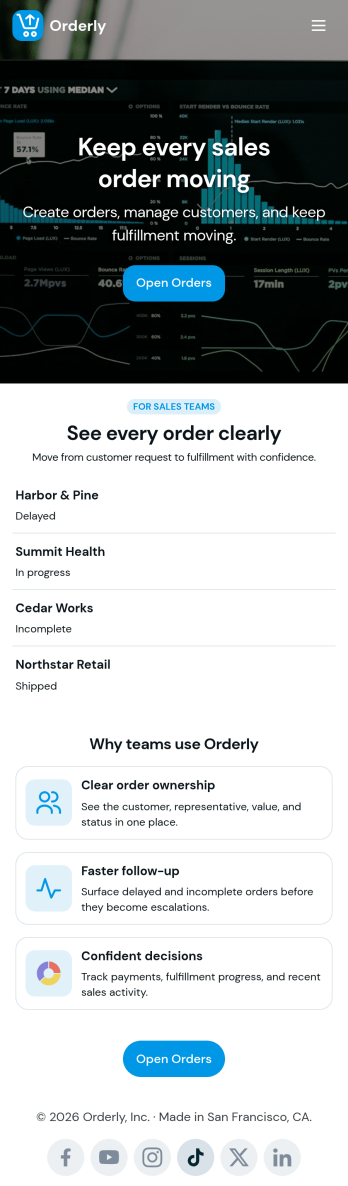
Sales Order App
This Sales Order App provides one convenient location for your customers to place and cancel sales orders. From this readymade app, customers can fill out account and shipping information, choose item and quantity numbers, and pay for their orders by card or PayPal. There is also a separate form for leaving feedback, and you can share testimonials on your splash page. Customers can access and download your app to their smartphone, tablet, or desktop computer for future use.Want to change the look of your Sales Order App? Our drag-and-drop interface makes customization a snap! With a few clicks, you can add forms, choose fonts and colors, upload your own logo, update the app icon and splash page, and more—no coding necessary. With Jotform’s Require Login feature, you can secure your app pages by requiring users to sign in before accessing certain content or features. Once you’re satisfied with your app’s design, simply share a link with your customers and they can start making orders from any device. Simplify your ordering process with this free Sales Order App!
Go to Category:Customer Portal Apps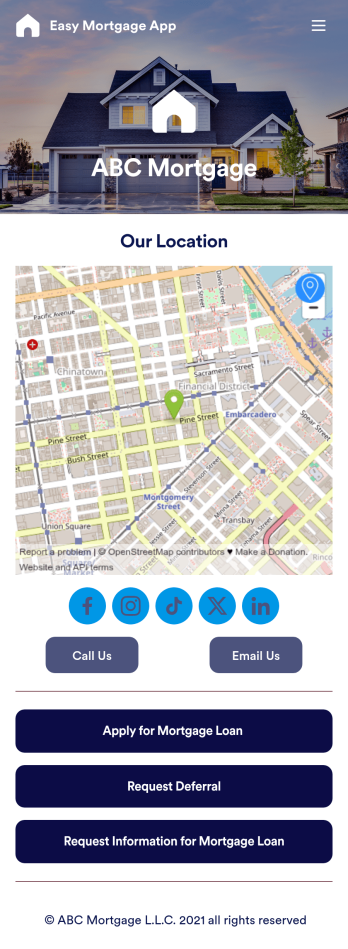
Easy Mortgage App
With Jotform’s Easy Mortgage App, members of your mortgage loan company can collect client information in the field from their smartphone or tablet — no messy paperwork required! Once the app is downloaded onto each employee’s device, they can submit mortgage loan requests for new clients, help clients request deferrals, or accept formal mortgage loan applications online.Customizing this Easy Mortgage App is, well, easy. Just drag and drop to rearrange the design, add or remove forms, include your logo for a professional touch, and make other design changes with no coding. Share the app with a link to be saved to any device instantly, and your team will be ready to start collecting information through the Easy Mortgage App and storing it in your secure Jotform account.
Go to Category:Finance & Accounting Portal Apps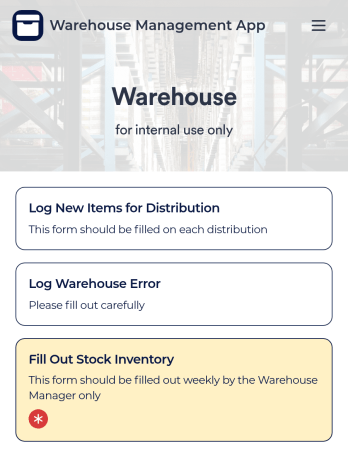
Warehouse Management App
A Warehouse Management App is used by businesses to keep track of new warehouse inventory. With this fully-customizable app, you can record item names, descriptions, quantities, model and serial numbers, as well as account and payment details from the distributor and receiving company. An easy-to-read stock inventory list is stored securely in your online account and can be accessed and downloaded on any device.Want to customize this Warehouse Management App to match your company’s branding? Our drag-and-drop interface makes it easy to add forms, upload your logo, change fonts and colors, create a custom app icon, and more — no coding necessary. When you’re done, employees can download your app on any smartphone, tablet, or desktop for future use. Keep a bird’s eye view on your warehouse inventory with this Warehouse Management App.
Go to Category:Management Apps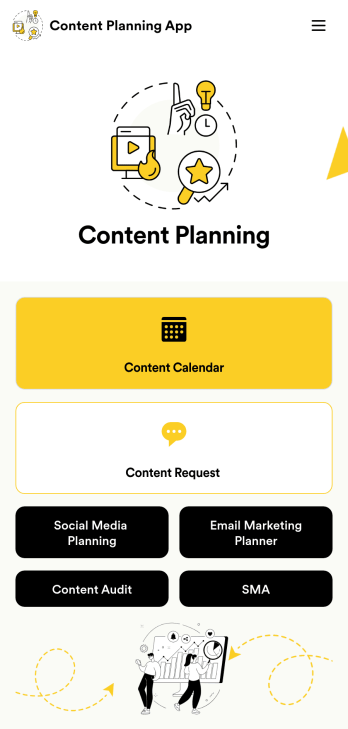
Content Planning App
A content planning app is commonly used by marketing teams to manage content calendars. With Jotform Apps, you can build your own Content Planning App for free. Add a content calendar, brainstorm notes, content audits, and so much more. You can even integrate your app with 250+ platforms to send data straight to your other marketing accounts — all with no coding required.Customizing your Content Planning App is easy and intuitive with Jotform’s drag-and-drop builder. Add or remove forms, switch up fonts and colors, choose a unique app icon, upload branding assets and images, and so much more. Once you’re happy with your app, all you need to do is share it with your team. Embed it in your online workspace or send it via link so your team members can download it to their mobile, tablet, or desktop device.
Go to Category:Company Portal Apps