Device Maintenance App brings your equipment upkeep into one place so teams can find devices, submit service requests, and review maintenance history without hunting through emails or spreadsheets. It works well for IT teams, facilities staff, lab managers, and operations leaders who need a simple way to support employees, track recurring issues, and keep critical gear available. With device browsing, an intake path for new requests, and accessible maintenance logs, everyone knows where to go when something breaks or needs attention.
Built with Jotform, this app template is easy to tailor to your workflow using a no-code app builder and a drag-and-drop interface. Connect it to your data collection and record-keeping processes, route requests to the right people, and keep information consistent across locations and departments. Share the app through a link or QR code for fast self-service, and update pages anytime as your devices, processes, and service needs change.
Related templates

TV Repair Tracking App
The TV Repair Tracking App gives television repair shops, independent technicians, electronics service teams, and field service managers a central place to manage repair work from intake through completion. Staff can log a repair, review open jobs, and generate repair reports without relying on scattered notes or spreadsheets. Each request can preserve essential service context such as the television model, customer details, preferred contact method, reported issue, diagnosis, required parts, estimated cost, and completion notes. This clearer view of repair progress helps teams prioritize active work, prepare customer updates, coordinate parts, and maintain consistent service records across workshop and on-site jobs.Jotform makes this app template easy to adapt with a no-code app builder and drag-and-drop interface. Teams can adjust pages, navigation, branding, and connected workflows to reflect their repair process, then organize data collection and self-service access in one mobile-friendly experience. The app can connect with forms, tables, notifications, approvals, and other operational tools so repair information stays accessible as work advances. Publish it with a shareable link or QR code to give authorized technicians and service staff convenient access from a phone, tablet, or computer.
Go to Category:Equipment Maintenance Software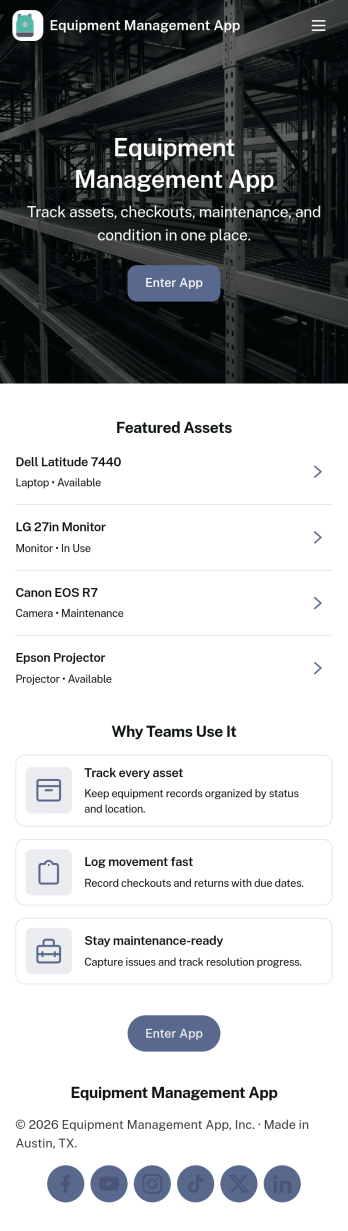
Equipment Management App
Equipment Management App helps teams track company assets from one central place, so tools and devices don’t disappear between jobs, departments, or locations. Use it to browse your inventory, check equipment out to staff, log maintenance activity, and route equipment requests without relying on scattered spreadsheets or long email threads. It’s a great fit for operations teams, IT, facilities, construction crews, schools, and rental-style environments that need clear ownership, due dates, and visibility into what’s available.With Jotform, you can turn this app template into a branded, mobile-friendly self-service experience using a no-code app builder and a drag-and-drop interface. Connect your equipment records to forms and tables for consistent data collection, set up notifications to keep workflows moving, and adjust pages and buttons to match how your organization manages assets. Share the app with a link or QR code so staff can quickly find inventory details, submit requests, and keep maintenance history up to date.
Go to Category:Equipment Maintenance Software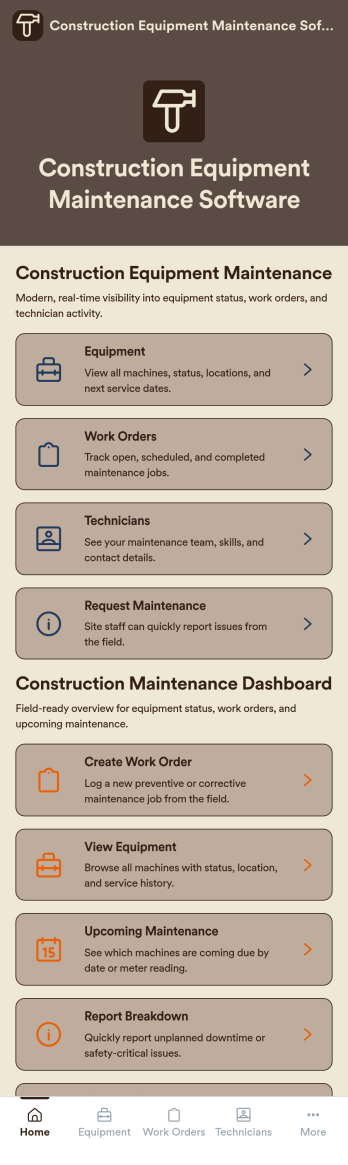
Construction Equipment Maintenance Software
Construction Equipment Maintenance Software is an app template designed to streamline the upkeep of construction machinery for optimal operations. This influential software swiftly automates preventive maintenance, enabling construction companies, equipment fleet managers, and maintenance teams to avert unnecessary downtime. It's ideal for those managing machinery across multiple job sites, including rental companies, project managers, and operations leaders seeking to reduce costs and improve productivity. This dynamic app template tracks equipment performance in real time and manages repair workflows efficiently, offering a comprehensive view of asset utilization. By rendering detailed reports and analytics, it provides valuable insights for data-driven decision-making, enhancing productivity and cost-efficiency.Jotform's superior no-code, drag-and-drop app builder brings this template to life, allowing you to customize and deploy your Construction Equipment Maintenance Software without any coding. You can effortlessly design your app to reflect your branding, choosing preferred fonts and colors, uploading your logo, and integrating relevant forms. Thanks to its cross-platform compatibility, your app will function seamlessly across smartphones, tablets, and desktops for maximum convenience. Jotform's app builder also supports workflow automation, enabling you to create efficient approval flows and data routing systems. This results in a centralized, seamless experience that streamlines your construction equipment maintenance operations. With Jotform, you can proficiently manage your construction equipment maintenance processes, ensuring high performance and longevity of your machinery.
Go to Category:Engineering Apps
Lifting Equipment Maintenance Software
Lifting Equipment Maintenance Software is a purpose-built app template designed to simplify the process of monitoring and maintaining heavy lifting machinery. It consolidates the task of tracking various lifting equipment such as cranes and forklifts, scheduling regular inspections, and maintaining comprehensive service records. Safety managers, maintenance teams, and operations managers in industries like construction, manufacturing, and logistics find this app indispensable in fostering a safe work environment and maintaining reliable operations by preventing equipment malfunctions and breakdowns. The app collects detailed information about each piece of equipment, including its service history, dates of scheduled inspections, and current operational status. With this information on hand, businesses can maintain a proactive approach to equipment maintenance, reducing unexpected downtimes and enhancing productivity.With Jotform's No-Code App Builder, customizing the Lifting Equipment Maintenance Software to your business requirements becomes an effortless task. You can easily modify forms, add or remove fields, and adjust the layout to fit your operational workflow, all without writing a single line of code. The app's cross-platform compatibility ensures that your maintenance teams can access the app from any device, whether it's a smartphone, tablet, or desktop, promoting real-time updates and communication. The app's seamless experience makes it easier for your teams to manage equipment lifecycle from a single interface, reducing the need for multiple platforms and enhancing efficiency. Moreover, the app’s Publish Options can be set to Public, Private, or Company-only, ensuring that only authorized personnel can access sensitive equipment information.
Go to Category:Equipment Maintenance Software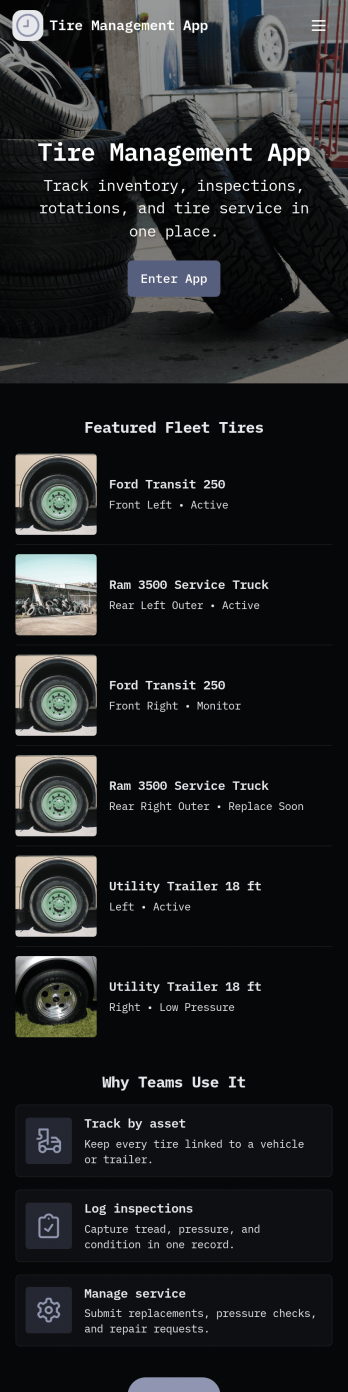
Tire Management App
Tire Management App helps teams track tire inventory, document service history, and spot maintenance needs before they turn into costly downtime. It’s a practical fit for fleet operators, logistics teams, rental businesses, tire shops, and service departments that need a clear view of what tires are in use, where they are, and what condition they’re in. With sections for Inventory and a Service Log, plus quick actions to add a tire or add a service record, staff can keep records consistent and easy to find. Built-in cues like a low tread alert view and a service queue help prioritize what needs attention next, while insights support better planning across multiple vehicles or locations.Jotform makes it easy to turn this Tire Management App into a working, shareable experience without coding. Using Jotform’s no-code app builder and drag-and-drop interface, you can adjust pages, navigation cards, and the details captured in connected forms to match your process. Connect the app to tables for organized data collection, route updates through approvals when needed, and share the finished app with your team through a link or QR code for faster self-service updates in the field.
Go to Category:Automotive Apps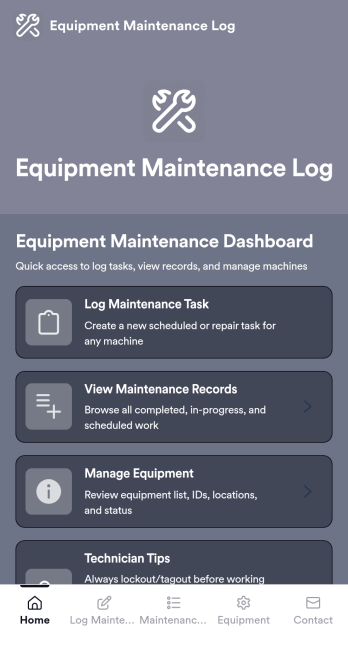
Equipment Maintenance Log App
Equipment Maintenance Log is a app template designed to streamline the process of tracking service activities and monitoring equipment performance. This intuitive app significantly enhances the efficiency of technicians, maintenance teams, and equipment managers by maintaining detailed log forms, reviewing technician service records, and managing equipment status. Whether used by small to mid-sized businesses or large corporations, the template's practical guidance and expert tips for proper maintenance can empower teams to improve their maintenance workflows. The centralized repository for all maintenance data, insights, and best practices allows for quick and efficient decision-making, making it an invaluable asset for those looking to refine their operational efficiency.With Jotform, creating and customizing the Equipment Maintenance Log app is a breeze, thanks to our no-code, drag-and-drop app builder. The builder's flexibility allows you to add elements, adjust the interface, and customize layouts to fit your specific needs, all without writing a single line of code. Plus, the cross-platform compatibility ensures that your app functions seamlessly across smartphones, tablets, and desktops. With features like push notifications, you can send alerts about equipment status updates directly to your technicians' devices. The app also offers various publish options, including Public, Private, or Company-only, giving you full control over who can access your app. Start optimizing your maintenance workflows today with the Equipment Maintenance Log app from Jotform!
Go to Category:Equipment Maintenance Software