Device Tracking App helps teams keep visibility over shared equipment by organizing a central device registry, supporting device checkouts, and capturing an activity log in one place. It’s a practical fit for IT teams, school media centers, coworking spaces, labs, field service groups, and any organization that lends out laptops, tablets, scanners, cameras, or other assets and needs to know what’s available, who has what, and what changed over time. With pages like Device Registry, Check Out Device, and Activity Log, staff can quickly browse devices, open a device detail view, add new devices, and record checkouts without relying on scattered spreadsheets.
Jotform makes it easy to turn this workflow into a polished self-service experience using its App Templates and no-code app builder. Customize the drag-and-drop interface to match your process, connect buttons to forms and tables for reliable data collection, and share the app with a link or QR code for fast access on desktop or mobile. As your workflow grows, you can update the layout, add additional steps, and keep tracking data organized so the right people can act on it at the right time.
Related templates
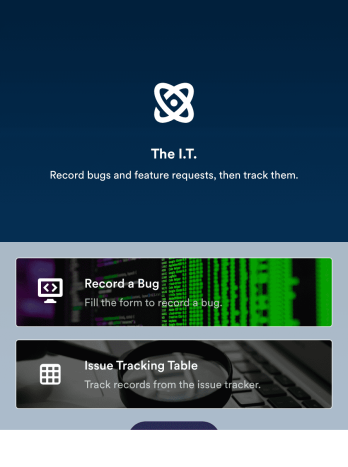
Bug Tracker App
A bug tracker app is used by IT professionals to record bugs and track technical issues on the go. With Jotform’s free Bug Tracker App, your IT department can enjoy a more seamless way to track and manage bugs on any device! You can enter the bug type, add a description of the bug, upload photos or screenshots, and input URLs to keep a complete log and address issues with your team.Drag and drop to make changes to this app template without coding. Feel free to add images or upload your company logo, add more forms or spreadsheets, and update other design elements like app icon, background, and font type. Then share your custom Bug Tracker App with members of your team to download onto their smartphone, tablet, or computer and gather data on the go.
Go to Category:Tracker Apps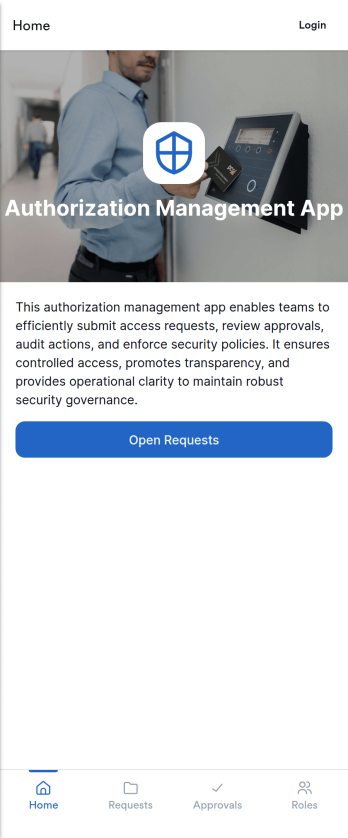
Authorization Management App
Authorization Management App helps teams organize and control how access requests are handled across an organization. It provides a clear place to review open requests, record decisions, and keep an activity log of authorization actions, so stakeholders can understand what was requested, what was approved or denied, and why. It also supports role and policy management, making it easier for IT, operations, and department leads to keep permissions consistent as people join teams, change responsibilities, or need temporary access.With Jotform, you can adapt this app template to match your internal workflow without coding. Use Jotform’s no-code app builder and drag-and-drop interface to tailor pages, connect buttons to forms for data collection, and keep records organized for ongoing workflow visibility. Share the app through a link or QR code so employees and approvers can access the right actions quickly, whether they’re working from a desk or on mobile.
Go to Category:Information Technology Apps
Security Service App
Want a quick and efficient way for your clients to book your security services? With Jotform’s Security Service App, you can create an online security booking app in minutes. Make your app from scratch or choose one of our ready-made templates to get started. Add a contact form, list your security team’s availability, showcase past customer reviews, and more. Once you’ve customized your app to your liking, share with clients — downloadable onto any computer or iOS or Android device.Design your Security Service App to your liking with Jotform’s no-code app builder. Just drag and drop to change the look and feel of your app, add powerful app elements, install helpful app widgets, and integrate with one of our 25+ payment processors, including PayPal and Google & Apple Pay. Share your app via email or embed it directly into your website for easy client access and bookings. Create your own Security Service App today — free on Jotform.
Go to Category:Online Service Apps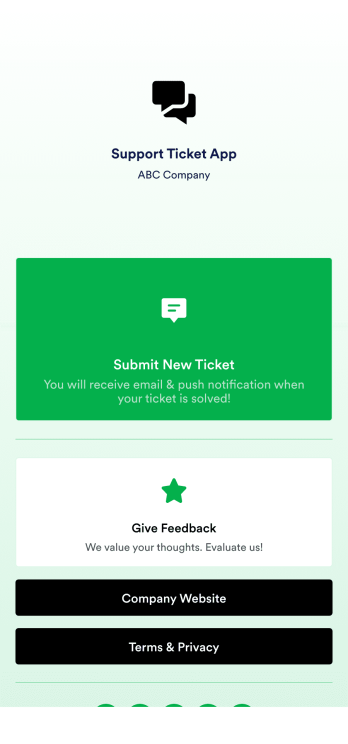
Support Ticket App
Jotform's Support Ticket App template allows customer support teams and IT departments to efficiently manage customer inquiries and issues without any coding. This free, no-code app builder enables users to create a fully customized app with forms, widgets, products, and branding that can be downloaded onto any device. With this template, support teams can collect tickets and feedback to streamline their ticketing system and provide timely assistance to customers.Are you looking for a way to simplify your customer support process? Jotform's Support Ticket App template is the solution you need. With features like a drag-and-drop builder, powerful app elements, and 70+ app widgets, you can create a seamless experience for your customers. Improve user engagement with push notifications and give users access to their submission history. Experience the ease of use and customization that Jotform Apps offer, making it the perfect choice for customer support teams and IT departments.
Go to Category:Customer Portal Apps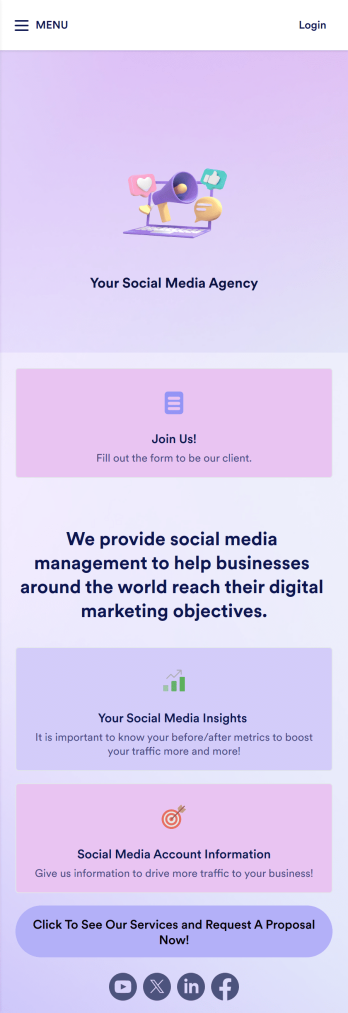
Social Media Marketing App
A social media marketing app is used by social media managers or marketing agencies to list their services, accept proposal requests, and list their contact information. With this ready-made Social Media Marketing App, your business can provide clients with a convenient mobile app — which they can instantly download onto their smartphone for easy access.Need to make design changes? Add your company logo and branding, update the listed services, and change the app background, colors, and icon for a personal touch. No coding knowledge is required with our drag-and-drop builder! Give your customers a quicker way to contact you and book your services with a custom Social Media Marketing App.
Go to Category:Consulting Apps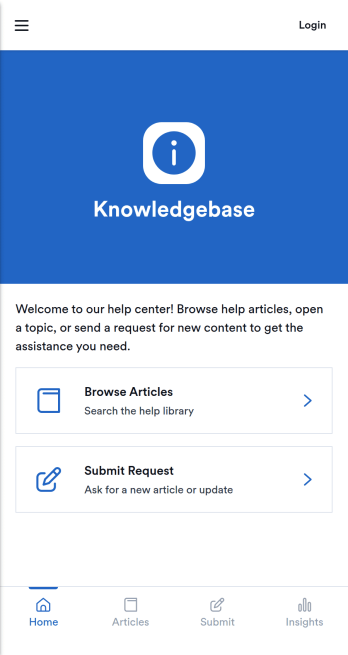
Knowledgebase App
Knowledgebase App gives teams a simple, searchable place to publish help articles and guide users to answers without extra emails. It’s ideal for customer support teams, IT departments, HR, and operations groups that need to share consistent instructions, troubleshooting steps, or internal how-to documentation. Users can browse articles, open an article details view for deeper guidance, and submit a request when they can’t find what they need, so questions don’t get lost and support stays organized.With Jotform, you can turn this knowledgebase app template into a branded self-service experience using a no-code app builder and a drag-and-drop interface. Connect your article list to Jotform Tables for easy updates, and link the request form to your workflow so the right people are notified and can follow up quickly. Share the app by link or QR code to make trusted information accessible on any device while keeping your data collection consistent across teams.
Go to Category:Resource & Learning Portal Apps