
Education Income Expense Tracker App is a financial recordkeeping template for schools, training providers, tutoring programs, education nonprofits, and academic departments. Administrators, finance teams, program managers, and educators can use it to record income and expenses by program or area, review individual entries, and access consolidated financial reports. By keeping revenue sources, spending categories, amounts, and supporting notes in one accessible place, the app improves budget visibility and helps teams maintain organized records for planning, internal reviews, and routine reporting.
Jotform makes this app template easy to adapt with a no-code app builder and an intuitive drag-and-drop interface. Teams can customize pages, buttons, colors, and branding while connecting forms, tables, notifications, approvals, and other workflow steps as their processes evolve. The finished app can be shared through a direct link or QR code, giving authorized users mobile-friendly access to data collection tools and finance resources. Start with this Education Income Expense Tracker App, tailor it to your organization, and create a practical self-service experience without writing code.
Related templates
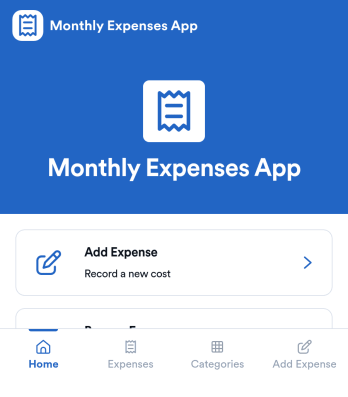
Monthly Expenses App
Monthly Expenses App helps you capture spending as it happens and keep a clear view of where your money goes each month. Use it to add expenses in seconds, browse past entries, and jump into a quick “This Month” view to spot patterns early. It’s a practical fit for individuals, families, roommates, freelancers, and small teams that need a simple way to record purchases like groceries, transport, and utilities without relying on messy notes or scattered receipts.With Jotform, you can turn this monthly tracking routine into a polished self-service experience using an app template built with a no-code app builder. Customize pages with a drag-and-drop interface, connect your expense form to organized records, and keep your workflow consistent as your needs change. Share your Jotform app through a link or QR code so it’s easy to log expenses from anywhere and keep monthly data collection on track.
Go to Category:Expense Tracking Apps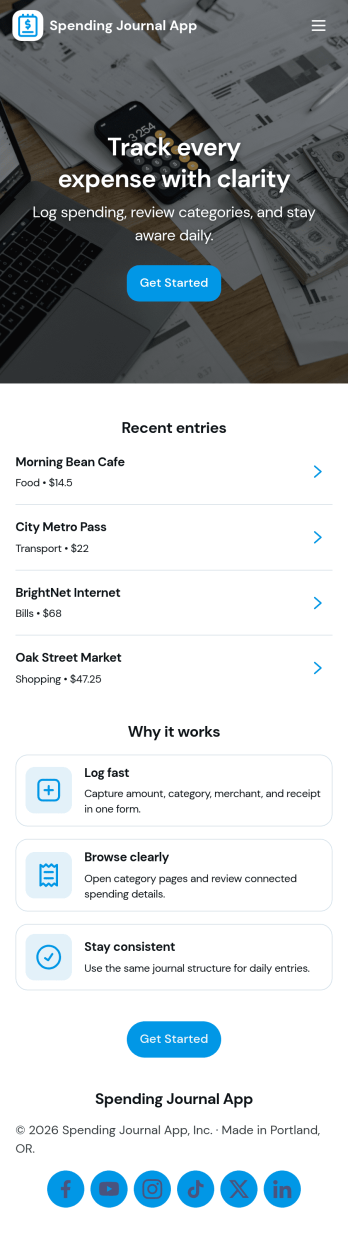
Spending Journal App
A Spending Journal App gives individuals and households a simple place to record everyday purchases and keep a running view of where money is going. With a quick way to log a spend, a list of recent entries, and an easy-to-scan spending summary, it helps you build better awareness of habits across categories and merchants without turning budgeting into a complex project. Use it to capture cash purchases, track discretionary spending, document business reimbursements, or spot patterns like frequent small buys that add up over time.Jotform makes it easy to turn this use case into a polished self-service experience with App Templates you can publish in minutes. Using Jotform’s no-code app builder and drag-and-drop interface, you can adjust pages, wording, and branding, then connect the app to the linked form for consistent data collection. As entries come in, your workflow stays organized for personal tracking or sharing with a partner, while keeping the journal experience mobile-friendly and simple to revisit.
Go to Category:Expense Tracking Apps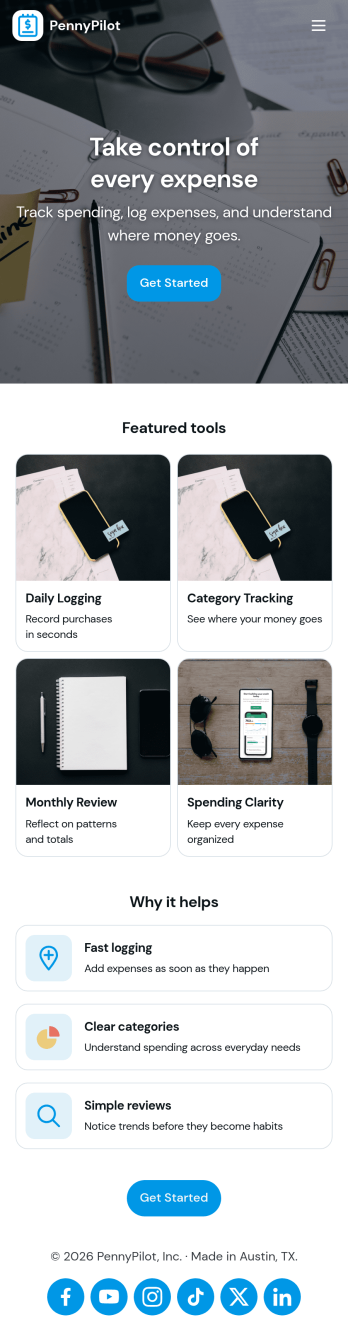
Calculate Expenses App
Calculate Expenses App helps individuals, freelancers, and small teams capture day-to-day spending and review it in one place. Use it to log new costs as they happen, browse past entries, and open a record to see key details at a glance. Whether you’re tracking project spend, travel purchases, office supplies, or recurring bills, the app supports consistent expense logging and faster month-end check-ins without hunting through messages, notes, or receipts.Built with Jotform App Templates, this experience can be tailored in minutes with a no-code app builder and a drag-and-drop interface. Connect the built-in Add Expense form to your records, organize entries into an easy-to-navigate list, and share the app as a simple self-service tool for yourself or your team. Jotform helps centralize data collection and keep your workflow moving with flexible pages, buttons, and connected data for quick updates and clearer visibility.
Go to Category:Finance & Accounting Portal Apps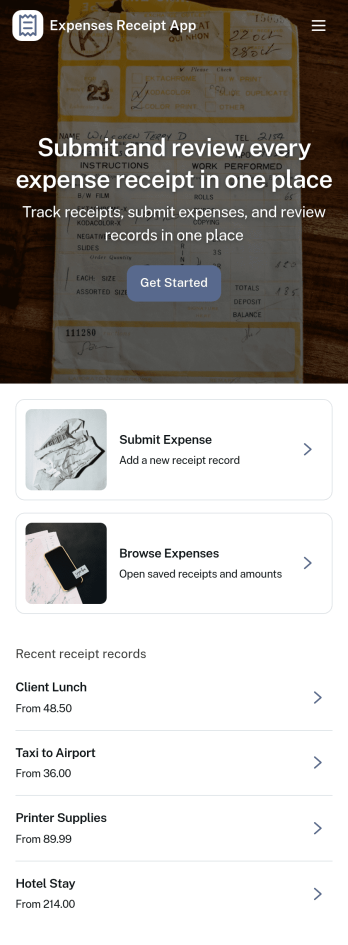
Expenses Receipt App
Expenses Receipt App helps teams and individuals capture receipts, organize expenses, and keep a clear record for reimbursements, budgeting, or bookkeeping. Use it to snap and submit receipts as they happen, review an expense log by category, and check a simple summary view when you need a quick snapshot of spending. It’s a practical fit for small businesses, field teams, frequent travelers, project managers, and anyone who wants fewer lost receipts and faster follow-ups.Jotform makes it easy to turn this use case into a polished self-service experience with customizable App Templates and a no-code app builder. With a drag-and-drop interface, you can tailor the pages, buttons, and navigation to match your process, then connect receipt intake to data collection in Jotform Forms and organize entries in connected tables. Share the app with a link or QR code so people can submit receipts on the go and keep your expense workflow moving without extra tools.
Go to Category:Finance & Accounting Portal Apps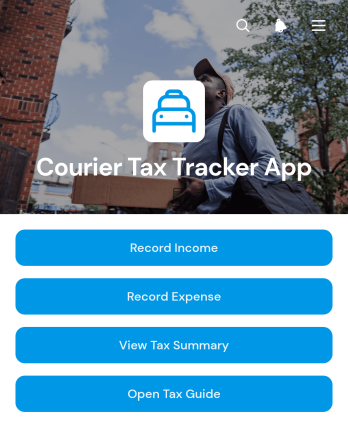
Courier Tax Tracker App
Courier Tax Tracker App is an app template for independent couriers, delivery drivers, and contractors who need one place to organize income and work-related expenses for tax preparation. Users can record earnings by income source, enter costs by expense category, review saved records, and view a tax summary without relying on scattered notes or spreadsheets. A built-in tax guide also provides a convenient reference point when reviewing financial records. This focused setup supports regular recordkeeping throughout the year, gives couriers a clearer view of their business finances, and makes it easier to prepare information for an accountant or tax professional.Jotform makes this app template easy to adapt with a no-code app builder and a flexible drag-and-drop interface. Change the branding, revise content, rearrange pages, or connect forms and tables to create a workflow that matches how income and expenses are handled. Jotform App Templates can be shared through a direct link or QR code, giving users mobile-friendly self-service access wherever they work. Connected data collection keeps records organized while notifications and other workflow options can support timely updates and routine financial tracking.
Go to Category:Expense Tracking Apps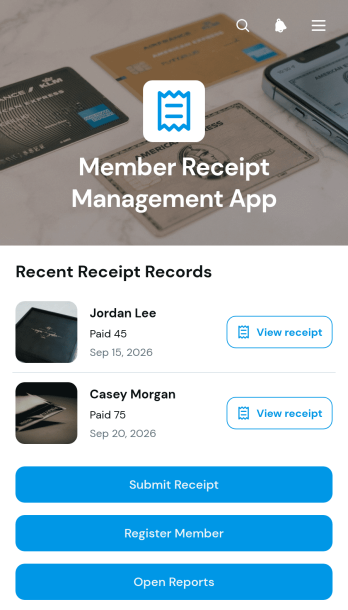
Member Receipt Management App
The Member Receipt Management App gives membership-based organizations a central place to register members, collect their receipts, and review receipt records. Associations, clubs, gyms, nonprofits, and community groups can use it to keep member-related payment documentation organized without relying on scattered emails or paper files. Staff can submit receipts, browse records by member, and view essential details such as payment method, amount, and payment date. Report access also helps administrative and finance teams review activity, answer member questions, and maintain clearer internal records.With Jotform Apps, teams can adapt this app template to their own receipt management workflow without writing code. The drag-and-drop app builder makes it easy to update pages, buttons, colors, fonts, and navigation while maintaining a modern, mobile-friendly experience. Connected forms support data collection for member registration and receipt submission, while organized records provide convenient self-service access for authorized users. Once customized, the Member Receipt Management App can be shared through a direct link or QR code, helping teams provide reliable access from phones, tablets, and computers.
Go to Category:Subscription & Membership Apps