
The Election Exit Poll App is a ready-to-use feedback experience for election administrators, civic organizations, research teams, academic institutions, and newsrooms seeking to understand voters’ experiences after they cast their ballots. Participants can take an exit poll, while authorized teams can browse responses, compare feedback by voting location, review summarized results, and explain the research methodology. It is well suited to local elections, campus elections, association votes, and civic research projects that measure satisfaction, willingness to recommend voting, age ranges, and location-based trends without focusing on ballot choices. Bringing participation and result access into one app helps teams replace scattered survey links with a clear and accessible process.
Jotform makes this app template easy to adapt with a no-code app builder and a flexible drag-and-drop interface. Teams can update questions, reorganize pages, adjust branding, connect collected data to tables and workflows, and control how results or individual responses are presented. Jotform App Templates also support convenient sharing through direct links and QR codes, helping field teams invite participation on mobile devices. Customize the Election Exit Poll App to support self-service access, centralized data collection, timely notifications, and a polished experience for respondents and project stakeholders.
Related templates
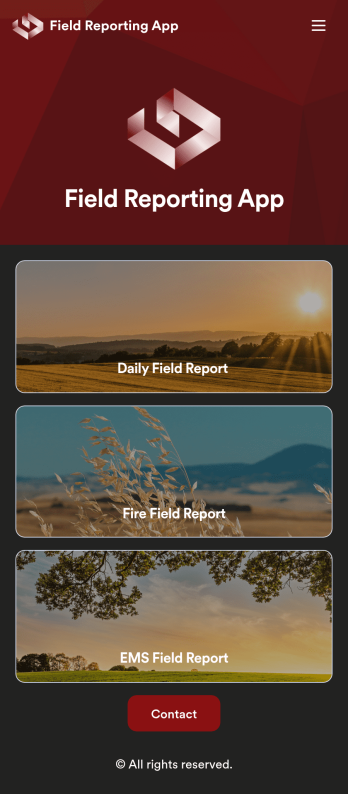
Custom Field Reporting App
A field reporting app can be used by any company that completes field reports. With this free Field Reporting App from Jotform, your employees can complete their reports directly from their smartphone or tablet! No more messy paper forms — instantly collect information online and save it to your secure Jotform account, ready to access on any device.Need to make changes to this app template? Drag and drop to get the look you want. You can upload your logo, change existing forms or add new ones, and make other design changes with no coding required. Once your custom Field Reporting App is ready to go, share it with a link to be downloaded instantly onto any iOS or Android device.
Go to Category:Booking Apps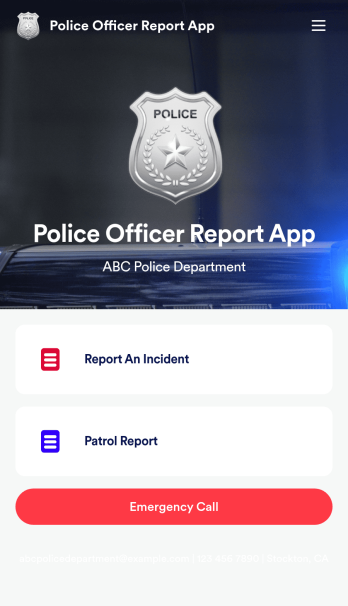
Police Officer Report App
A police officer report app is used by members of law enforcement to report an incident or submit patrol reports. By entering important information like date, time, officer ID, and the people involved in the incident, your department can keep a thorough record of incidents with this free Police Officer Report App from Jotform! All reports are stored securely in your Jotform account and easy to view on any device.Make changes to this app fast with our drag-and-drop builder. Personalize the design by adding a new logo, including extra forms to gather additional details, and customizing other elements to meet your specific needs — then share the app with a link so it can be downloaded to each officer’s computer, tablet, or smartphone. Ditch paper forms and enjoy a faster, more secure way to file incident reports with this free Police Officer Report App.
Go to Category:Report Apps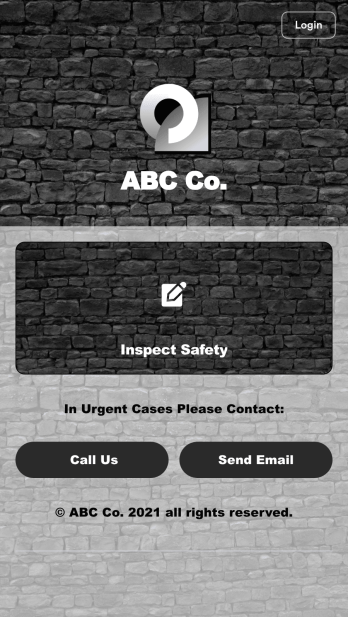
Safety Audit App
A safety audit app is used by safety auditors to perform safety inspections from their mobile devices. Have members of your inspection team perform audits without any messy paperwork using this free Safety Audit App. The app can be downloaded onto any computer, tablet, or smartphone to gather important data in the field — such as checks for fire prevention, equipment, first aid, and more.Customize this app template’s design without coding using our drag-and-drop app builder. Update items on your inspection checklist, include your company logo, change the app icon or background, and make other changes in seconds. You can then share the app via link or email to be downloaded onto iOS or Android devices. Save time and paper performing safety checks with a free Safety Audit App from Jotform.
Go to Category:Construction Apps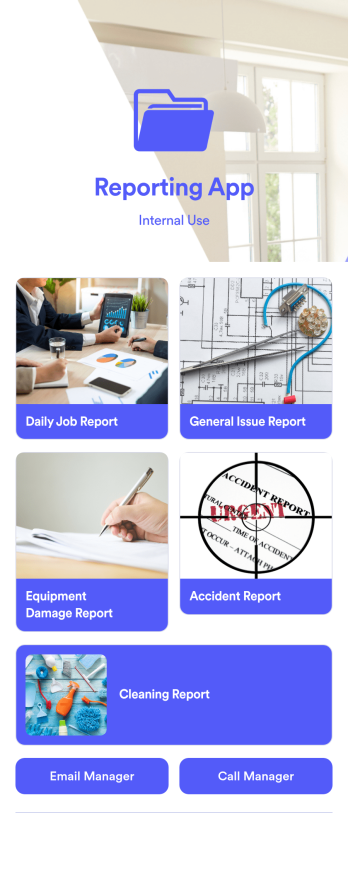
Reporting App
A reporting app is used to track and manage reports — including general daily reports, incident reports, equipment damage reports, employee write ups, and more. To create your own custom Reporting App, use this ready-made template from Jotform. Include your report forms, inquiry forms, contact forms, and more.Need to change the look and feel of this Reporting App Templates? No problem. Jotform Apps offers an intuitive drag-and-drop builder so you can make any design or content changes. Add or remove forms, select a unique app icon, integrate with widgets and platforms, choose a background image or color, and so much more. Streamline your reporting processes with Jotform Apps today.
Go to Category:Company Portal Apps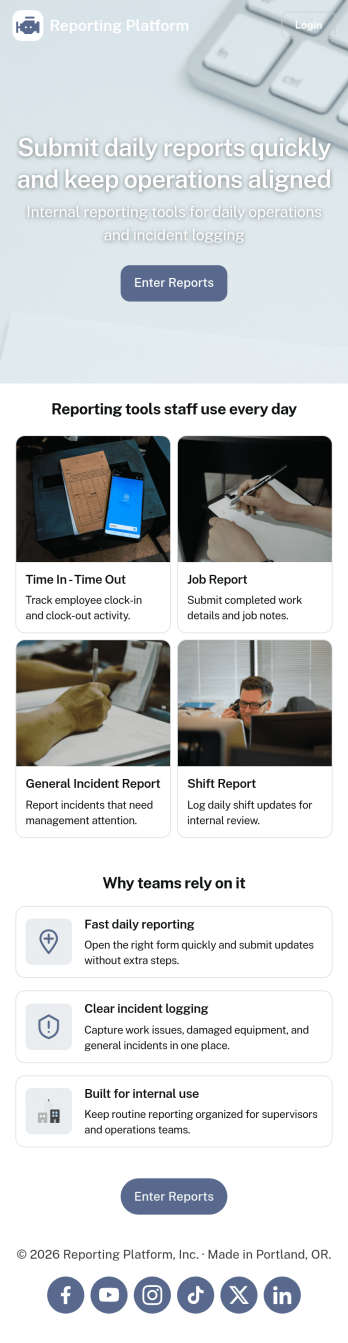
Daily Report App
A daily report app is used by employers to track shift reports, hours worked, and other types of job reports. If you need a more efficient way to collect and manage reports, do it with this ready-made Daily Report App. Simply customize the app if you need to and share it with your employees to download onto their smartphone, tablet, or computer.Customizing this Daily Report App is easy. Jotform’s drag-and-drop app builder lets you add your logo, update forms, change the app background and icon, and make other design changes with no coding required. And if you want to send reports to other platforms, you can do it automatically with 100+ form integrations.
Go to Category:Human Resources Apps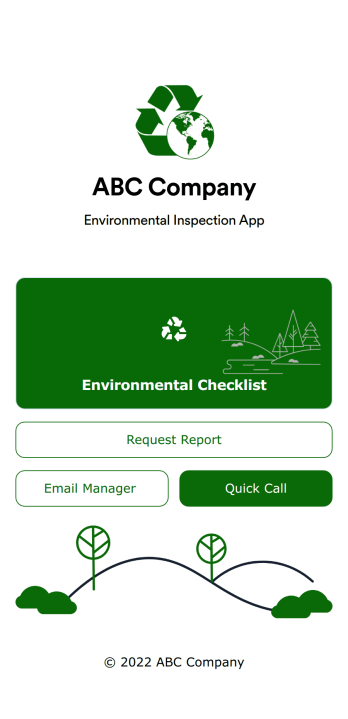
Environmental Inspection App
An environmental inspection app is used by government agencies and other environmental organizations to conduct inspections from their mobile devices. With Jotform’s free Environmental Inspection App, your agency can switch from paper forms to online forms to reduce messy paperwork and create a secure database of all your inspection information. Just customize and share the app to download it onto any device — no coding required!Customize the app design with our drag-and-drop no-code builder. Choose a new app icon and splash screen, add or remove forms, include your unique logo, and make other changes in seconds. You can then send your personalized Environmental Inspection App to your teammates with a copy-paste link that they can use to download the app onto their iOS or Android device.
Go to Category:Checklist Apps