
The Employee Mood Check-In App gives HR teams, managers, and workplace leaders a practical way to understand how employees are feeling over time. Team members can record a check-in, indicate their mood, energy level, and stress level, and review previous entries in one accessible place. Regular check-ins can help organizations identify broad workplace trends, prepare more informed conversations, and encourage employees to reflect on their well-being. It is suitable for distributed teams, growing businesses, employee support programs, and organizations seeking a consistent approach to gathering internal feedback without relying on scattered messages or spreadsheets.
Jotform makes it easy to adapt this app template to an organization’s check-in process without writing code. Its drag-and-drop app builder lets teams adjust pages, visual styling, navigation, and connected forms while maintaining a mobile-friendly experience. Check-in data can flow into organized tables and support notifications or related workflows, helping authorized teams manage responses from a central location. Publish the Employee Mood Check-In App through a direct link, personalized app URL, embedded experience, or QR code to give employees convenient self-service access wherever they work.
Related templates
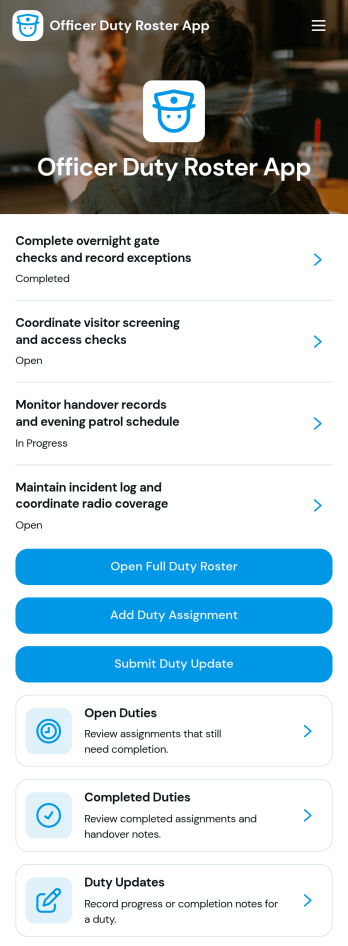
Officer Duty Roster App
The Officer Duty Roster App gives police departments, security teams, public safety units, and other officer-based organizations a central place to coordinate duty assignments. Supervisors can publish roster entries, add new assignments, review open and completed duties, and receive duty updates from personnel. Each assignment can present the responsible officer, shift, station, current status, briefing notes, and completion notes, helping teams understand who is working, where they are assigned, and what requires attention. It is especially useful for daily deployment planning, shift handovers, station coverage, event security, patrol coordination, and other operations where timely roster information supports accountability and continuity.Jotform makes this app template easy to adapt with a no-code app builder and a drag-and-drop interface. Teams can update pages, navigation, colors, fonts, images, and buttons to reflect their procedures and branding, then connect forms and tables to support data collection and workflow management. The finished app can be shared by direct link or QR code for convenient mobile access, giving officers and supervisors a practical self-service resource wherever duties are performed. Jotform App Templates also help organizations launch faster while retaining the flexibility to revise assignments, resources, and connected processes as operational needs change.
Go to Category:Scheduling and Planning Apps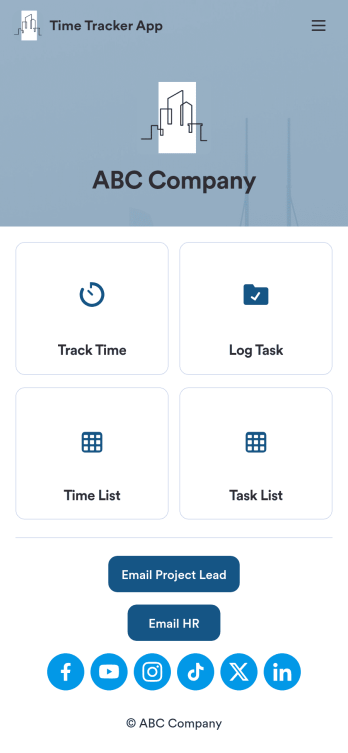
Custom Time Tracker App
A time tracker app is used to keep track of employees’ hours and tasks. With Jotform’s free Time Tracker App, managers can keep a complete record of the times employees punch in or out, task details and the amount of time employees spend on them, and view all the information in a professional spreadsheet. All submissions are stored securely in your Jotform account and ready to access on any device.Need to make changes to this app template? Be sure to add your logo, change the background image, and choose new fonts and colors for a personalized touch. You can also customize the spreadsheet layouts and make changes to the app’s forms to collect other types of information — then share the app for your employees to download onto their devices. Better manage employee information with a free Time Tracker App from Jotform.
Go to Category:Management Apps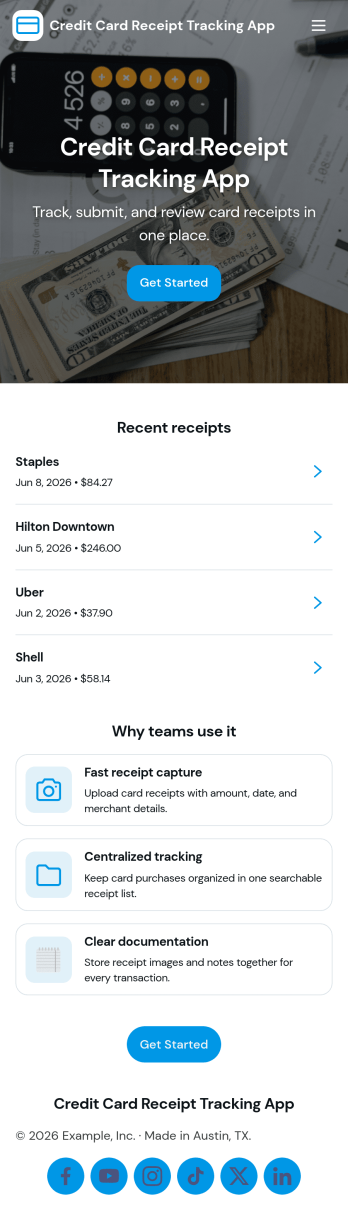
Credit Card Receipt Tracking App
Credit Card Receipt Tracking App helps you capture, organize, and review card purchase receipts in one place so expenses don’t get lost in inboxes, wallets, or chat threads. Use it to log a receipt as soon as a purchase happens, browse saved receipts later, and keep a clear record of merchant details for reimbursements, month-end close, or budgeting. It’s a practical fit for employees who submit expenses, finance teams who need cleaner documentation, and small business owners tracking day-to-day spending across company cards.With Jotform, you can turn receipt tracking into a guided self-service experience that works on desktop or mobile. Start with this app template, adjust pages and buttons with a no-code app builder, and connect the app to your underlying receipt form and a central table view for easier review. As receipts come in, teams can keep information consistent, reduce missing documentation, and maintain a reliable workflow for expense tracking without adding complexity.
Go to Category:Finance Apps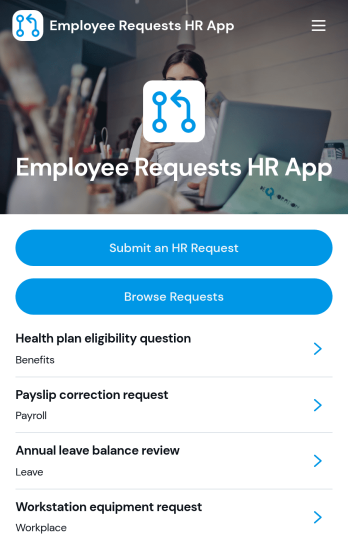
Employee Requests HR App
Employee Requests HR App gives employees a clear place to submit HR requests and follow up without confusion. Use it to centralize common needs like policy questions, workplace concerns, benefits support, or employment verification so HR teams can keep requests organized and easy to review. With quick navigation to submit a new request, browse existing requests, and open a request record to see key details like employee name, email, and preferred response method, it helps reduce missed messages and keeps communication consistent across the organization.Built with Jotform, this app template can be tailored to match your internal workflow and the types of requests you handle most often. Using Jotform’s no-code app builder and drag-and-drop interface, you can adjust pages, connect the app to your form and data collection, and keep request activity in one workflow that’s simple to share with staff. Publish it as a mobile-friendly self-service experience so employees can submit and review requests from anywhere while HR maintains one reliable source of truth.
Go to Category:Employee Self Service Apps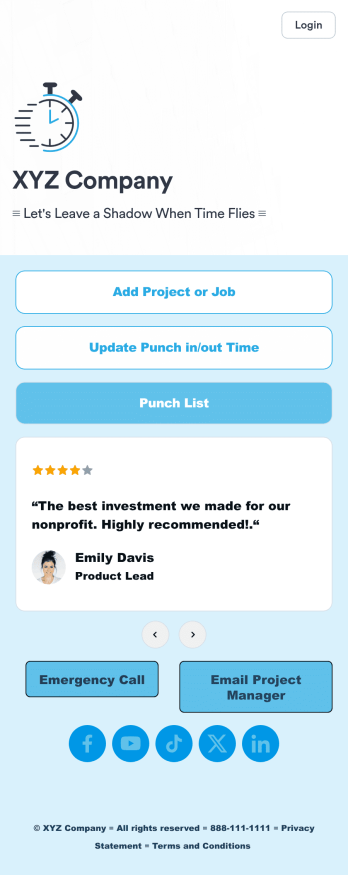
Customizable Punch In Out Timesheet App
Ditch paper timesheets with our free Punch In/Out Timesheet App! Employees can clock in or out for their shifts using the app on a company tablet or computer. As account owner, you’ll receive instant notifications for each new form submission, so you’ll know if any employee is late or leaving before their scheduled time. You can see all entries in spreadsheet, calendar, or card view using the attached Punch List Template for Jotform Tables.Customize your Punch In/Out Timesheet App in just a few minutes. Without any coding, you can use our drag-and-drop interface to add new forms, include a link to your timesheet, update the app text and design, embed links, and more. When your app is ready to use, keep it open on a company device for employees to use as they start their shift. Make employee management a breeze with a Punch In/Out Timesheet App for your company.
Go to Category:Company Portal Apps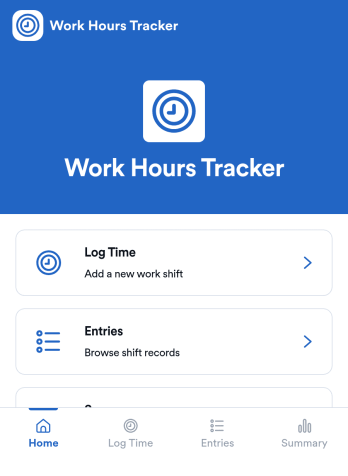
Counting Work Hours App
Counting Work Hours App helps teams record shifts and keep a clear running view of hours worked across a pay period. It works well for businesses that rely on hourly labor such as retail, hospitality, field services, and growing agencies, where missing time entries and manual spreadsheets can quickly cause payroll confusion. With quick time logging, an entries list for reviewing past shifts, and a summary view for totals and patterns, managers and employees can stay aligned on what was worked and what still needs to be added.Jotform makes it simple to turn this workflow into a mobile-friendly experience using app templates and a no-code app builder. Customize pages with a drag-and-drop interface, connect your app to the included shift form and table view, and keep data collection consistent for every employee. Share the app by link so staff can add shifts from anywhere, while supervisors can track updates in one place and keep operations moving without extra tools.
Go to Category:Activity Tracking Apps