Enterprise Resource Planning App is a centralized workspace for small and midsize organizations that need clearer oversight of inventory, purchasing, vendors, and expenses. Operations managers, procurement teams, warehouse staff, and finance departments can use it to track stock levels, review reorder information, create purchase orders, maintain vendor records, and submit business expenses. By bringing these related activities together, the app reduces scattered records, supports more consistent data collection, and gives teams a practical view of day-to-day resource planning. It is well suited to retailers, distributors, service businesses, manufacturers, and growing companies replacing disconnected spreadsheets or manual processes.
With Jotform Apps, teams can adapt this app template to match their internal workflow without writing code. The no-code app builder features a drag-and-drop interface for arranging pages, navigation cards, buttons, forms, and branded content. Connected forms and tables can keep operational records organized, while notifications and approval steps can help teams act on new requests. Customize the Enterprise Resource Planning App, share it through a direct link or QR code, and provide mobile-friendly self-service access for authorized staff. Jotform App Templates make it easier to launch a polished operational workspace and update it as business needs change.
Related templates
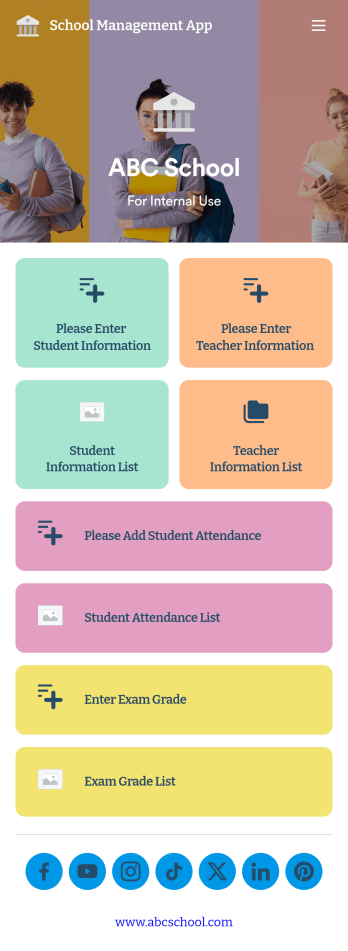
School Management App
A school management app is used by schools and educational institutions to record and compile student information. Our School Management App bundles together four useful forms, allowing school administrators and teachers to easily add school and teacher contact information, log attendance, and record exam scores from any device. Each form automatically feeds data into an easy-to-understand companion spreadsheet, which you can sort, filter, and search from your secure Jotform account.Make this School Management App template your own in seconds with Jotform’s no-code app builder. Just drag and drop to add or change form elements, edit form text and fields, change the color scheme to match your school’s colors, upload your ensignia, attach documents and external links, and more. When you’re finished customizing, you can share your app by sending the app link, attaching it to an email invitation, or embedding it in an internal-use school website. Teachers and staff can then download it onto any smartphone, tablet, or desktop and begin using it right away. Create an all-in-one app for managing student data with just a few clicks with this free School Management App from Jotform.
Go to Category:Education Apps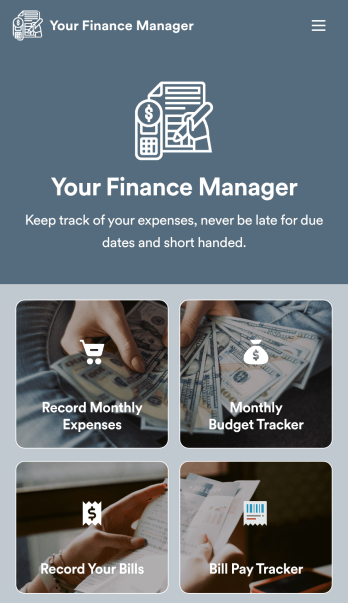
Personal Finance Management App
Manage your personal finances with Jotform’s free Personal Finance Management App. This fully customizable mobile app includes a monthly expense form, budget tracker, bill record form, and bill payment log to help you stay on track when it comes to your finances. Once you’ve downloaded the app to your favorite, you can fill out your forms and view your logs at any time. All entries will be synced instantly and automatically, so you can keep all your important finance info in one easily accessible place.Customize your Personal Finance Management App without any coding. Jotform’s drag-and-drop interface makes it easy to add forms, tables, links, documents, and other elements to your app. Then you can save your app onto any computer, tablet, or smartphone for easy access. Take control of your spending with a custom Personal Finance Management App!
Go to Category:Finance & Accounting Portal Apps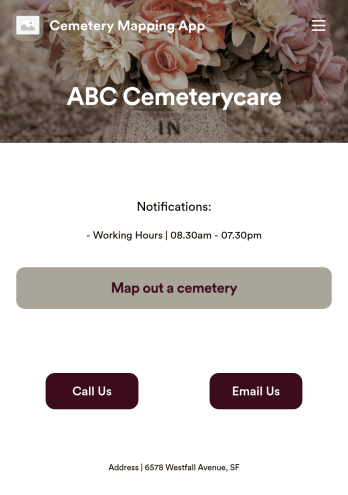
Customizable Cemetery Mapping App
A cemetery mapping app is used by funeral homes to keep track of existing or new plots in their cemetery. Using Jotform’s free Cemetery Mapping App, you can keep track of important information — like plot identification number, date of birth and death, and full name — from any device. App users can even take and upload photos of plots directly from their smartphone or tablet.Want to make changes to this free app template? Add more form fields to gather more information, include your logo and cemetery details, and add links, documents, and more with no coding required. Just drag and drop to get the look you want! Once your app is fully customized and ready to go, share it with a link or via email for members of your team or community to fill out on any device.
Go to Category:Management Apps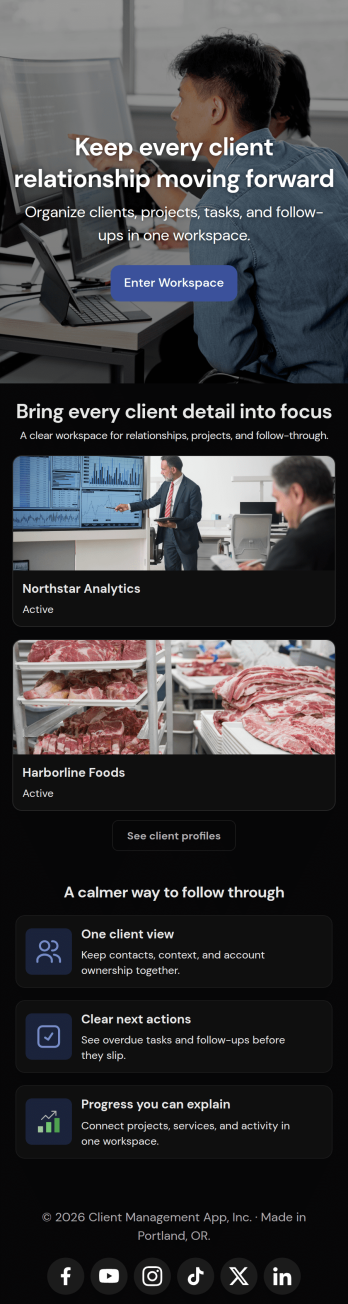
Client Management App
Looking for a way to manage clients without relying on expensive CRM software? Our free Client Management App is just the tool your team needs for tracking all your company’s relationships and interactions with clients. This customizable app shares all your forms at once, so you can register new clients, access your CRM database, log tasks, generate reports, and collect feedback all in one place.Customize your Client Management App to meet your company requirements. No coding necessary—just drag and drop to add or delete forms, embed links to your spreadsheets or other sites, change text and images, and even update your app icon and name to match your branding. Jotform’s List Element feature lets you connect Tables and Role-based features; you can control access so admins and other users see only the parts of the app relevant to them. When your app is ready to use, send the link to teammates to open and download on any smartphone, tablet, or computer. Increase customer loyalty and retention for your company with a custom Client Management App as your go-to CRM tool!
Go to Category:Management Apps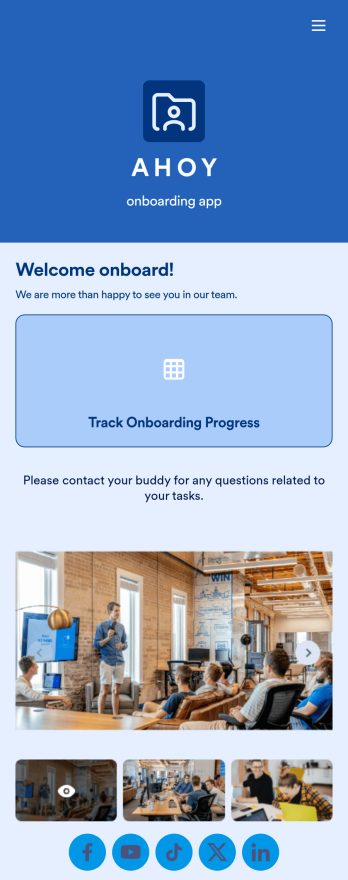
Custom Employee Onboarding App
An employee onboarding app makes it easier to integrate a new employee into your company by making important internal resources available on any device. Simplify the transitional period and successfully onboard new hires with a fully custom Employee Onboard App powered by Jotform. This ready-to-use mobile app includes a table for tracking onboarding progress, company photos and social links, and a separate page with team contact information. New hires can download the app onto their mobile device or computer for easy access at any time.Customize this Employee Onboarding App for your company in just a few clicks. Without coding, you can use our drag-and-drop builder to add forms and tables, embed links, upload documents and training videos, create new pages, update fonts and colors, and much more. When your app is ready to use, it can be sent directly to new hires via email invites or the app link. Successful employee onboarding can be the key to business success — so get started with an efficient, easy-to-use Employee Onboarding App tailored to your company.
Go to Category:Company Portal Apps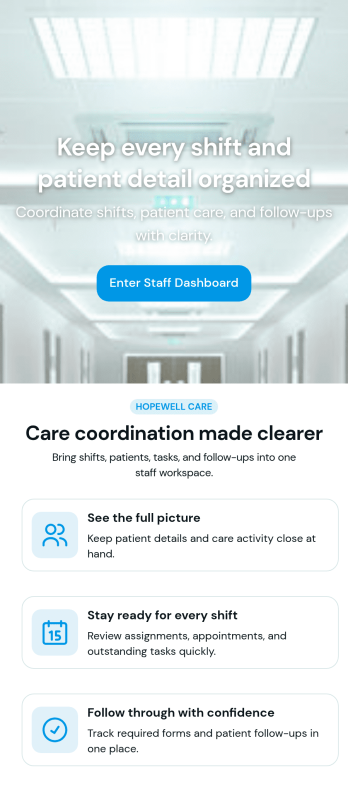
Custom Patient Management App
Patient Management App is an app template designed to streamline the workflows of healthcare providers, clinics, hospitals, and medical practices. By offering a centralized system that manages patient information, appointments, and care plans, the app helps improve operational efficiency. Suitable for healthcare administrators who are tasked with scheduling patients, updating medical records, tracking treatment plans, and facilitating communication throughout the patient care journey, it collects critical data in a structured and consistent manner. The app's value lies in its ability to simplify complex operational tasks, thus reducing the likelihood of errors and enhancing the quality of care provided.Jotform's intuitive design tools make it easy to customize the Patient Management App to match your healthcare practice's branding. Using Jotform's No-Code App Builder, you can quickly adjust forms, pick fonts and colors, and upload your logo without writing a single line of code. Once set up, your patients can access and download the app onto any device; be it a smartphone, tablet, or desktop, through a shareable link. This ease of access maximizes the app's adoption and use, further improving the efficiency of your healthcare practice. The Patient Management App from Jotform embodies the perfect blend of utility and usability, making patient management a breeze.
Go to Category:HIPAA Apps