
Event Directory App gives conference organizers, community groups, venues, schools, nonprofits, and event teams a central place to publish upcoming activities for attendees. Visitors can browse an event directory, open individual listings to review essential information such as venue, location, and capacity, and access event registration without searching across separate pages. This app template works well for conferences, workshops, networking programs, campus activities, local gatherings, and multi-event campaigns. It improves event discovery, keeps important details organized, and creates a convenient self-service experience for prospective attendees.
With Jotform Apps, teams can adapt this Event Directory App through a no-code app builder and an intuitive drag-and-drop interface. Organizers can update content, apply their branding, connect registration forms and data collection workflows, and arrange navigation to suit their event program. The finished app can be shared through a direct link or QR code for easy mobile access. Jotform App Templates help teams launch polished digital experiences quickly while keeping event information and registration journeys connected in one accessible destination.
Related templates
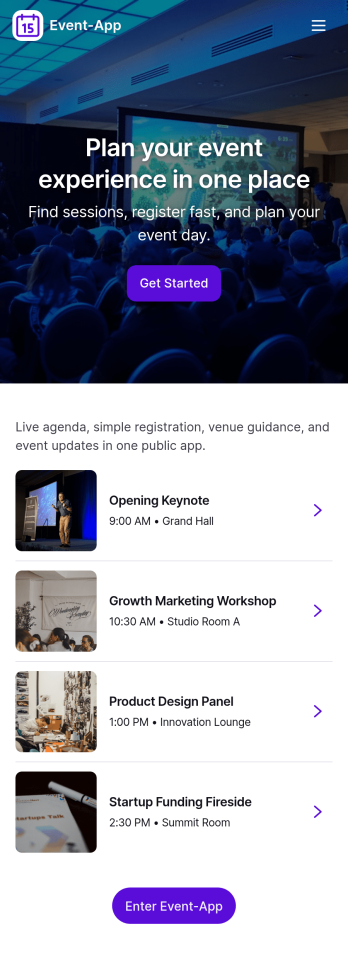
Event-App
Event-App brings your event details and attendee actions into one easy, mobile-friendly hub. Use it to publish upcoming events, let people browse what’s happening, and capture RSVPs without sending users through multiple links. It’s a practical fit for event planners, venues, schools, nonprofits, community organizers, and internal teams running trainings or company meetups. With dedicated areas to browse events and review My Registrations, attendees can quickly find the right event and keep track of what they’ve signed up for.Built with Jotform App Templates, this app template can be customized in a no-code app builder with a drag-and-drop interface so you can match your event branding and workflow. Connect buttons to your RSVP form for fast data collection, organize upcoming events in a list view, and keep registration records accessible through a linked submissions view for simple self-service. Share the Jotform app through a link or QR code so guests can register on the go while your team keeps event information and responses organized.
Go to Category:Event Planner Apps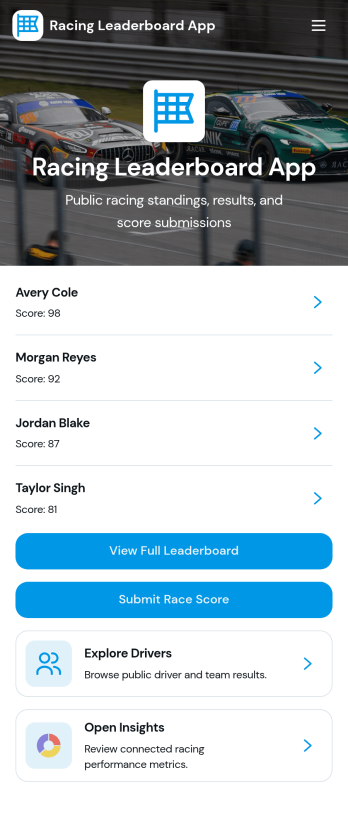
Racing Leaderboard App
Racing Leaderboard App gives race organizers and sports communities a simple way to share race listings, publish standings, and collect results in one place. Participants can browse races, open a race overview to see key details, and check the leaderboard to compare performance over time. When it’s time to report a finish, racers can submit results from the app, helping clubs, leagues, and recurring event series keep scoring consistent without relying on scattered messages or spreadsheets.Built with Jotform, this app template can be customized with a no-code app builder and a drag-and-drop interface so you can match your event branding and structure in minutes. Connect the app to your result collection form and related data so updates are easier to manage, then share the app as a self-service hub for racers, coaches, and staff. As your season grows, you can adjust pages, refine the workflow for reviewing results, and keep race information and leaderboards accessible on any device.
Go to Category:Sports Apps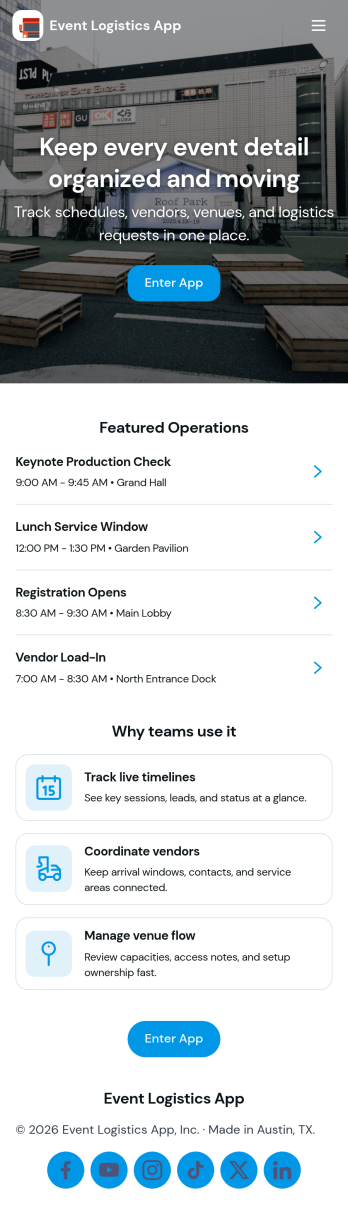
Event Logistics App
Event Logistics App brings day-of-event coordination into one place so organizers can keep timelines, staffing, and on-site issues moving without confusion. Use it to publish a working schedule, add staffing assignments as plans change, and give team leads a simple way to log issues from the floor as they happen. It’s a practical fit for event planners, venues, production crews, nonprofits running fundraisers, and campus teams managing conferences, festivals, tournaments, or multi-session programs where many people need the same source of truth.With Jotform, you can turn your Event Logistics App into a polished self-service experience using a drag-and-drop interface and a no-code app builder. Connect buttons to forms for data collection, route updates into tables for easy viewing, and keep your workflow moving with shareable links and mobile-friendly access. As details shift, you can adjust pages, branding, and navigation so staff and volunteers always know what to do next and where to report problems.
Go to Category:Event Planner Apps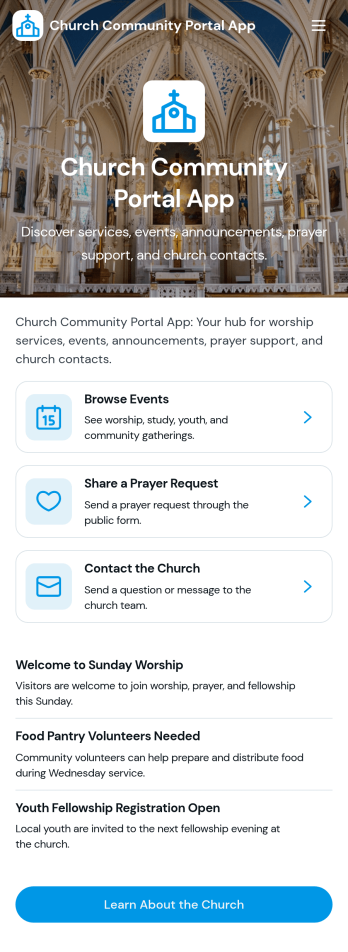
Church Community Portal App
Church Community Portal App brings your congregation’s essentials into one welcoming place, so members can find what’s happening next, share prayer needs, and reach the right church contact without confusion. Use it to highlight upcoming events with quick navigation to event details and registration links, invite community messages, and keep key worship information one tap away. It’s a practical fit for church administrators, ministry leaders, and volunteer teams who want a consistent way to communicate schedules, encourage engagement throughout the week, and help newcomers know where to start.Built with Jotform App Templates, this app template is easy to tailor using Jotform’s no-code app builder and drag-and-drop interface. Connect your event and prayer request forms, organize updates in a clear self-service experience, and share the app through a link or QR code for mobile-friendly access. Jotform helps you centralize data collection and workflows, so your team can spend less time chasing details and more time supporting the community.
Go to Category:Community & Engagement Portal Apps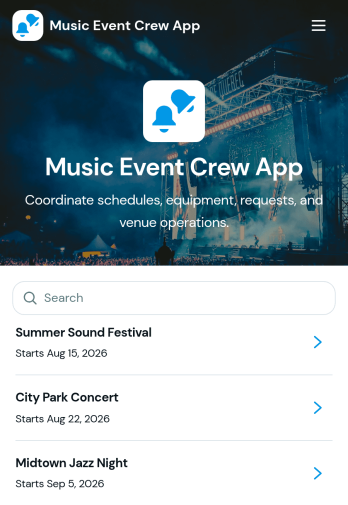
Music Event Crew App
Music Event Crew App gives production teams, stage crews, venue staff, technicians, and event coordinators one mobile-friendly place to manage essential show-day information. Crew members can review schedules and production notes, check equipment details, and submit requests or report equipment issues without searching through scattered messages. It is well suited to concerts, festivals, touring productions, club shows, and other live music events where call times, stage assignments, venue access, and equipment condition must remain visible. By centralizing these operational details, the app helps teams respond to problems sooner, reduce missed updates, and keep everyone focused on a successful event.Jotform App Templates make it easy to adapt the Music Event Crew App to each venue, production, or tour. With Jotform’s no-code app builder and drag-and-drop interface, organizers can update pages, branding, navigation, and connected forms without programming. Collected data can feed into tables and workflows for organized request tracking, issue follow-up, and real-time notifications. Publish the finished app through a direct link or QR code so crew members can access schedules, resources, and self-service actions from their phones before load-in, during the show, or after teardown.
Go to Category:Event Management Apps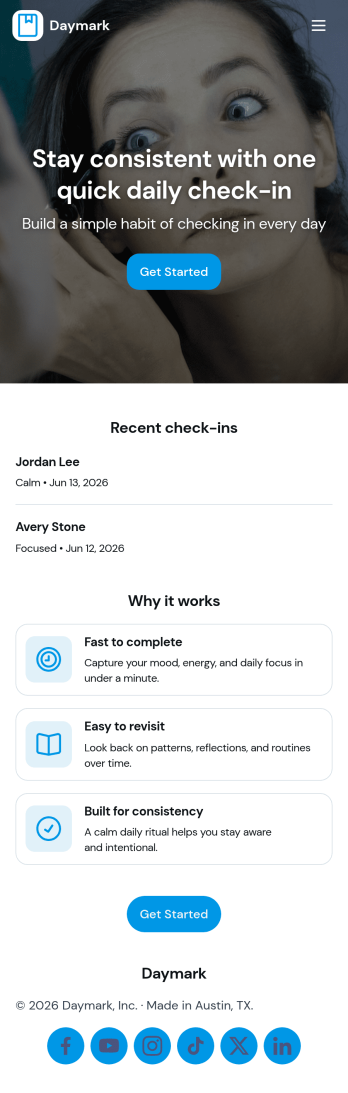
Daily Check In App
Daily Check In App helps you build a simple, repeatable routine for capturing how your day is going, then looking back on patterns over time. Use it to prompt quick daily reflections, add a new check-in in seconds, and review recent entries when you want context before planning the rest of your week. It’s a practical fit for individuals focused on habits, teams running lightweight wellness routines, coaches supporting clients between sessions, or HR and people teams who want a consistent internal check-in flow that’s easy to follow.With Jotform App Templates, you can publish a branded self-service experience powered by a no-code app builder and a drag-and-drop interface. Connect your check-in form to organized views for browsing recent logs, add an insights page for quick reflection, and share the app by link or QR code so people can check in from anywhere. Jotform makes data collection and workflow routing easier, so your daily check-in process stays consistent without adding admin work.
Go to Category:Activity Tracking Apps