Event Scheduling App helps teams and organizers plan, publish, and manage event details in one place so people can quickly find what’s happening and request new events when needed. Use it to browse upcoming events, submit scheduling requests, and keep venue information easy to reference, whether you’re coordinating internal meetings, community programs, workshops, or multi-session events. It’s a practical fit for event planners, HR and operations teams, schools, nonprofits, and small businesses that need a simple way to centralize event information without relying on scattered messages or spreadsheets.
With Jotform, you can turn this app template into a branded, self-service experience using a no-code app builder and a drag-and-drop interface. Connect the app to your existing data collection workflows, route new event requests to the right people, and keep your event and venue lists up to date as plans change. Share the app with a direct link so attendees, staff, or volunteers can browse events and submit requests from any device.
Related templates
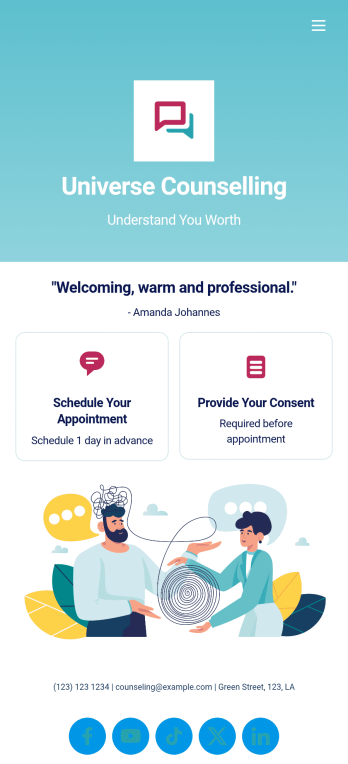
Custom Counseling App
A counseling app provides easier access to mental health resources and tools. Whether you’re a school counselor, family therapist, or life coach, build a fully-custom app for your counseling services with our free Counseling App Template. This ready-to-use app template comes with multiple forms — including a client information form, COVID-19 consent form, and appointment booking form — so clients can access and fill out your forms all from one place.Make this Counseling App your own by customizing it in just a few clicks. Without any coding, you can create and add new forms, embed links to other sites, update the provided text, upload different images, and change app settings. Once you’re satisfied with the app design, embed the app link in your website or send it directly to clients to download on their preferred devices. Make it easier for clients to get the help they need with a professional Counseling App for your services.
Go to Category:Consulting Apps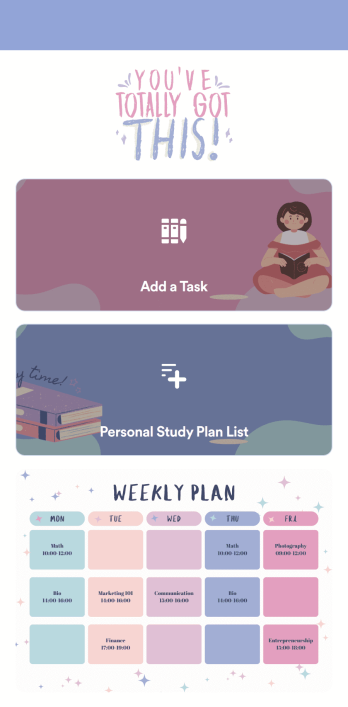
Customizable Study Planning App
A study planning app lets students create a student plan and track it on their mobile device. With this ready-made Study Planning App from Jotform, you can quickly and efficiently start tracking tasks, schedules, and study plans no matter where you are. Just customize the app to meet your study needs and download it for iOS, Android, or onto your computer for easy access.Need to make changes to this Study Planning App template? No problem — just drag and drop to get the design you want. Split your app into multiple pages, add more forms or tables, and make other changes in seconds with no coding knowledge required. You can even connect your app to 250+ other platforms like Trello, Asana, and more to monitor your study plans in your other accounts!
Go to Category:Organization Apps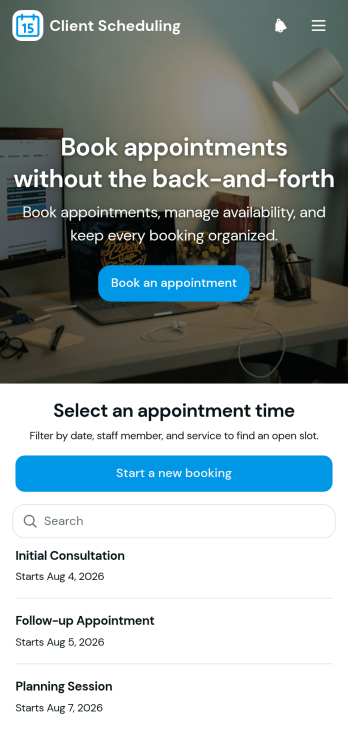
Scheduling App
You’re busy running a business — so why not make scheduling appointments as quick and convenient as possible? With Jotform’s free Scheduling App, customers can request an appointment by filling out their general contact information and choosing an appointment time from a list of available openings. There is also a separate contact form should a customer need to reach out to you directly. Appointments are stored securely in your online account, and can be accessed from any device.Want this Scheduling App to match your branding? No problem — our drag-and-drop form builder makes it easy to swap out forms, choose fonts and colors, upload your logo, and more with no coding. Jotform’s List Element feature lets you connect Tables and add actions to organize your app’s data, while the easily trainable AI Chatbot helps guide users and answer questions in real time. Your customers can then access and download your app onto any smartphone, tablet, or desktop via a shareable link. Start taking appointments from your own customizable app with this Scheduling App from Jotform!
Go to Category:Scheduling Apps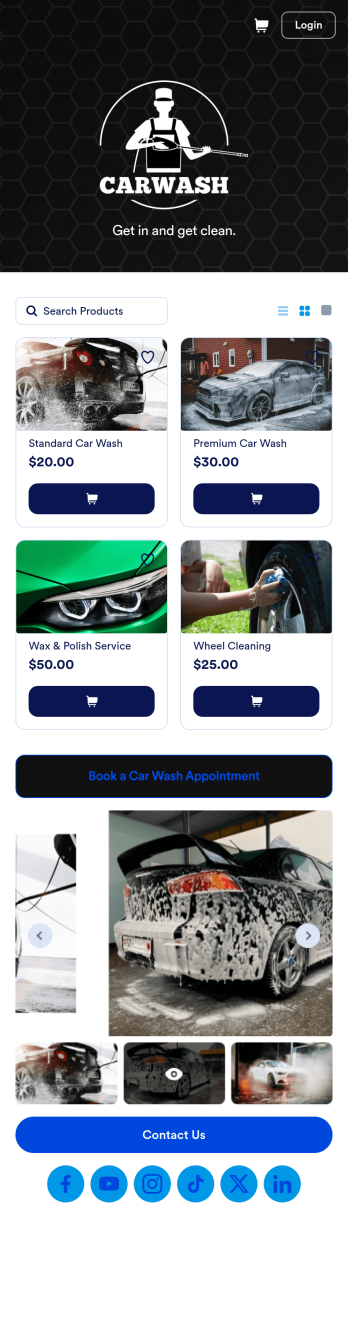
Custom Mobile Car Wash App
Wondering how to sell car washes online? Create a downloadable app for your mobile car wash customers with a free Mobile Car Wash App from Jotform. This app includes a Car Wash Appointment Form so customers can select their preferred date from a calendar and provide other booking details like name, phone number, and their car’s make and model. Also it includes a product list that customers choose a car wash service and make payments. All submissions are sent to your company Jotform account, ready to view instantly on any device.Add your logo, include other forms to collect additional info like e-signatures or payments, and make other design changes by dragging and dropping elements in our intuitive no-code app builder. Once your app is ready to be shared, copy and paste the link or invite people via email so they can download it onto their devices. Stop spending time on phone or email bookings and enjoy a more efficient booking process with this Mobile Car Wash App.
Go to Category:Appointment & Booking Apps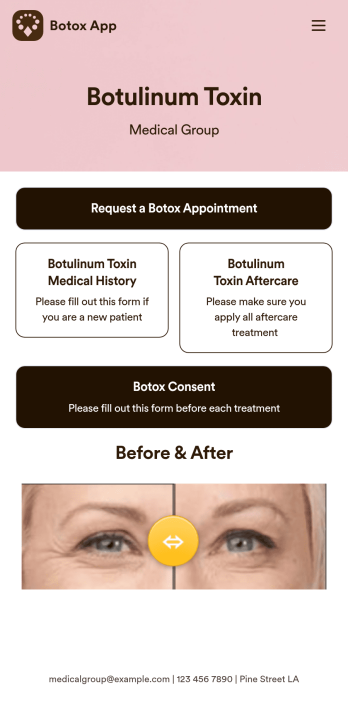
Botox App
Whether you’re running a medical clinic or a salon, a botox app is a great way to keep all of your clients’ records in one convenient location. With this free app template, clients can fill out an intake form with their general contact information and medical history, and digitally sign a terms and conditions consent form. There is also an aftercare form where you can post aftercare treatment and post-botox precautions for clients to sign off on. Entries are stored securely in your online account, which you can view and manage from any smartphone, tablet, or desktop.Want to customize this Botox App to match your branding? Our drag-and-drop form builder makes it easy to add or change forms, choose fonts and colors, upload images, update the app name, text and splash page, and more — all with no coding. Once you’re finished, just share a link on your website or directly with your clients, and your app can then be downloaded and filled out on any device. Smooth out the process of getting botox treatments with this customizable Botox App!
Go to Category:Customizable Beauty Salon Apps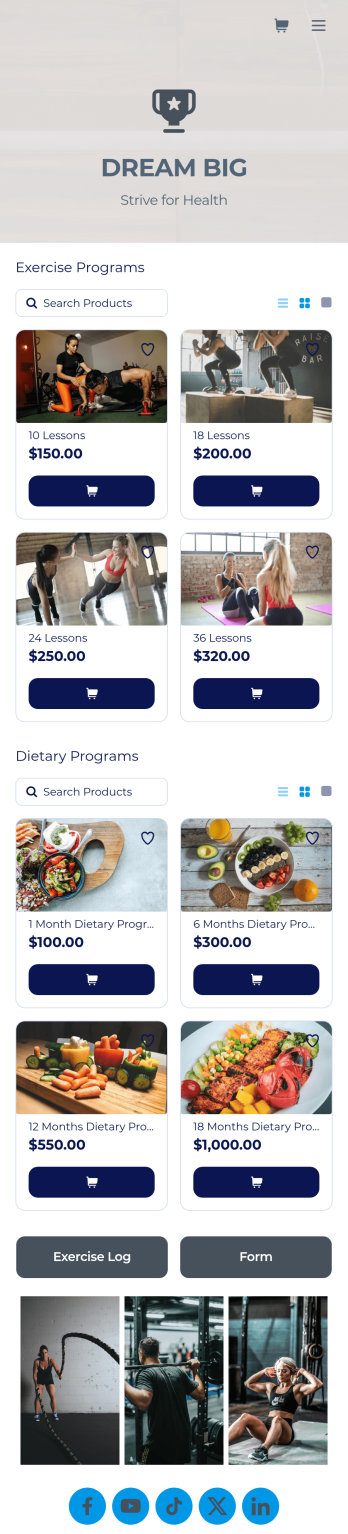
Personal Trainer App
A personal trainer app is used by personal trainers to keep track of information about their trainees. With Jotform’s Personal Trainer App — which can be downloaded on any smartphone, tablet, or computer for easy access — trainees can record their workouts, keep a daily food log, and request appointments for training sessions. All form submissions are instantly stored in the personal trainer’s Jotform account, ready to view instantly on any device.Every trainer does things differently, so be sure to customize your app to add new forms, remove existing ones, include your logo, and add other helpful links, documents, and information. Once you’ve got your app working great for your needs, share the app link so trainees can start recording their workouts. Give clients an easier way to log their training details with this free Personal Trainer App!
Go to Category:Sports Apps