
Festival Feedback App is a ready-to-use feedback experience for festival organizers, event teams, venue staff, and community groups that want to understand attendee opinions in one accessible place. Visitors can submit feedback, browse responses organized by festival area, and review summarized insights. Clear feedback guidelines help participants share useful comments, while organizers gain a practical view of what worked well and where improvements may be needed. The app template can support music, food, arts, cultural, and community festivals, helping teams evaluate programming, facilities, accessibility, services, and the overall guest experience.
Jotform App Templates make it easy to adapt this experience without writing code. Using Jotform’s no-code app builder and drag-and-drop interface, teams can update pages, adjust branding, reorganize navigation, and connect forms with data collection workflows. The Festival Feedback App can be shared through a direct link or scannable code for convenient mobile access during or after an event. Organizers can create a polished self-service feedback channel, keep responses connected to their operational workflow, and use attendee perspectives to guide planning for future festivals.
Related templates
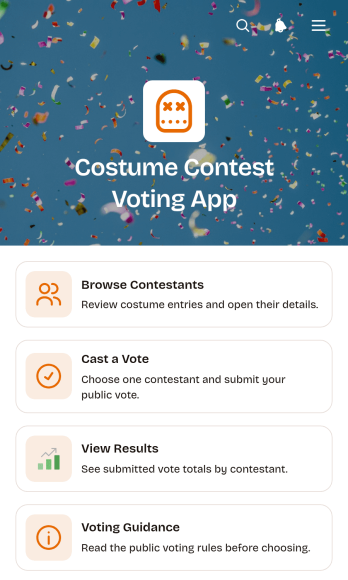
Costume Contest Voting App
Costume Contest Voting App is an interactive app template for running audience voting at parties, school celebrations, community gatherings, workplace events, fundraisers, and themed competitions. Event organizers, entertainment teams, educators, nonprofits, and local groups can use it to present contestants and give guests a clear way to participate. Attendees can browse costume entries, review contestant details, cast a vote through a connected form, read voting guidance, and view submitted totals. Keeping these actions in one mobile-friendly destination makes the contest easier to manage, reduces confusion about participation, and creates a more engaging experience for both in-person and remote audiences.Jotform App Templates help teams launch polished digital experiences without writing code. Using Jotform’s no-code app builder and drag-and-drop interface, organizers can customize colors, fonts, images, pages, buttons, and navigation to fit their event. The app can connect data collection with forms and other workflow tools, giving teams a convenient place to manage voting while offering participants simple self-service access. Once the Costume Contest Voting App is ready, it can be published and shared through a direct link or QR code for quick access on phones, tablets, and computers.
Go to Category:Event Management Apps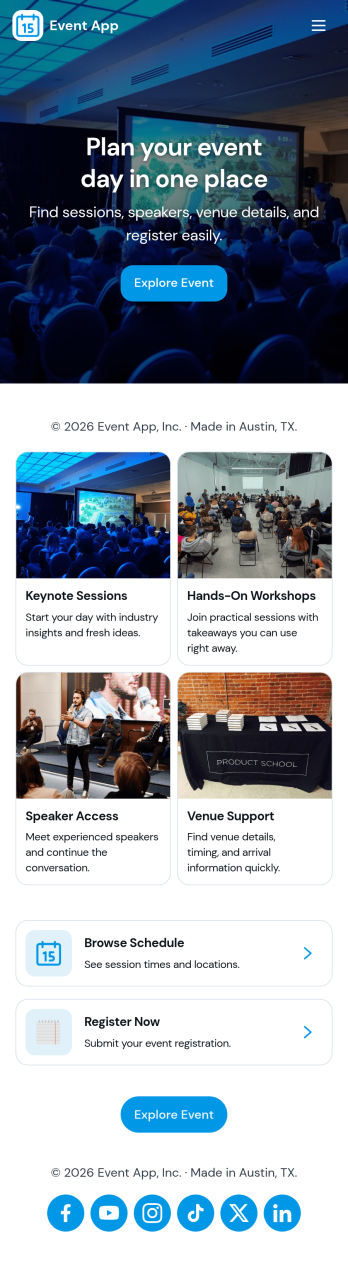
Event App
Event App brings your event listings, registration, and attendee follow-ups into one place so people can browse what’s happening and sign up in minutes. Use it to publish multiple events with key details, route visitors to a Register Now form, and give attendees a simple My Registrations view they can reference later. It’s a practical fit for event planners, marketing teams, community organizers, schools, and internal teams running trainings or company meetups who want a clear, shareable way to promote events and reduce day-of confusion.With Jotform App Templates, you can build this kind of self-service experience quickly using a no-code app builder and a drag-and-drop interface. Connect your app to Jotform forms and data collection flows to capture registrations, keep event information updated, and route responses into the workflow your team already uses. Publish with a link or QR code so attendees can access schedules and registration details from their phone, while your team stays organized behind the scenes.
Go to Category:Event Planner Apps
Scavenger Hunt App
Scavenger Hunt App is a customizable starting point for creating clue-based activities for parties, corporate events, classrooms, community programs, fundraisers, and tourism experiences. Event organizers, educators, team leaders, hospitality teams, and nonprofits can use its focused page to present challenge instructions, provide clue access, and share essential event information. Keeping these details in one mobile-friendly destination helps participants understand the rules, follow the activity, and stay engaged without relying on printed handouts or scattered messages.Jotform makes it easy to adapt this app template to suit a theme, audience, or event format. Using the no-code app builder and its drag-and-drop interface, organizers can add pages, images, videos, buttons, and links while applying custom colors, fonts, and branding. The app can also connect with forms for data collection, payments, approvals, and other workflow steps when an activity requires registration or response gathering. Explore Jotform App Templates to create a polished self-service experience, then publish and share it through a direct link, QR code, or embedded experience.
Go to Category:Entertainment Apps
Audience Voting App
Audience Voting App is an interactive app template for collecting audience opinions during live events, competitions, presentations, community programs, classroom activities, and online campaigns. Event organizers, educators, entertainment teams, marketers, and community leaders can present polls, help participants browse questions and available choices, and provide a clear path for casting a vote. Bringing voting access into one organized experience reduces confusing instructions, makes participation easier on mobile devices, and gives audiences a convenient self-service option. It can support anything from choosing a contest winner to gathering quick feedback on a topic.Jotform App Templates help teams create polished digital experiences without writing code. Customize the Audience Voting App with the no-code app builder, adjust pages and navigation through a drag-and-drop interface, and connect forms or other workflow assets for data collection. Branding, text, images, buttons, and poll content can be adapted to suit a specific event or campaign. Once the app is ready, share it through a direct link or QR code so participants can reach the voting experience from their preferred device.
Go to Category:Customer Engagement Apps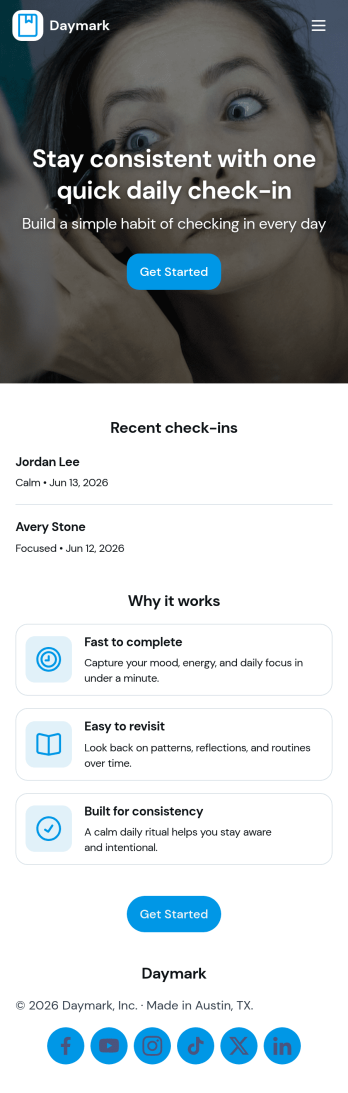
Daily Check In App
Daily Check In App helps you build a simple, repeatable routine for capturing how your day is going, then looking back on patterns over time. Use it to prompt quick daily reflections, add a new check-in in seconds, and review recent entries when you want context before planning the rest of your week. It’s a practical fit for individuals focused on habits, teams running lightweight wellness routines, coaches supporting clients between sessions, or HR and people teams who want a consistent internal check-in flow that’s easy to follow.With Jotform App Templates, you can publish a branded self-service experience powered by a no-code app builder and a drag-and-drop interface. Connect your check-in form to organized views for browsing recent logs, add an insights page for quick reflection, and share the app by link or QR code so people can check in from anywhere. Jotform makes data collection and workflow routing easier, so your daily check-in process stays consistent without adding admin work.
Go to Category:Activity Tracking Apps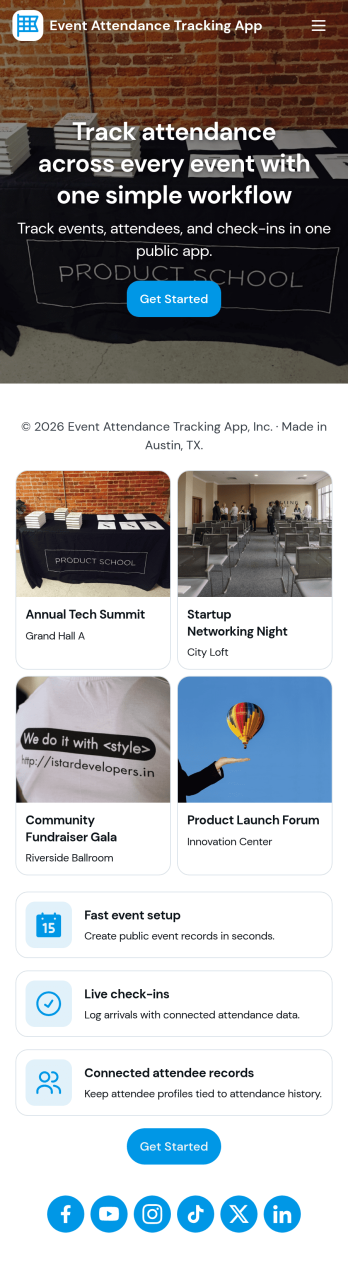
Event Attendance Tracking App
Event Attendance Tracking App helps organizers keep an accurate record of who registered and who actually showed up, without juggling paper lists or scattered spreadsheets. Use it to register attendees ahead of time, add walk-ins at the door, and log check-ins as guests arrive. It’s a strong fit for event teams running conferences, workshops, campus events, community meetups, trainings, and internal company sessions where headcounts, attendance history, and quick lookups matter throughout the day.With Jotform, you can turn attendance tracking into a simple self-service experience using App Templates and a no-code app builder. Build the flow with a drag-and-drop interface, connect registration and check-in forms, and keep records organized in linked tables for fast searching and reporting. Share the app with staff using a link or QR code so everyone works from the same up-to-date attendee list while your workflow stays consistent from registration to check-in.
Go to Category:Event Planner Apps