
Flexible Work Opportunities App is an app template for organizations that want to present remote, hybrid, part-time, contract, or flexible-schedule roles in one accessible destination. HR teams, recruiters, staffing groups, nonprofits, and growing businesses can use its focused single-page layout as a starting point for opportunity browsing, interest collection, and resource navigation. It helps potential applicants understand available work arrangements and find a suitable next step without searching across disconnected channels. Teams can tailor the content for internal mobility programs, return-to-work initiatives, project-based assignments, seasonal hiring, or public job outreach.
Jotform makes it easy to turn this starting layout into a branded experience with a no-code app builder and drag-and-drop interface. Add pages, cards, buttons, forms, approval steps, and connected workflows as needs evolve, then organize data collection and follow-up from one place. This app template can support self-service access while reducing repetitive inquiries for hiring teams. Like other App Templates from Jotform, it can be customized without programming and shared through a direct link, QR code, or embedded experience for convenient access on computers and mobile devices.
Related templates
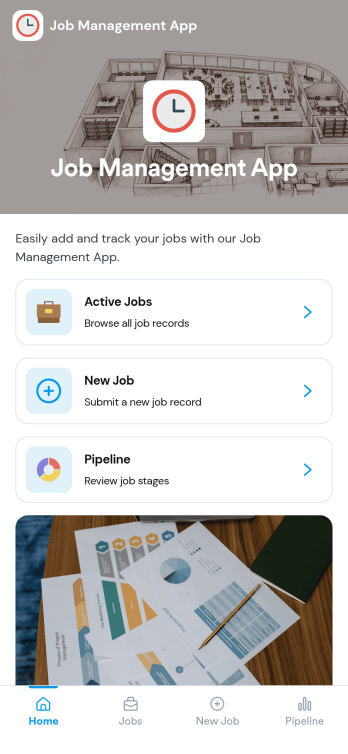
Job Management App
Job Management App brings your hiring workflow into one place so teams can post open roles, route candidates to the right listings, and keep applications organized as they come in. Use it to share a clear set of Open Jobs, publish role details, and guide candidates to Apply Now with a simple in-app application form. It’s a practical fit for growing businesses, HR departments, and operations leaders who need an easy way to keep recruiting moving without losing track of who applied to what.With Jotform, you can build and tailor app templates like this using a no-code app builder and a drag-and-drop interface, then connect your app experience to forms and tables for reliable data collection. Keep your workflow consistent by linking job listings to an application form, giving internal users a view of all applications, and offering candidates a self-service way to review their own applications. Share the app through a link or QR code, update content as roles change, and collaborate across teams as hiring needs evolve.
Go to Category:HR Portal Apps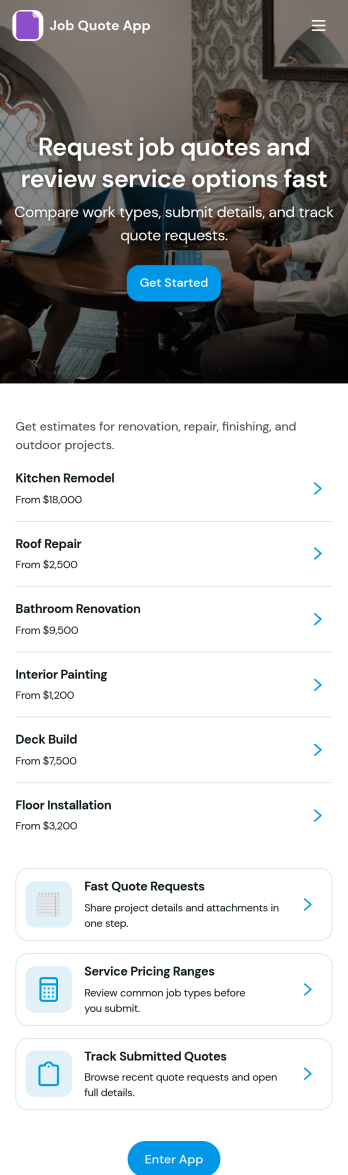
Job Quote App
Job Quote App helps service teams collect quote requests, review incoming details, and keep customers informed as estimates move forward. It fits home service providers, contractors, agencies, and small businesses that handle frequent pricing inquiries and need a simple place for clients or internal staff to submit requests and follow progress. With clear actions like requesting a quote, browsing past requests, and viewing a running request list, the app supports faster responses and fewer missed opportunities while keeping job details organized.Built with Jotform App Templates, this app template can be customized in a no-code app builder with a drag-and-drop interface, so you can match your process without technical work. Connect request forms and tables to centralize data collection, route updates through a connected workflow, and share the app as a self-service experience for customers or as an internal tool for your team. Jotform makes it easy to publish, iterate, and manage quote activity in one branded, mobile-friendly app.
Go to Category:Estimation Apps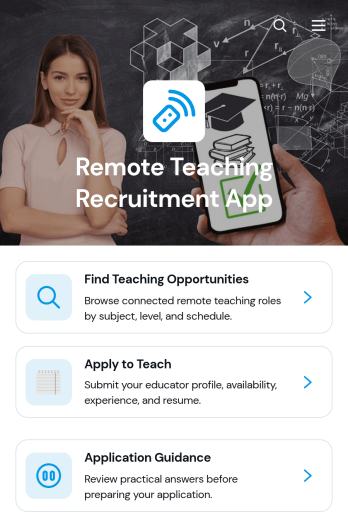
Remote Teaching Recruitment App
Remote Teaching Recruitment App gives schools, tutoring providers, education programs, and recruitment teams a central place to connect qualified educators with remote teaching roles. Candidates can browse teaching opportunities, review essential role information, and submit an application from one convenient experience. Application guidance helps applicants understand the process before they apply. By bringing opportunity discovery and candidate intake together, this app template reduces scattered inquiries, gives recruiters a consistent recruitment journey, and makes openings easier to access across locations and devices.Jotform Apps helps organizations turn recruitment processes into interactive, mobile-friendly experiences without coding. Start with this Remote Teaching Recruitment App from Jotform App Templates, then use the no-code app builder and drag-and-drop interface to update pages, branding, navigation, and content. Teams can connect forms, tables, notifications, approvals, and other workflow tools to support data collection and application review. Once customized, the app can be published and shared by direct link or QR code, giving candidates convenient self-service access while helping recruiters manage hiring activity from one organized destination.
Go to Category:Job Apps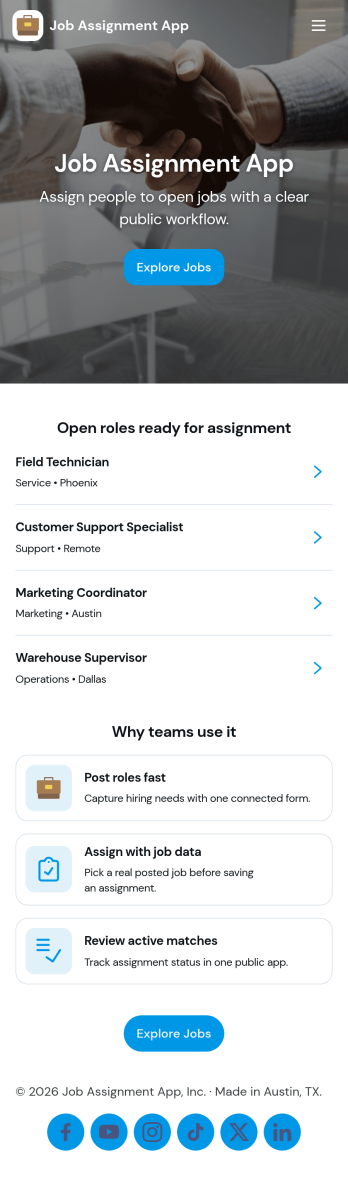
Job Assignment App
Job Assignment App helps teams create, distribute, and monitor work assignments from one central place. It’s a practical fit for operations managers, supervisors, dispatchers, and team leads who need a clear way to open new jobs, route people to the right task, and keep everyone aligned on what’s in progress. With quick actions to create a new assignment, browse open assignments, and review status, the app reduces missed requests and keeps day-to-day execution organized across shifts, sites, or service areas.Jotform makes it easy to turn your job assignment workflow into a mobile-friendly self-service experience using a no-code app builder and drag-and-drop interface. Connect your app to Jotform forms and tables for data collection, real-time updates, and simple tracking, then share it with your team through a link or QR code. As your process evolves, you can adjust pages, buttons, and navigation in minutes while keeping all assignment details and records in one place.
Go to Category:Operations & Logistics Portal Apps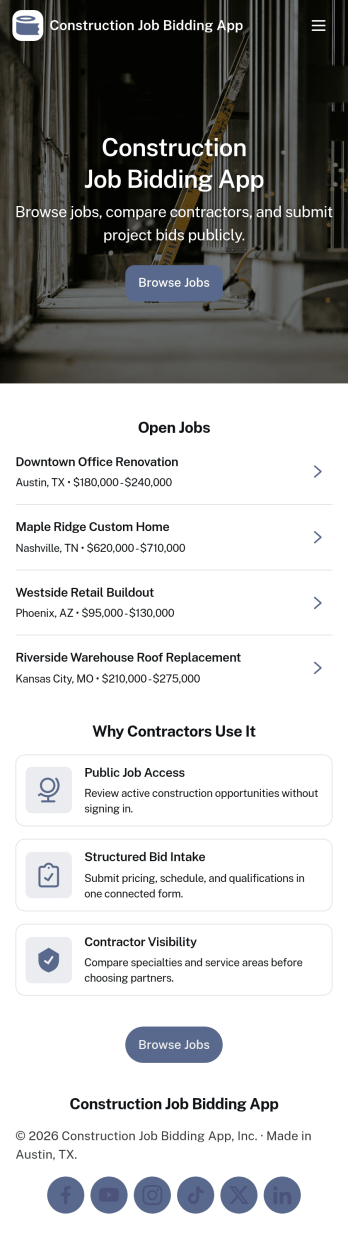
Construction Job Bidding App
Construction Job Bidding App helps contractors, subcontractors, and construction teams manage bidding in one place, from starting a new bid to reviewing open opportunities and keeping projects moving. Use it to collect bid requests, compare incoming responses, and stay on top of what is ready to submit next, especially when multiple projects are in play and timelines are tight. With clear navigation for new bids, open bids, and a bid pipeline view, this app fits general contractors coordinating multiple trades, specialty subcontractors bidding on packages, and small firms that want a consistent process for every estimate.Built with Jotform App Templates, this app template is easy to tailor using Jotform’s no-code app builder and drag-and-drop interface. Connect pages to forms and tables for reliable data collection, then share a self-service experience with your team so everyone knows where to add a bid request, submit a bid, and review bid activity. As your workflow evolves, you can update the layout, refine what gets captured in the connected form, and keep your bidding operations organized without adding complexity.
Go to Category:Construction Apps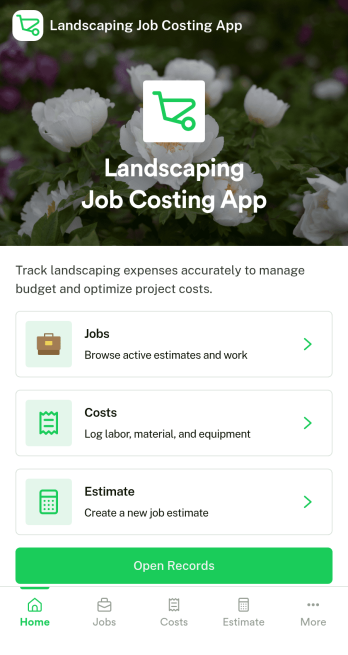
Landscaping Job Costing App
Landscaping Job Costing App helps landscaping businesses capture job costs as work happens and keep every project’s numbers in one place. From kicking off a new job cost record to reviewing open jobs and drilling into a specific job, teams can track labor, materials, and notes without relying on scattered texts or end-of-week guesswork. It’s a practical fit for owners, project managers, and crew leads who need clearer visibility into what each job is actually costing and where overruns start.With Jotform, you can turn this app template into a simple, branded workflow your team will actually use. Use the no-code app builder and drag-and-drop interface to adjust pages, connect your job cost form to the job list, and keep data collection consistent across crews and locations. Share the app through a link so updates come in faster, job details stay organized, and your costing workflow is easier to manage from the field to the office.
Go to Category:Construction Apps