
The Flight Weather Impact App is an operational assessment template for aviation teams that need to document how weather may affect flights, airports, or routes. Dispatchers, operations coordinators, flight departments, airport teams, and transportation service providers can use it to record weather impacts, review high-risk assessments, and consult consistent guidance. Each assessment can bring together weather conditions, operational impact, recommended action, assessment date, and impact level. This shared view helps teams organize observations, prioritize cases requiring attention, and maintain a clear record of weather-related operational decisions without relying on scattered messages or documents.
Jotform App Templates make it easy to adapt this app template to an organization’s assessment process without coding. Using Jotform’s no-code app builder and drag-and-drop interface, teams can update pages, navigation, branding, and connected forms while keeping data collection and workflow resources in one mobile-friendly experience. The app can be shared through a direct link, QR code, or embedded page, giving authorized users convenient self-service access wherever assessments are performed. Connected forms and tables also support organized records, notifications, and collaboration as operating conditions change.
Related templates
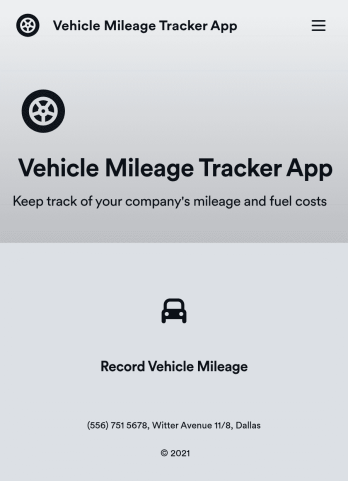
Vehicle Mileage Tracker App
A Vehicle Mileage Tracker App is used by employers to record and track mileage and fuel costs of vehicles used for business. This free and easy-to-use template includes a simple form for employees to fill out their basic contact information, start and end locations, mileage type, odometer readings, and an upload form for attaching receipts. All submitted information is stored securely and can be viewed at a glance in Jotform Tables.Want to customize your Vehicle Mileage Tracker App? With our drag-and-drop interface, it only takes a couple of clicks to add or change forms, choose fonts and colors, upload your company’s logo, update the app name or text, and more — with no coding involved. Once it’s ready, simply share the link with your employees to have them access and download your app on any device. Keeping track of vehicle business expenses has never been easier with this Vehicle Mileage Track App!
Go to Category:Tracker Apps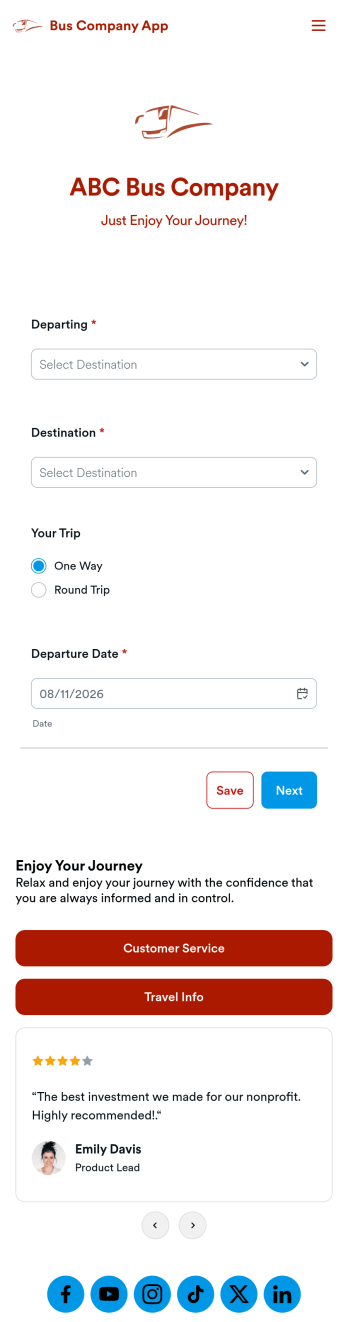
Bus Company App
A bus company app is a type of mobile application used by bus transportation companies to manage and organize customer rides and payments. Build your own custom app with this ready-made Bus Company App from Jotform Apps. Collect customer payments, book bus rides, share information about your policies, and more — all from your very own app. Gather requested departure dates and pickup locations from your mobile device.Want to customize this template to match your business’ branding? No problem. Use our no-code, drag-and-drop builder to make any changes you see fit. Add or remove forms from your app, edit text, change colors and fonts, and more. You can even integrate with 200+ platforms like Google Calendar, PayPal, and Calendly to take your app to the next level.
Go to Category:Reservation Apps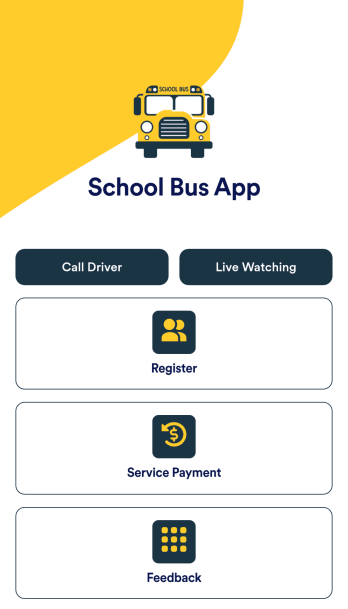
School Bus App
A school bus app is a handy digital tool designed to streamline the management and tracking of school transportation services. Enhance safety and improve coordination with a free School Bus App template that helps parents, students, drivers, and school administrators stay connected and informed. This pre-built template makes it easy to create an all-in-one platform where you can provide bus routes and schedules, link to GPS tracking to provide real-time location updates, and post alerts to let parents and staff know about delays or emergencies. The connected forms offer a super convenient way to register students for bus pickup, collect payments, and gather feedback.With Jotform’s no-code, drag-and-drop app builder, it’s easy to create an app that suits your needs with just a few clicks. Update the School Bus App template to feature your school’s colors, set your school’s logo as the app icon, add or remove sections, and link to additional forms. You can even connect to popular payment gateways with no extra fees and make collecting one-time or recurring payments completely seamless. When you’re done, share the app via link, email, or QR code for instant access from any desktop or mobile device.
Go to Category:Automotive Apps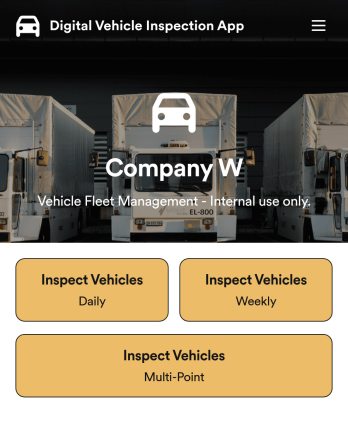
Custom Digital Vehicle Inspection App
A digital vehicle inspection app is used by fleet management companies for inspecting company vehicles. Create a fully-custom Digital Vehicle Inspection App in seconds with Jotform’s app builder. Inspectors can download this app onto any smartphone, tablet, or desktop to record and compile daily, weekly, and multi-point inspection reports for fleet vehicles. No need for paperwork — your digital inspection reports are automatically compiled and synced to your secure Jotform account, where you can manage them all from one location.Want to make this Digital Vehicle Inspection App Template your own? No coding necessary — just use Jotform’s drag-and-drop app builder to add or change form elements, edit form text and fields, upload your company’s logo and branding, choose fonts and colors, and more. When you’re done customizing your app, share it with the rest of the company by sending a link to the app or generating an invitation email. Manage all your fleet vehicles and inspection reports from one convenient app with this Digital Vehicle Inspection App from Jotform.
Go to Category:Inspection Apps
Custom Logistics Management App
A logistics management app is used by logistic companies to log important company information. With this Logistics Management App from Jotform, managers can keep track of vehicles, drivers, and driver availability information. Drivers can download this app on their mobile devices to record trip information such as truck number, departure date, and total mileage using a Drivers Log Sheet. You can also manage driver job applicants from an easy-to-understand Driver Application Tracking Log.Making changes to this Logistics Management App is easy with Jotform’s no-code app builder. Simply drag and drop to add or change form elements, edit text fields and checklist items, choose fonts and colors, upload your company’s branding, and much more. Share your custom app with management and other drivers by sending email invites or the app link, where they can then download it on any device. Ditch the paperwork and use this Logistics Management App to keep digital records of all your vehicle and driver information.
Go to Category:Automotive Apps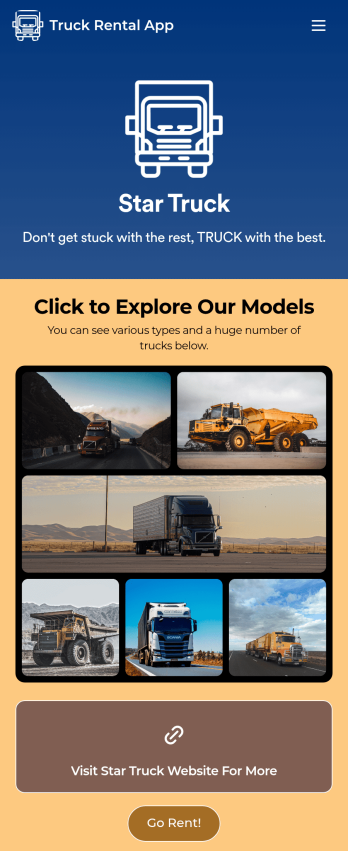
Truck Rental App
Give your customers an easy way to rent your trucks with this free Truck Rental App! Want to learn how to rent out your trucks online? The app is fully-customizable with Jotform’s drag-and-drop app builder, so you won’t need any coding knowledge to make it match your branding. Once you’ve got your app looking how you want it to, share it with your customers with a link or via email for them to download onto any iOS device, Android device, or computer for easy access.Need to make changes to this Truck Rental App template? Drag and drop to get the look you want by adding your logo, including more forms, and adding images of the trucks you have available. All submissions you receive through your custom Truck Rental App are stored securely in your Jotform account and ready to view instantly on any device — so you and your team can respond to customers right away.
Go to Category:Automotive Apps