Freezer Inventory App helps you keep a clear, up-to-date view of what’s stored in your freezer so you can reduce waste, plan usage, and restock with confidence. It’s a practical fit for restaurant kitchens, bakeries, cafés, catering teams, small grocers, meal prep businesses, and even busy households that need a simple way to check current stock, review storage details, and see recent restocks at a glance. With quick navigation to current inventory and a dedicated restock log, teams can stay aligned on what’s available without relying on memory or handwritten lists.
Jotform makes it easy to turn this Freezer Inventory App into a working system with an app template you can publish fast and update anytime. Using Jotform’s no-code app builder and drag-and-drop interface, you can tailor the layout to match your freezer zones, add the fields you actually track, and connect inventory data collection to forms and tables for smoother workflow and self-service access. Share the app with your staff through a link or QR code so stock checks and restock entries stay consistent across shifts.
Related templates
Food Expiry App
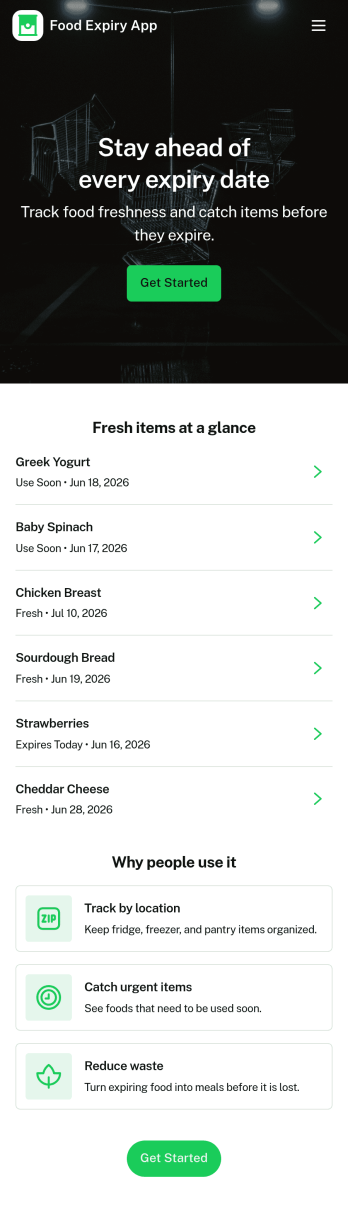
Food Expiry App helps you track what food you have on hand, what’s expiring soon, and what ends up being thrown away. It’s a practical fit for home kitchens, office break rooms, small cafés, and pantry teams that want a simple way to add food items, browse an up-to-date inventory list, and review an expiring-soon view before products go past their date. With a built-in waste log, it also supports basic waste tracking so you can spot patterns like over-ordering, poor rotation, or items that regularly expire unused.Built with Jotform, this app template turns everyday food tracking into a shareable, self-service experience that works on any device. Use Jotform’s no-code app builder and drag-and-drop interface to tailor fields, adjust the layout, and connect the app to your data collection workflow so updates stay organized in one place. From restocking routines to daily checks, Jotform makes it easy to keep inventory visible, reduce avoidable waste, and stay consistent without adding extra tools.
Go to Category:Restaurant Inventory Apps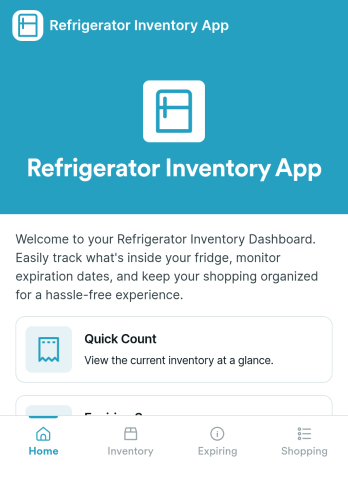
Refrigerator Inventory App
Refrigerator Inventory App helps you keep a clear, up-to-date record of what’s inside a fridge so you can avoid running out of essentials, reduce food waste, and make restocking decisions faster. Use it in homes, office kitchens, break rooms, cafés, food trucks, labs, or any team space where items are shared and “someone used the last one” becomes a recurring problem. With an inventory list you can browse, item detail views for quick checks, and a simple way to add items as you purchase or receive them, the app supports daily tracking without turning inventory into a time-consuming task.Built with Jotform App Templates, you can publish a self-service experience that’s easy to navigate on mobile or desktop and keep inventory details connected to your data collection. Customize pages with a drag-and-drop interface, route people to View Inventory or Add Item in a couple of taps, and keep your workflow organized as needs change. Jotform’s no-code app builder makes it simple to update item fields, adjust what your team sees first, and share the app with anyone who needs quick access to the refrigerator inventory.
Go to Category:Inventory Apps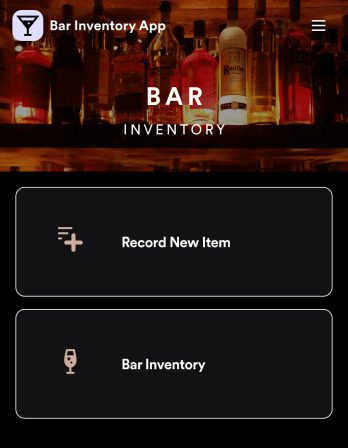
Bar Inventory App
A bar inventory app is used by bar staff to keep track of a bar’s equipment, ingredients, and other beverage information. Stop tracking inventory with pen and paper and enjoy an easier way to do it with a free Bar Inventory App from Jotform. Employees can download the app onto their iOS or Android device and fill it out as they go. All stock take submissions are stored securely in an inventory spreadsheet and viewable directly from the app.Customize this app template using our drag-and-drop app builder. With no coding required you can add your company logo, update forms or spreadsheets, change the background image, and make other design changes in seconds. Help your bar staff save time with a more efficient inventory process using this free Bar Inventory App that downloads onto any computer or mobile device.
Go to Category:Inventory Apps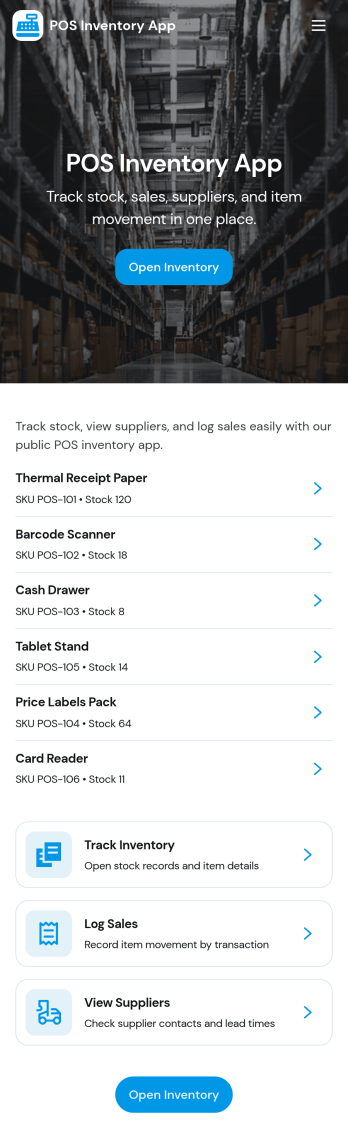
Pos Inventory App
Pos Inventory App helps retail and food service teams keep inventory control close to the register, so staff can quickly find items, review stock position, and spot what needs reordering. With an inventory list and item detail views, it’s useful for tracking inventory items, monitoring stock movement, and keeping a low stock watchlist visible for day-to-day operations. Store owners, shift leads, and back-of-house teams can use it to reduce missed restocks, avoid selling unavailable items, and maintain cleaner records across locations or departments.Built with Jotform App Templates, this app template can be customized in minutes using Jotform’s no-code app builder and drag-and-drop interface. Connect your inventory forms and data collection to keep records updated, then share the app through a link or QR code for fast staff access on mobile devices. As your workflow evolves, you can adjust pages, add steps for internal reviews, and keep sales and inventory logs organized in one place.
Go to Category:Inventory Apps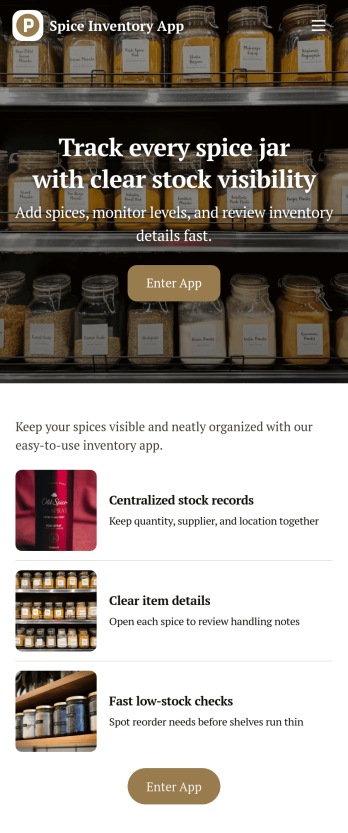
Spice Inventory App
Spice Inventory App helps kitchens and food businesses keep a clear, up-to-date view of spices across storage areas, so you can restock with confidence and avoid running out mid-service. Use it to browse your inventory list, open individual spice records, and quickly log replenishments through an Add Stock flow. It’s a practical fit for restaurants, catering teams, food trucks, test kitchens, and small retailers that want a simple way to spot low quantities early and keep purchasing and prep aligned.With Jotform, you can turn this spice inventory app template into a mobile-friendly self-service experience that your team can actually use during busy shifts. Customize pages with Jotform’s no-code app builder and drag-and-drop interface, then connect the app to a form and data collection workflow that keeps records consistent in one place. Share a single link or QR code for staff access, and update the layout, fields, and branding as your inventory process evolves.
Go to Category:Inventory Apps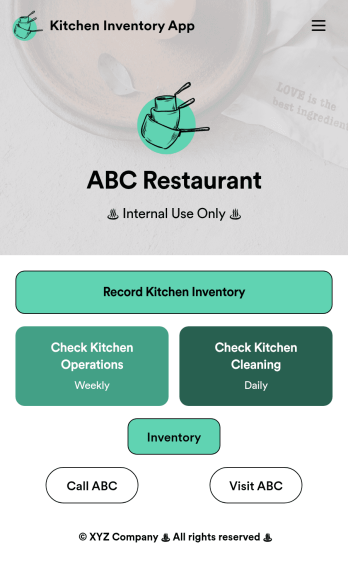
Kitchen Inventory App
Tracking inventory in your kitchen is the key to success for your restaurant. Make inventory a breeze with our free, customizable Kitchen Inventory App! It lets you bundle multiple forms in one app, so you can access our Restaurant Inventory Template and other kitchen forms from anywhere. Supervisors or employees can open the app on any smartphone, tablet, or computer to record stock inventory, report on kitchen operations, and track daily cleaning.This Kitchen Inventory App is ready to use as is, but feel free to make any modifications if necessary. Without any coding, you can add forms, text, images, links, and more. You can even change the name, icon, and splash page for your app for a fully-custom design! Monitor food usage and keep track of your inventory more efficiently with a custom Kitchen Inventory App for your restaurant.
Go to Category:Inventory Apps