
The Glazing Job Management App is an app template for glazing contractors, field supervisors, installers, and office teams coordinating glass installation and repair work. It brings job creation, site inspection records, and completion updates into one accessible workspace. Teams can review active glazing work, open individual job details, and reference customer and site information before recording progress. This shared view reduces scattered paperwork, improves visibility between office and field staff, and helps each job move from initial setup through inspection to final completion. It is suitable for residential, commercial, and specialist glazing businesses managing multiple jobs across different locations.
With Jotform Apps, businesses can adapt this template using a no-code app builder and an intuitive drag-and-drop interface. Pages, navigation, forms, and visual elements can be adjusted to match existing workflows and branding without programming. Connected forms support consistent data collection, while job information can be organized for convenient self-service access from phones, tablets, or computers. Once customized, the app can be published and shared through a direct link or QR code, giving office teams and field crews a practical way to coordinate work and keep operational records current.
Related templates
Contractor Timesheet App
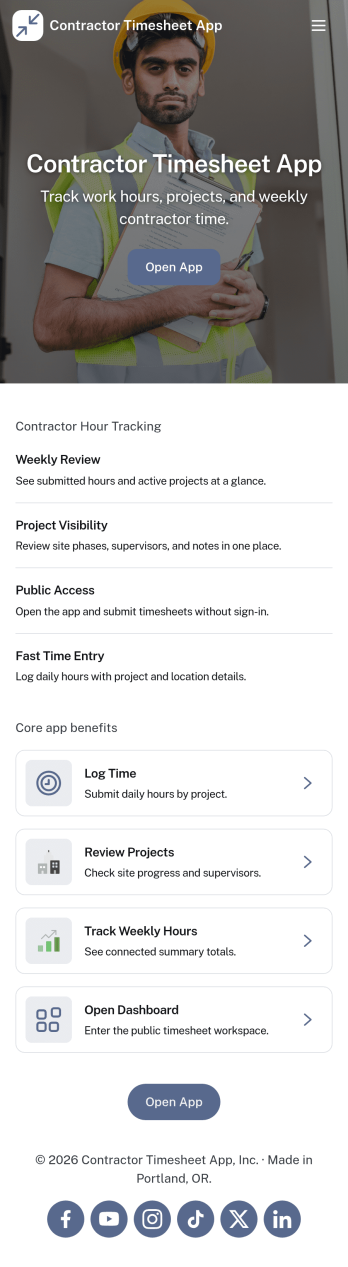
Contractor Timesheet App helps contractors and field teams log hours against specific jobs and gives managers a clear place to review work time before it moves forward. With quick time entry, a jobs list for selecting the right project, and an approval review step, it supports day-to-day tracking for construction crews, home service providers, agencies using freelancers, and any business coordinating multiple workers across multiple assignments.Jotform makes it simple to turn this process into a shareable, self-service experience using App Templates and a no-code app builder with a drag-and-drop interface. Connect your app to forms and tables for reliable data collection, keep records organized in one place, and update pages, buttons, and branding as your workflow changes so teams can submit, review, and reference timesheets from anywhere.
Go to Category:Activity Tracking Apps
Contract Driver Application App
Contract Driver Application App is a ready-to-use application hub for transportation companies, delivery businesses, fleet operators, staffing teams, and independent drivers. It brings driver applications, qualification requirements, and application guidance into one accessible experience. Candidates can review expectations before opening the connected application form, helping them prepare relevant employment history, license details, driving experience, and other requested information. Hiring teams can use this app template to create a consistent intake journey, reduce incomplete applications, answer common applicant questions, and make contractor recruitment easier to manage across locations or service areas.Jotform Apps helps organizations turn recruitment and contractor intake processes into mobile-friendly, self-service experiences without writing code. Start with customizable App Templates, then use the no-code app builder and drag-and-drop interface to update pages, branding, buttons, instructions, and navigation. Connect forms to data collection workflows, organize responses in tables, add approval steps, and receive notifications when applicants take action. Once the Contract Driver Application App is ready, share it through a direct link or QR code so prospective drivers can access the latest information and apply from any device.
Go to Category:Contractor Apps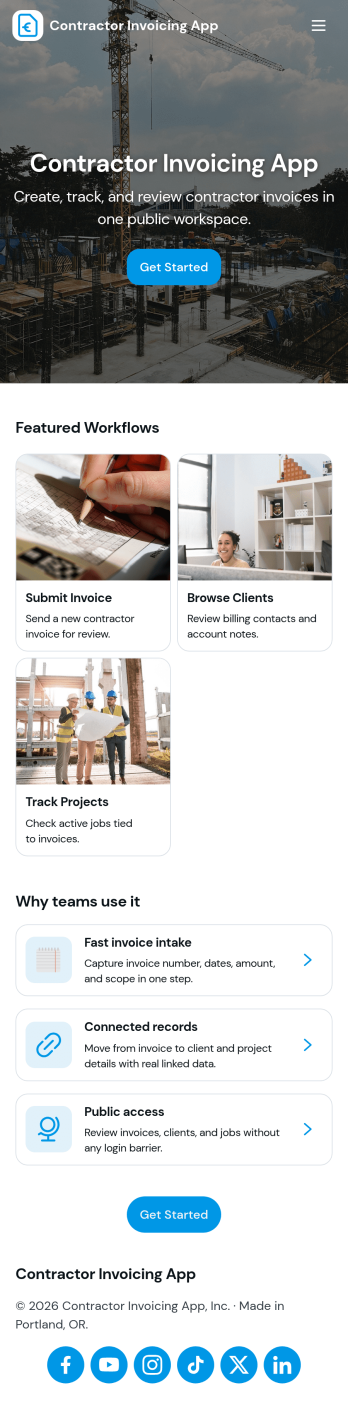
Contractor Invoicing App
Contractor Invoicing App helps independent contractors and small service teams create invoices, keep client details in one place, and stay on top of billing without juggling spreadsheets. From the home screen, you can start a new invoice, add an invoice through a connected form, browse invoice entries in a list, and pull up an invoice snapshot when you need a quick view of what’s been sent. It’s also built to support day-to-day follow-up with a clear path back to your invoice list and a dedicated Clients area for organizing customer records.With Jotform, you can turn invoicing into a branded, self-service workflow using a no-code app builder and a drag-and-drop interface. Connect your app template to the forms and data collection you already rely on, then share a single link with your team so everyone works from the same invoice and client information. As your process grows, you can adjust pages, refine what you track, and use built-in reporting summaries to get a clearer picture of overdue invoices and billing activity.
Go to Category:Construction Apps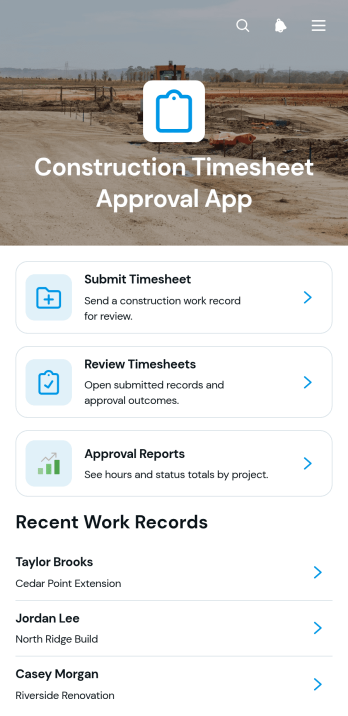
Construction Timesheet Approval App
Construction Timesheet Approval App provides contractors, site supervisors, project managers, and payroll teams with a central place to submit, review, and approve worker time records. Team members can record project hours, while authorized reviewers can check timesheets, update approval statuses, and view approval reports. Supervisor contact details also make it easier to resolve questions about individual work records. This app template is well suited to construction firms managing multiple crews, active job sites, subcontractors, or recurring payroll periods. It reduces scattered paperwork, improves visibility into recorded labor, and helps office and field teams maintain a consistent timesheet workflow.Jotform App Templates make it easy to adapt this experience to existing operations without writing code. Using Jotform’s no-code app builder and drag-and-drop interface, teams can adjust pages, navigation, colors, fonts, and branding to suit their organization. The app can connect forms, tables, notifications, approvals, and other workflow assets to support organized data collection and timely follow-up. Once published, it can be shared with workers and supervisors through a direct link or QR code, giving users mobile-friendly access whether they are at a job site or in the office.
Go to Category:Construction Apps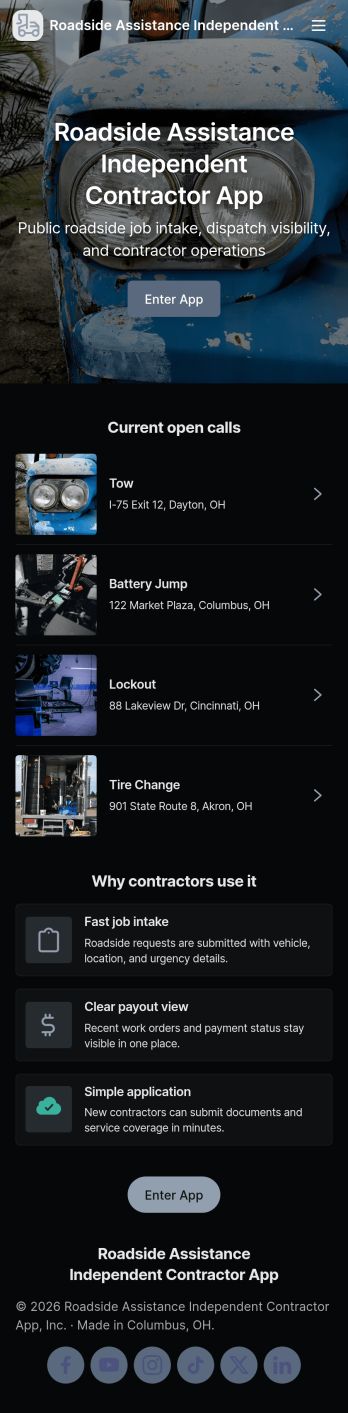
Roadside Assistance Independent Contractor App
Roadside Assistance Independent Contractor App keeps independent drivers and tow providers organized from the moment a dispatch comes in to the moment the work is wrapped up. It gives contractors a simple way to send a new job request, browse open jobs, review job details tied to a dispatch ID, and stay ready with quick equipment check reporting. It also includes built-in contact options for reaching the dispatch desk by phone or emailing contractor support, which helps reduce missed calls and confusion during busy shifts.Jotform makes it easy to tailor this app template to your roadside operation with a no-code app builder and a drag-and-drop interface. Connect the app to your existing forms and tables for reliable data collection, then share a single self-service link with your contractor network. As jobs and equipment checks are submitted, your workflow stays organized and searchable, so coordinators and contractors can move faster with fewer manual updates.
Go to Category:Automotive Apps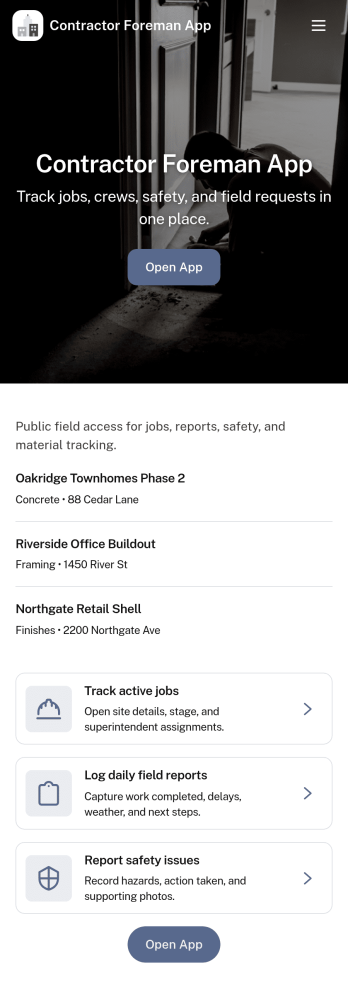
Contractor Foreman App
Contractor Foreman App brings day-to-day jobsite coordination into one place so foremen and field leads can keep projects moving without chasing updates across calls and texts. Use it to review open jobs, submit new job requests, capture daily logs from the field, and complete inspections as work progresses. It fits general contractors, subcontractors, and small construction crews who need a consistent way to document activity, spot issues early, and keep everyone aligned across multiple sites.Built with Jotform, this app template helps you turn field processes into a mobile-friendly self-service experience using a no-code app builder and a drag-and-drop interface. Connect key actions to forms and organize records in connected lists so teams can capture data collection on-site and follow a clear workflow from request to log to inspection. Customize pages, buttons, and navigation to match how your crew runs jobs, then share a link so the right people can access the tools they need.
Go to Category:Construction Apps