Graduate Placement Booking App helps universities, career services teams, and placement coordinators publish opportunities and guide students through choosing and reserving a graduate placement. Students can browse a placement list, open a placement details page with key information like type, duration, start window, overview, and eligibility, then move straight into booking. This supports clearer decision-making for candidates while giving administrators a consistent way to present placements and reduce confusion around requirements and timelines.
Jotform makes it easy to turn this Graduate Placement Booking App into a polished self-service experience using App Templates and a no-code app builder with a drag-and-drop interface. Connect the app to your booking form and a table of placements to keep information organized, update listings quickly, and standardize data collection. Share the app with a link or QR code, tailor the layout and branding, and keep your workflow running smoothly from placement discovery through booking.
Related templates
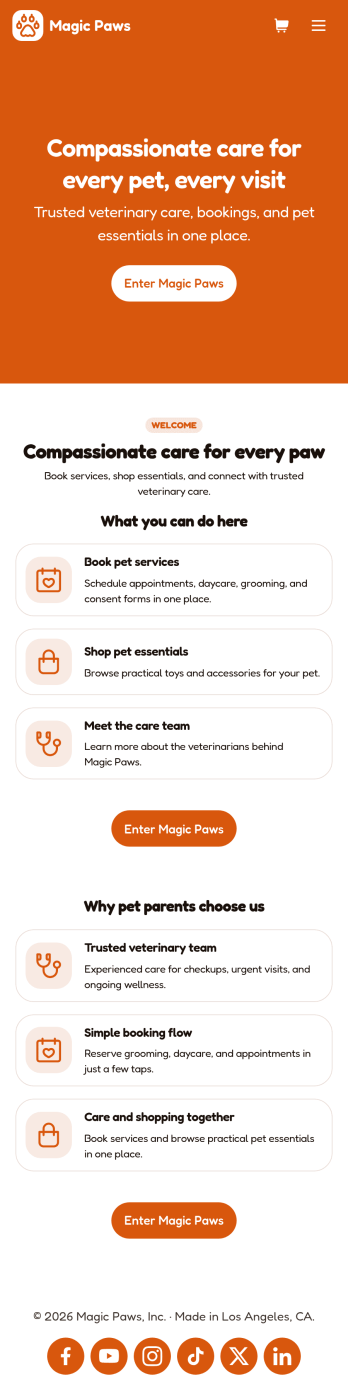
Veterinarian App
A veterinarian app is used by veterinary hospitals and clinics for scheduling appointments and services. This free Veterinarian App from Jotform allows pet owners to schedule appointments for general care and checkups with a Veterinarian Appointment Form, pet grooming with a Pet Grooming Registration Form, and dog daycare with a Dog Daycare Reservation Form. There is a separate Pet Vaccination Consent Form for collecting consent, which includes a digital signature box. Appointments are compiled in an easy-to-read table in your account, and can be sorted, filtered, and exported from any device. You can also convert consent forms into professional-looking PDFs with just a few clicks.With our drag-and-drop interface, it’s easy to create an app to suit your individual needs. You can add or change form elements and text, choose fonts and colors, customize your splash page and app icon, and more — no coding required. After you’re done, simply share a link to your app via email or embed it in your website and your clients can use it right away. Make scheduling vet appointments quick and easy with this customizable Veterinarian App from Jotform.
Go to Category:Appointment & Booking Apps
Beauty Salon Appointment App
A beauty salon appointment app helps clients book appointments, order beauty products, and find professionals who can help them look and feel their best. Create a mobile app for your beauty salon without any coding using our free Beauty Salon Appointment App Template. This ready-made template bundles multiple forms — including a client information form, COVID-19 consent form and an appointment form — all in one place. Clients will be able to fill out your forms from their smartphone, tablet, or computer with ease.Customizing your Beauty Salon Appointment App won’t take up any time with our drag-and-drop builder. You can easily add new forms to sell beauty supplies online, as well as add surveys, links, text, images, and even your branding for a more professional and personalized look. Once it’s ready to use, share your app by embedding the link in your website or posting it on social media. Stop wondering how to sell beauty supplies online and gather appointment bookings — create a contactless way for clients to book services and pay for products at your beauty salon with a fully-custom Beauty Salon Appointment App that works on any device.
Go to Category:Appointment & Booking Apps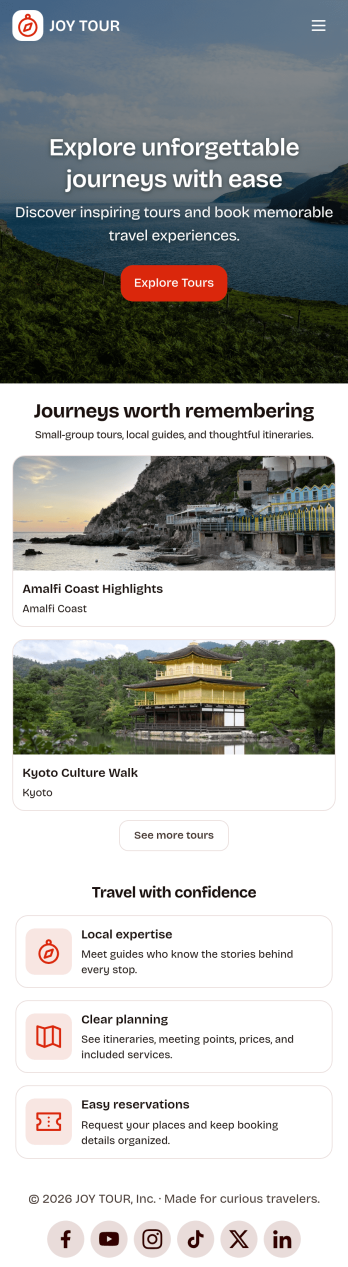
Touring App
Touring App is an app template designed to enhance the travel experience of tourists, travelers, and tour operators by facilitating destination exploration, tour booking, itinerary access, and real-time travel information delivery. Ideal for travel organizers and agencies, this mobile-friendly interface acts as a central hub for all your travel-related needs, providing all the necessary details and updates for a seamless touring experience. The app enables travelers to discover and compare destinations, plan and book tours, access detailed itineraries, and get live updates on travel information. As a result, it eliminates the need for multiple platforms and scattered information, providing a comprehensive and cohesive platform that takes your travel experience to a higher level. The Touring App is best suited for travel coordinators, guides, and touring companies seeking to offer their clients a hassle-free, all-in-one travel solution.With Jotform’s no-code app builder, you can easily tailor the Touring App to align with your brand. The drag-and-drop interface allows you to modify forms, select fonts and colors, and upload your logo, transforming the app into a unique reflection of your brand without any coding knowledge required. The app offers cross-platform compatibility, ensuring it functions flawlessly across smartphones, tablets, and desktops. Downloadable as a Progressive Web App (PWA), travelers can add the app directly to their device's home screen for instant access. No extra transaction fees are applied when collecting payments through the app, and the app's publish options can be customized to suit your needs, making the Touring App not just a travel companion, but also a sound business solution. Create your custom Touring App with Jotform today and elevate your travel business to new heights.
Go to Category:Appointment & Booking Apps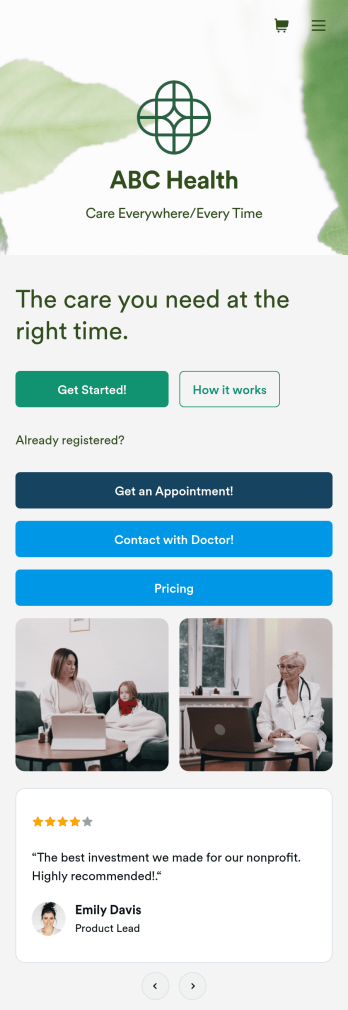
Telehealth App
Gather appointment bookings and patient information with ease using this Telehealth App from Jotform. Simple customize the app to match your needs, share it with patients using a link, and have them download it onto their computer, tablet, or smartphone for easy access. The app includes a Zoom Scheduler that lets patients select a time slot that works for them and generates a new Zoom meeting for each new booking.Need to customize this Telehealth App template? Drag and drop to rearrange the design, add your logo and branding, update existing forms, or connect them to 100+ popular app integrations. Jotform protects form data with a 256-bit SSL connection, GDPR and CCPA friendly features, but you can also optionally upgrade your forms to be HIPAA friendly. Save time with a free Telehealth App that your patients can use on any device.
Go to Category:Appointment & Booking Apps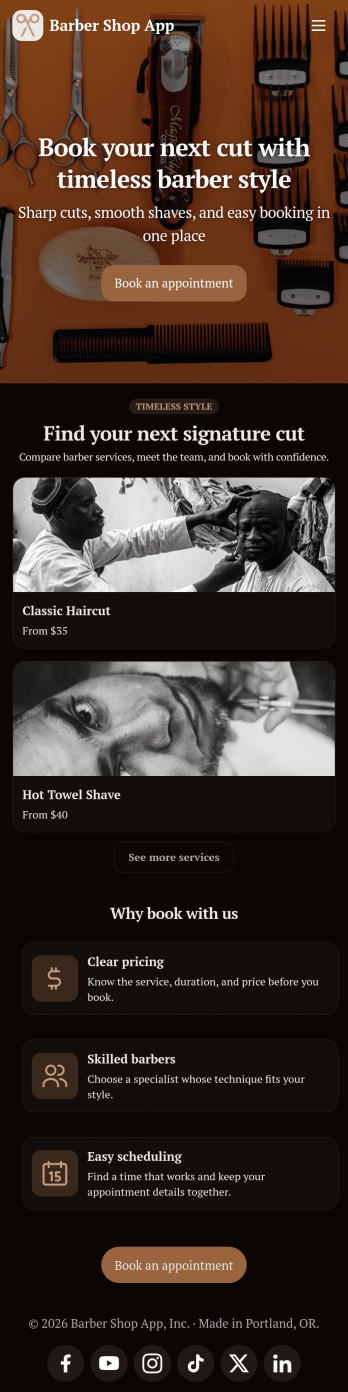
Barber Shop App
As a barber, you want to focus on your clients’ hair, not on booking appointments — so simplify the process for everyone with this Barbershop App! This free app template is ready to use and includes forms so you can schedule appointments and sell barber shop products online directly from your store. Customers can also fill out and update their profile, as well as write testimonials that you can display on your splash page. Your app can be easily accessed and downloaded to any smartphone, tablet, or computer for future use.This Barbershop App can be fully customized to match the branding of your barbershop. Our drag-and-drop interface allows you to add forms, upload logos and images, change fonts and colors, and more — no coding required. Jotform’s List Element feature lets you connect Tables and add actions, making it easy to organize data and manage your app’s flow. Once you’re satisfied with the look and have set the app up to sell your barbershop products online, simply share the link to your website or social media and start booking hair appointments today with this free and fully customizable Barbershop App!
Go to Category:Appointment & Booking Apps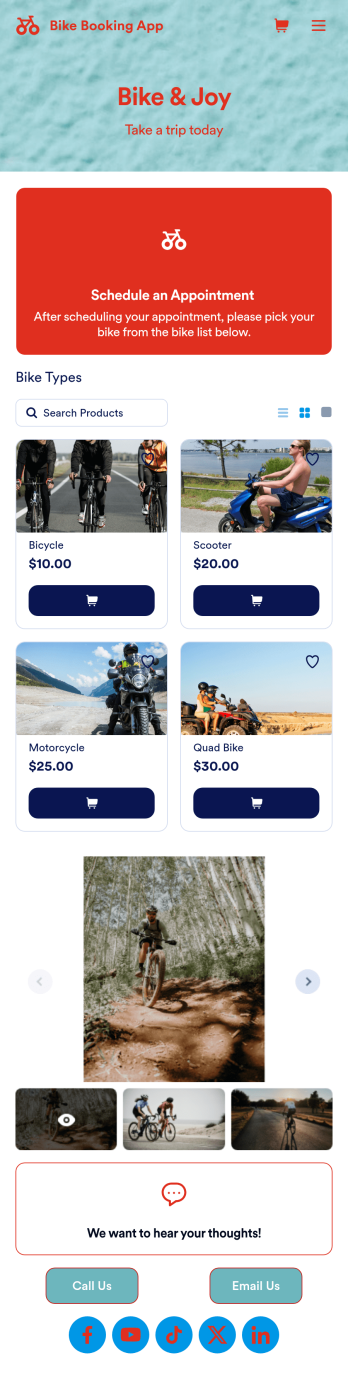
Bike Booking App
A bike booking app is used by bicycle renting companies for logging and storing bicycle bookings and customer contact information. Want to know how to sell bike bookings online? Create a custom Bike Booking App in seconds and customers can rent bicycles, leave feedback, contact your store, and follow you on social media. This app template comes bundled with two forms — a Bike Booking Form and a Feedback Form — but you can always add more forms and pages to suit your needs. Bookings are instantly synced and stored in your secure Jotform account and are accessible from any device.Making this app template your own is easy with Jotform’s intuitive no-code app builder. Simply drag and drop to change form elements and text fields, upload images to the image carousel on your app’s main page, include your logo and branding, and more. Once you’re finished customizing your app, you can share the app link on your website or social media, and customers can then access and download it on their favorite device. You can even generate and print out a custom QR code to hang in the window of your shop. Simplify your bike booking process and keep all your submissions in one convenient place with this Bike Booking App from Jotform.
Go to Category:Appointment & Booking Apps