
The Groomsman Invitation App gives grooms and wedding planners a welcoming place to create, share, browse, and answer invitations for members of the wedding party. Each invitation can present the groomsman’s name alongside key wedding details such as the date and venue, while a connected RSVP form makes replying straightforward. Submitted responses remain available for review, helping organizers confirm participation without relying on scattered messages. This app template is especially useful for grooms, couples, best men, and wedding coordinators who want a clear invitation experience and a convenient way to monitor replies.
Jotform makes this Groomsman Invitation App easy to adapt with a no-code app builder and an intuitive drag-and-drop interface. Organizers can update pages, invitation cards, buttons, wording, colors, and images to suit the wedding theme, then connect forms and tables to support data collection and response tracking. The finished app can be shared through a direct link or QR code for mobile-friendly access. With ready-to-use App Templates from Jotform, users can create a polished self-service experience, organize the RSVP workflow, and publish it without writing code.
Related templates

Invitation App with RSVP
An RSVP invitation app is a mobile application used to invite guests to an event and collect their RSVPs. Create your own RSVP Invitation App with Jotform to start planning your next event. Use this app to share event information with guests, get RSVPs and guest information, collect event ticket payments, and so much more — all with no coding required.Want to make changes to this ready-made app template? No problem. Use our no-code app builder to make any design or content you see fit. Drag and drop to switch up the color scheme, add or remove forms, integrate forms with 200+ useful platforms, upload images or videos, and more. When you’re done designing your app, share it with your audience easily via link, email, or QR code.
Go to Category:Event Registration Apps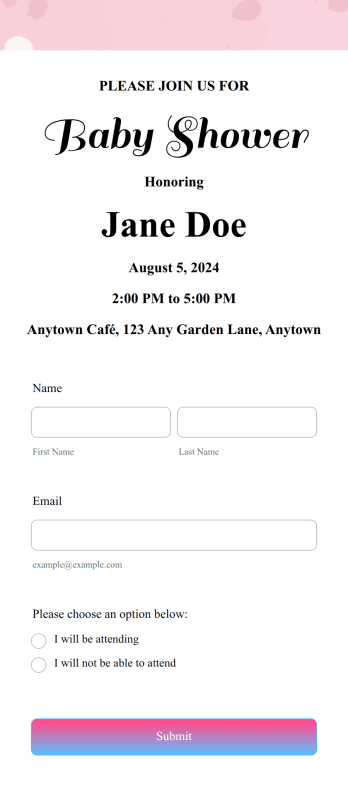
RSVP App for Babyshower
A baby shower RSVP app is used by close friends or family members to collect RSVPs for an expectant mother or parent’s baby shower. Take the stress out of planning with this Baby Shower RSVP App — perfect for streamlining your RSVP process. List the date and time of the baby shower, add an RSVP-by date, share details about the venue, and link out to the guest of honor’s registry.Customize the design of your Baby Shower RSVP App with Jotform’s no-code, intuitive app builder. Drag and drop to make design and content changes. Select new fonts and colors, upload images and videos, choose a fitting app icon, and more. You can even opt to integrate your app with 200+ platforms to send guest RSVP data straight to your other accounts. Give your guest of honor the perfect baby shower with Jotform.
Go to Category:Event Registration Apps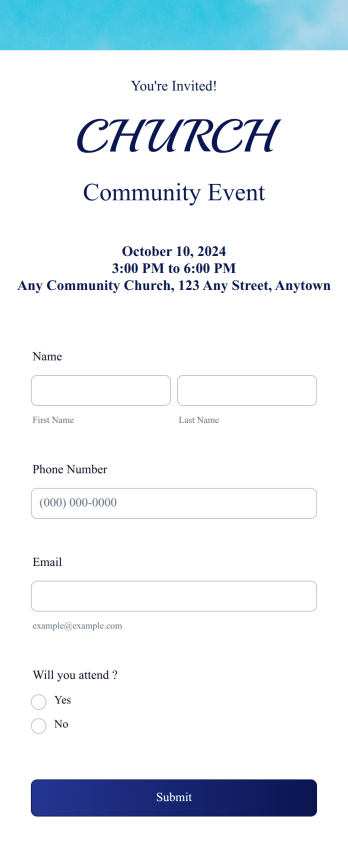
Church Event RSVP App
A church event RSVP app is used by churches and other congregation administrators to send out event invitations and collect RSVPs. This type of app collects general information about each guest, including their name, contact information, and if they will be attending the event or not. To build your own app, get a head start with this premade Church Event RSVP App.Want to change the design of this ready-made template? No problem. Use Jotform’s no-code app builder to make any design or content changes you need. Drag and drop to add useful form elements like Image Gallery or Donation Box, change fonts and colors, select a new app background image, and more. Keep your upcoming church events organized with this free app from Jotform Apps.
Go to Category:Event Registration Apps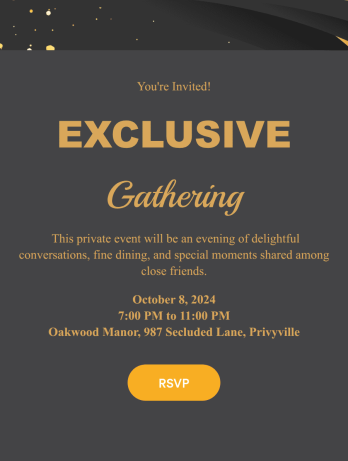
Private Event RSVP App
A private event RSVP app is used to collect and manage guest reservations for a private party or event — perfect for individual party hosts or event management companies. To build your own, use this ready-made Private Event RSVP App from Jotform. Gather RSVPs, get information about plus-ones and dietary restrictions, share details about the venue and dress code, and more.Want to personalize your Private Event RSVP App to more closely match your event’s theme? Use Jotform’s intuitive, no-code app builder. Drag and drop to choose a unique app icon, add or remove forms, change colors and fonts, and more. You can even integrate with 200+ useful platforms to send guest data to your other accounts automatically. Jotform allows you to make your app private, so only your chosen guests can access it.
Go to Category:Event Registration Apps
Christmas RSVP App
A Christmas RSVP app is a handy tool that takes the stress out of holiday organizing by helping hosts manage invitations and track responses. Ideal for family gatherings and community celebrations, this ready-made Christmas RSVP App from Jotform lets your guests RSVP directly through the app and include their dietary preferences, plus-one details, and other important information.Need to make changes to this Christmas RSVP App? No problem — just drag and drop to get the design you want. Update the app to include the date, time, and location of your event, choose a new splash screen and icon, upload photos, and make other changes to create the perfect app for your needs. Enjoy a joyful event planning experience with Jotform, leaving more time to enjoy the holiday festivities.
Go to Category:Event Registration Apps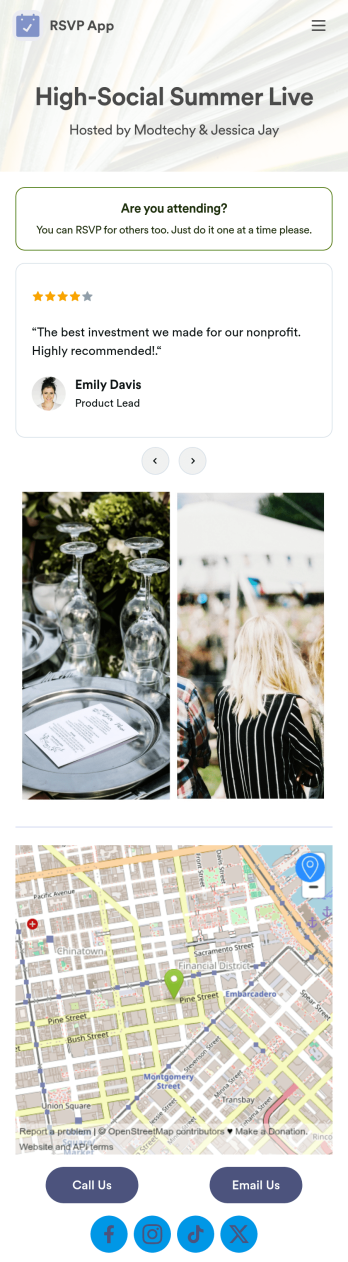
Customizable RSVP App
Whether it’s for a conference, gallery opening, or even your own birthday party, our RSVP App is a great way to track attendance for upcoming events and gatherings. With this simple app template, would-be attendees can RSVP with their name, email, phone number, and a brief message. Your attendance form is stored securely in your online account and can be accessed and downloaded on any device.Want to customize your RSVP App? With our drag-and-drop builder, it’s easy to add forms, upload images, change fonts and colors, create a custom app icon, and more — no coding necessary. You can even add text and images to your app’s splash screen to really make it your own. When it’s ready, just share a link to your app via email or social media and you’re off and running. Make RSVPing for your next party a little fancier with this customizable RSVP App!
Go to Category:Booking Apps